UI components and icons: live code examples
49 examples for 10 libraries. Open one to read how it works, run it in your browser and change it, by hand or with AI.
All 231 examples Utilities Forms, validation and schemas Animation and motion 3D and graphics Web frameworks State and data fetching Markdown, editors and content Files, images and media Styling and CSS Auth and security libraries Charts and data visualisation HTTP clients and networking Game development
Lucide React 5 examples · usage and stats
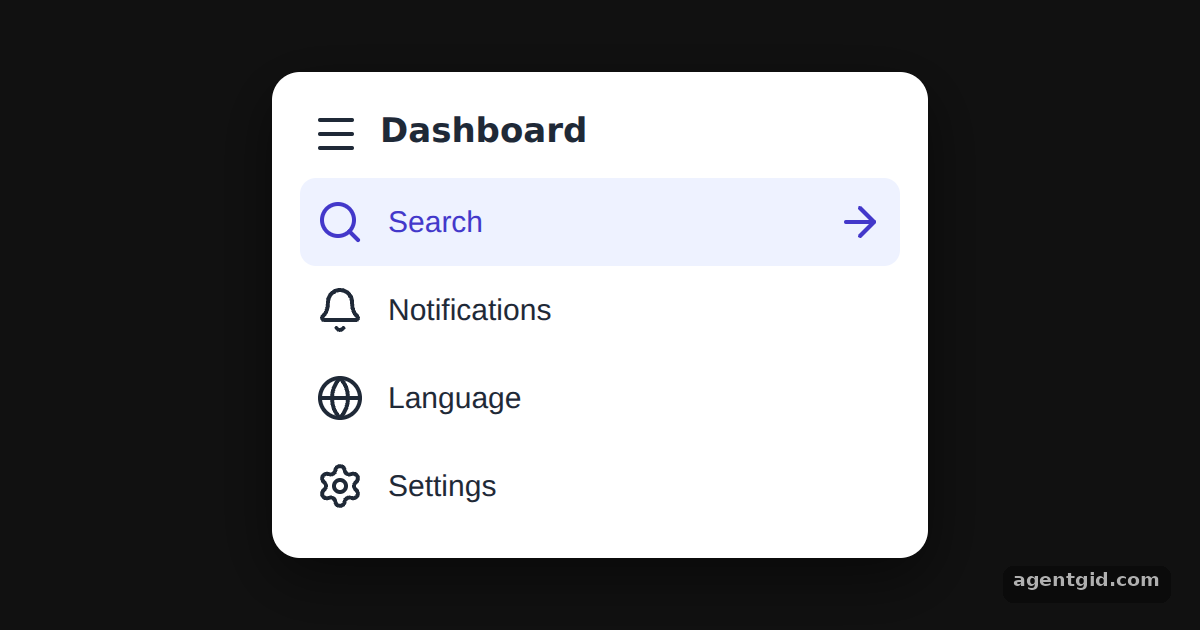 Using Lucide icons as React componentsClick a menu row to move the highlight and the arrow icon.
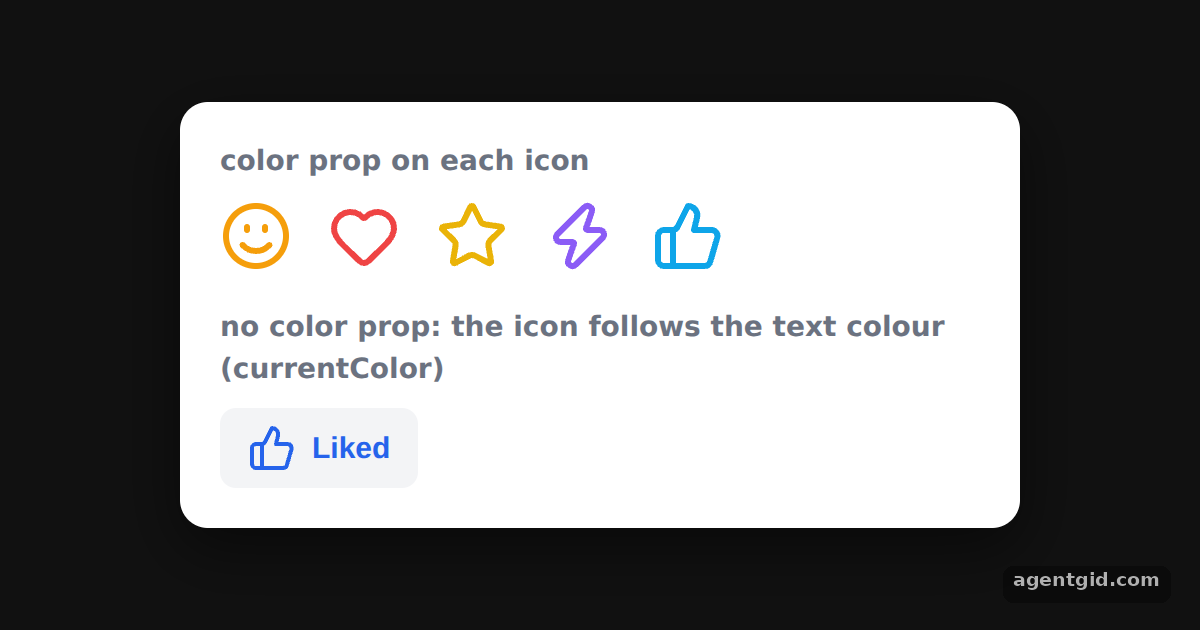 Changing icon colour in Lucide ReactClick Like to switch the button's text colour; the thumbs-up icon changes with it.
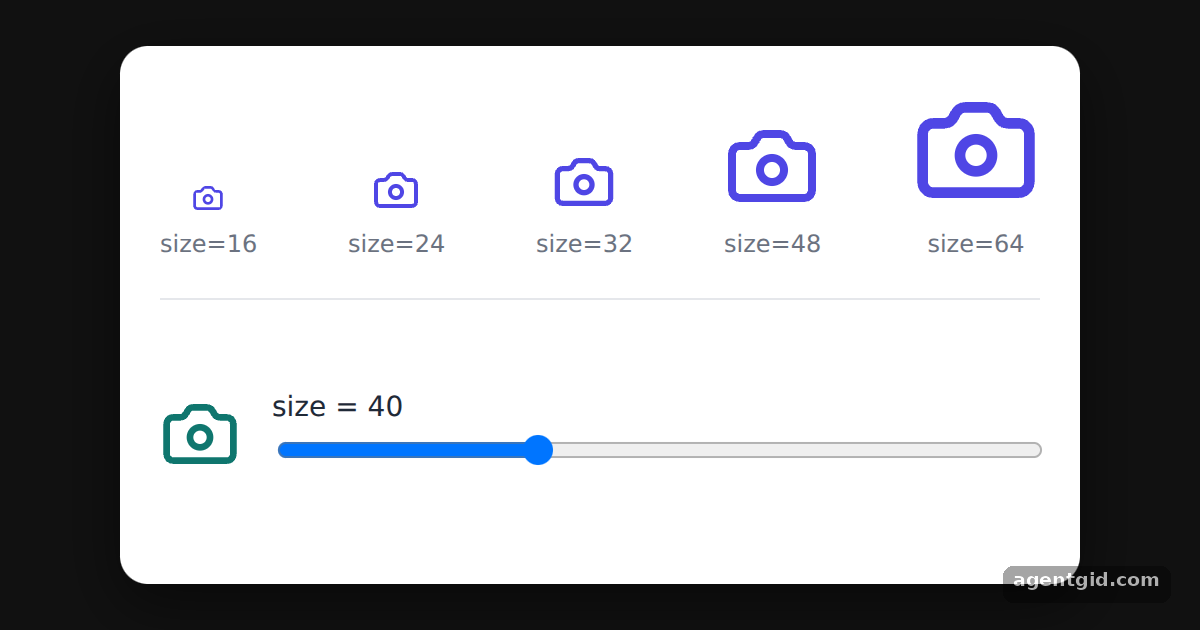 Setting icon size in Lucide ReactDrag the slider to resize the bottom icon between 12 and 96 pixels.
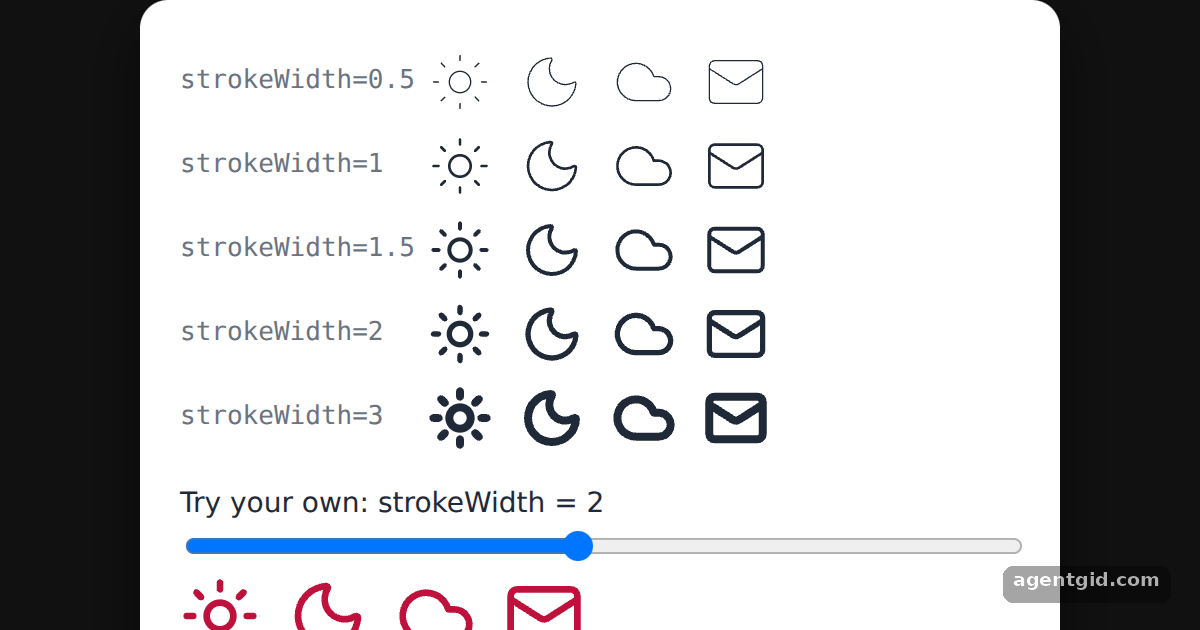 Stroke width in Lucide React iconsMove the slider and watch the bottom icons get thinner or bolder.
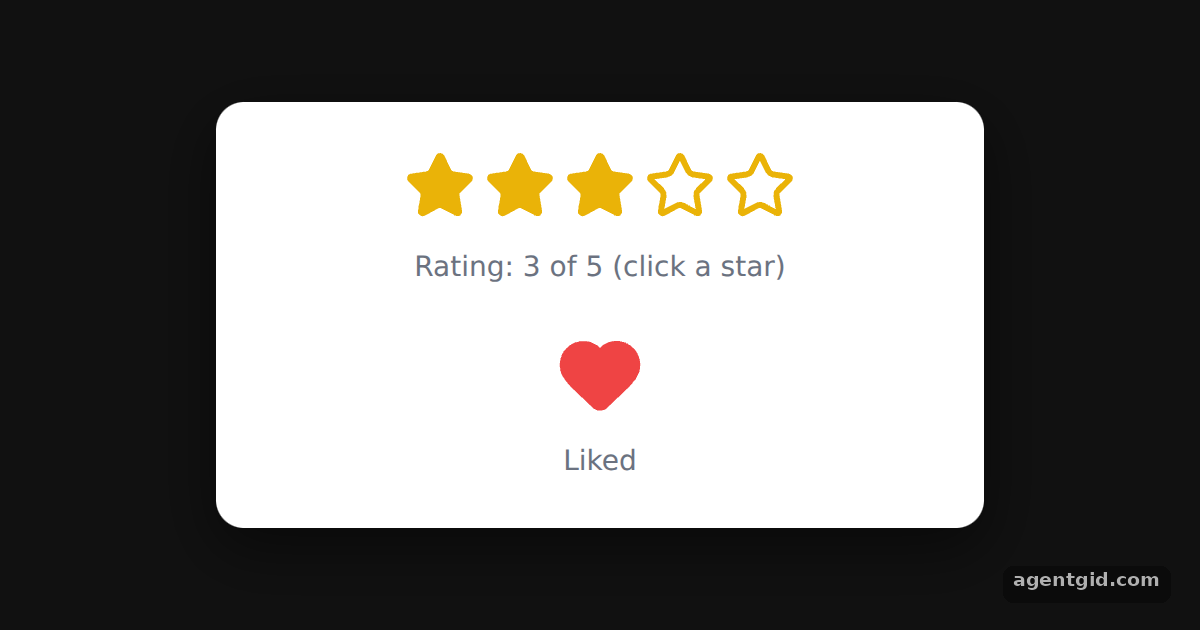 Filled icons in Lucide ReactClick the stars to change the rating, and click the heart to toggle the like.
Radix UI 4 examples · usage and stats
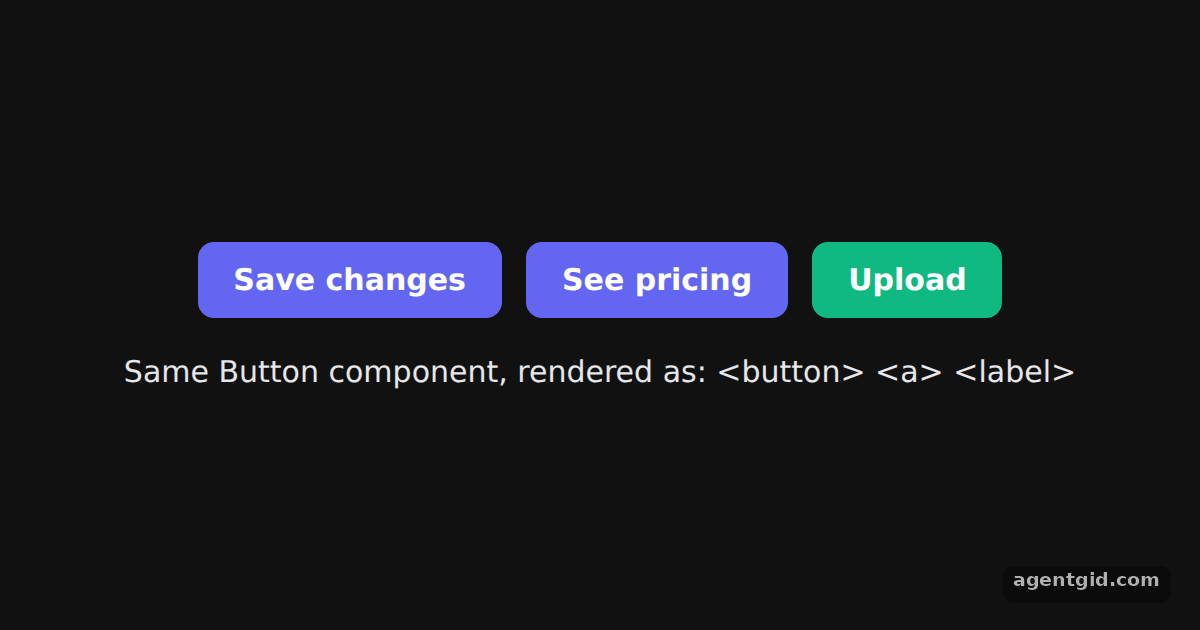 The asChild pattern with Radix SlotThe three controls share one Button component; the line below lists the HTML tags they actually rendered.
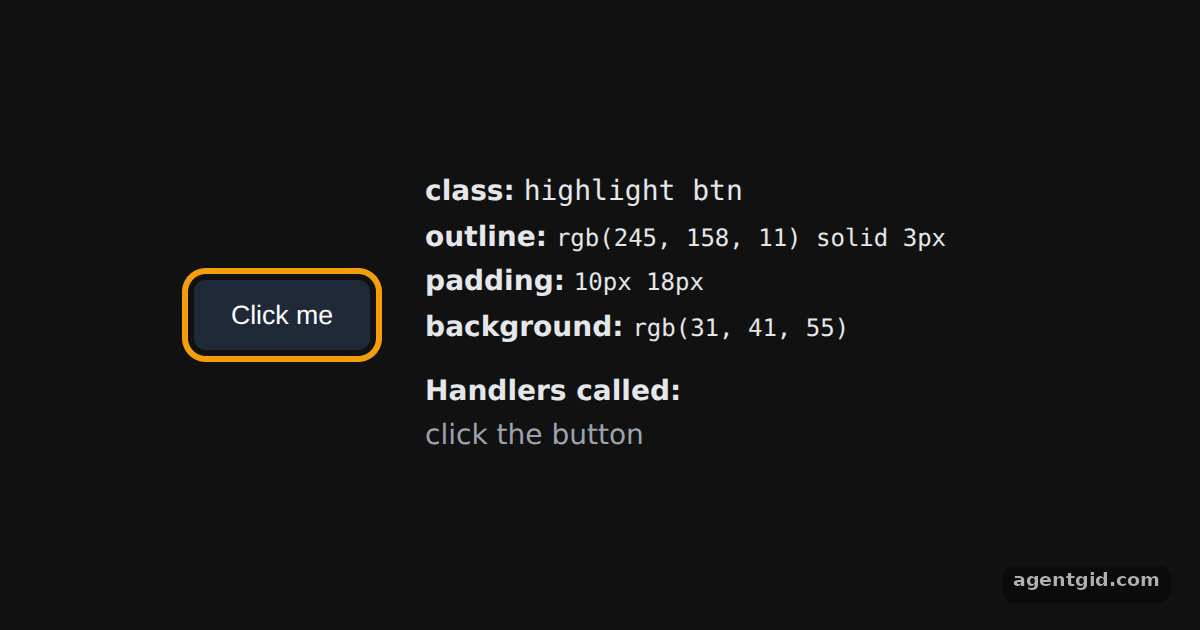 How Radix Slot merges propsClick the button: the log on the right shows the child's and the Slot's click handlers.
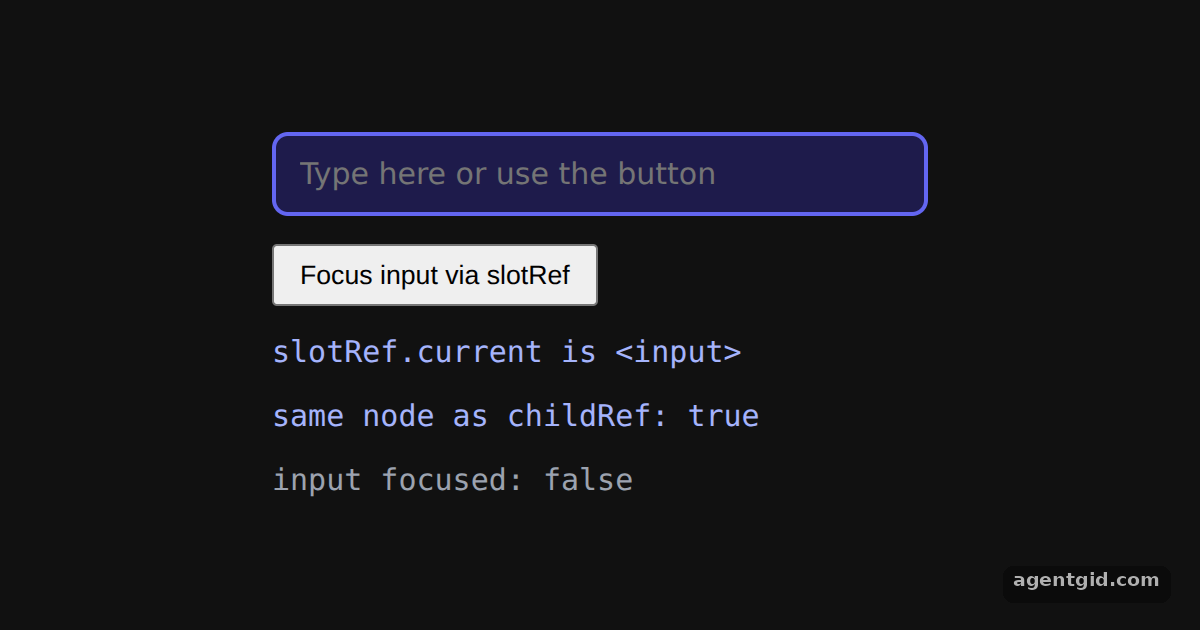 Passing refs through Radix SlotPress the button to focus the input through the Slot's ref; the last line turns green while the input has focus.
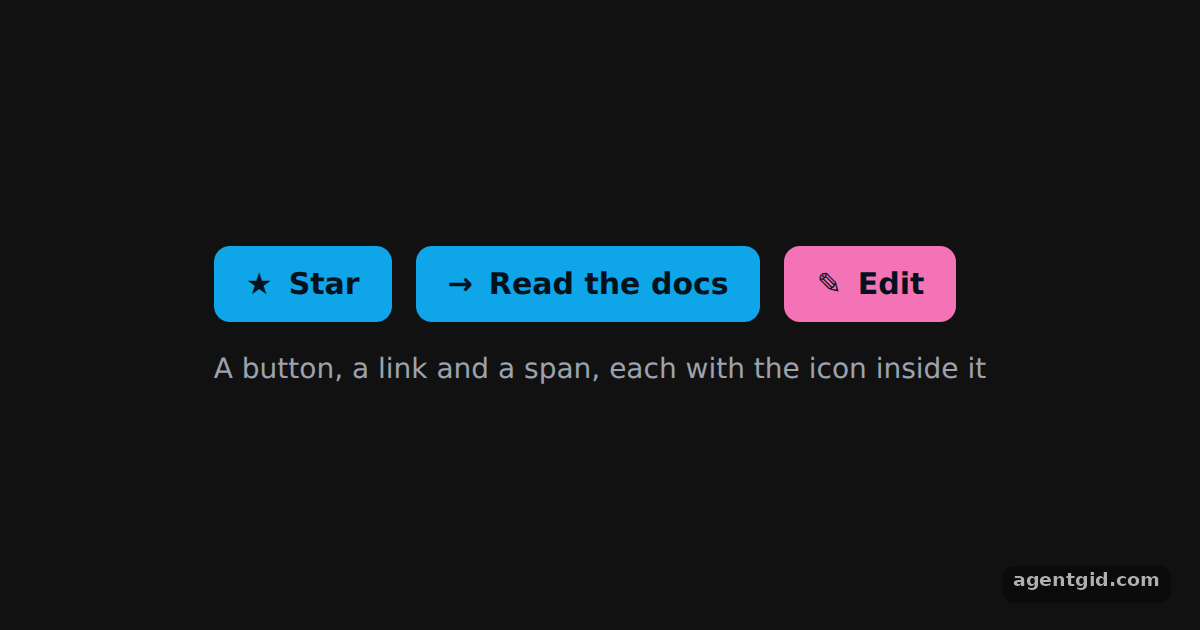 Icon button with Radix SlottableAll three controls come from IconButton: a real button, a link and a span, each with its icon inside.
Sonner 5 examples · usage and stats
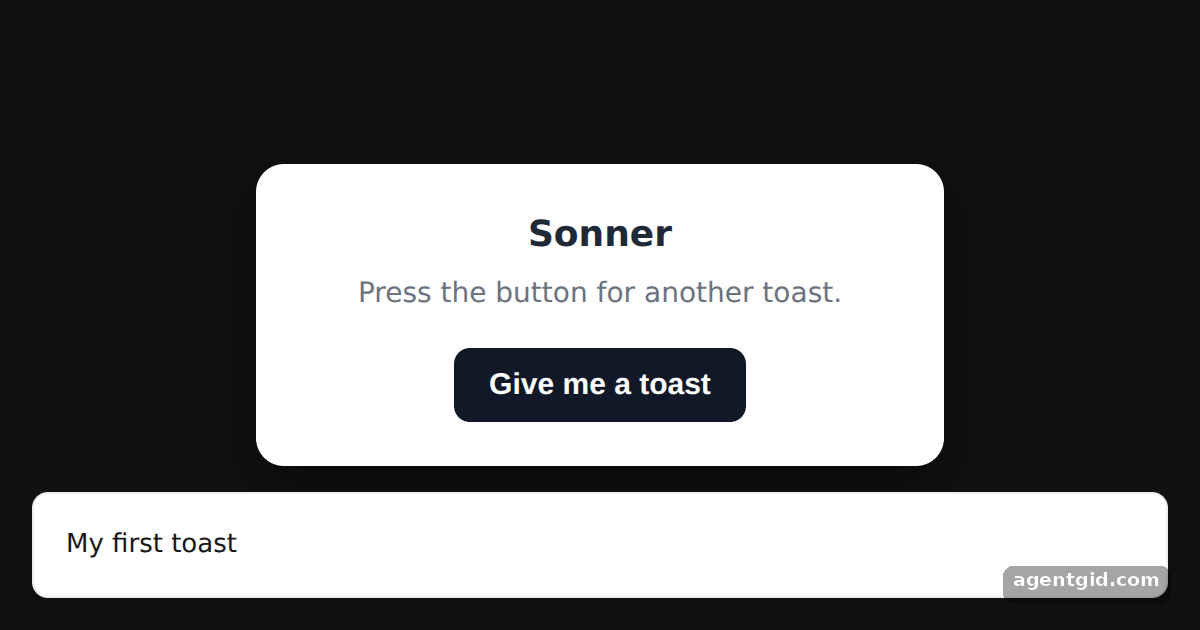 Showing a toast with SonnerPress "Give me a toast" several times to stack up numbered toasts.
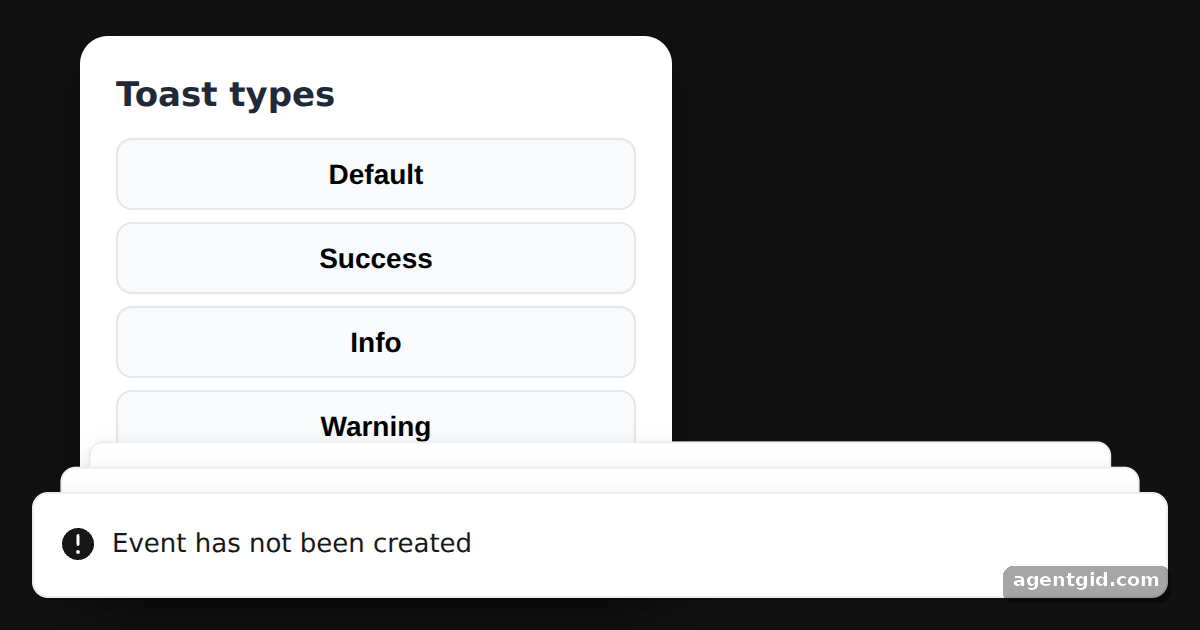 Toast types in SonnerClick any button to show that type of toast again.
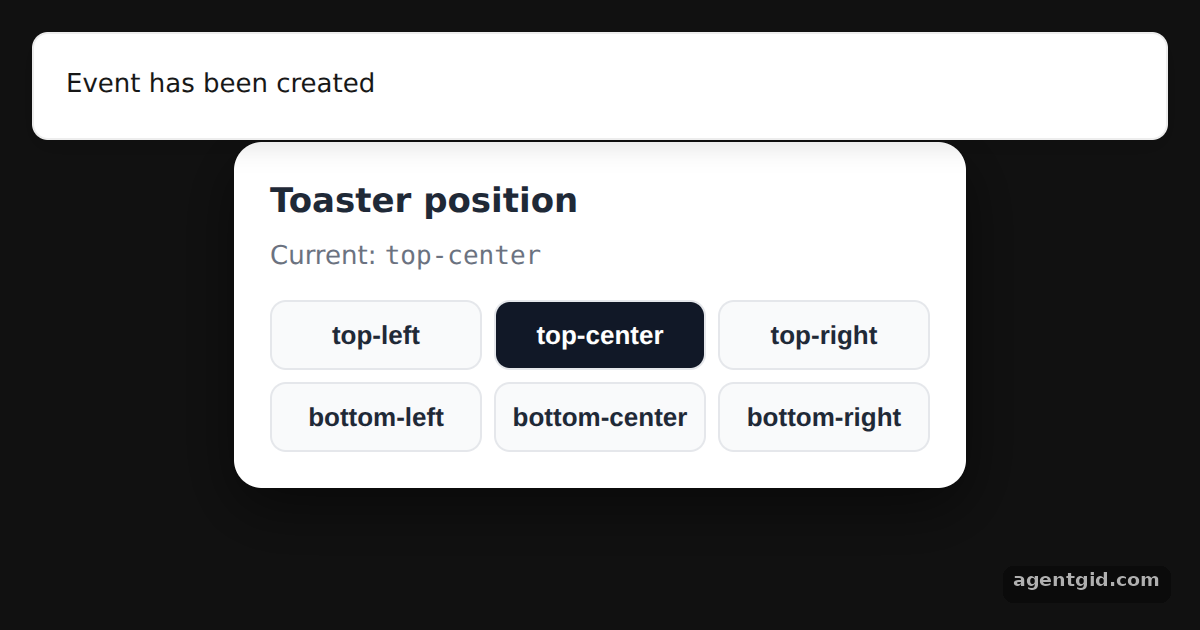 Changing toast position in SonnerClick a position button: the next toast appears in that place.
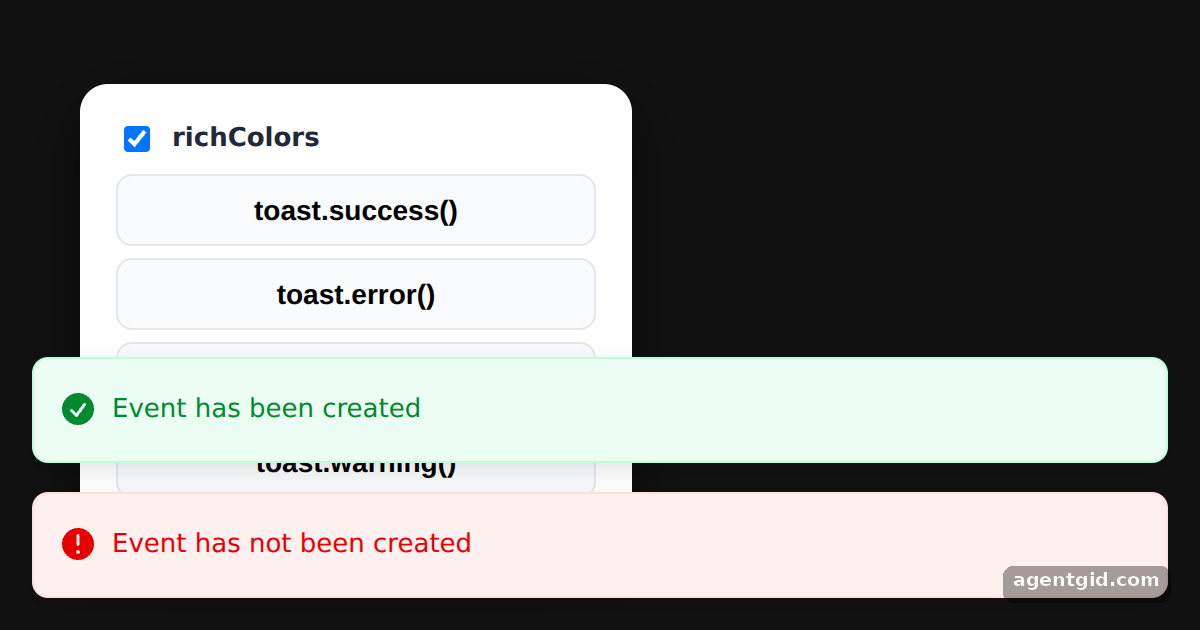 Rich colors for Sonner toastsUntick richColors and press the buttons again to compare the two styles.
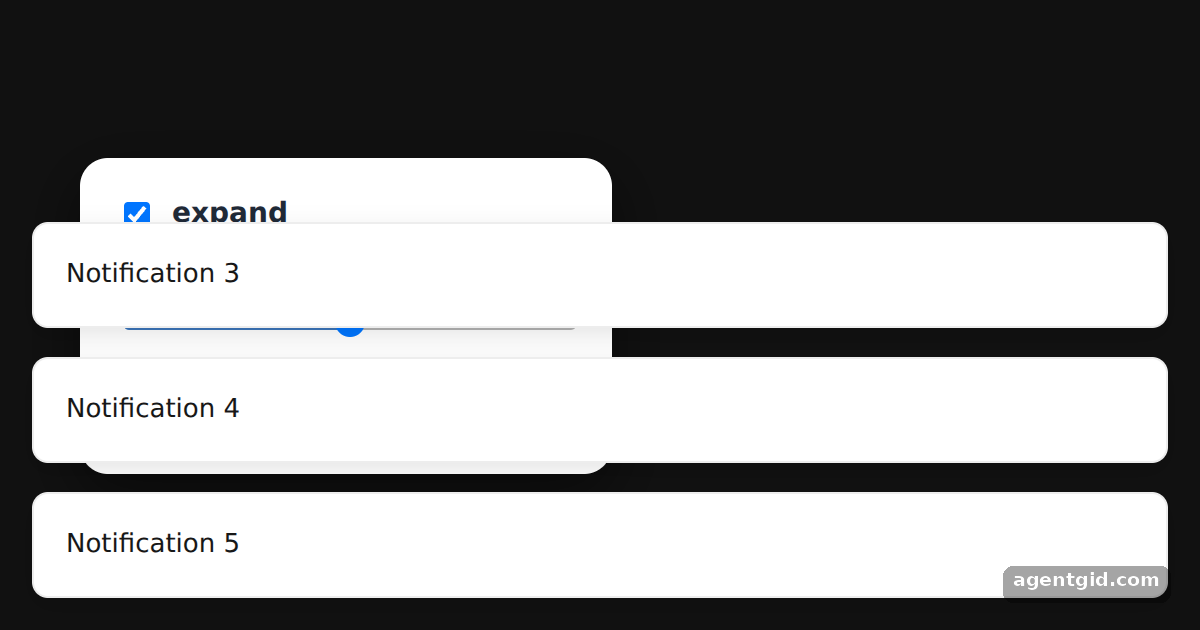 Expanded toasts and visibleToasts in SonnerUntick expand or lower visibleToasts, then press "Send 5 toasts".
cmdk 5 examples · usage and stats
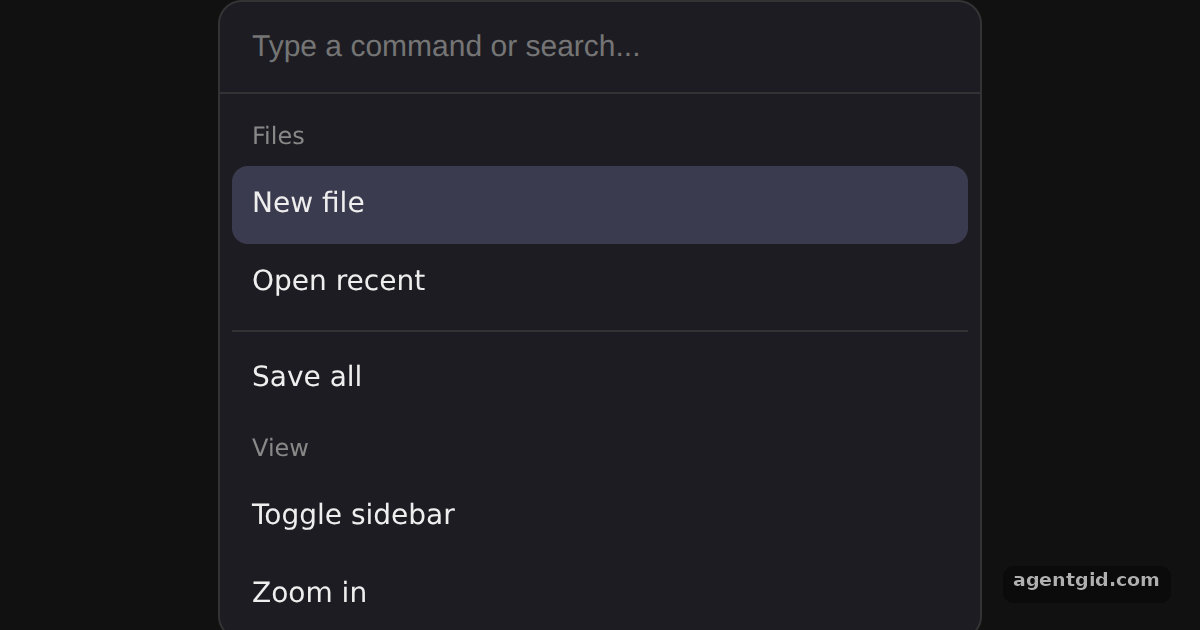 Command menu in cmdkType "zoom" or "save" to filter, use the arrow keys to move the highlight, or type nonsense to see the empty state.
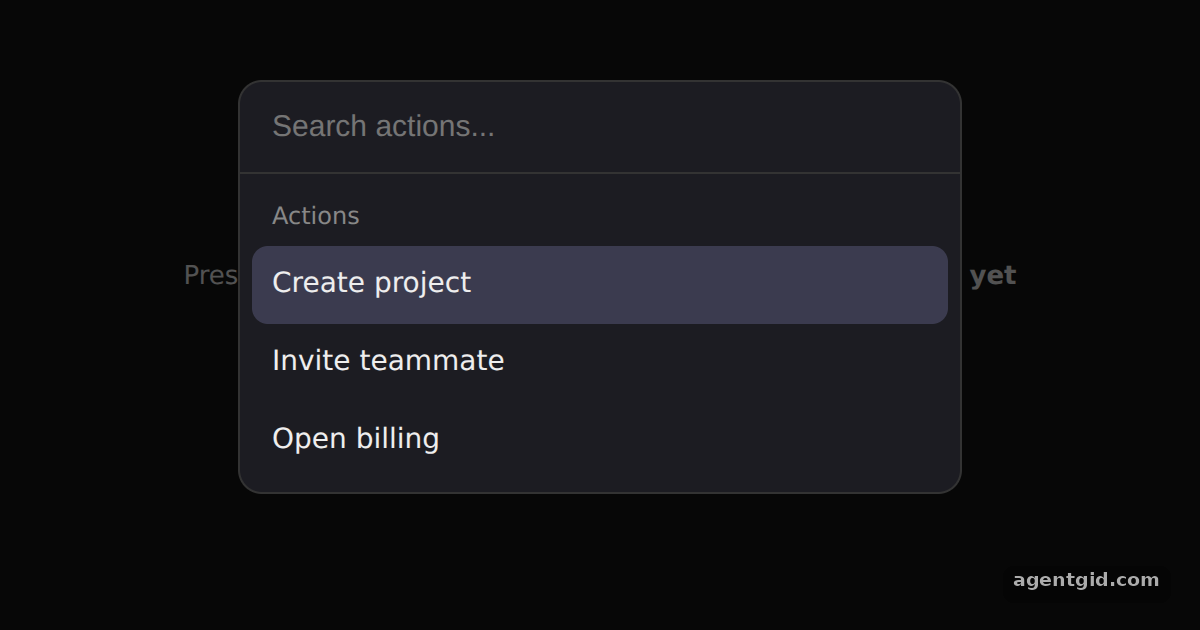 Cmd+K command dialog in cmdkPick an action with Enter or a click; the dialog closes and the page shows what ran. Press Ctrl+K or Cmd+K to open it again.
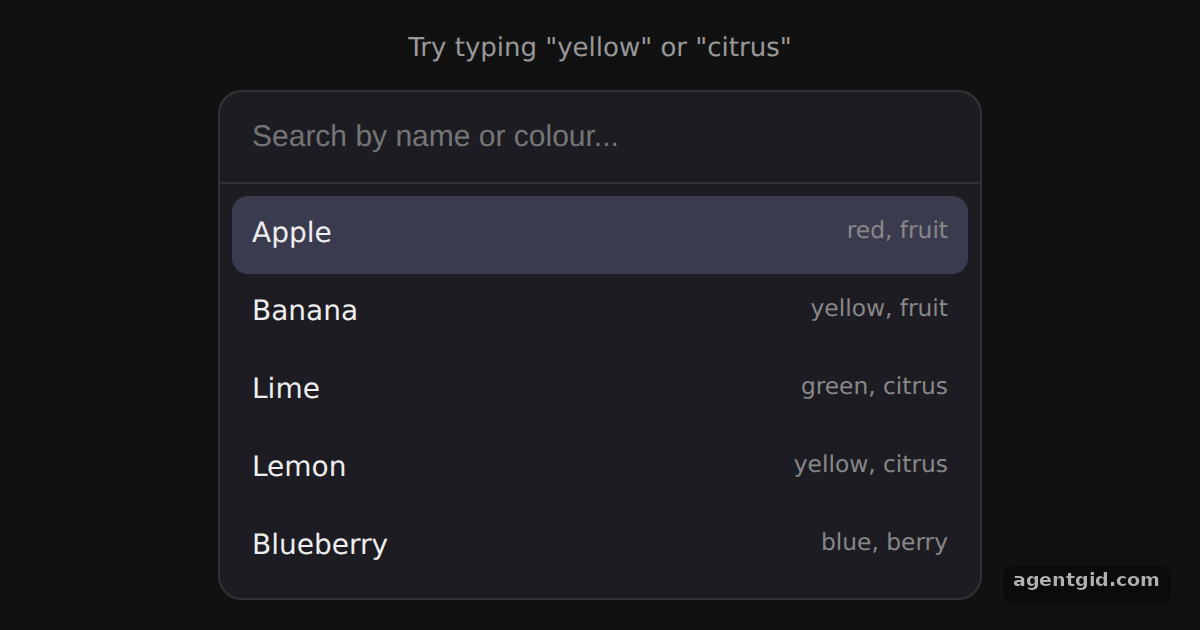 Custom filter and keywords in cmdkType "yellow" to get Banana and Lemon, then hold the down arrow to see the selection wrap around.
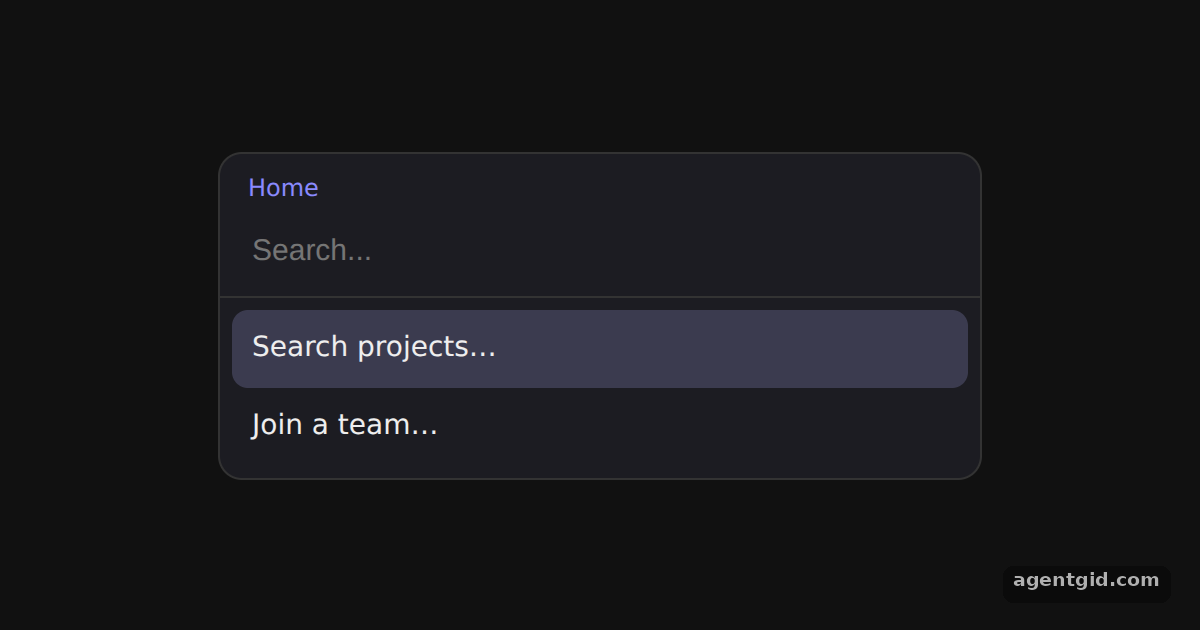 Nested pages in cmdkPress Enter on "Search projects…", then press Backspace on the empty input to return to the first page.
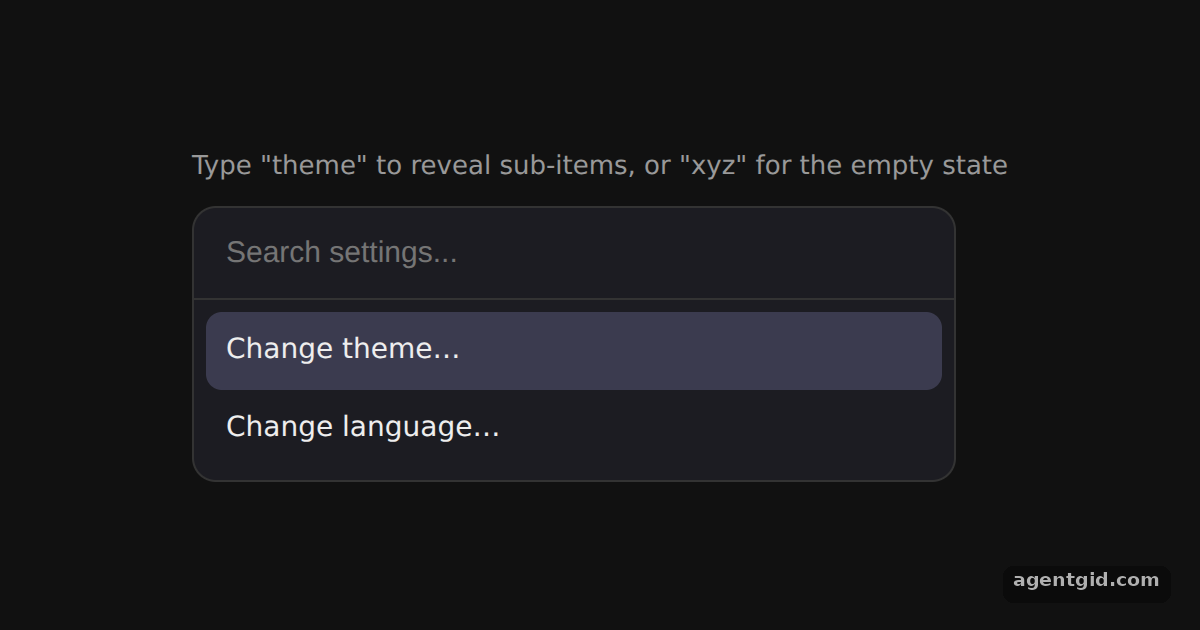 useCommandState in cmdkType "theme" to make the dark and light options appear, or type "xyz" to see the query in the empty message.
React Day Picker 5 examples · usage and stats
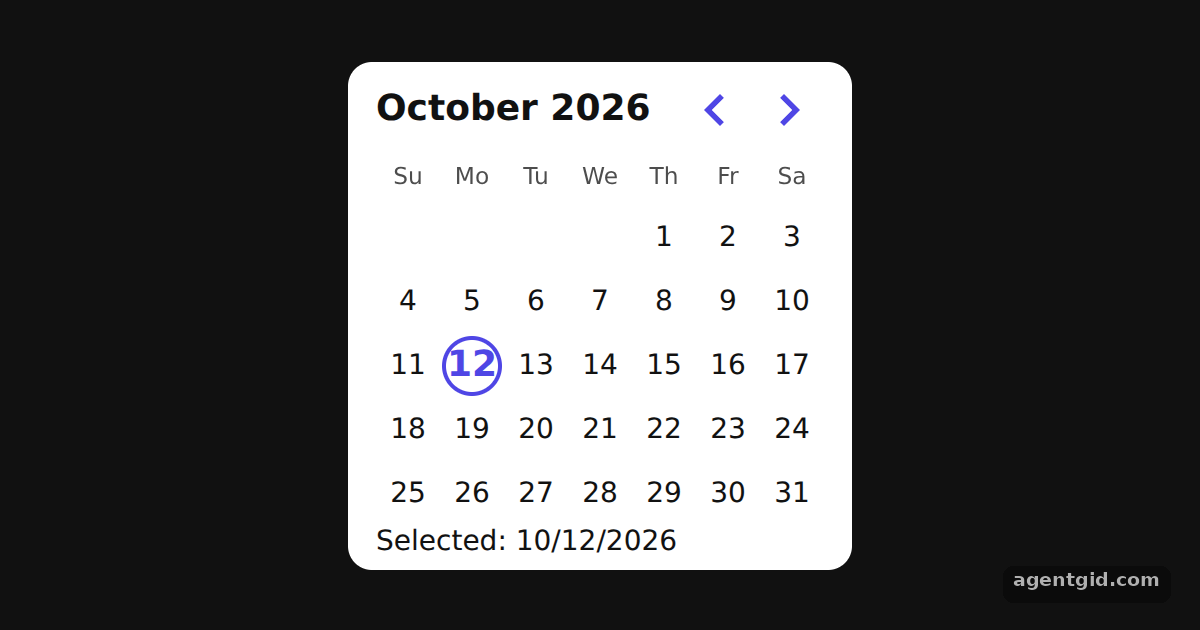 Single date picker in React Day PickerClick any day to move the selection and watch the footer change.
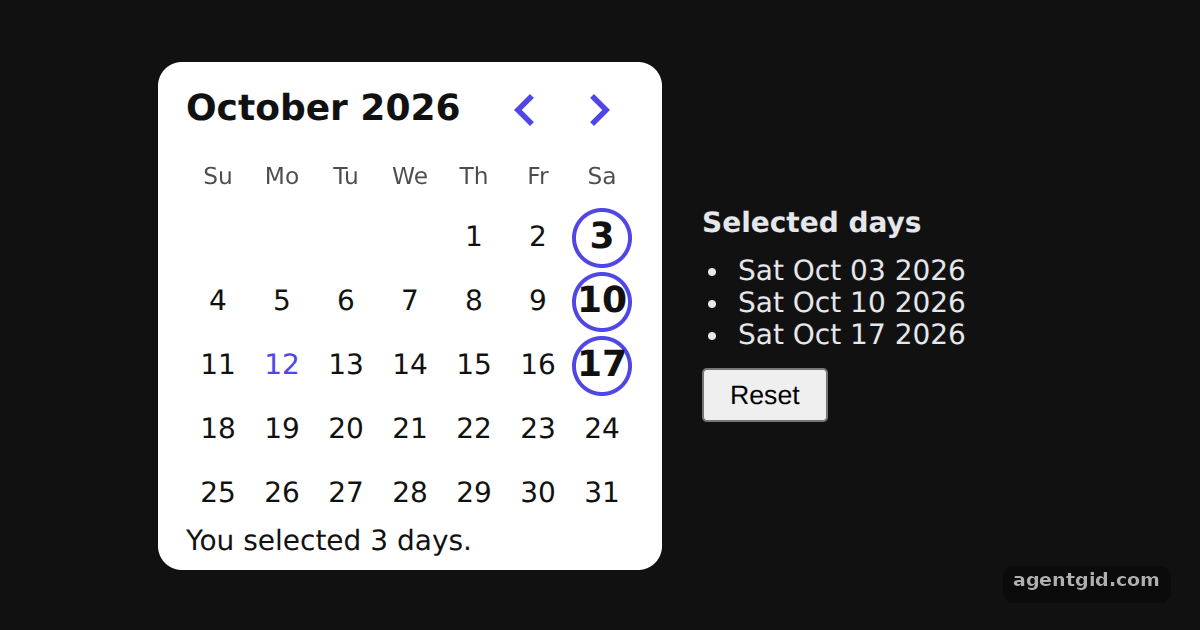 Selecting multiple dates in React Day PickerClick days to add or remove them; the list on the right and the footer count update together.
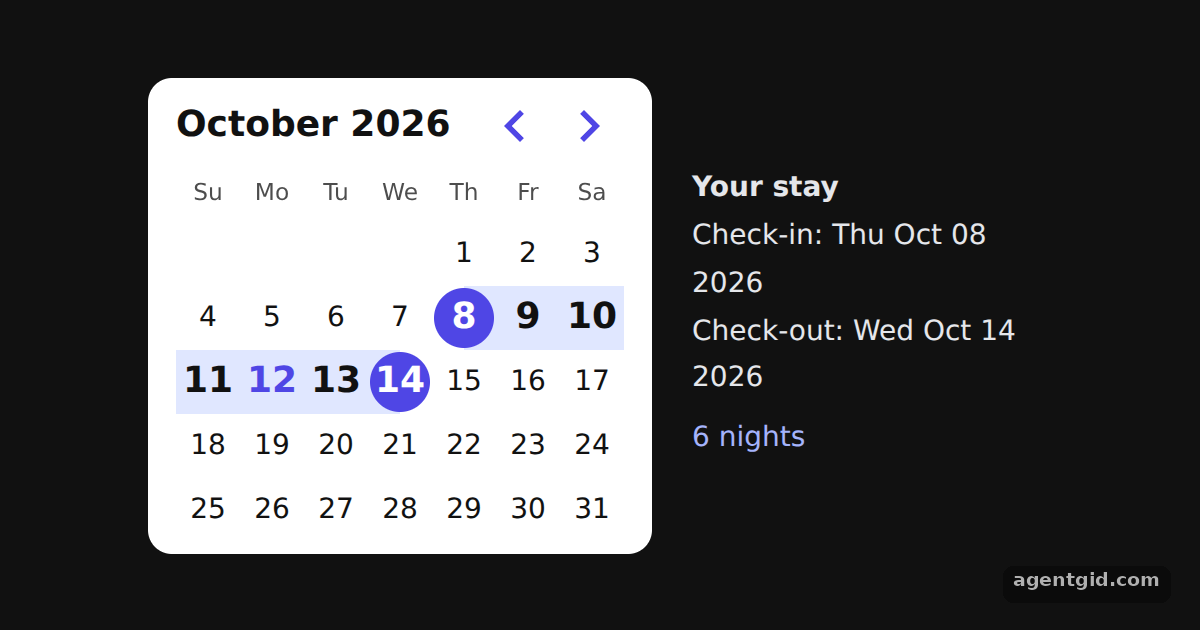 Date range picker in React Day PickerClick a start day and then an end day; the check-in, check-out and nights update on the right.
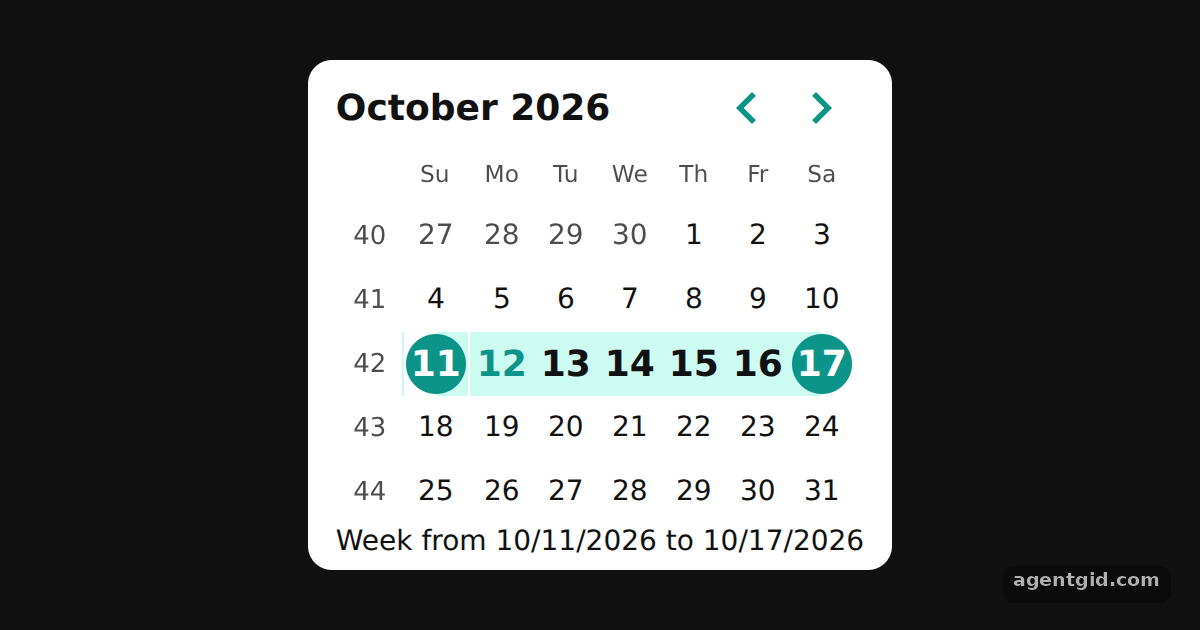 Selecting a whole week in React Day PickerClick any day to select its week; click a day inside the selected week to clear it.
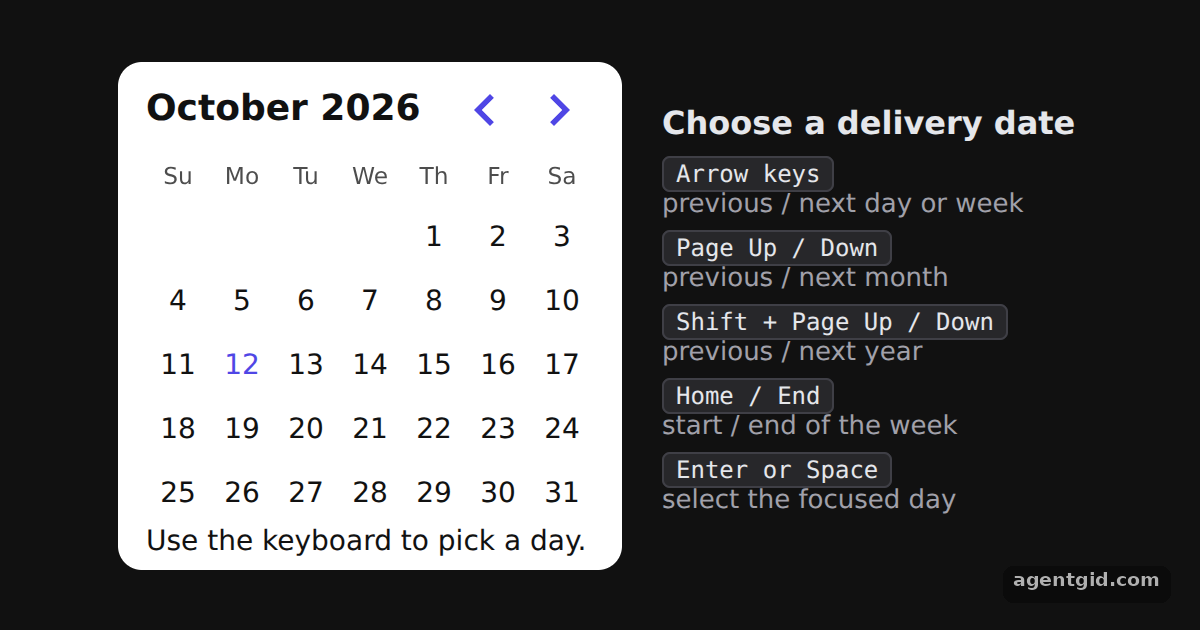 Accessible date picker with React Day PickerClick a day, then use the arrow keys, Page Up or Page Down to move around and Enter to choose a day.
react-resizable-panels 5 examples · usage and stats
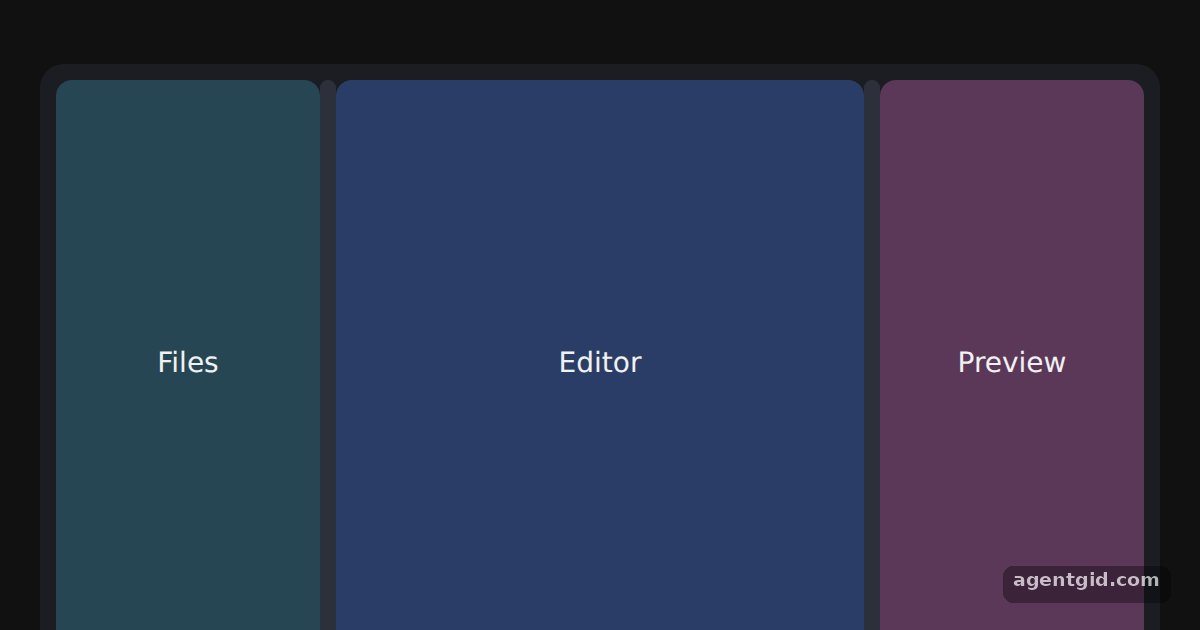 Horizontal resizable panels with react-resizable-panelsDrag either bar between the panels to resize them.
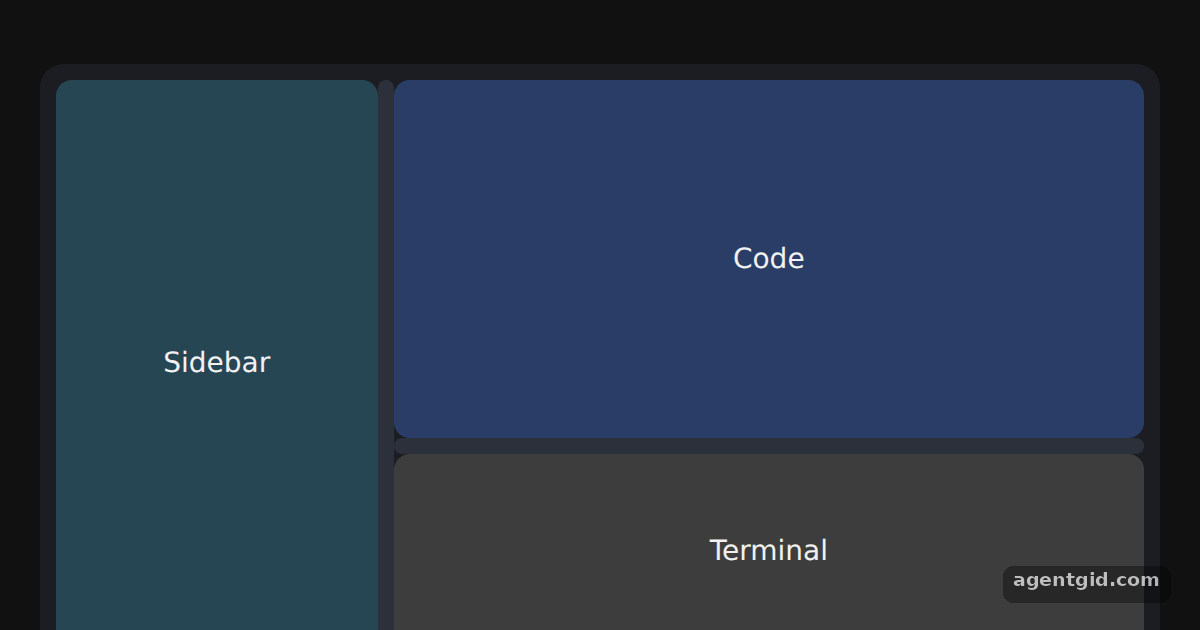 Vertical and nested panel groupsDrag the vertical bar to resize the sidebar, and the horizontal bar to resize the terminal.
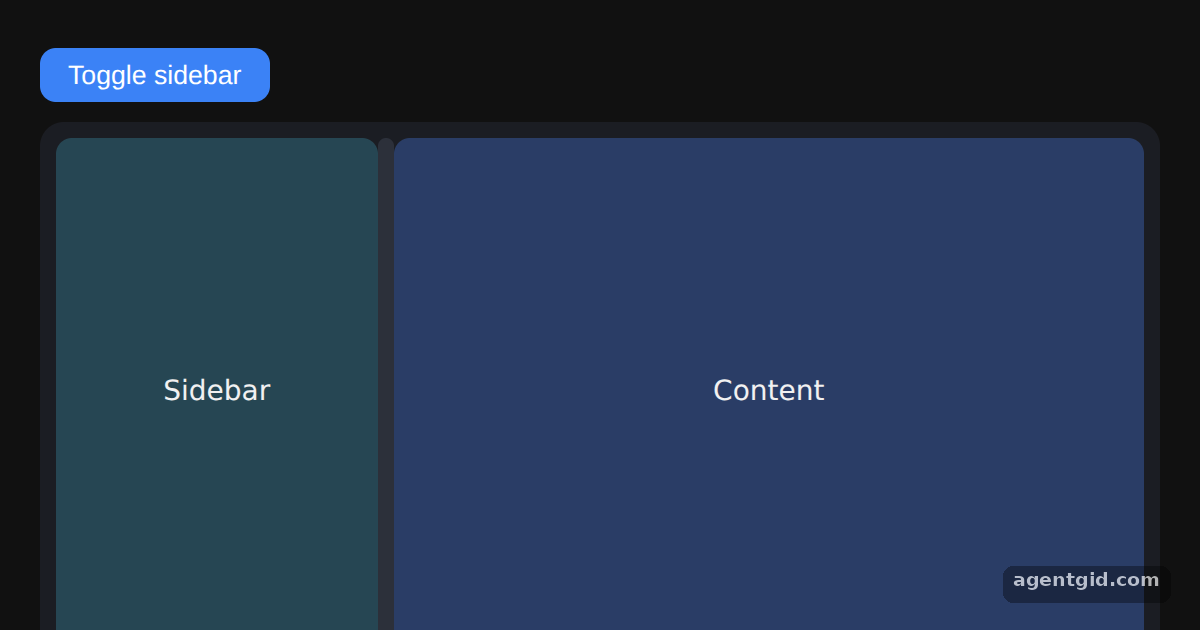 Collapsible panels in react-resizable-panelsClick the button or drag the bar far to the left to collapse the sidebar.
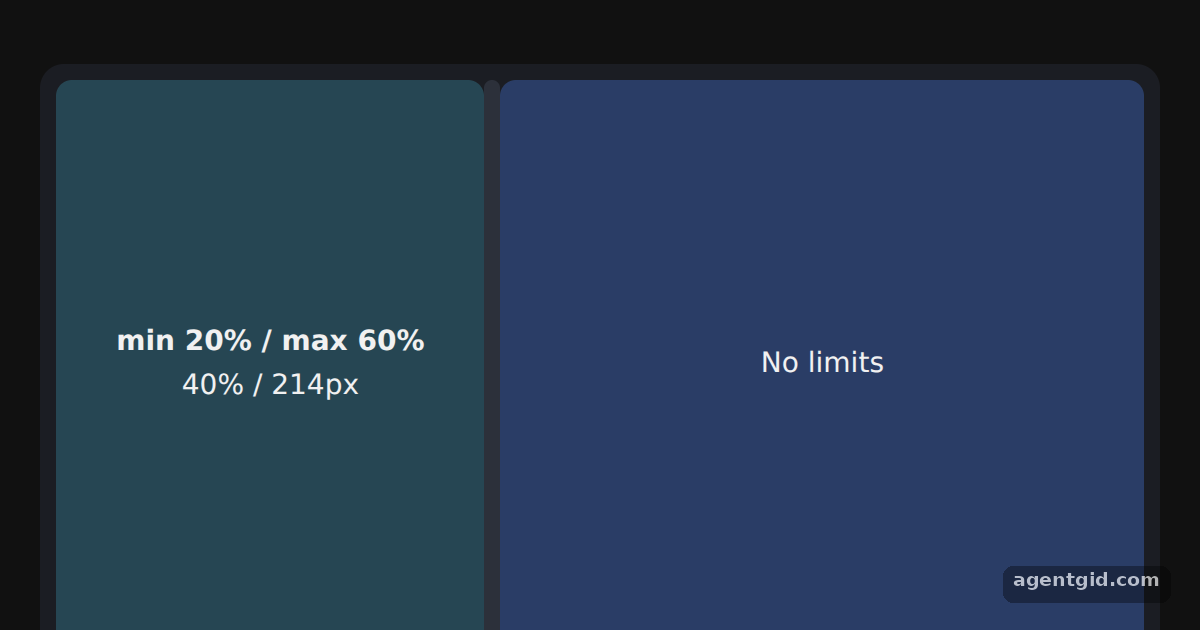 Size limits and resize eventsDrag the bar: the numbers update, and the panel stops at 20% and 60%.
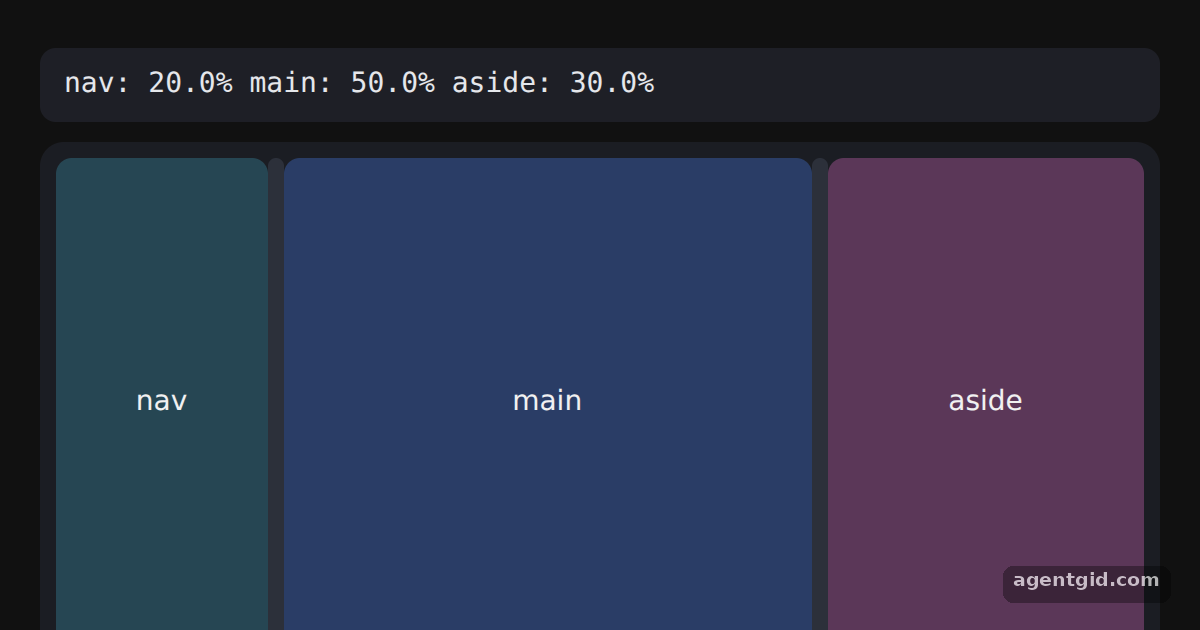 Reading and restoring a panel layoutDrag a bar and release it; the JSON line shows the new sizes.
input-otp 5 examples · usage and stats
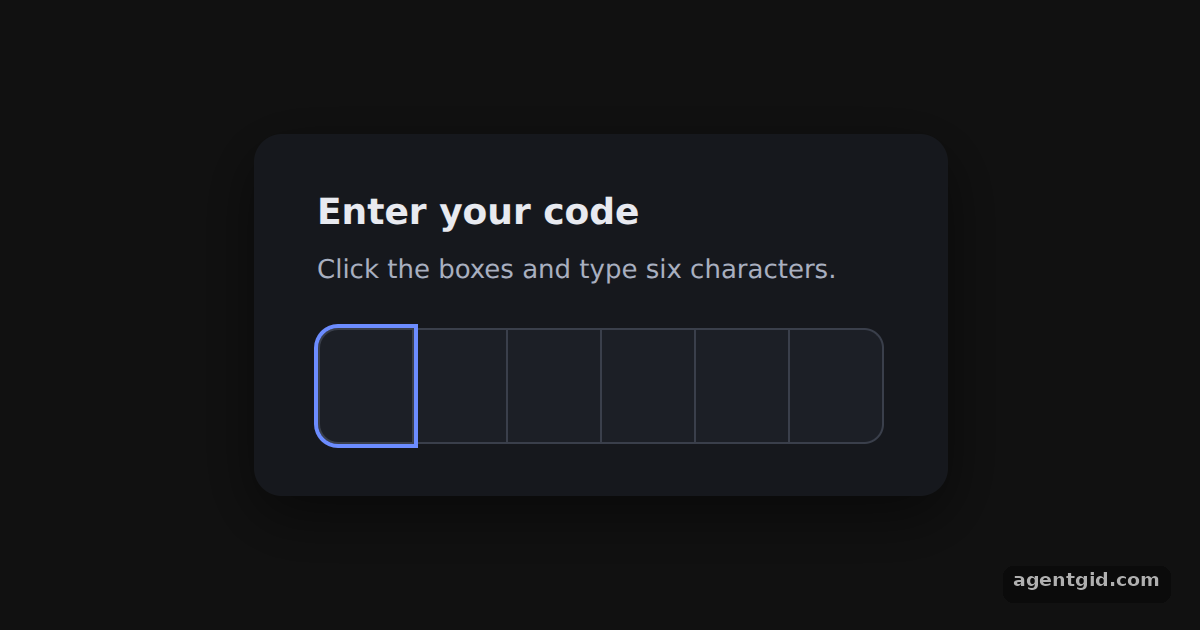 A basic OTP input with input-otpType, paste, select or delete inside the boxes: everything goes through one invisible input.
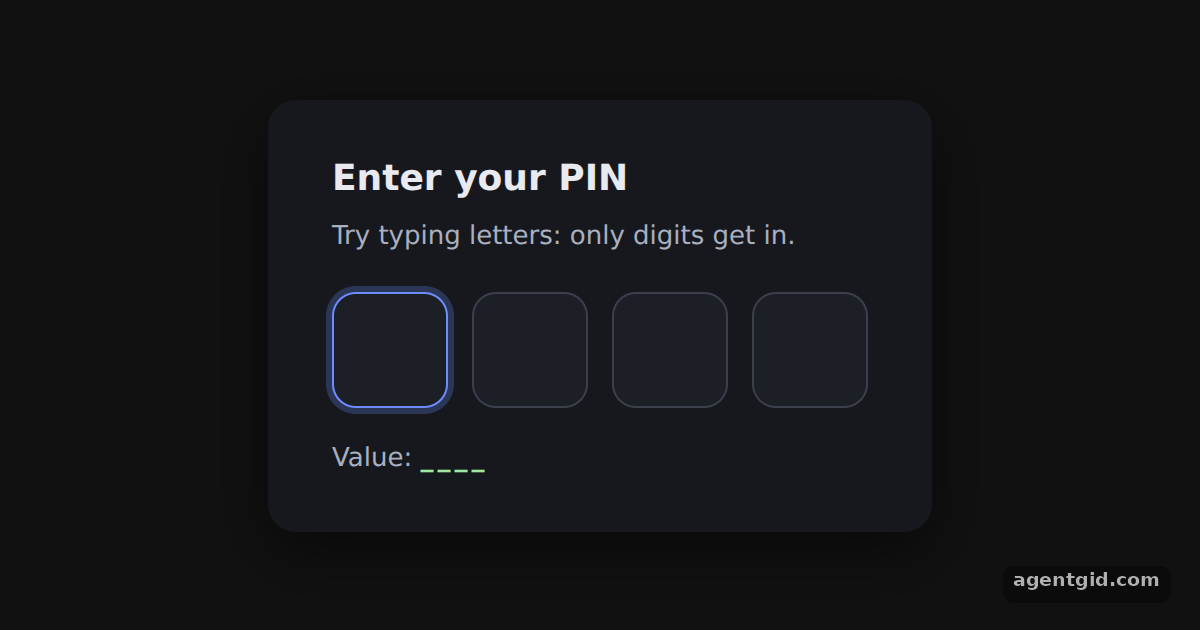 A digits-only PIN in input-otpType digits and letters; only the digits appear, and the value line updates as you go.
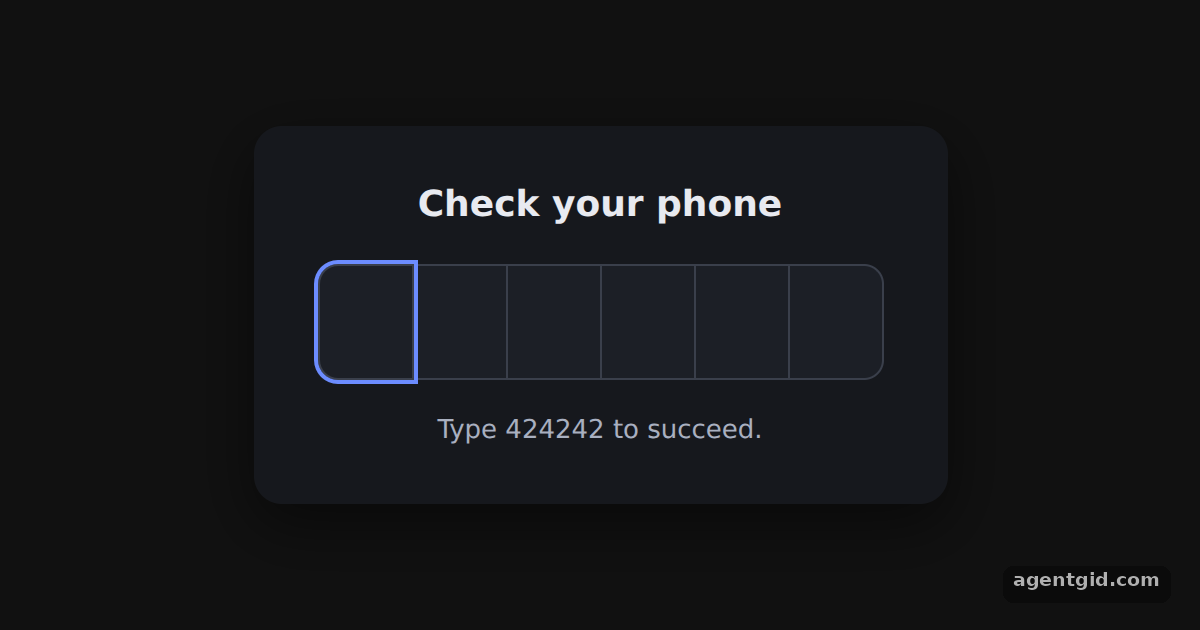 Auto-submit a code with onCompleteType any other six digits to see the error and focus recovery, then type 424242.
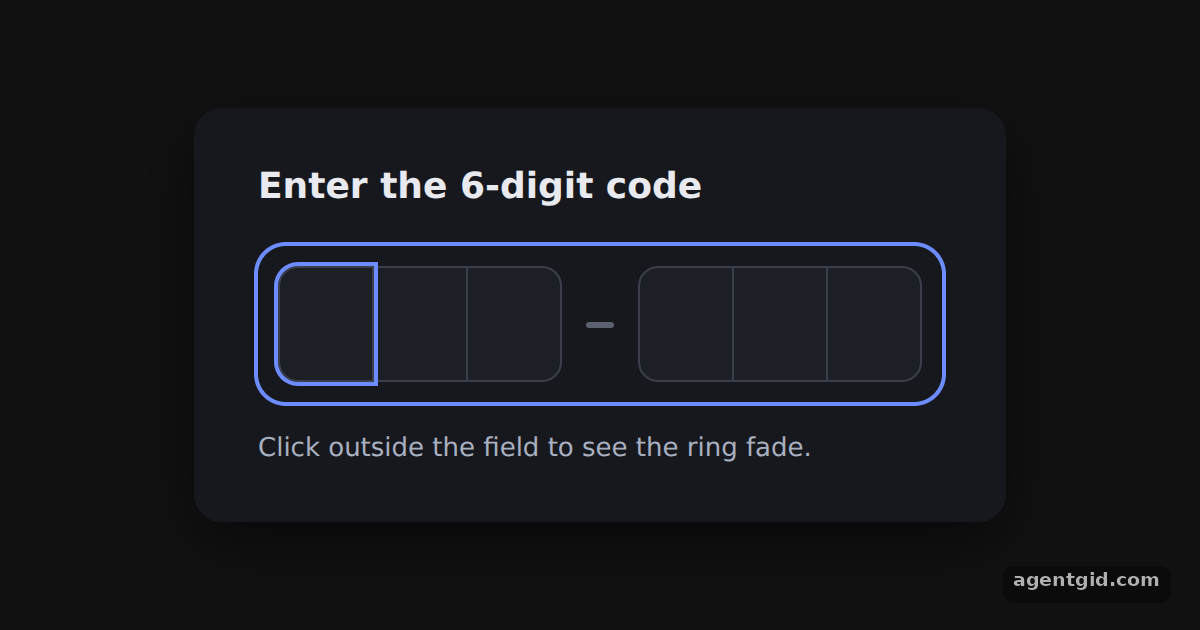 Two slot groups with a dash in input-otpType six characters and watch the caret jump the dash; click outside to see the ring change.
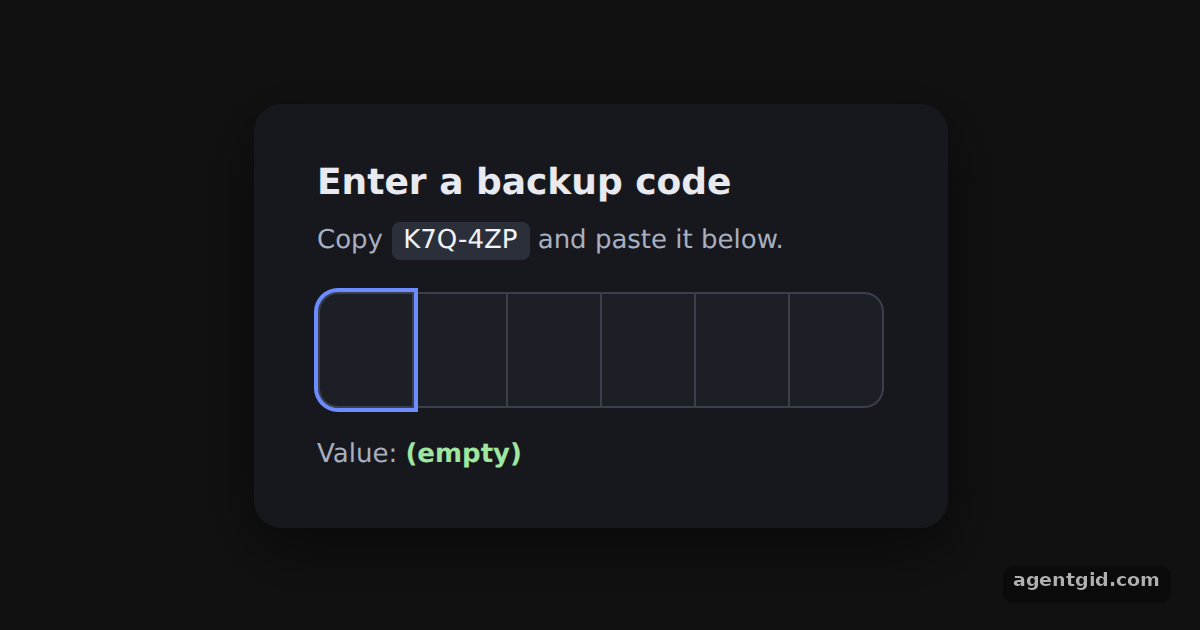 Alphanumeric codes and paste cleanup in input-otpCopy the sample code with the dash and paste it into the boxes: the dash is dropped.
React Icons 5 examples · usage and stats
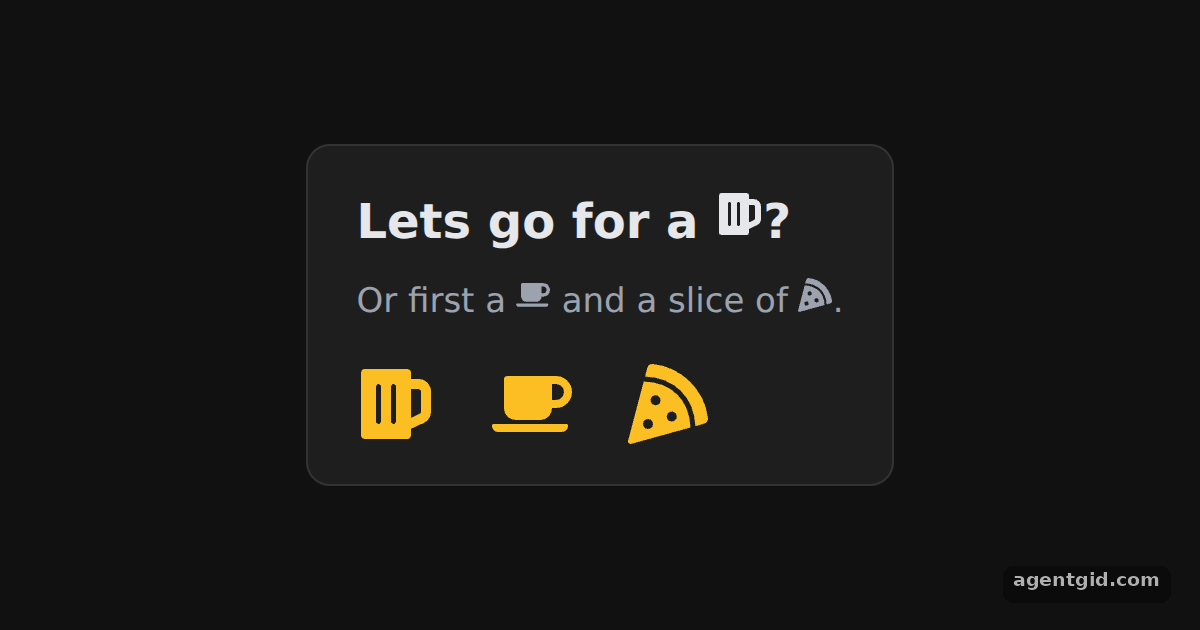 Using an icon in React IconsChange the fontSize of the bottom row and the three icons scale with it.
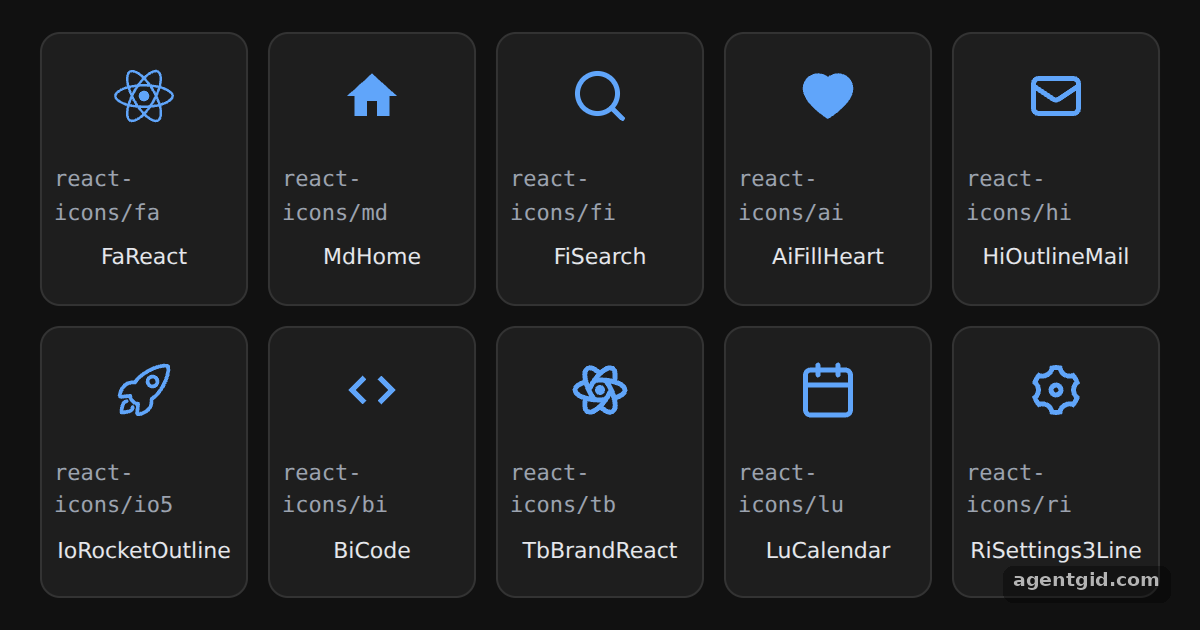 Icons from different packs in React IconsEach tile shows the import path; swap an icon for another one from the same set.
 IconContext in React IconsChange the color in the first provider and all four toolbar icons update together.
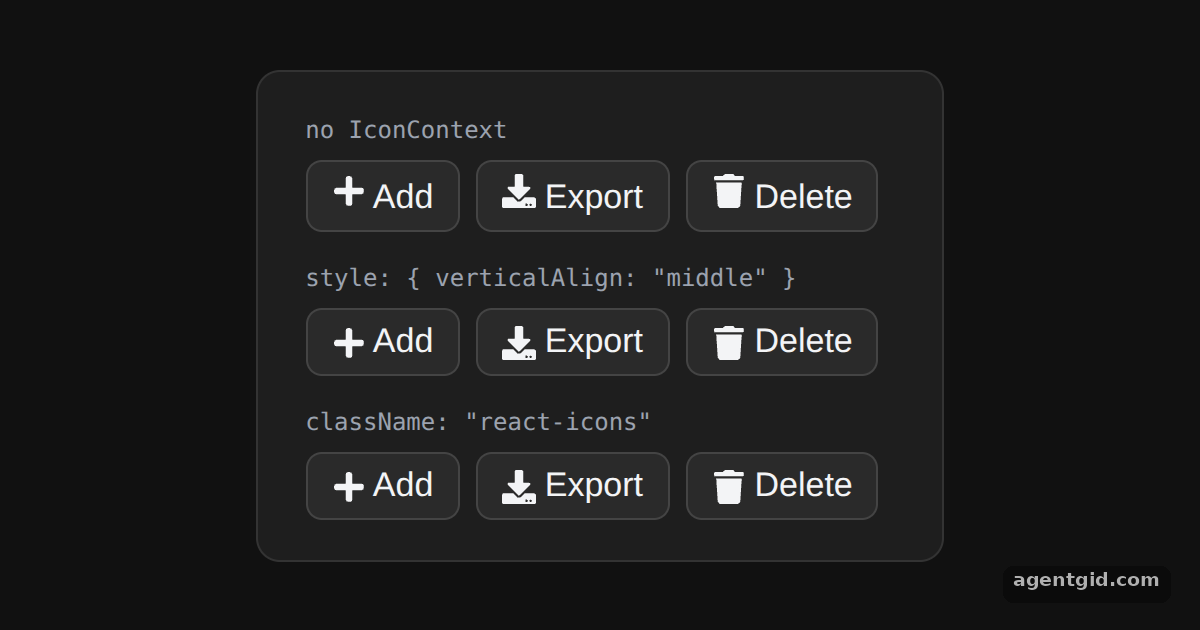 Aligning icons with text in React IconsLook at the icons in the first row next to the other two to see the alignment change.
 Icon size, color and title in React IconsChange the rating constant to 2 and only two stars stay filled.
dnd kit 5 examples · usage and stats
 Draggable and droppable in dnd kitDrag the purple button into the dashed box; drop it outside the box to move it back.
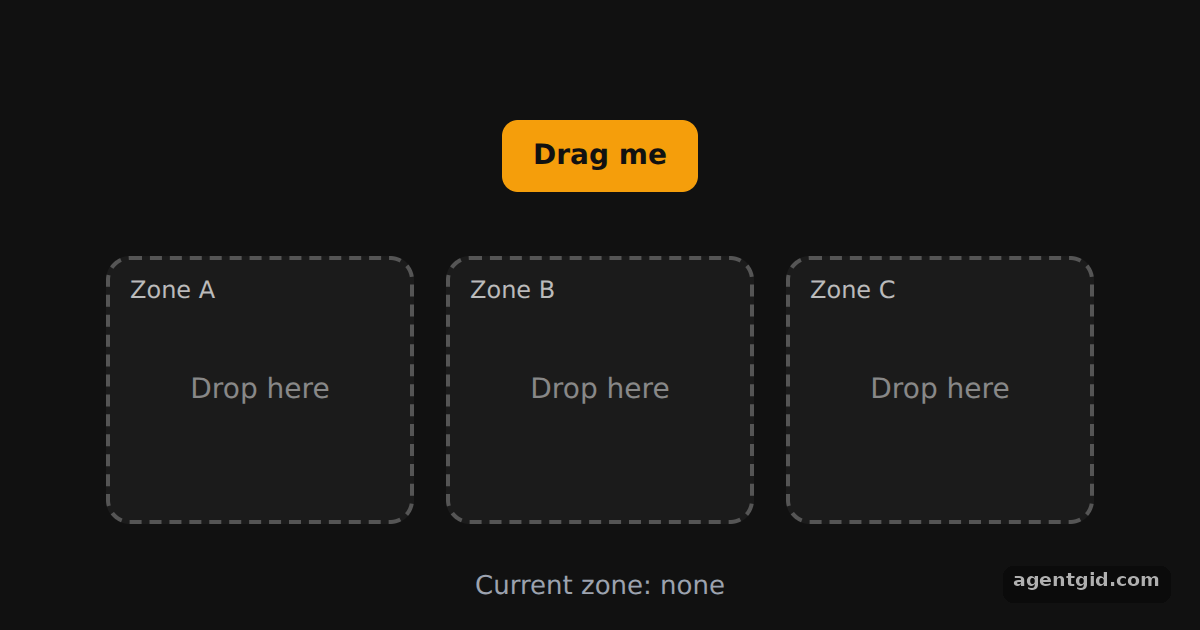 Multiple drop zones in dnd kitDrag the orange button into zone A, B or C; drop it on empty space to send it back to the top.
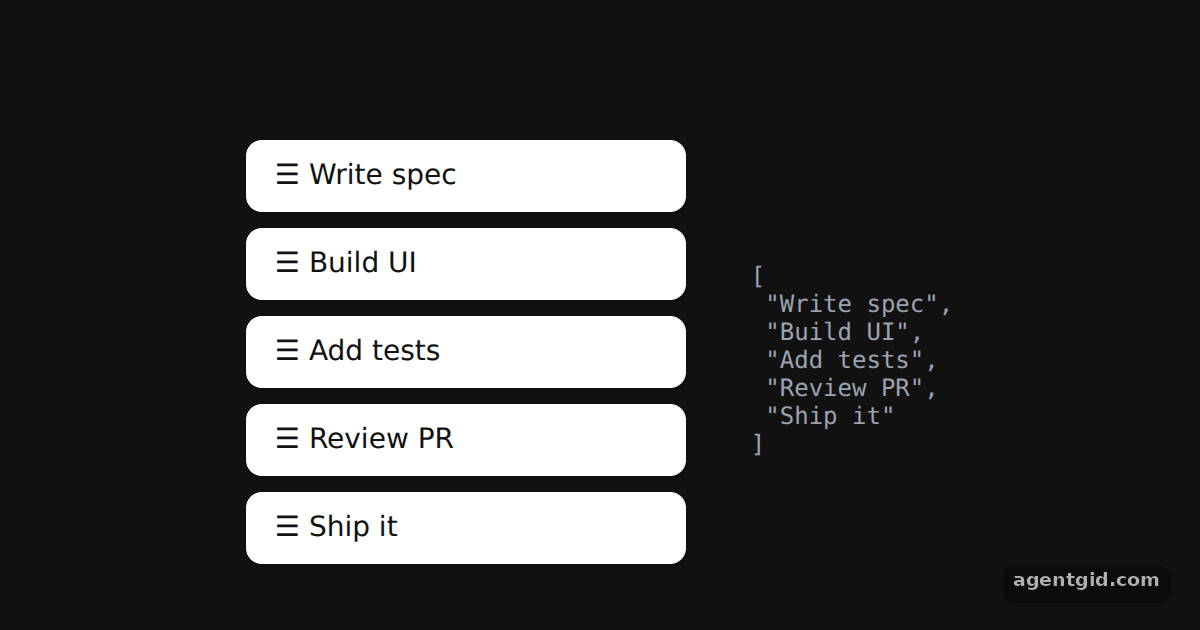 Sortable list in dnd kitDrag any row up or down; the JSON on the right shows the new order of the items array.
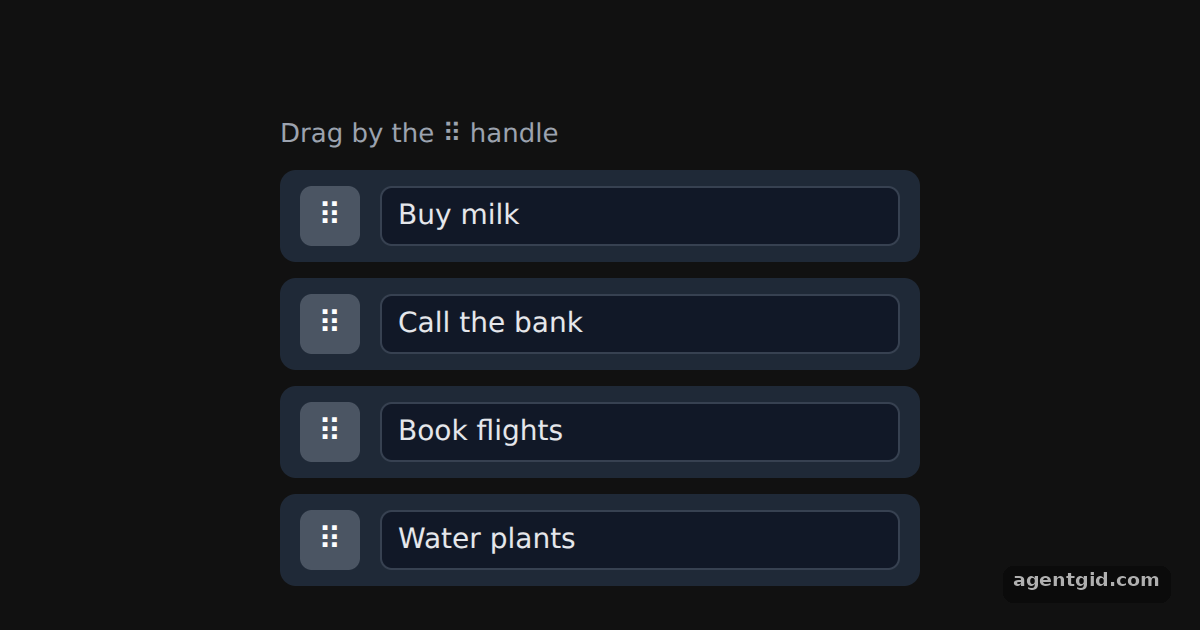 Drag handles in dnd kitDrag a row by its ⠿ handle; click into a text field and type to see that it does not start a drag.
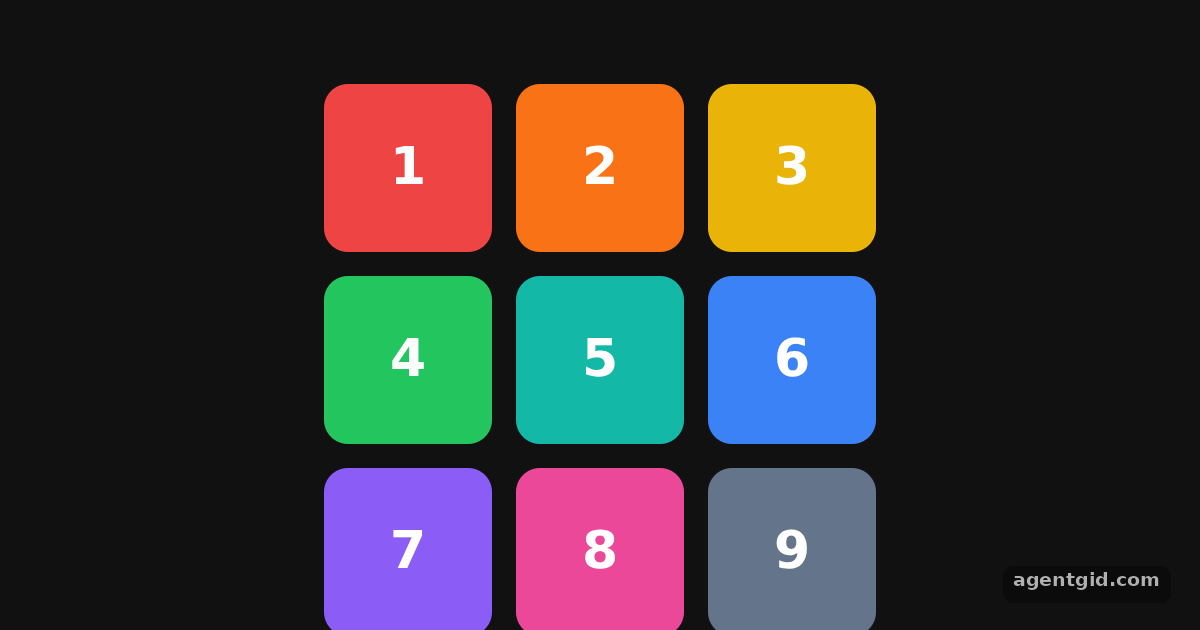 Sortable grid in dnd kitDrag any coloured tile onto another position in the grid; the numbers show the new order.
Base UI 5 examples · usage and stats
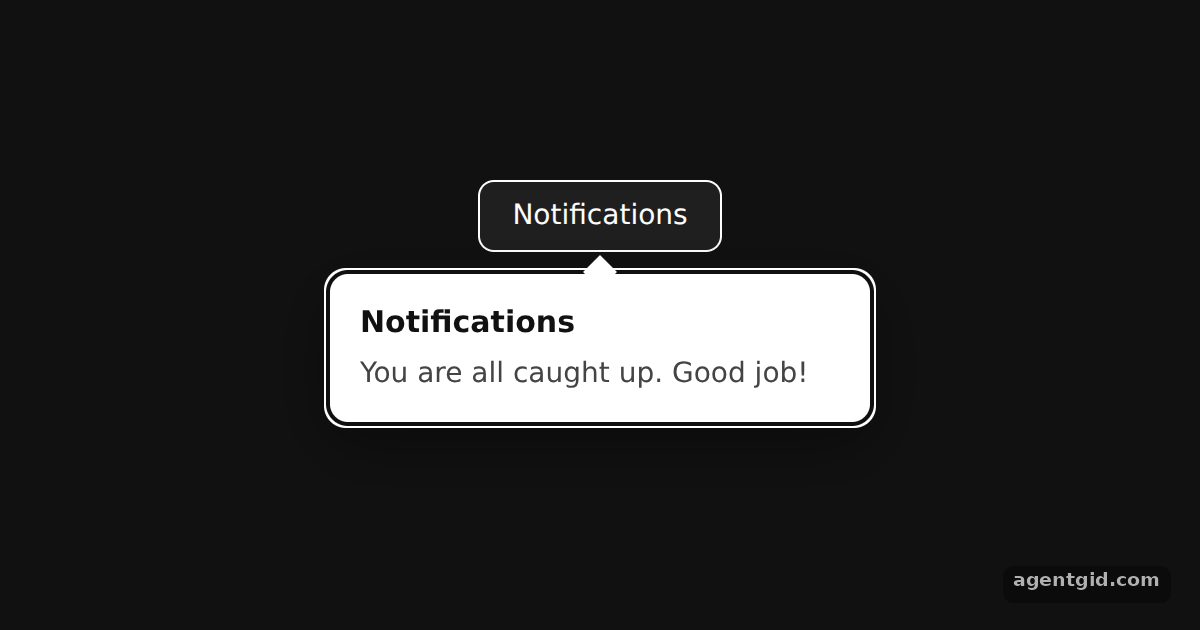 Popover in Base UIThe popover starts open via defaultOpen; click the button or press Esc to close it.
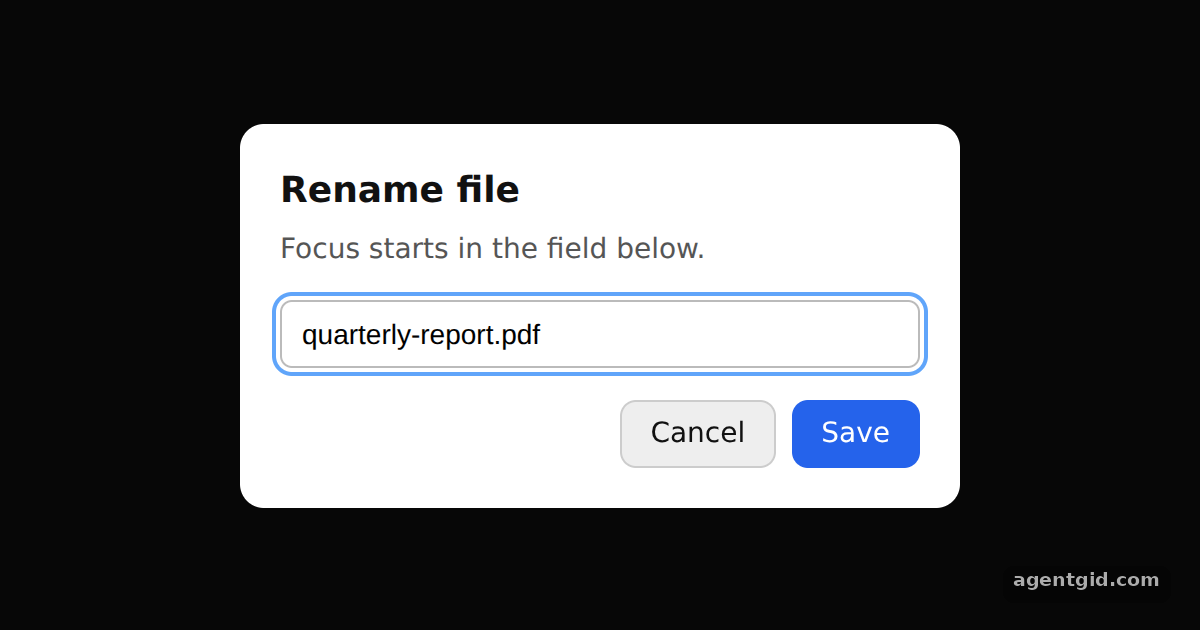 Dialog with focus control in Base UIThe dialog opens on load with the text field focused; press Esc or a button to close it, then reopen it with the trigger.
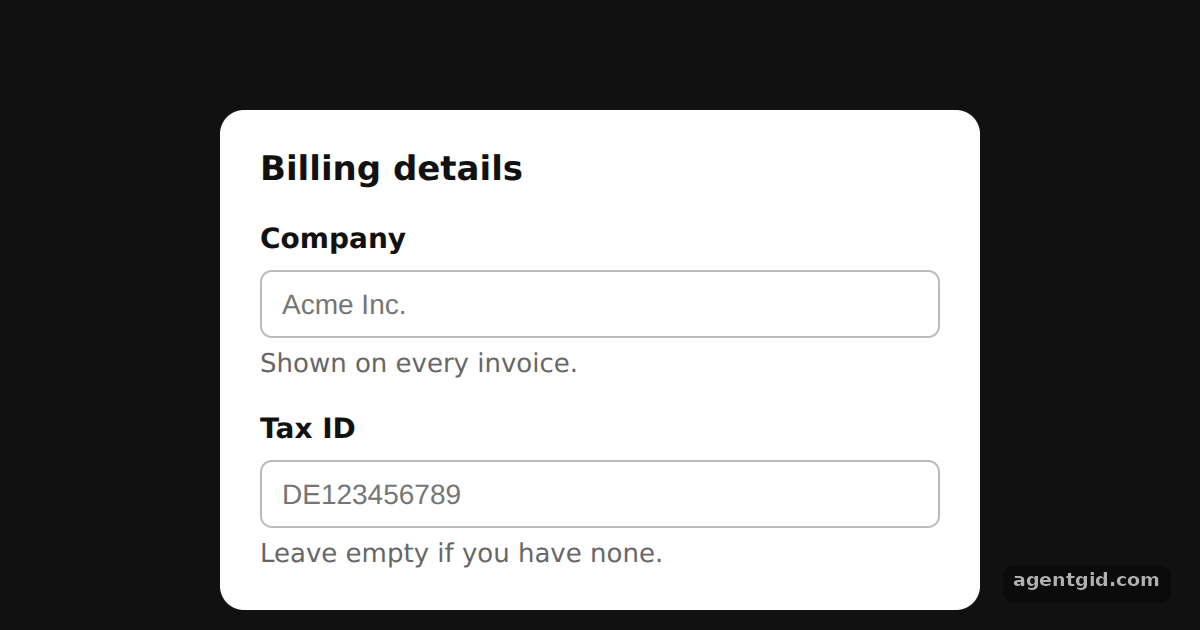 Accessible form fields in Base UIClick a label and the matching input gets focus, because Field links them for you.
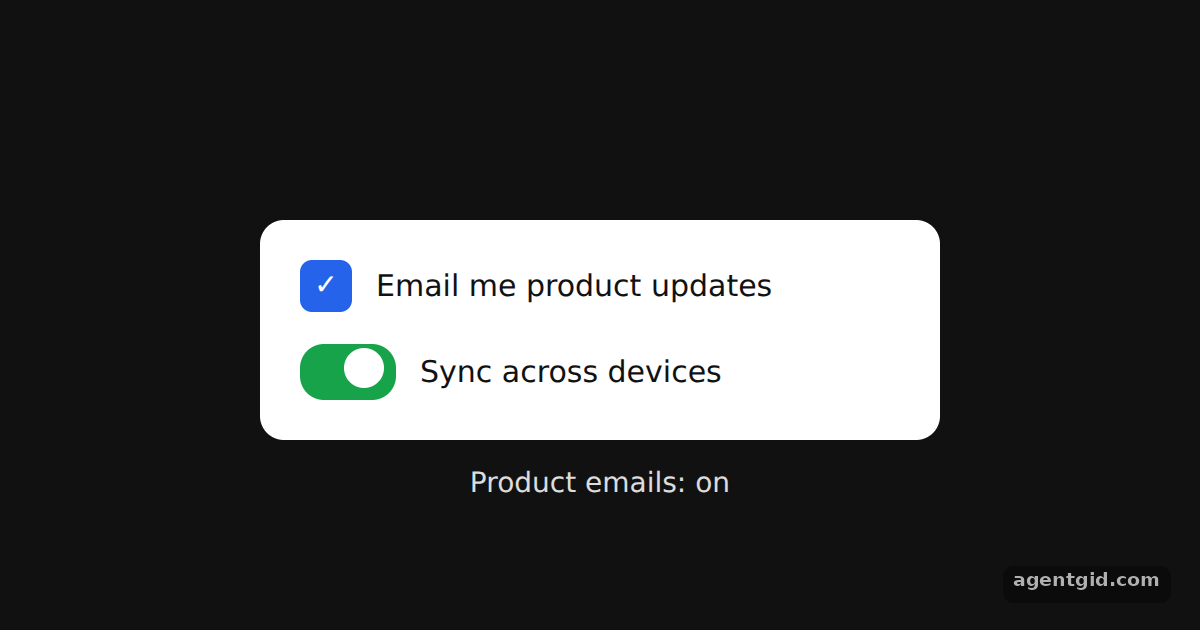 Checkbox and Switch in Base UIClick either toggle or its label; the checkbox state is echoed in the line under the card.
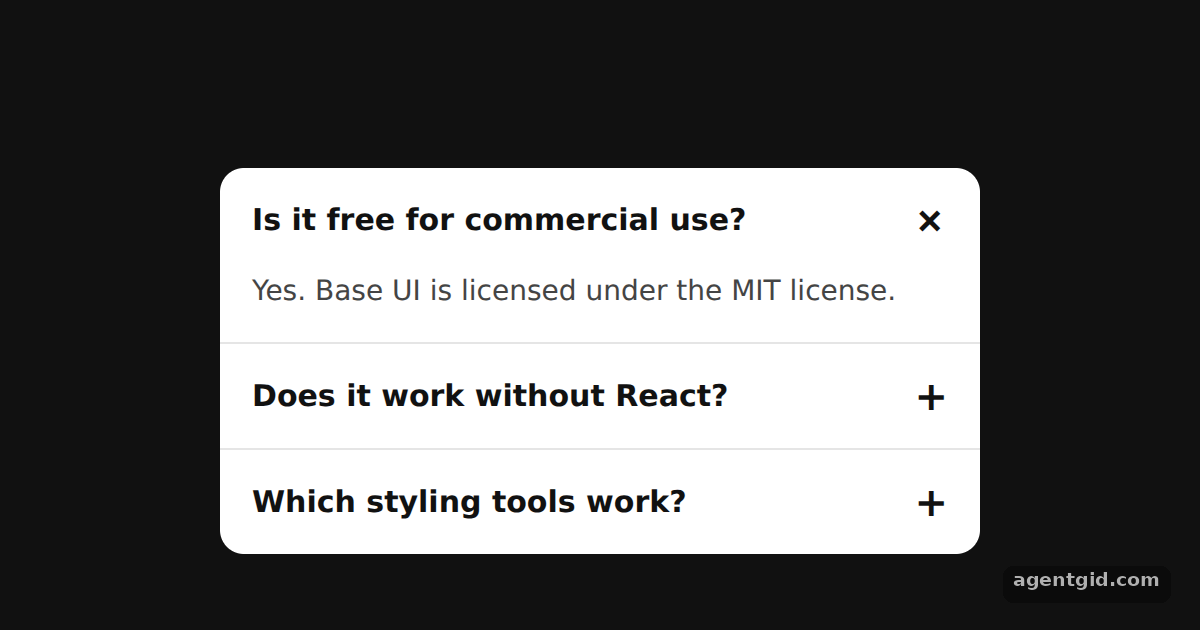 Accordion in Base UIClick a question or tab to it and press Enter; use the arrow keys to move between questions.