react-resizable-panels Examples You Can Edit and Run
5 small react-resizable-panels examples written by AgentGid from the official docs, one feature each. Every one runs in your browser: change the code and see the result at once, or describe a change and let AI rewrite it. The screenshots are taken from the same code by our server, which also checks that each example starts without errors.
react-resizable-panels: usage and stats 277 AI-built projects use it
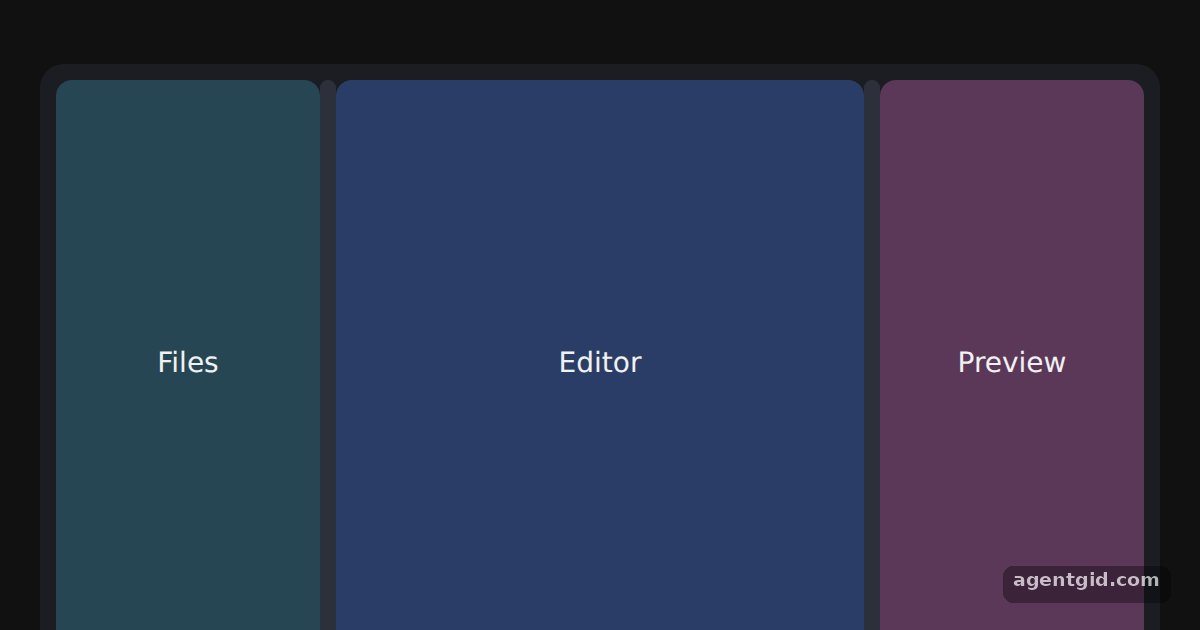 Horizontal resizable panels with react-resizable-panelsDrag either bar between the panels to resize them.
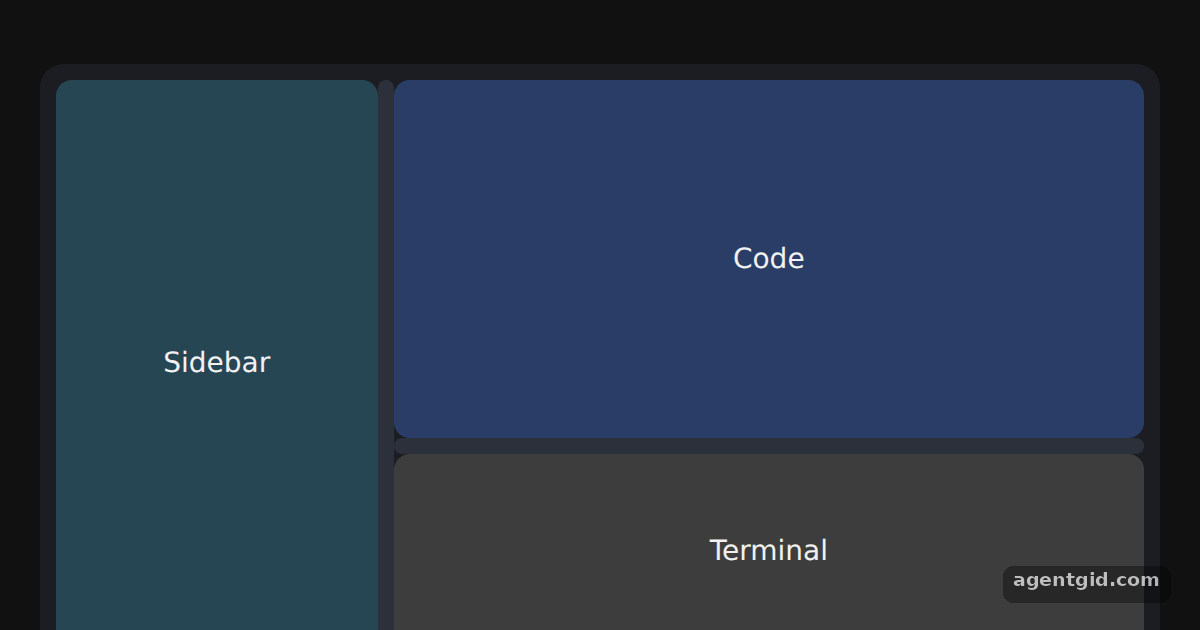 Vertical and nested panel groupsDrag the vertical bar to resize the sidebar, and the horizontal bar to resize the terminal.
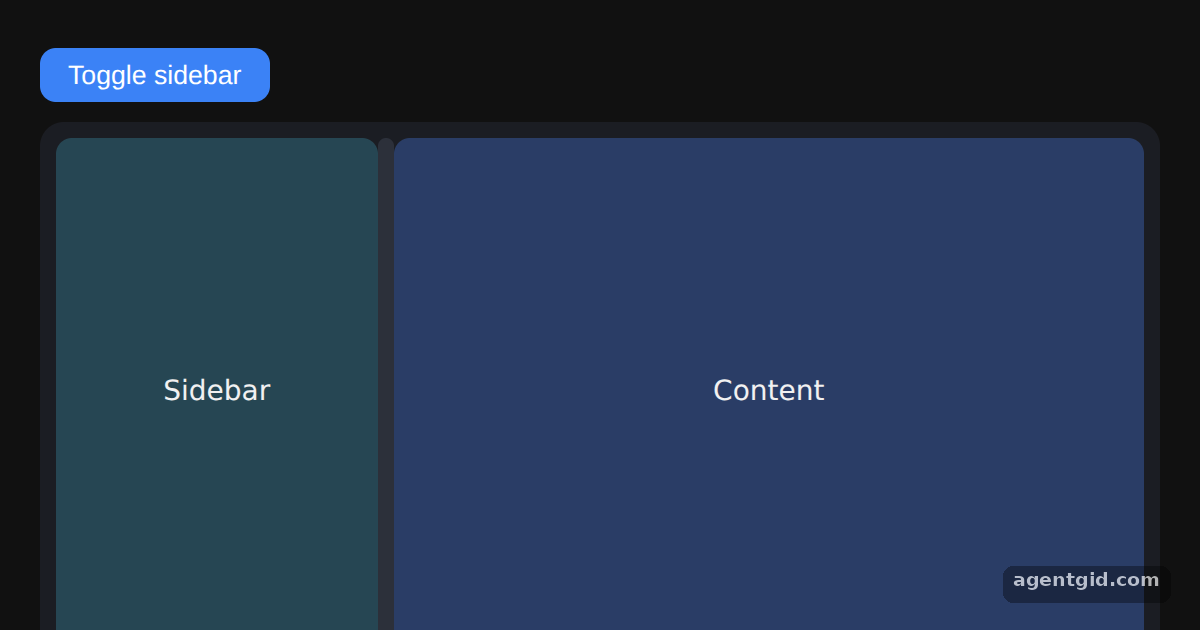 Collapsible panels in react-resizable-panelsClick the button or drag the bar far to the left to collapse the sidebar.
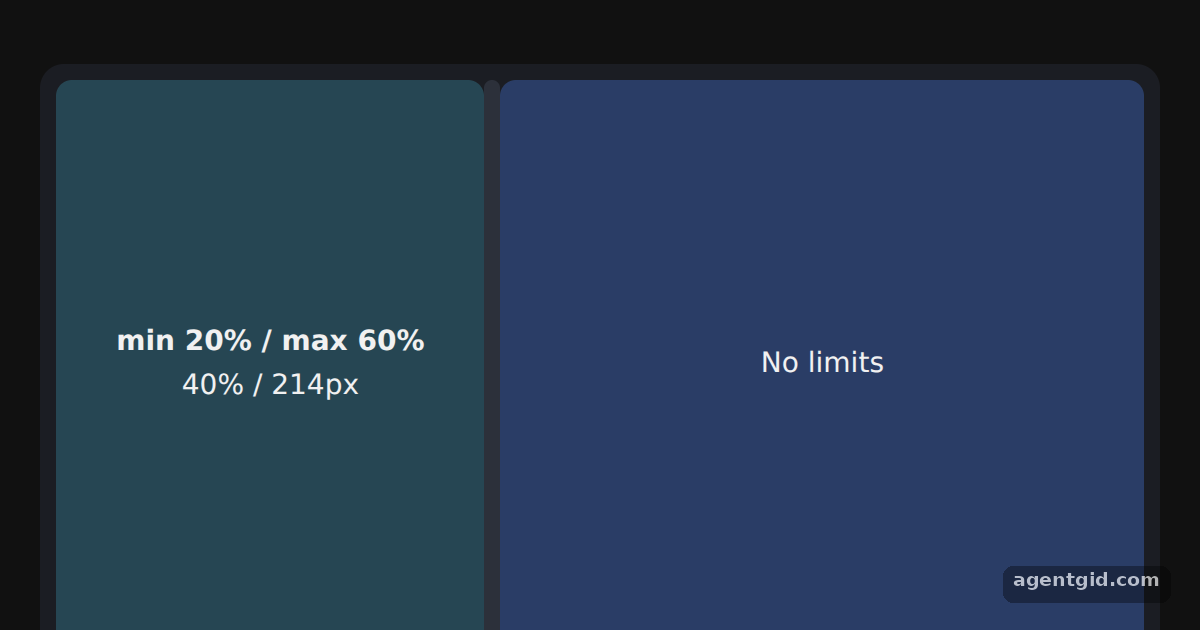 Size limits and resize eventsDrag the bar: the numbers update, and the panel stops at 20% and 60%.
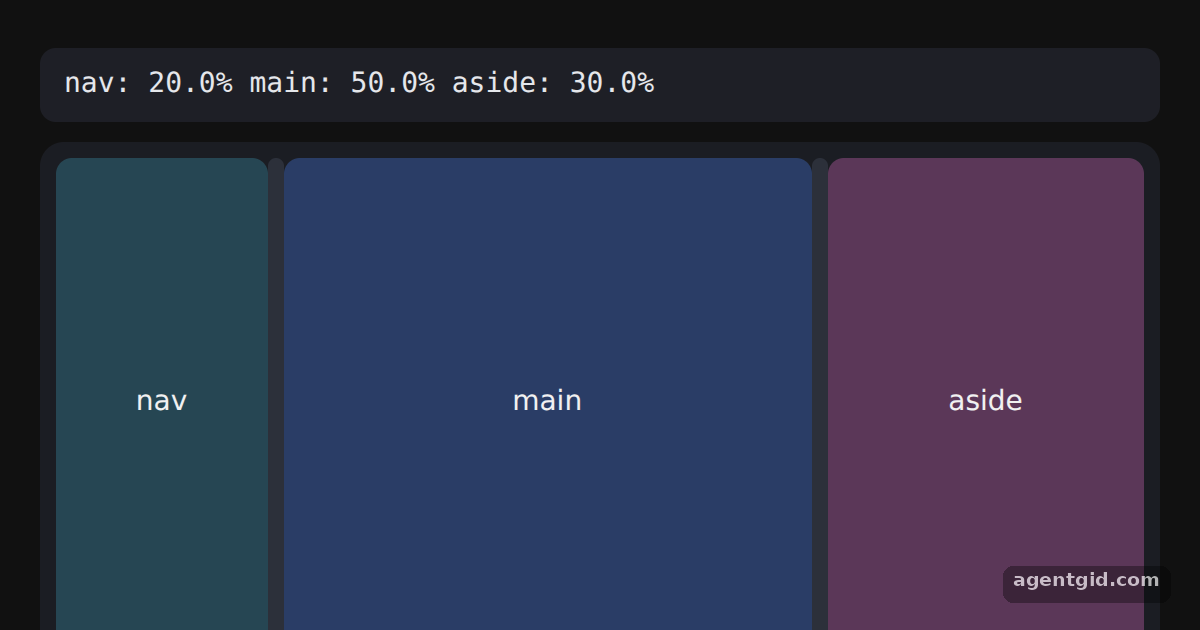 Reading and restoring a panel layoutDrag a bar and release it; the JSON line shows the new sizes.
Try them all in one place
import { Group, Panel, Separator } from 'react-resizable-panels';

const pane = (bg) => ({ height: '100%', background: bg, color: '#f1f1f1', display: 'grid',
  placeItems: 'center', font: '14px system-ui, sans-serif', borderRadius: 8 });
const css = '.bar{width:8px;background:#2c303a;border-radius:4px}.bar:hover{background:#3b82f6}';

export default function App() {
  return (
    <div style={{ width: 560, height: 300, margin: '32px auto', padding: 8, boxSizing: 'border-box', background: '#1b1d23', borderRadius: 12 }}>
      <style>{css}</style>
      <Group style={{ height: '100%' }}>
        <Panel id="files" defaultSize="25%">
          <div style={pane('#264653')}>Files</div>
        </Panel>
        <Separator className="bar" />
        <Panel id="editor" defaultSize="50%">
          <div style={pane('#2a3d66')}>Editor</div>
        </Panel>
        <Separator className="bar" />
        <Panel id="preview" defaultSize="25%">
          <div style={pane('#5b3758')}>Preview</div>
        </Panel>
      </Group>
    </div>
  );
}
Drag either bar between the panels to resize them. Code written by AgentGid [1]. How it works, with a screenshot →
Drag either bar between the panels to resize them. Code written by AgentGid [1]. How it works, with a screenshot →Drag the vertical bar to resize the sidebar, and the horizontal bar to resize the terminal. Code written by AgentGid [1]. How it works, with a screenshot →Click the button or drag the bar far to the left to collapse the sidebar. Code written by AgentGid [1]. How it works, with a screenshot →Drag the bar: the numbers update, and the panel stops at 20% and 60%. Code written by AgentGid [1]. How it works, with a screenshot →Drag a bar and release it; the JSON line shows the new sizes. Code written by AgentGid [1]. How it works, with a screenshot →Checked Oct 12, 2026: each example starts without errors in Chromium with react-resizable-panels 4.14.4, react 19.3.0, react-dom 19.3.0. Needs WebGL.
Sources
Explanations written by AgentGid from the official docs; the numbers in brackets point here. The code marked "written by AgentGid" is ours and free to copy.