State and data fetching: live code examples
15 examples for 3 libraries. Open one to read how it works, run it in your browser and change it, by hand or with AI.
All 231 examples UI components and icons Utilities Forms, validation and schemas Animation and motion 3D and graphics Web frameworks Markdown, editors and content Files, images and media Styling and CSS Auth and security libraries Charts and data visualisation HTTP clients and networking Game development
TanStack Query 5 examples · usage and stats
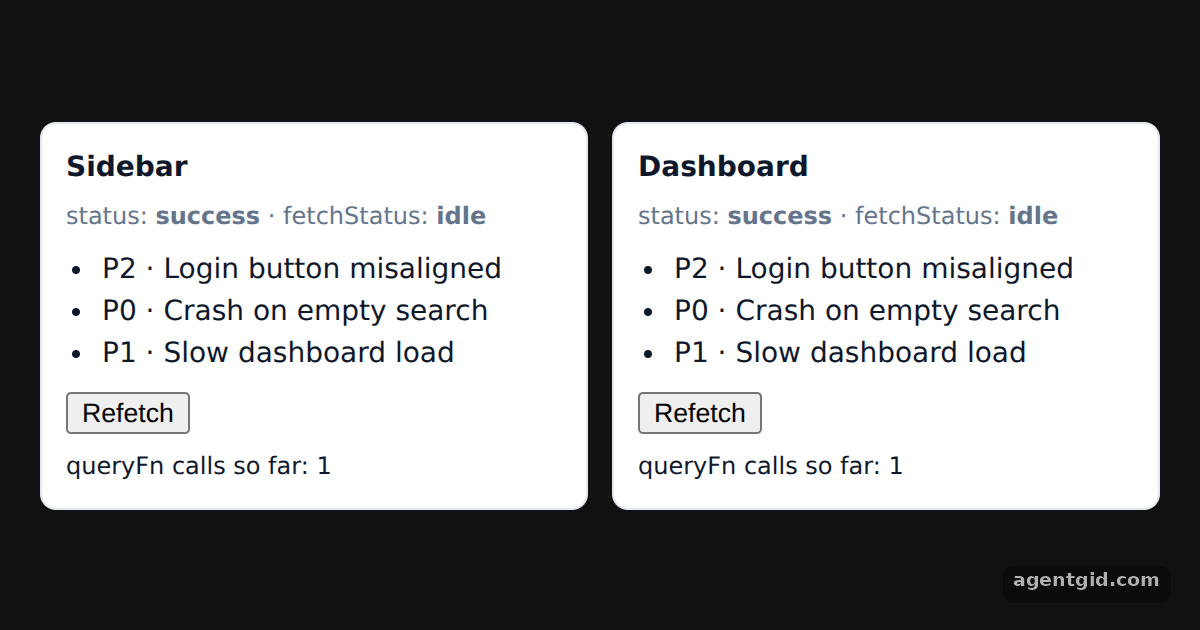 Fetching data with useQuery in TanStack QueryPress Refetch on either card and watch fetchStatus change on both while the queryFn call count goes up by one.
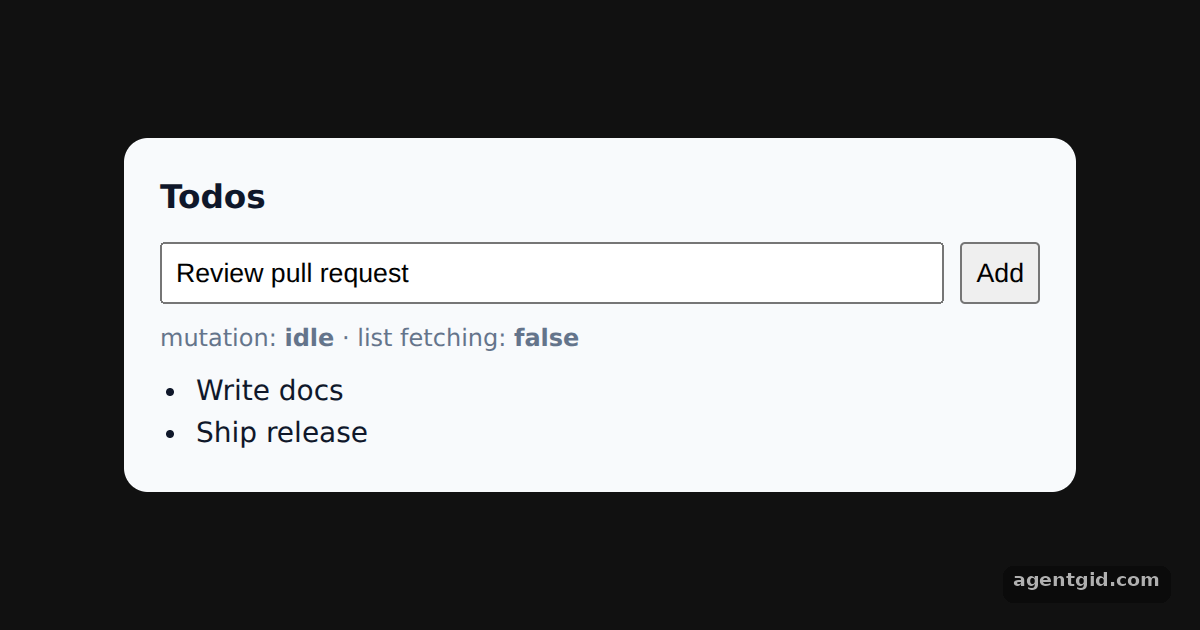 Mutations and query invalidation in TanStack QueryType a todo and press Add: the mutation status turns pending, then the list refetches and shows the new item.
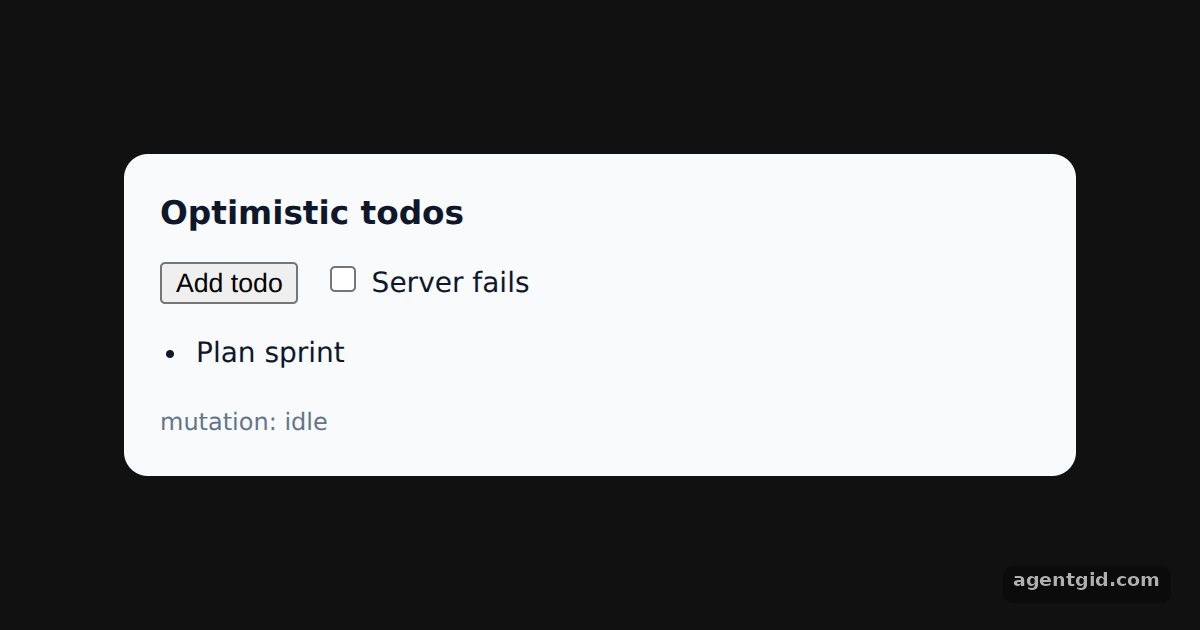 Optimistic updates with rollback in TanStack QueryTick "Server fails" and add a todo: it appears at once, then vanishes when the fake server throws.
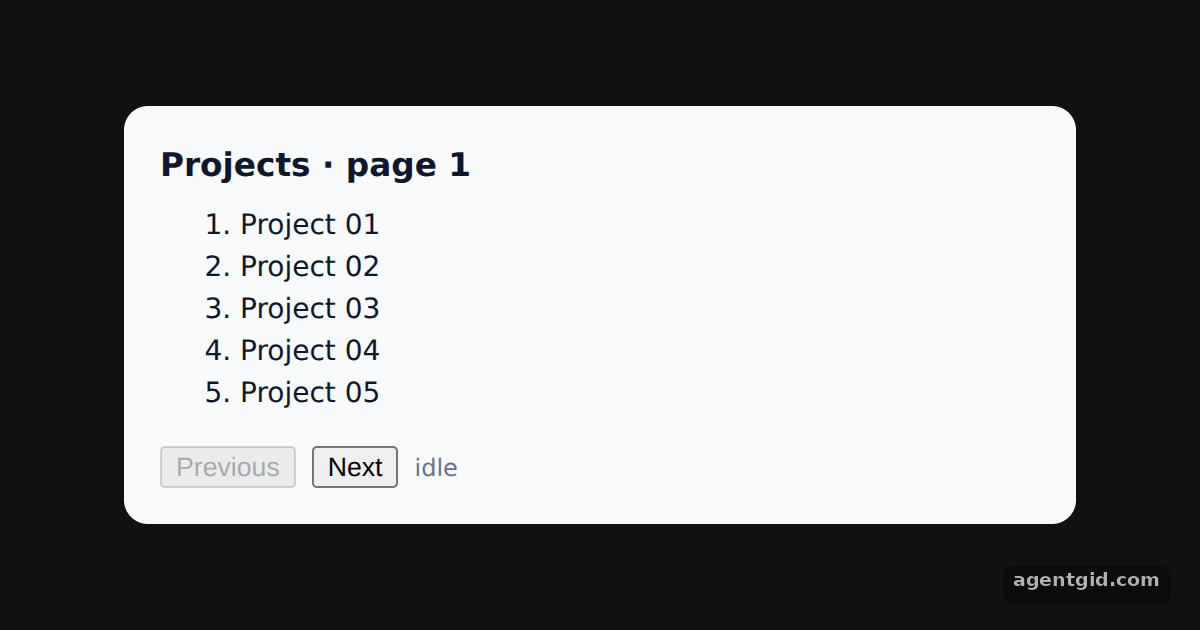 Paginated queries in TanStack QueryClick Next a few times, then Previous: earlier pages render from the cache while a background refetch runs.
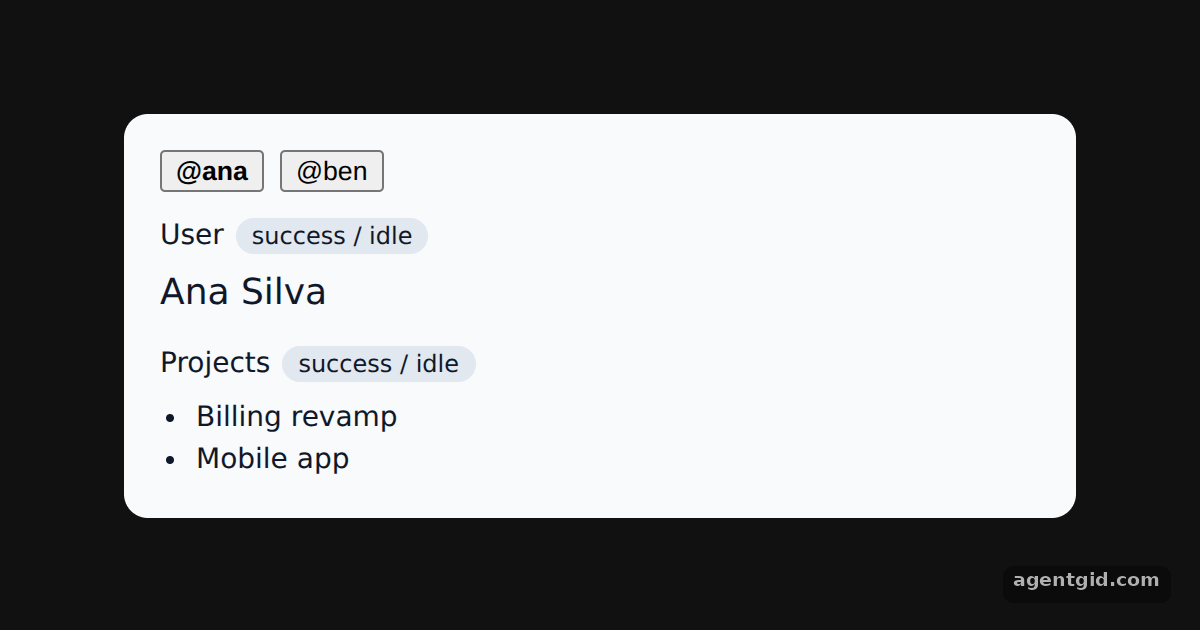 Dependent queries with enabled in TanStack QuerySwitch between Ana and Ben and watch the projects query stay idle until the user query finishes.
Zustand 5 examples · usage and stats
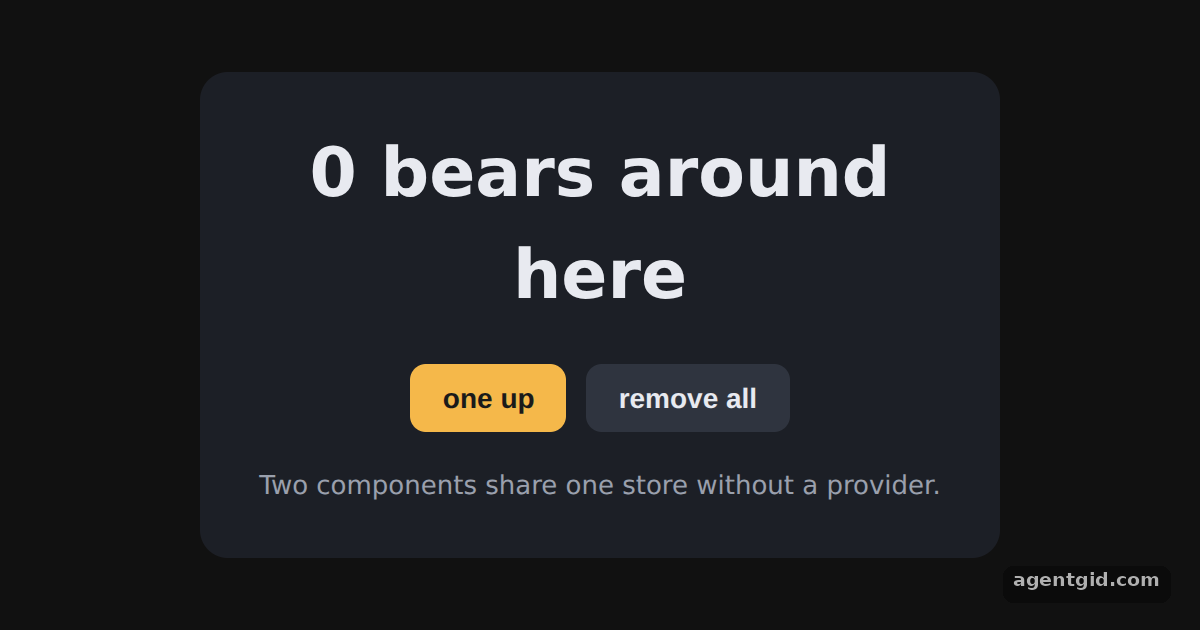 Creating a store in ZustandClick "one up" a few times, then add a third action such as removing one bear.
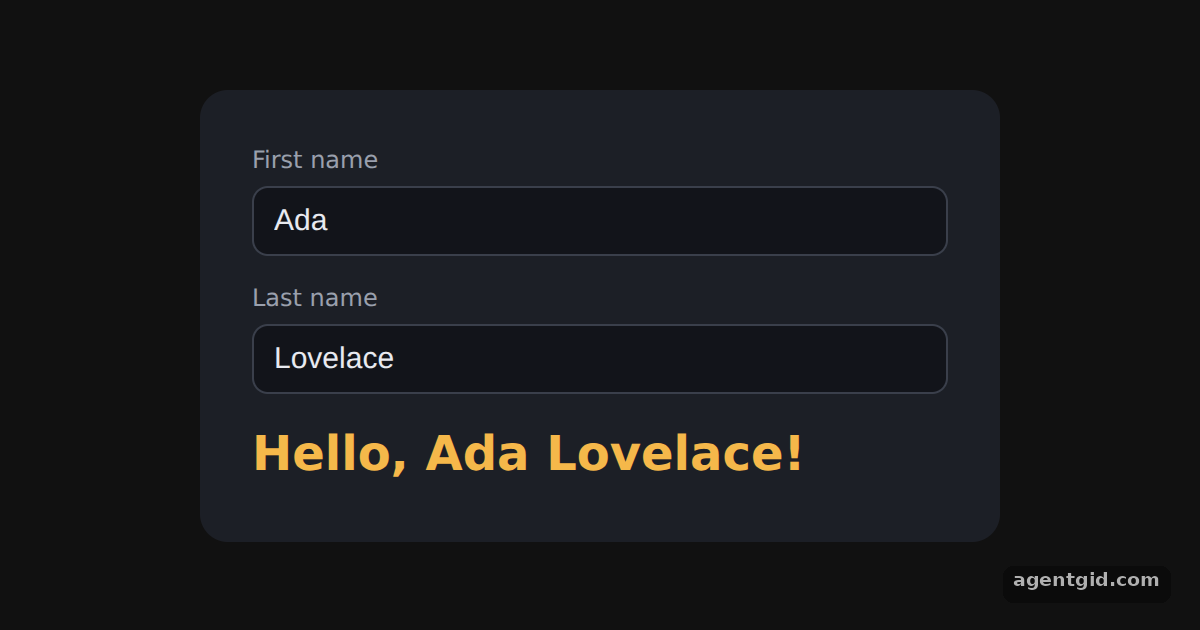 Updating state from inputs in ZustandType in either field and the greeting below updates as you type.
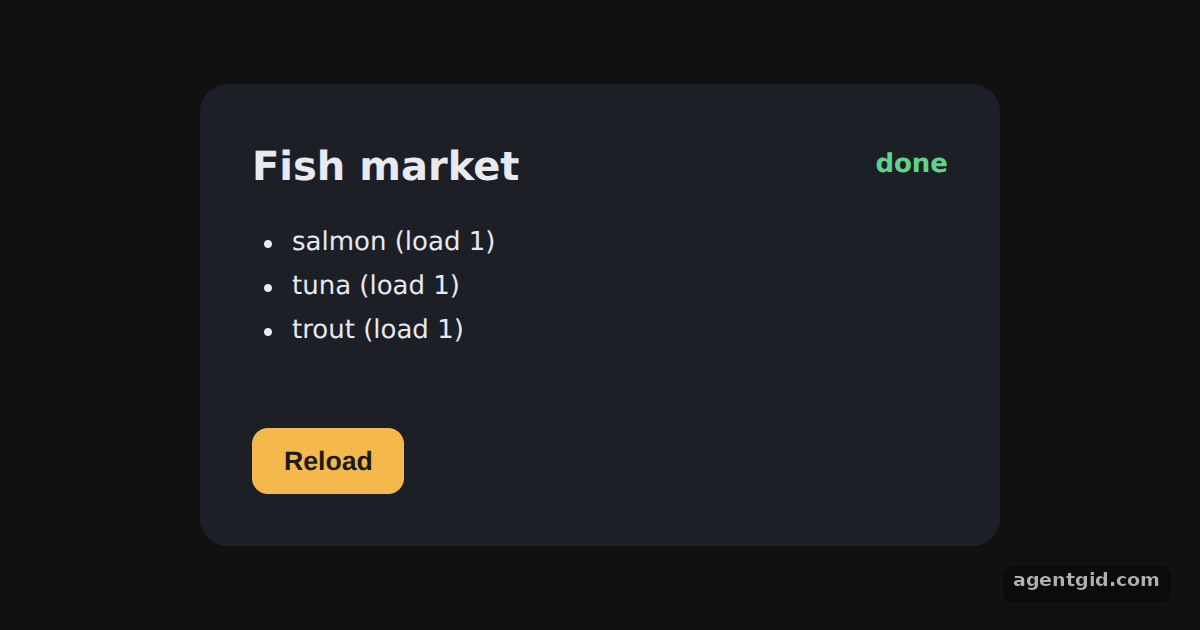 Async actions in ZustandThe list loads on its own; press Reload to run the async action again and watch the status change.
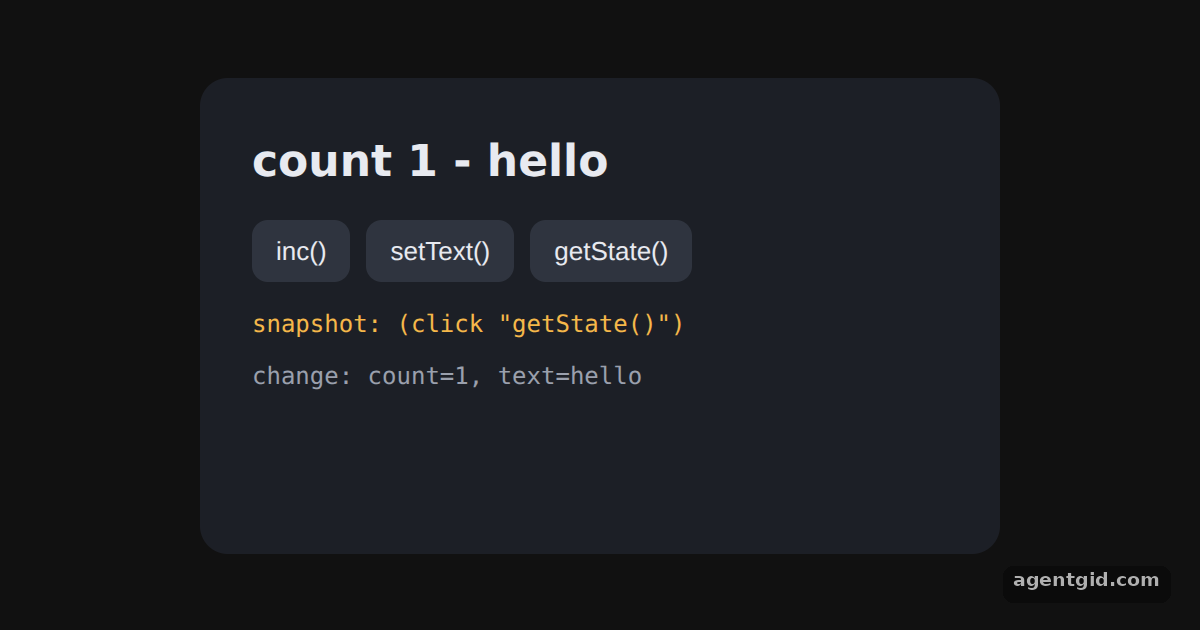 Using a Zustand store outside componentsThe count ticks every 1.5 seconds from outside React; each change appears in the log, and getState() prints a snapshot.
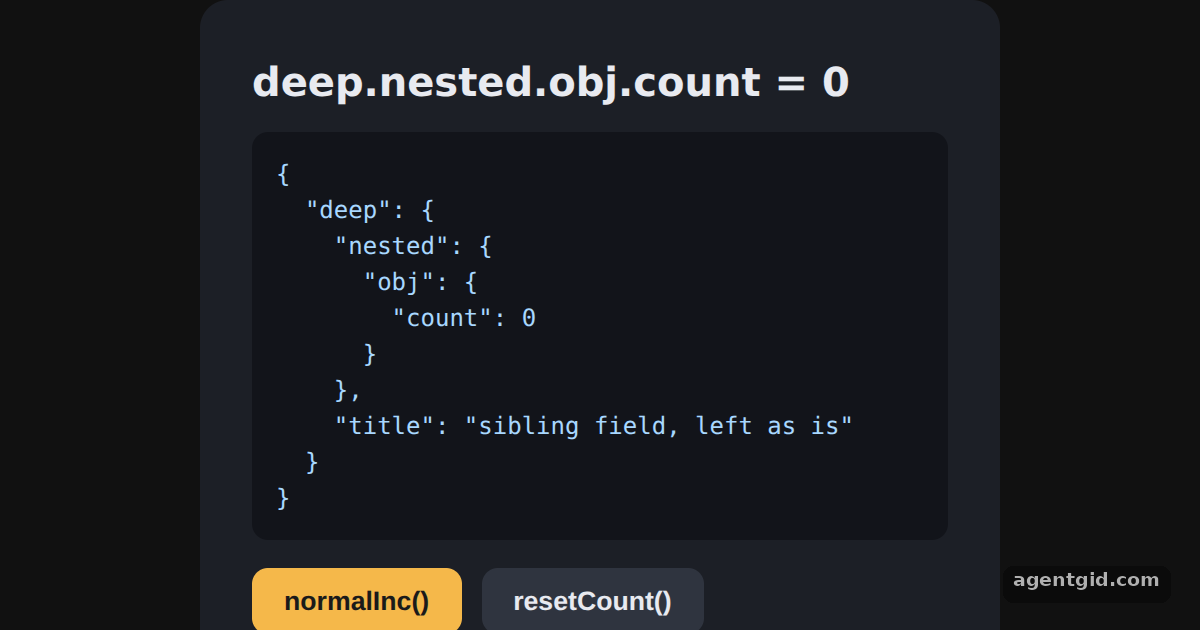 Updating nested state in ZustandPress normalInc() and watch the count change in the JSON while the sibling field stays the same.
React Redux 5 examples · usage and stats
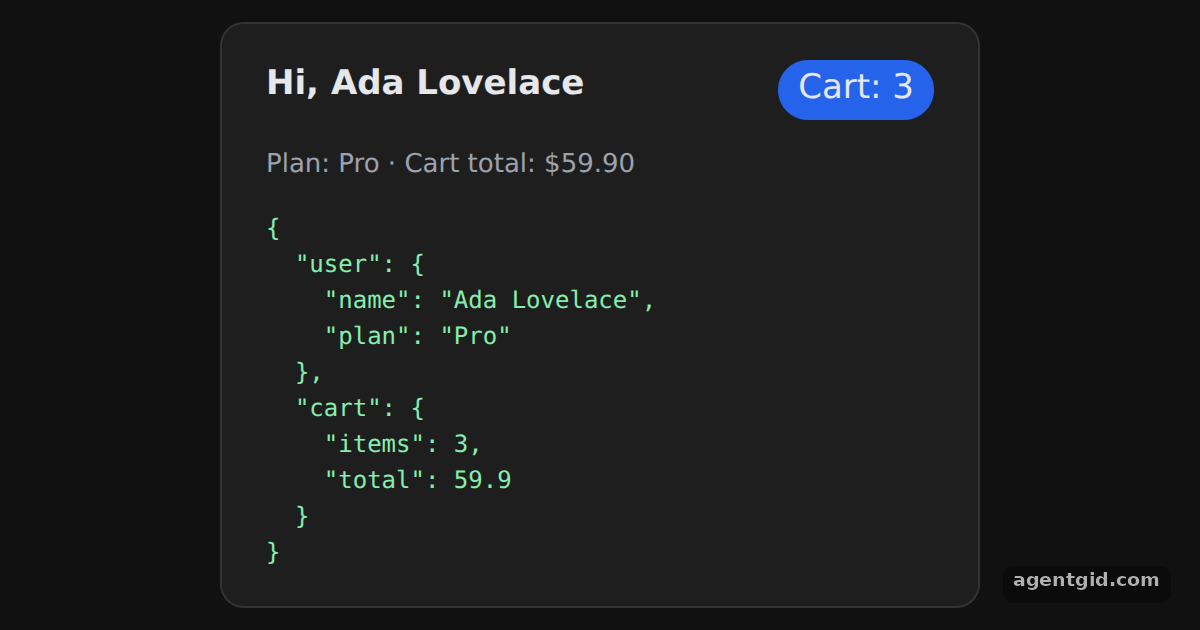 Provider in React ReduxChange the name in initialState and both the header and the state dump update.
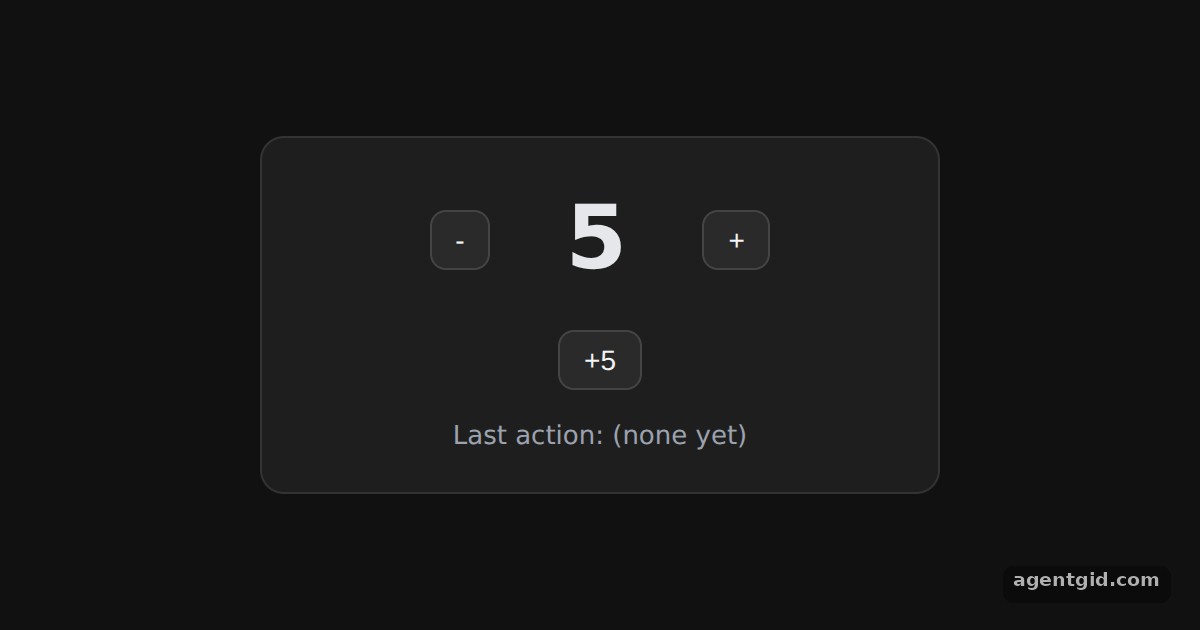 useSelector and useDispatch counter in React ReduxClick the buttons; the number and the last action line change together.
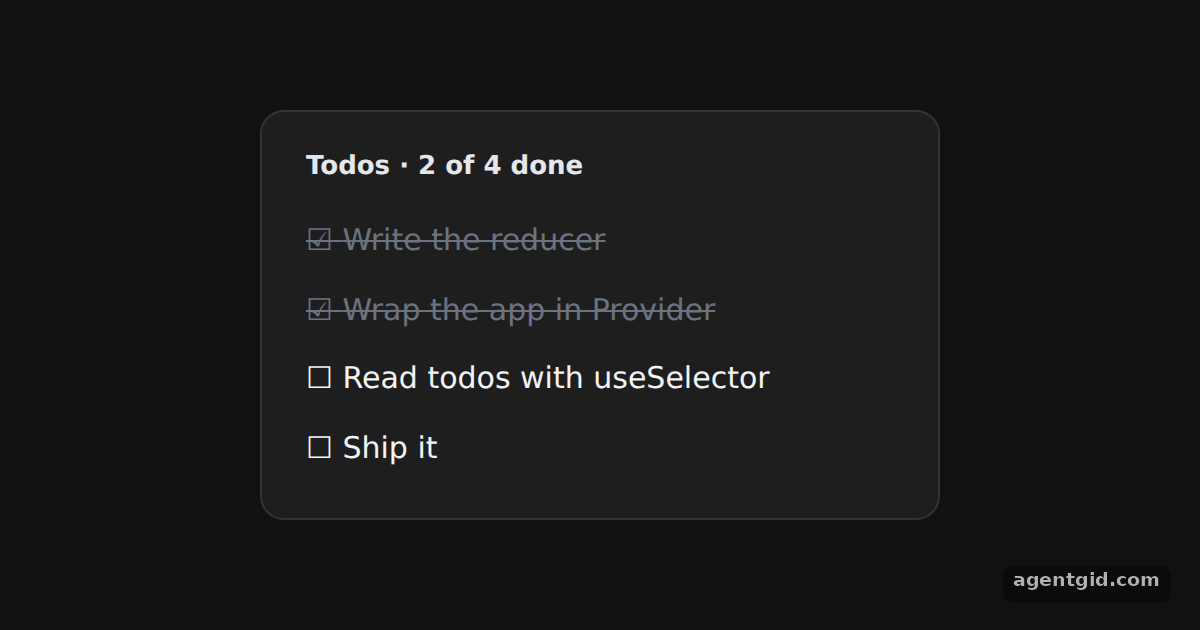 Selecting by prop with useSelector in React ReduxClick a todo to mark it done or not done; the progress line updates too.
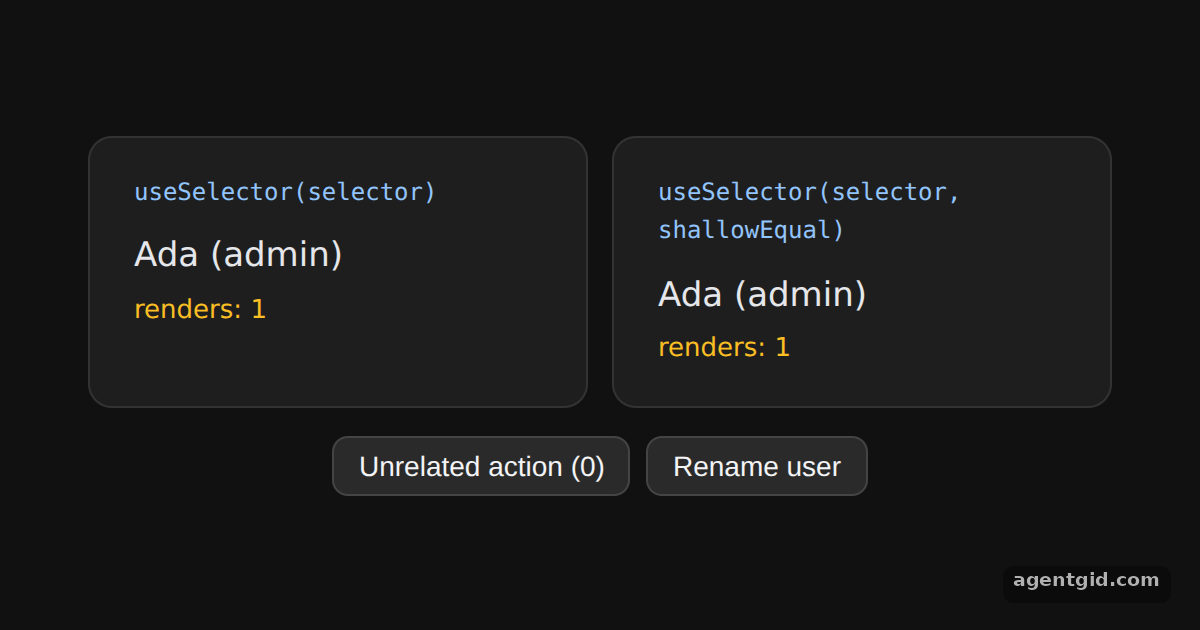 shallowEqual with useSelector in React ReduxClick the unrelated action a few times and compare the two render counts.
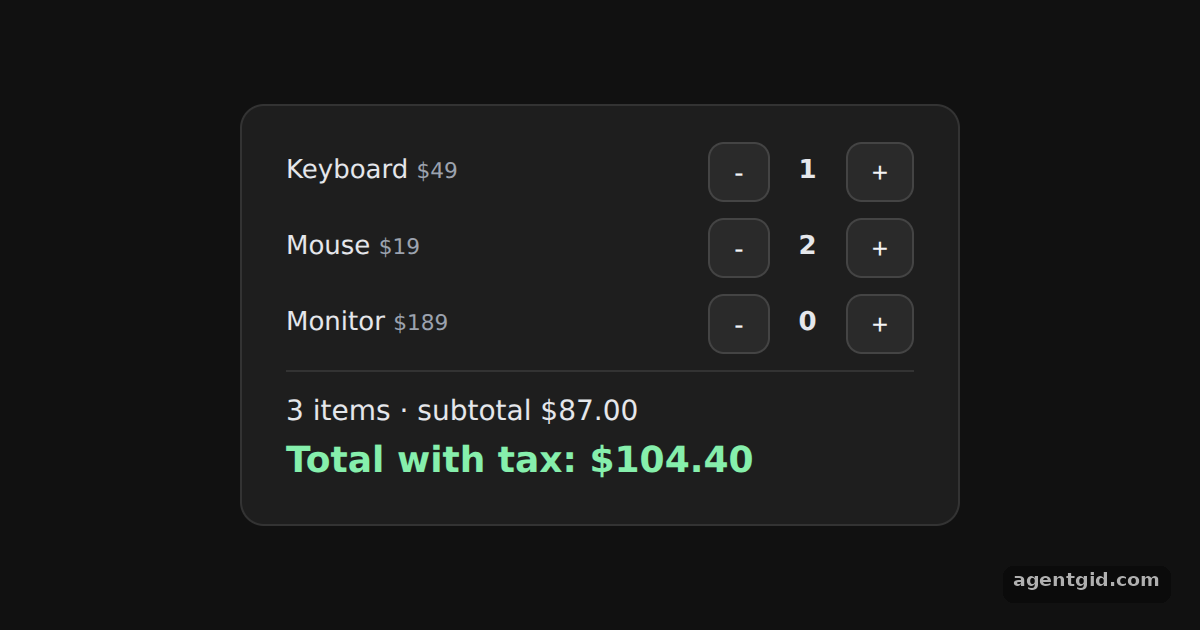 Derived values with useSelector in React ReduxUse the + and - buttons; the count, subtotal and total are recomputed from the items.