Base UI Examples You Can Edit and Run
5 small Base UI examples written by AgentGid from the official docs, one feature each. Every one runs in your browser: change the code and see the result at once, or describe a change and let AI rewrite it. The screenshots are taken from the same code by our server, which also checks that each example starts without errors.
Base UI: usage and stats 126 AI-built projects use it
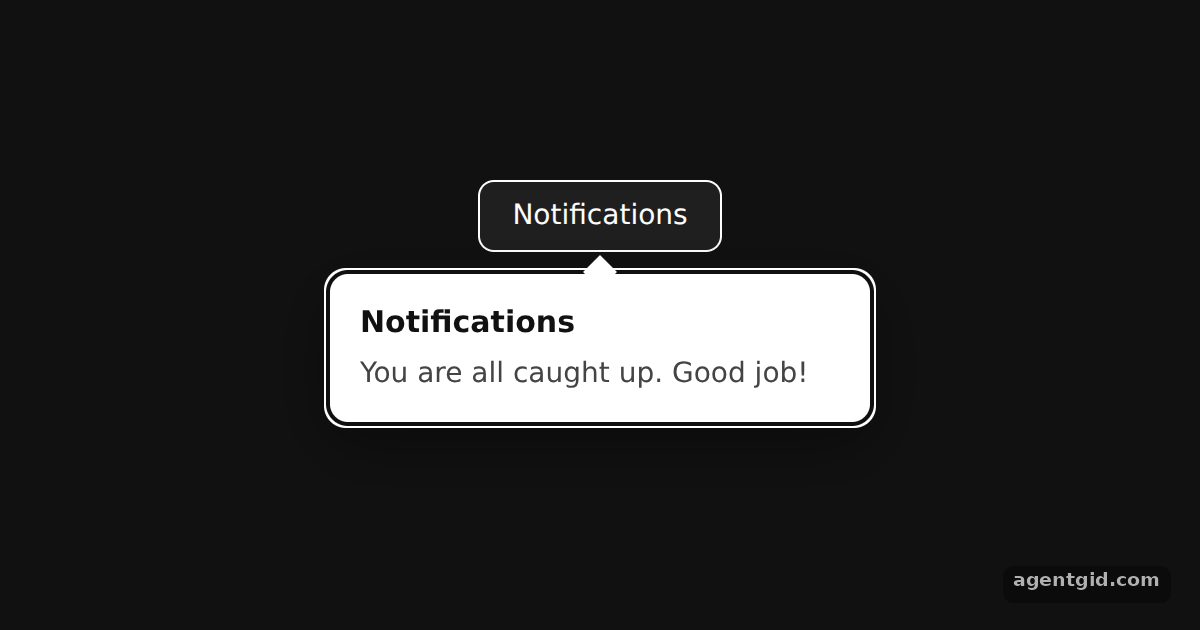 Popover in Base UIThe popover starts open via defaultOpen; click the button or press Esc to close it.
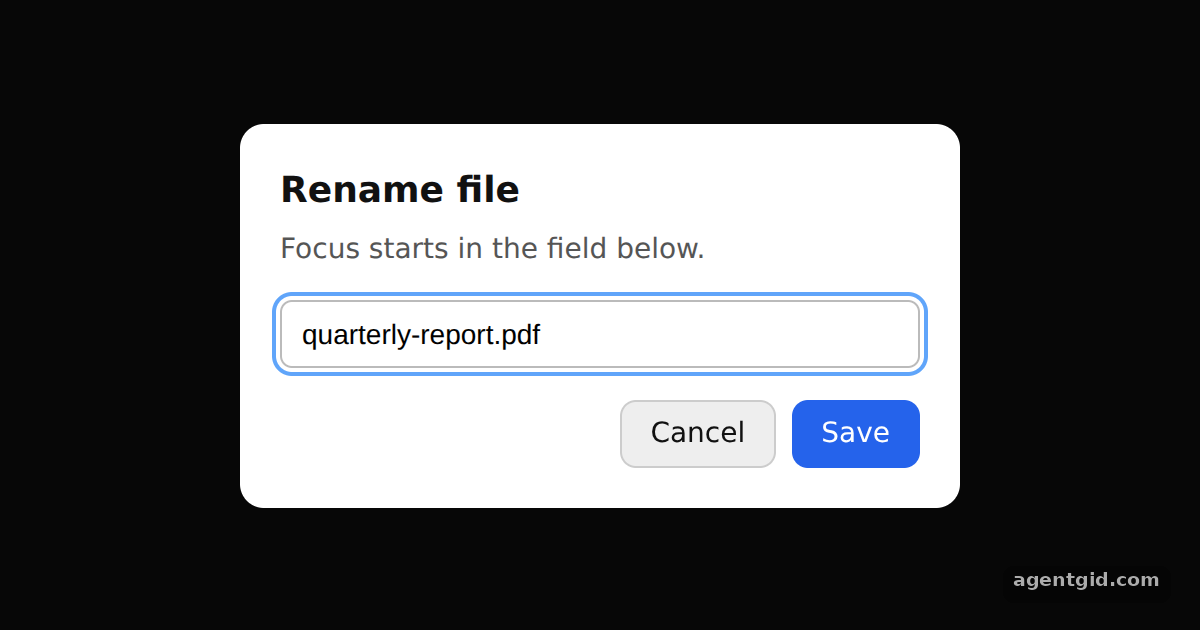 Dialog with focus control in Base UIThe dialog opens on load with the text field focused; press Esc or a button to close it, then reopen it with the trigger.
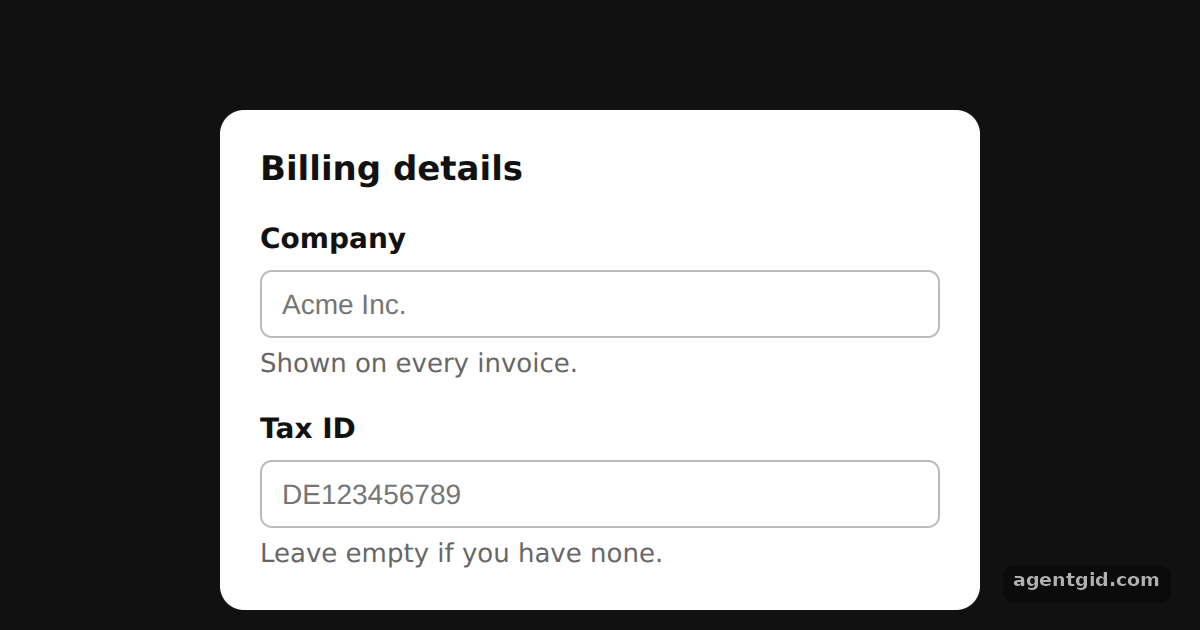 Accessible form fields in Base UIClick a label and the matching input gets focus, because Field links them for you.
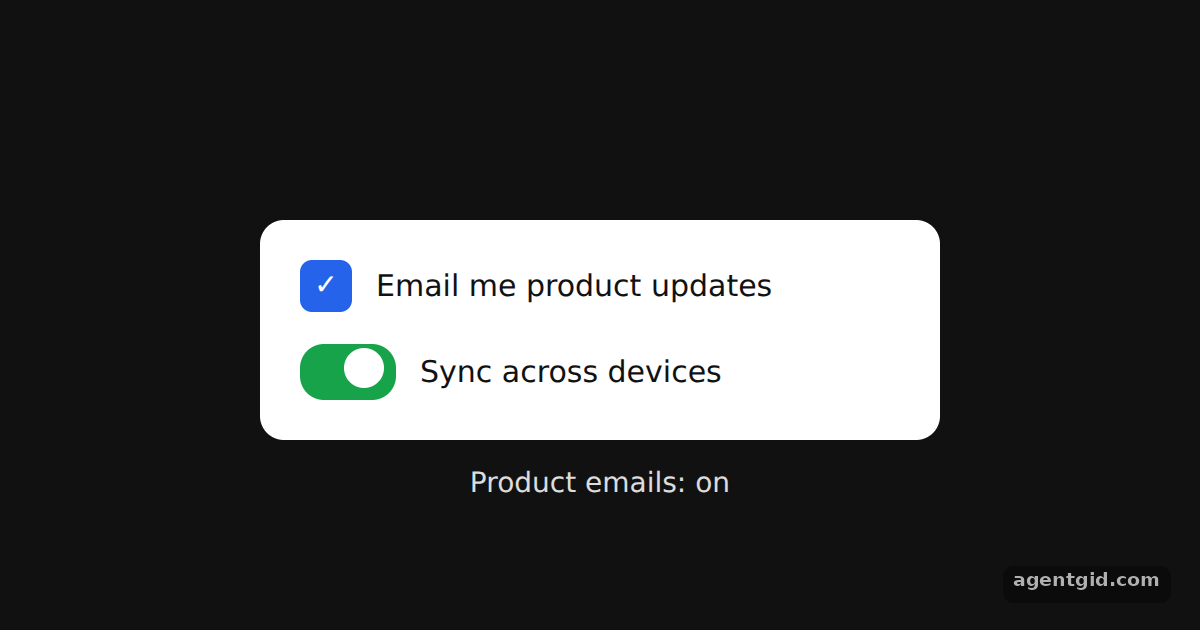 Checkbox and Switch in Base UIClick either toggle or its label; the checkbox state is echoed in the line under the card.
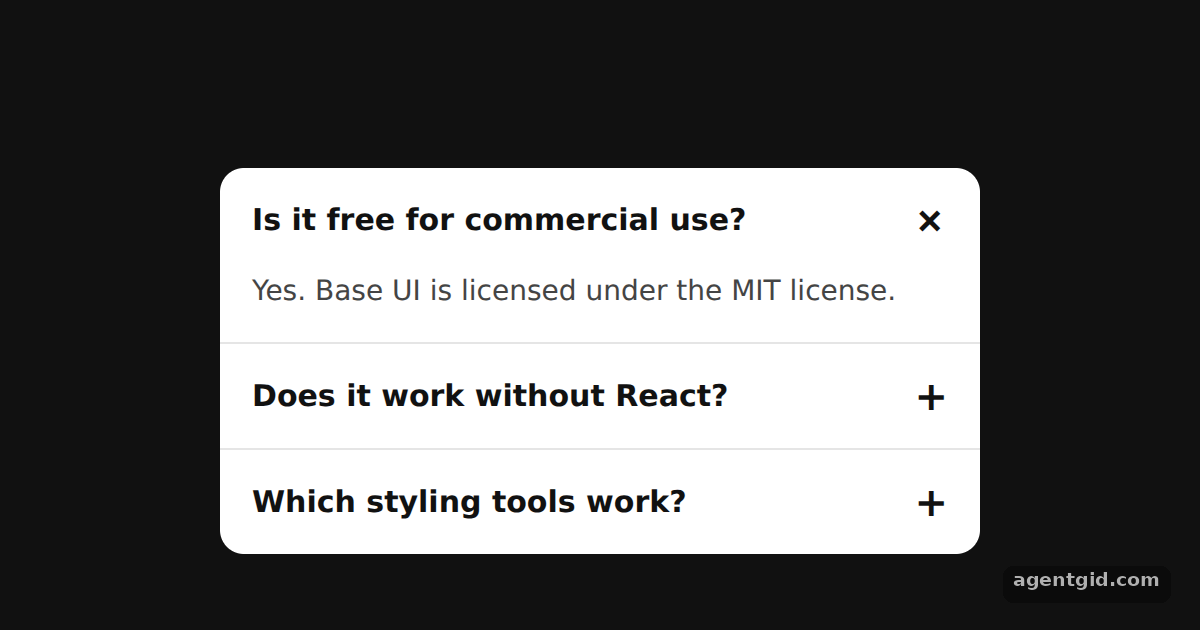 Accordion in Base UIClick a question or tab to it and press Enter; use the arrow keys to move between questions.
Try them all in one place
import { Popover } from '@base-ui/react';

const css = `
.trigger { height: 36px; padding: 0 16px; border: 1px solid #fff; background: #1f1f1f;
  color: #fff; font: 500 14px system-ui; border-radius: 8px; cursor: pointer; }
.trigger:focus-visible { outline: 2px solid #60a5fa; outline-offset: 2px; }
.popup { width: 240px; padding: 14px 16px; background: #fff; color: #111; border-radius: 10px;
  box-shadow: 0 10px 30px rgb(0 0 0 / 40%); font-family: system-ui; position: relative;
  transition: opacity 150ms, transform 150ms; }
.popup[data-starting-style], .popup[data-ending-style] { opacity: 0; transform: scale(0.96); }
.arrow { position: absolute; width: 12px; height: 12px; background: #fff; transform: rotate(45deg); }
.arrow[data-side='bottom'] { top: -6px; }
.title { margin: 0 0 4px; font-size: 15px; }
.desc { margin: 0; font-size: 14px; color: #444; }
`;

export default function App() {
  return (
    <div style={{ height: 360, display: 'flex', justifyContent: 'center', paddingTop: 90,
      background: '#111', boxSizing: 'border-box' }}>
      <style>{css}</style>
      <Popover.Root defaultOpen>
        <Popover.Trigger className="trigger">Notifications</Popover.Trigger>
        <Popover.Portal>
          <Popover.Positioner sideOffset={10}>
            <Popover.Popup className="popup">
              <Popover.Arrow className="arrow" />
              <Popover.Title className="title">Notifications</Popover.Title>
              <Popover.Description className="desc">
                You are all caught up. Good job!
              </Popover.Description>
            </Popover.Popup>
          </Popover.Positioner>
        </Popover.Portal>
      </Popover.Root>
    </div>
  );
}
The popover starts open via defaultOpen; click the button or press Esc to close it. Code written by AgentGid [1]. How it works, with a screenshot →
The popover starts open via defaultOpen; click the button or press Esc to close it. Code written by AgentGid [1]. How it works, with a screenshot →The dialog opens on load with the text field focused; press Esc or a button to close it, then reopen it with the trigger. Code written by AgentGid [1]. How it works, with a screenshot →Click a label and the matching input gets focus, because Field links them for you. Code written by AgentGid [3]. How it works, with a screenshot →Click either toggle or its label; the checkbox state is echoed in the line under the card. Code written by AgentGid [2]. How it works, with a screenshot →Click a question or tab to it and press Enter; use the arrow keys to move between questions. Code written by AgentGid [2]. How it works, with a screenshot →Checked Oct 12, 2026: each example starts without errors in Chromium with @base-ui/react 1.9.0, react 19.3.0, react-dom 19.3.0. Needs WebGL.
Sources
Explanations written by AgentGid from the official docs; the numbers in brackets point here. The code marked "written by AgentGid" is ours and free to copy.