dnd kit Examples You Can Edit and Run
5 small dnd kit examples written by AgentGid from the official docs, one feature each. Every one runs in your browser: change the code and see the result at once, or describe a change and let AI rewrite it. The screenshots are taken from the same code by our server, which also checks that each example starts without errors.
dnd kit: usage and stats 151 AI-built projects use it
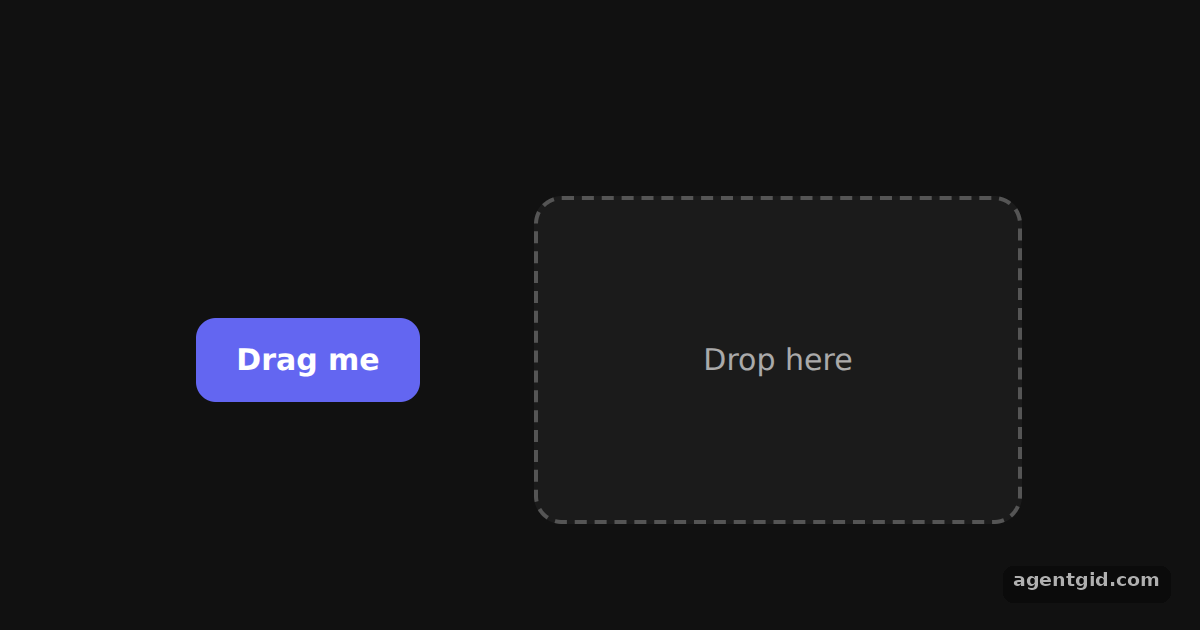 Draggable and droppable in dnd kitDrag the purple button into the dashed box; drop it outside the box to move it back.
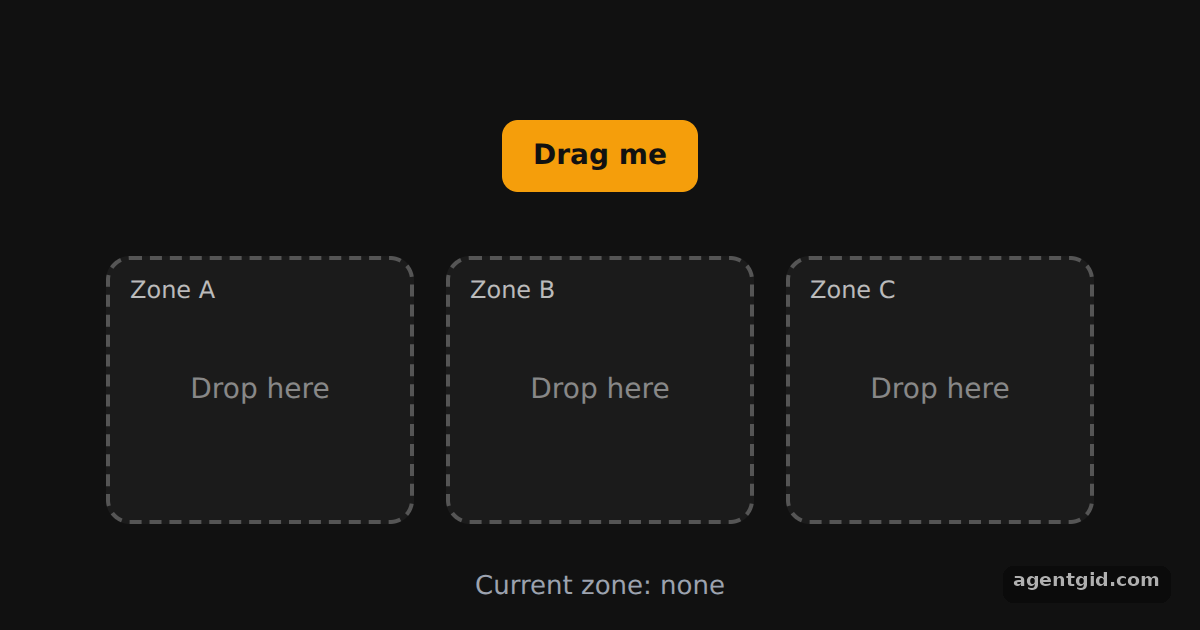 Multiple drop zones in dnd kitDrag the orange button into zone A, B or C; drop it on empty space to send it back to the top.
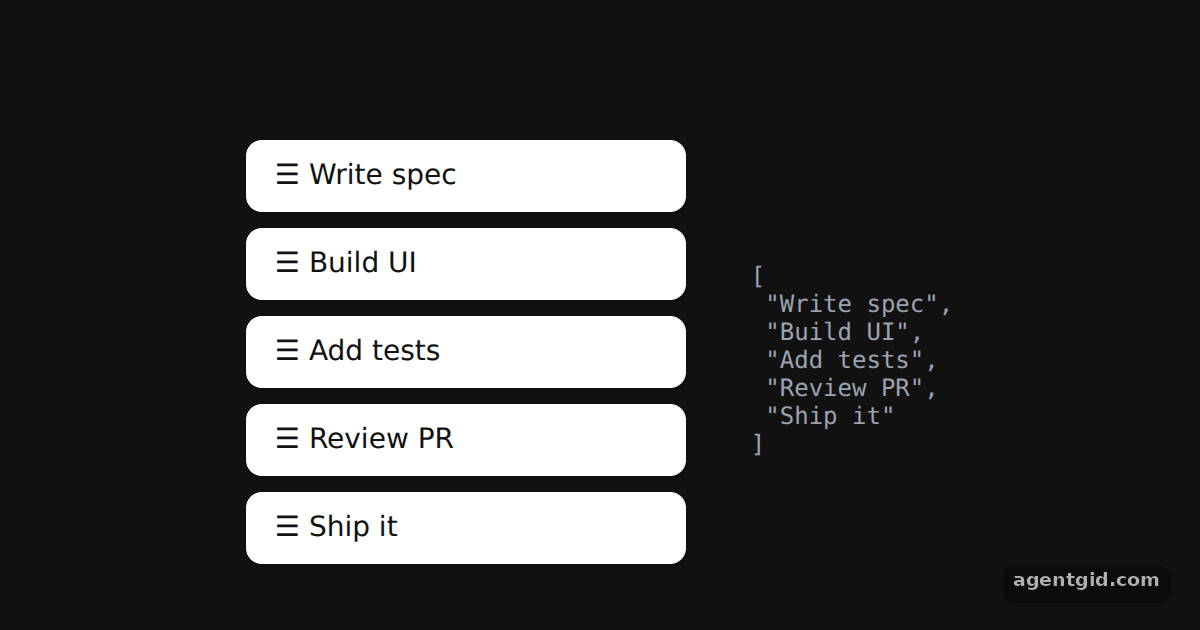 Sortable list in dnd kitDrag any row up or down; the JSON on the right shows the new order of the items array.
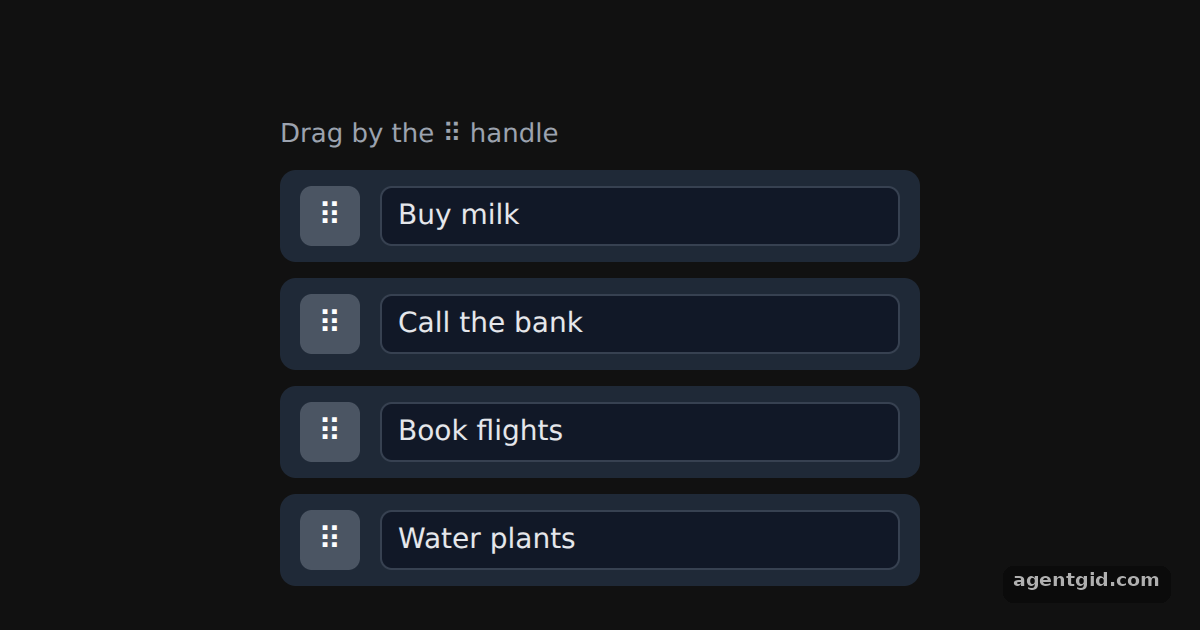 Drag handles in dnd kitDrag a row by its ⠿ handle; click into a text field and type to see that it does not start a drag.
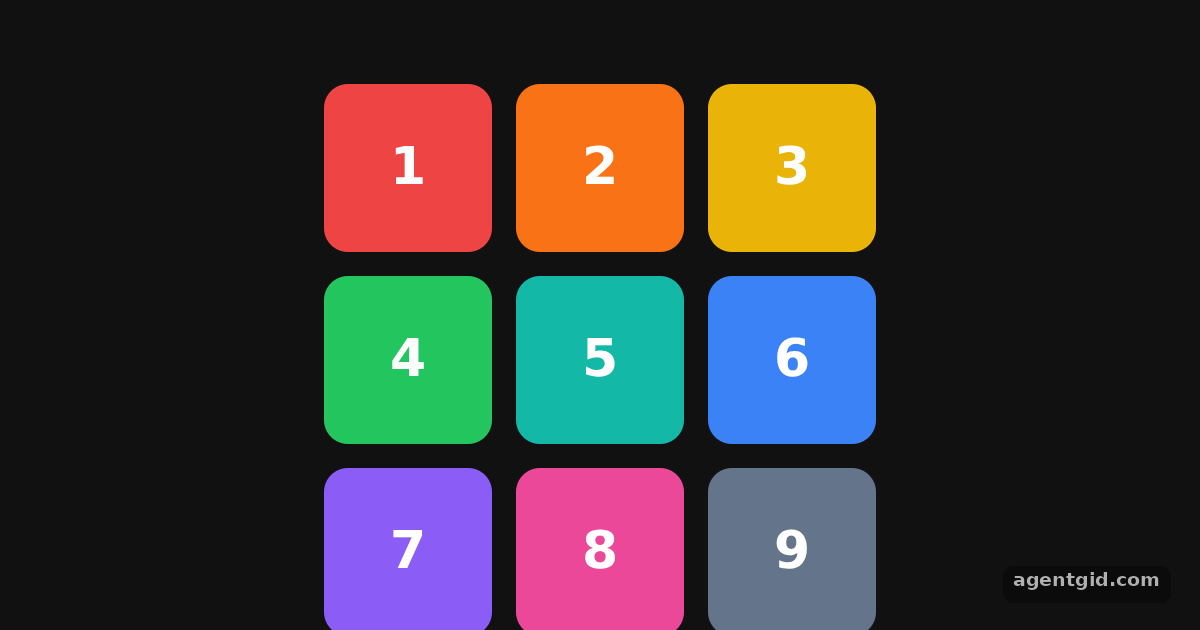 Sortable grid in dnd kitDrag any coloured tile onto another position in the grid; the numbers show the new order.
Try them all in one place
import { useState } from 'react';
import { DndContext, useDraggable, useDroppable } from '@dnd-kit/core';
import { CSS } from '@dnd-kit/utilities';

function Draggable({ children }) {
  const { attributes, listeners, setNodeRef, transform } = useDraggable({ id: 'draggable' });
  const style = {
    transform: CSS.Translate.toString(transform),
    position: 'relative', zIndex: 2, touchAction: 'none', cursor: 'grab',
    padding: '12px 20px', border: 0, borderRadius: 10,
    background: '#6366f1', color: '#fff', font: '600 15px system-ui',
  };
  return <button ref={setNodeRef} style={style} {...listeners} {...attributes}>{children}</button>;
}

function Droppable({ children }) {
  const { isOver, setNodeRef } = useDroppable({ id: 'droppable' });
  return (
    <div ref={setNodeRef} style={{
      width: 240, height: 160, display: 'grid', placeItems: 'center', borderRadius: 14,
      border: `2px dashed ${isOver ? '#22c55e' : '#555'}`,
      background: isOver ? 'rgba(34,197,94,0.12)' : '#1b1b1b',
      color: isOver ? '#4ade80' : '#aaa', font: '15px system-ui',
    }}>
      {children}
    </div>
  );
}

export default function App() {
  const [isDropped, setIsDropped] = useState(false);
  const draggableMarkup = <Draggable>Drag me</Draggable>;

  function handleDragEnd(event) {
    // Was the item released over the drop zone?
    setIsDropped(Boolean(event.over && event.over.id === 'droppable'));
  }

  return (
    <div style={{ height: 360, background: '#111', display: 'flex', alignItems: 'center', justifyContent: 'center', gap: 48 }}>
      <DndContext onDragEnd={handleDragEnd}>
        <div style={{ width: 130, display: 'grid', placeItems: 'center', color: '#666', font: '13px system-ui' }}>
          {!isDropped ? draggableMarkup : 'empty'}
        </div>
        <Droppable>{isDropped ? draggableMarkup : 'Drop here'}</Droppable>
      </DndContext>
    </div>
  );
}
Drag the purple button into the dashed box; drop it outside the box to move it back. Code written by AgentGid [1]. How it works, with a screenshot →
Drag the purple button into the dashed box; drop it outside the box to move it back. Code written by AgentGid [1]. How it works, with a screenshot →Drag the orange button into zone A, B or C; drop it on empty space to send it back to the top. Code written by AgentGid [2]. How it works, with a screenshot →Drag any row up or down; the JSON on the right shows the new order of the items array. Code written by AgentGid [3]. How it works, with a screenshot →Drag a row by its ⠿ handle; click into a text field and type to see that it does not start a drag. Code written by AgentGid [4]. How it works, with a screenshot →Drag any coloured tile onto another position in the grid; the numbers show the new order. Code written by AgentGid [3]. How it works, with a screenshot →Checked Oct 12, 2026: each example starts without errors in Chromium with @dnd-kit/core 6.3.1, react 19.3.0, react-dom 19.3.0, @dnd-kit/utilities 3.2.2, @dnd-kit/sortable 10.0.0. Needs WebGL.
Sources
- Docs: introduction › getting-started
- Docs: api-documentation › droppable
- Docs: presets › sortable
- Docs: api-documentation › draggable
Explanations written by AgentGid from the official docs; the numbers in brackets point here. The code marked "written by AgentGid" is ours and free to copy.