Single date picker in React Day Picker
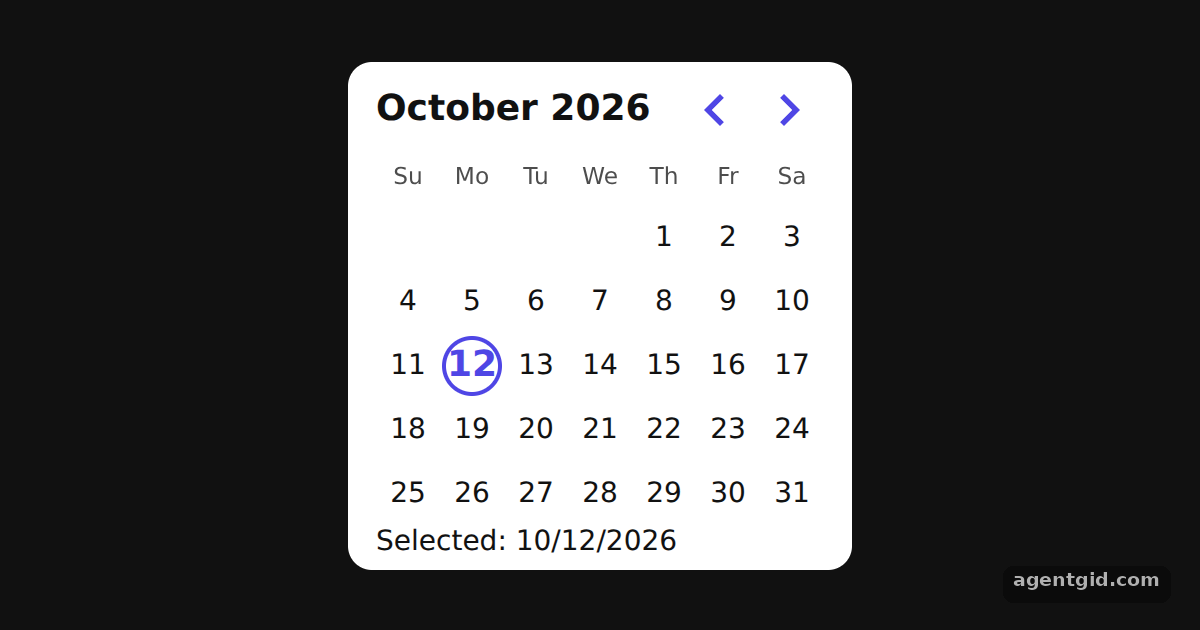
Single mode lets the user pick one day from a calendar. You keep the selected date in React state and DayPicker highlights it.
All React Day Picker examples React Day Picker: usage and stats
How it works
- Render DayPicker in single mode. The calendar is the
DayPickercomponent withmode="single". TheselectedandonSelectprops connect it to auseStatedate, so the calendar is controlled. [1] - Show the choice in the footer. The
footerprop prints the selected date withtoLocaleDateString(), or a hint when nothing is selected. [2] - Load the default stylesheet. The example adds DayPicker's stylesheet and then overrides a few
--rdp-*CSS variables to make the cells smaller and change the accent colour. [3]
Run and edit it
It runs in your browser, in a sandboxed frame that cannot see this site; the packages load from esm.sh only after you press Run.
import { useState } from "react";
import { DayPicker } from "react-day-picker";

// Smaller cells and an indigo accent, set through DayPicker's CSS variables
const vars = { "--rdp-accent-color": "#4f46e5", "--rdp-accent-background-color": "#e0e7ff", "--rdp-day-width": "32px", "--rdp-day-height": "32px", "--rdp-day_button-width": "30px", "--rdp-day_button-height": "30px", "--rdp-nav-height": "2.25rem" };
const page = { minHeight: "100vh", display: "flex", alignItems: "center", justifyContent: "center", gap: 20, background: "#111", color: "#e5e7eb", font: "14px system-ui, sans-serif" };
const card = { background: "#fff", color: "#111", borderRadius: 12, padding: "6px 14px" };

export default function App() {
  const [selected, setSelected] = useState(new Date());
  return (
    <div style={page}>
      <div style={card}>
        <DayPicker
          mode="single"
          selected={selected}
          onSelect={setSelected}
          style={vars}
          footer={selected ? `Selected: ${selected.toLocaleDateString()}` : "Pick a day."}
        />
      </div>
    </div>
  );
}
Click any day to move the selection and watch the footer change. Code written by AgentGid [1].
Click any day to move the selection and watch the footer change. Code written by AgentGid [1].Checked Oct 12, 2026: it starts without errors in Chromium with react-day-picker 10.0.2, react 19.3.0, react-dom 19.3.0. Needs WebGL.
More React Day Picker examples
Selecting multiple dates in React Day Picker Date range picker in React Day Picker Selecting a whole week in React Day Picker Accessible date picker with React Day Picker
Sources
Explanations written by AgentGid from the official docs; the numbers in brackets point here. The code marked "written by AgentGid" is ours and free to copy.