React Day Picker Examples You Can Edit and Run
5 small React Day Picker examples written by AgentGid from the official docs, one feature each. Every one runs in your browser: change the code and see the result at once, or describe a change and let AI rewrite it. The screenshots are taken from the same code by our server, which also checks that each example starts without errors.
React Day Picker: usage and stats 382 AI-built projects use it
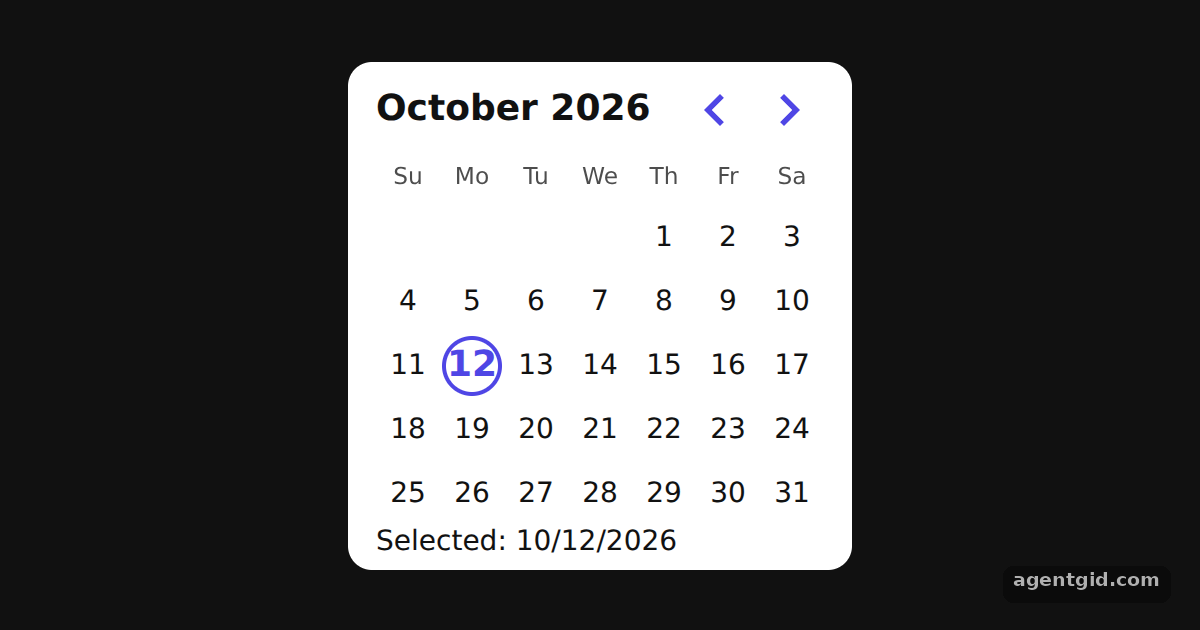 Single date picker in React Day PickerClick any day to move the selection and watch the footer change.
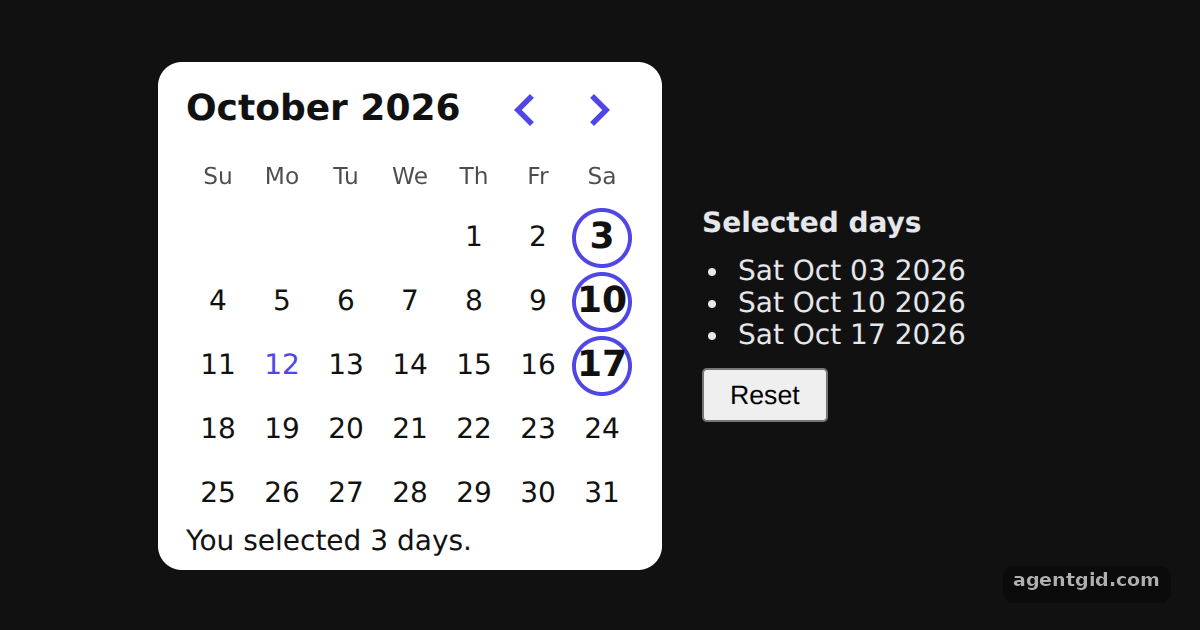 Selecting multiple dates in React Day PickerClick days to add or remove them; the list on the right and the footer count update together.
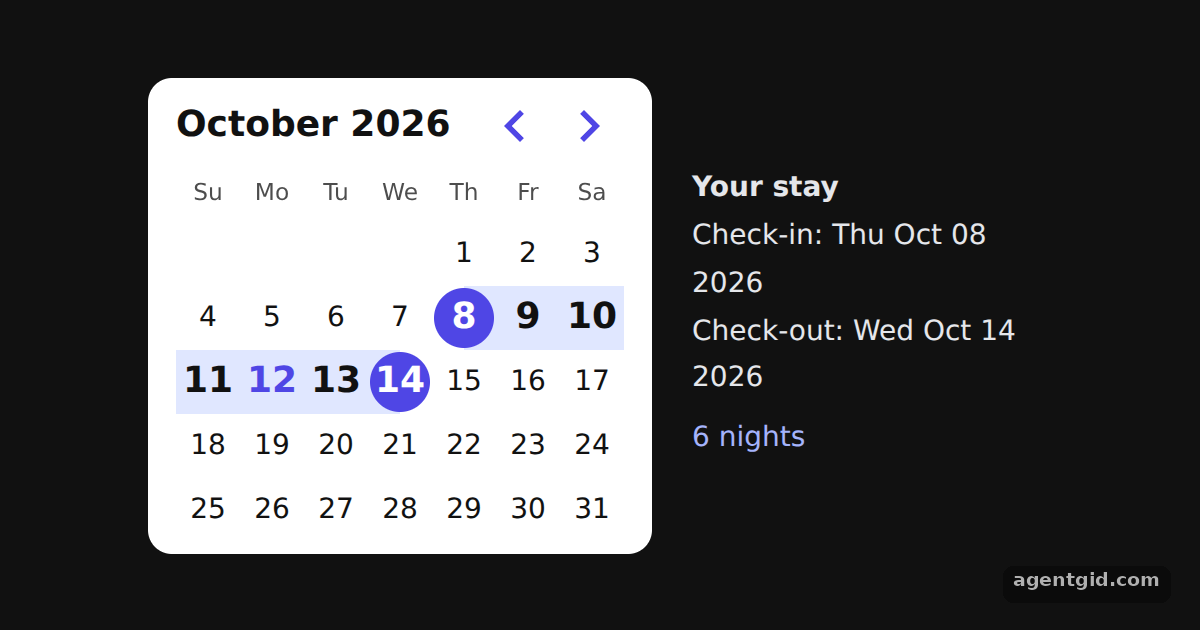 Date range picker in React Day PickerClick a start day and then an end day; the check-in, check-out and nights update on the right.
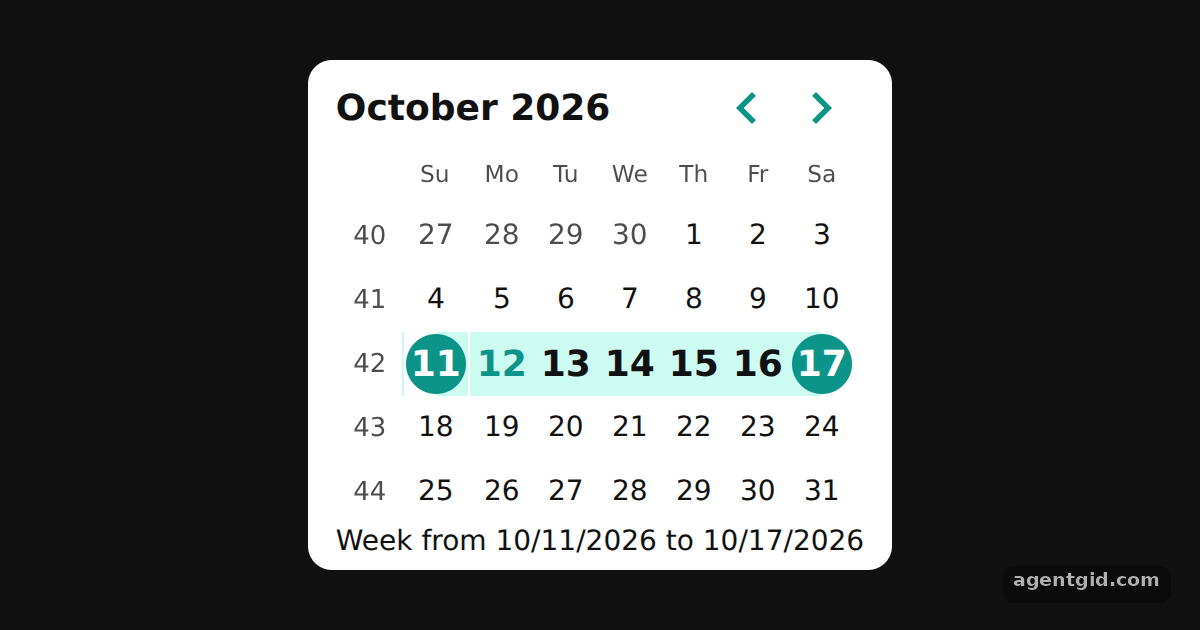 Selecting a whole week in React Day PickerClick any day to select its week; click a day inside the selected week to clear it.
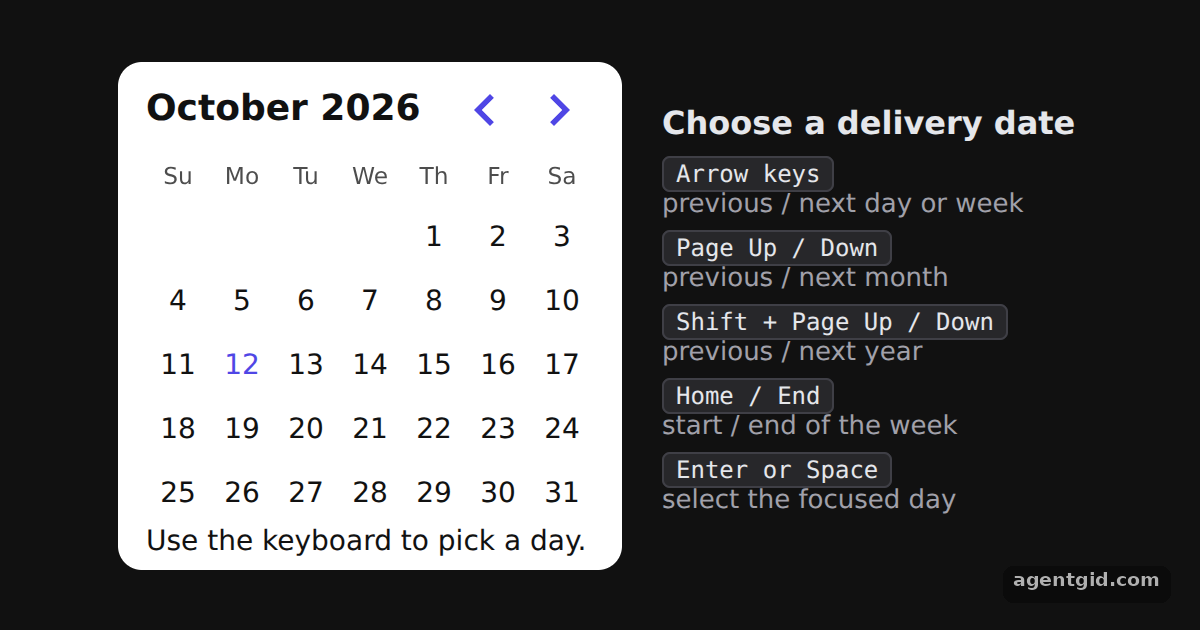 Accessible date picker with React Day PickerClick a day, then use the arrow keys, Page Up or Page Down to move around and Enter to choose a day.
Try them all in one place
import { useState } from "react";
import { DayPicker } from "react-day-picker";

// Smaller cells and an indigo accent, set through DayPicker's CSS variables
const vars = { "--rdp-accent-color": "#4f46e5", "--rdp-accent-background-color": "#e0e7ff", "--rdp-day-width": "32px", "--rdp-day-height": "32px", "--rdp-day_button-width": "30px", "--rdp-day_button-height": "30px", "--rdp-nav-height": "2.25rem" };
const page = { minHeight: "100vh", display: "flex", alignItems: "center", justifyContent: "center", gap: 20, background: "#111", color: "#e5e7eb", font: "14px system-ui, sans-serif" };
const card = { background: "#fff", color: "#111", borderRadius: 12, padding: "6px 14px" };

export default function App() {
  const [selected, setSelected] = useState(new Date());
  return (
    <div style={page}>
      <div style={card}>
        <DayPicker
          mode="single"
          selected={selected}
          onSelect={setSelected}
          style={vars}
          footer={selected ? `Selected: ${selected.toLocaleDateString()}` : "Pick a day."}
        />
      </div>
    </div>
  );
}
Click any day to move the selection and watch the footer change. Code written by AgentGid [1]. How it works, with a screenshot →
Click any day to move the selection and watch the footer change. Code written by AgentGid [1]. How it works, with a screenshot →Click days to add or remove them; the list on the right and the footer count update together. Code written by AgentGid [1]. How it works, with a screenshot →Click a start day and then an end day; the check-in, check-out and nights update on the right. Code written by AgentGid [1]. How it works, with a screenshot →Click any day to select its week; click a day inside the selected week to clear it. Code written by AgentGid [4]. How it works, with a screenshot →Click a day, then use the arrow keys, Page Up or Page Down to move around and Enter to choose a day. Code written by AgentGid [5]. How it works, with a screenshot →Checked Oct 12, 2026: each example starts without errors in Chromium with react-day-picker 10.0.2, react 19.3.0, react-dom 19.3.0. Needs WebGL.
Sources
- Docs: Getting Started
- React Day Picker README (GitHub)
- React Day Picker website
- Docs: Custom Selections
- Docs: Accessible Date Pickers
Explanations written by AgentGid from the official docs; the numbers in brackets point here. The code marked "written by AgentGid" is ours and free to copy.