React Icons Examples You Can Edit and Run
5 small React Icons examples written by AgentGid from the official docs, one feature each. Every one runs in your browser: change the code and see the result at once, or describe a change and let AI rewrite it. The screenshots are taken from the same code by our server, which also checks that each example starts without errors.
React Icons: usage and stats 173 AI-built projects use it
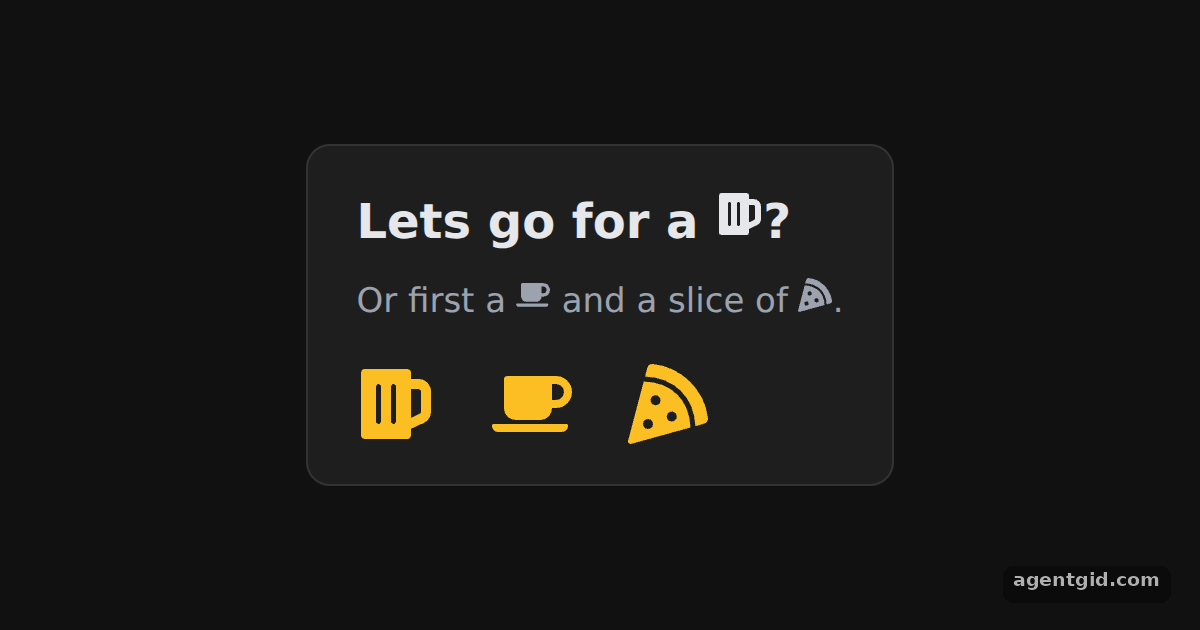 Using an icon in React IconsChange the fontSize of the bottom row and the three icons scale with it.
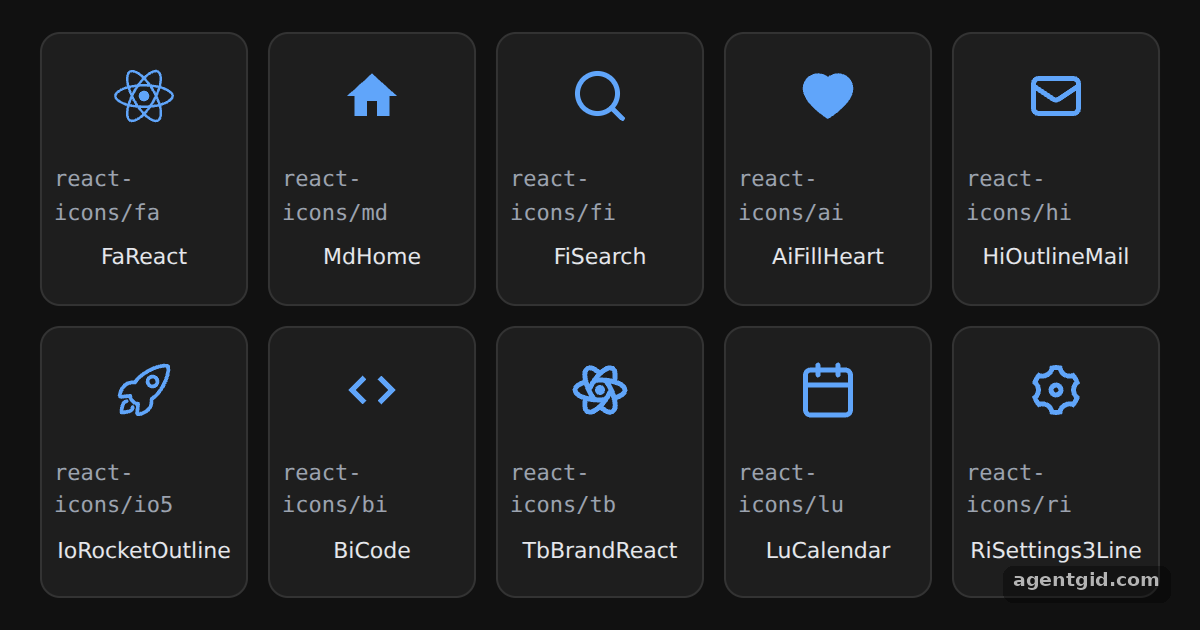 Icons from different packs in React IconsEach tile shows the import path; swap an icon for another one from the same set.
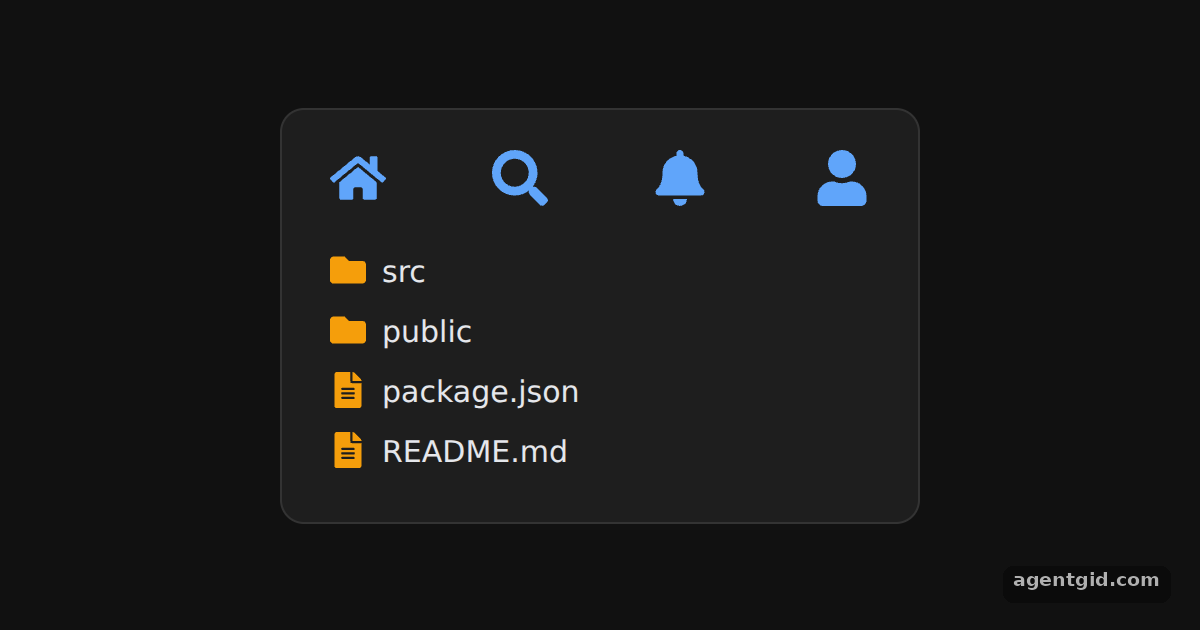 IconContext in React IconsChange the color in the first provider and all four toolbar icons update together.
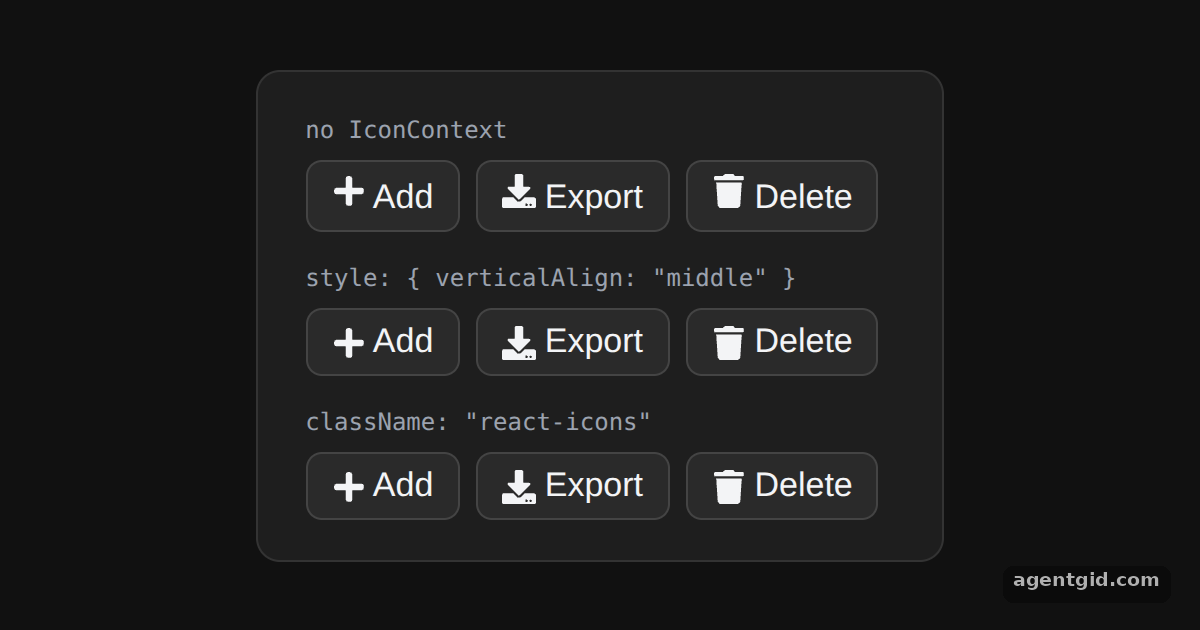 Aligning icons with text in React IconsLook at the icons in the first row next to the other two to see the alignment change.
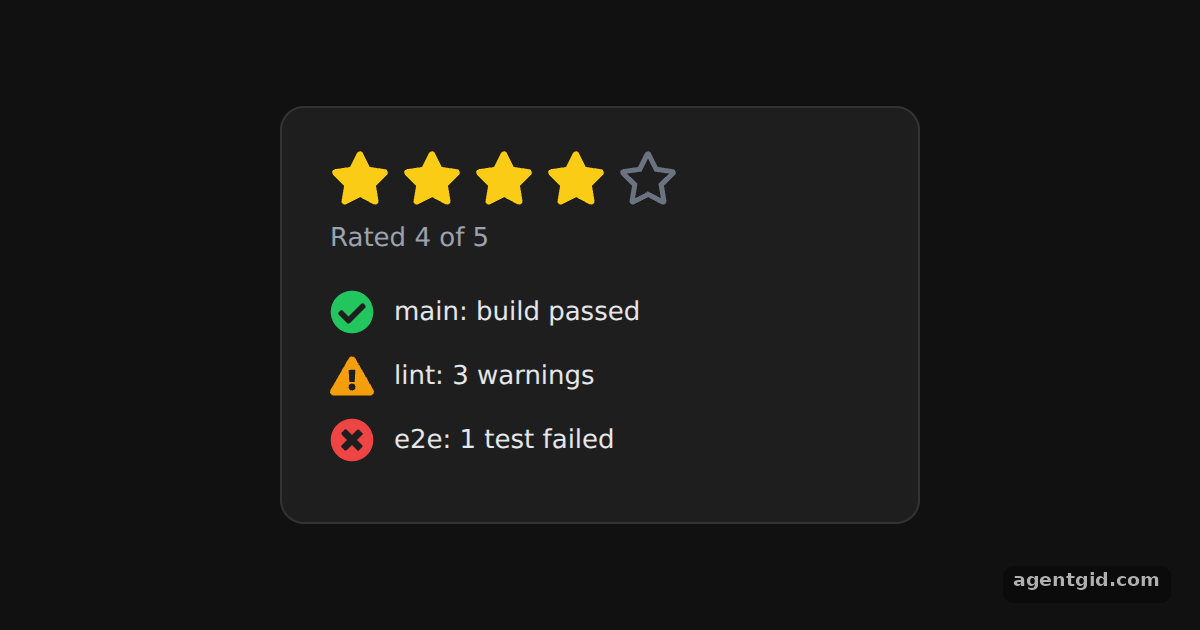 Icon size, color and title in React IconsChange the rating constant to 2 and only two stars stay filled.
Try them all in one place
import { FaBeer, FaCoffee, FaPizzaSlice } from "react-icons/fa";

const page = { minHeight: "100vh", background: "#111", display: "flex", alignItems: "center",
  justifyContent: "center", fontFamily: "system-ui, sans-serif" };
const card = { background: "#1e1e1e", color: "#e5e7eb", border: "1px solid #333", borderRadius: 12,
  padding: "20px 24px", boxSizing: "border-box" };

export default function App() {
  return (
    <div style={page}>
      <div style={card}>
        <h3 style={{ margin: "0 0 10px", fontSize: 24 }}>Lets go for a <FaBeer />?</h3>
        <p style={{ margin: "0 0 18px", fontSize: 17, color: "#9ca3af" }}>
          Or first a <FaCoffee /> and a slice of <FaPizzaSlice />.
        </p>
        {/* Icons default to 1em, so they follow the font size */}
        <div style={{ display: "flex", gap: 28, fontSize: 40, color: "#fbbf24" }}>
          <FaBeer />
          <FaCoffee />
          <FaPizzaSlice />
        </div>
      </div>
    </div>
  );
}
Change the fontSize of the bottom row and the three icons scale with it. Code written by AgentGid [1]. How it works, with a screenshot →
Change the fontSize of the bottom row and the three icons scale with it. Code written by AgentGid [1]. How it works, with a screenshot →Each tile shows the import path; swap an icon for another one from the same set. Code written by AgentGid [1]. How it works, with a screenshot →Change the color in the first provider and all four toolbar icons update together. Code written by AgentGid [1]. How it works, with a screenshot →Look at the icons in the first row next to the other two to see the alignment change. Code written by AgentGid [1]. How it works, with a screenshot →Change the rating constant to 2 and only two stars stay filled. Code written by AgentGid [1]. How it works, with a screenshot →Checked Oct 12, 2026: each example starts without errors in Chromium with react-icons 5.7.0, react 19.3.0, react-dom 19.3.0. Needs WebGL.
Sources
Explanations written by AgentGid from the official docs; the numbers in brackets point here. The code marked "written by AgentGid" is ours and free to copy.