Horizontal resizable panels with react-resizable-panels
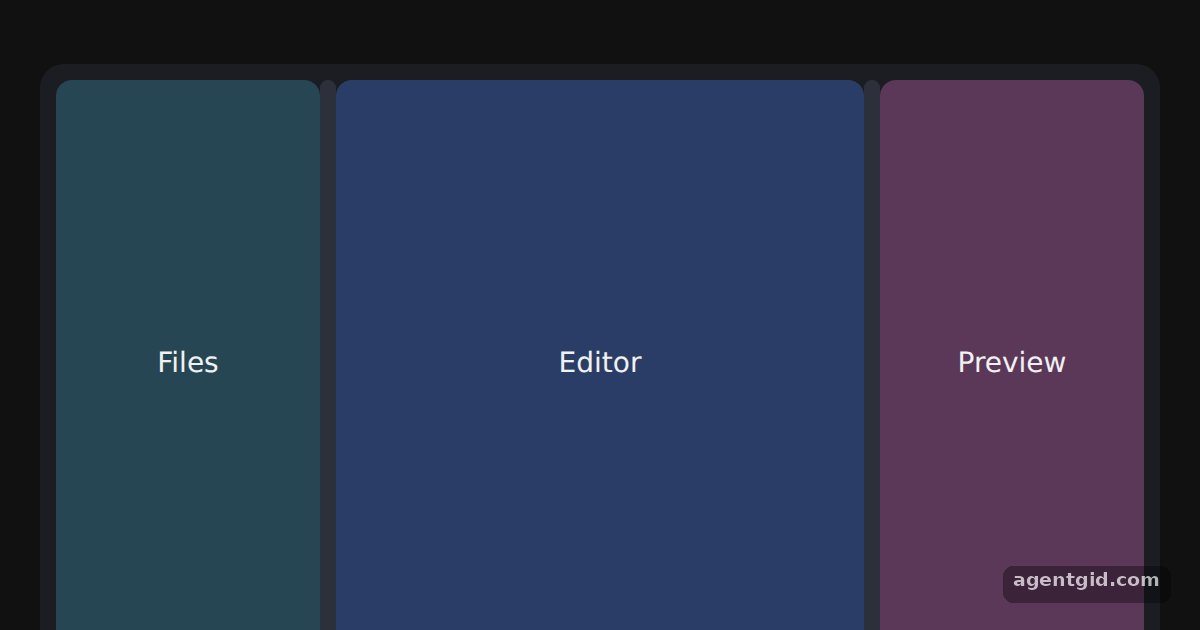
A panel group splits an area into regions the user can resize by dragging, like the sidebar, editor and preview of an IDE.
All react-resizable-panels examples react-resizable-panels: usage and stats
How it works
- Wrap panels in a Group.
Groupholds the threePanelcomponents and theSeparatorhandles between them. [1] - Set default sizes. Each panel gets a
defaultSizewritten as a percentage string, so the three start at 25%, 50% and 25%. [1] - Add Separators. A
Separatorbetween two panels is the drag handle. It is styled here as a thin bar with a hover colour. [1]
Run and edit it
It runs in your browser, in a sandboxed frame that cannot see this site; the packages load from esm.sh only after you press Run.
import { Group, Panel, Separator } from 'react-resizable-panels';

const pane = (bg) => ({ height: '100%', background: bg, color: '#f1f1f1', display: 'grid',
  placeItems: 'center', font: '14px system-ui, sans-serif', borderRadius: 8 });
const css = '.bar{width:8px;background:#2c303a;border-radius:4px}.bar:hover{background:#3b82f6}';

export default function App() {
  return (
    <div style={{ width: 560, height: 300, margin: '32px auto', padding: 8, boxSizing: 'border-box', background: '#1b1d23', borderRadius: 12 }}>
      <style>{css}</style>
      <Group style={{ height: '100%' }}>
        <Panel id="files" defaultSize="25%">
          <div style={pane('#264653')}>Files</div>
        </Panel>
        <Separator className="bar" />
        <Panel id="editor" defaultSize="50%">
          <div style={pane('#2a3d66')}>Editor</div>
        </Panel>
        <Separator className="bar" />
        <Panel id="preview" defaultSize="25%">
          <div style={pane('#5b3758')}>Preview</div>
        </Panel>
      </Group>
    </div>
  );
}
Drag either bar between the panels to resize them. Code written by AgentGid [1].
Drag either bar between the panels to resize them. Code written by AgentGid [1].Checked Oct 12, 2026: it starts without errors in Chromium with react-resizable-panels 4.14.4, react 19.3.0, react-dom 19.3.0. Needs WebGL.
More react-resizable-panels examples
Vertical and nested panel groups Collapsible panels in react-resizable-panels Size limits and resize events Reading and restoring a panel layout
Sources
Explanations written by AgentGid from the official docs; the numbers in brackets point here. The code marked "written by AgentGid" is ours and free to copy.