Changing icon colour in Lucide React
Icon colour can be set per icon, or left to follow the surrounding text so the icon changes together with its label.
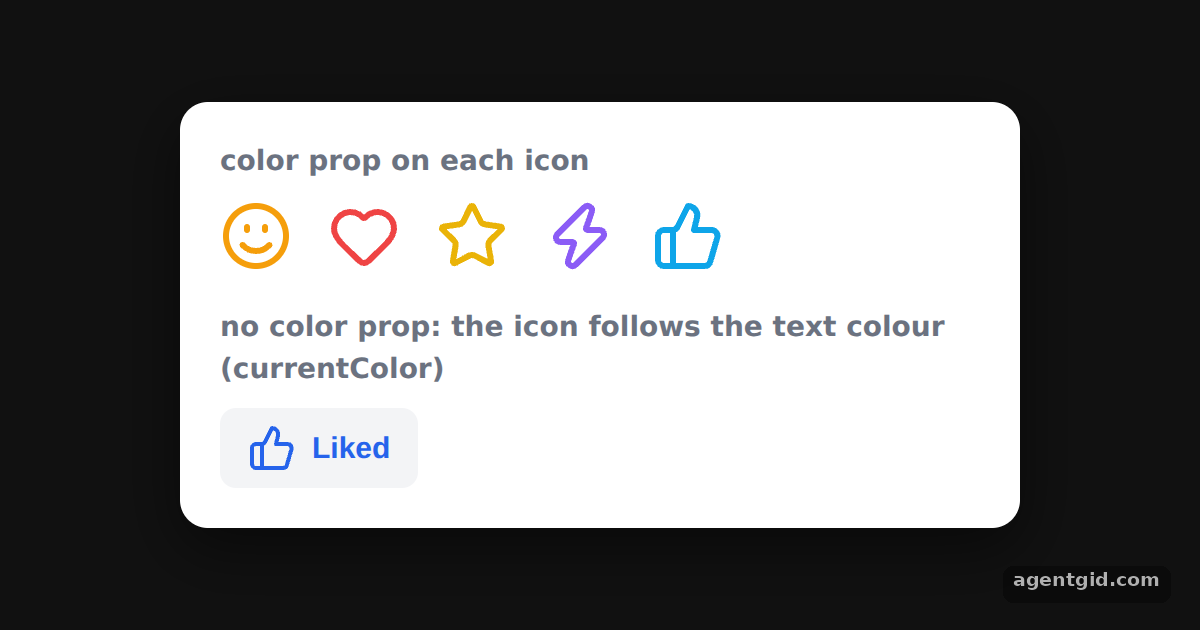
How it works
- Default: currentColor. Lucide icons use
currentColor, so without a colour of their own they take the text colour of the element they sit in. [1] - Pass a color. The top row passes
color="#ef4444"and other values to each icon. Every icon gets its own colour. [1] - Inherit from the parent. The Like button has no
coloron itsThumbsUp. Clicking it changes the button's text colour, and the icon follows. [1]
Run and edit it
It runs in your browser, in a sandboxed frame that cannot see this site; the packages load from esm.sh only after you press Run.
import { useState } from "react";
import { Smile, ThumbsUp, Heart, Star, Zap } from "lucide-react";

const S = {
  page: { minHeight: "100vh", display: "flex", alignItems: "center", justifyContent: "center", background: "#111", fontFamily: "system-ui, sans-serif" },
  card: { width: 380, background: "#fff", color: "#1f2937", borderRadius: 14, padding: 20, boxShadow: "0 10px 30px rgba(0,0,0,.5)" },
  h: { margin: "0 0 8px", fontSize: 14, color: "#6b7280", fontWeight: 600 },
  row: { display: "flex", gap: 18, alignItems: "center", marginBottom: 18 },
  btn: { display: "inline-flex", alignItems: "center", gap: 8, padding: "8px 14px", border: 0, borderRadius: 8, fontSize: 15, fontWeight: 600, background: "#f3f4f6", cursor: "pointer" },
};

export default function App() {
  const [liked, setLiked] = useState(true);
  return (
    <div style={S.page}>
      <div style={S.card}>
        <p style={S.h}>color prop on each icon</p>
        <div style={S.row}>
          <Smile color="#f59e0b" size={36} />
          <Heart color="#ef4444" size={36} />
          <Star color="#eab308" size={36} />
          <Zap color="#8b5cf6" size={36} />
          <ThumbsUp color="#0ea5e9" size={36} />
        </div>

        <p style={S.h}>no color prop: the icon follows the text colour (currentColor)</p>
        <button onClick={() => setLiked(!liked)} style={{ ...S.btn, color: liked ? "#2563eb" : "#6b7280" }}>
          <ThumbsUp /> {liked ? "Liked" : "Like"}
        </button>
      </div>
    </div>
  );
}
Click Like to switch the button's text colour; the thumbs-up icon changes with it. Code written by AgentGid [1].
Click Like to switch the button's text colour; the thumbs-up icon changes with it. Code written by AgentGid [1].Checked Oct 12, 2026: it starts without errors in Chromium with lucide-react 1.55.0, react 19.3.0, react-dom 19.3.0. Needs WebGL.
More Lucide React examples
Using Lucide icons as React components Setting icon size in Lucide React Stroke width in Lucide React icons Filled icons in Lucide React
Sources
Explanations written by AgentGid from the official docs; the numbers in brackets point here. The code marked "written by AgentGid" is ours and free to copy.