cmdk Examples You Can Edit and Run
5 small cmdk examples written by AgentGid from the official docs, one feature each. Every one runs in your browser: change the code and see the result at once, or describe a change and let AI rewrite it. The screenshots are taken from the same code by our server, which also checks that each example starts without errors.
cmdk: usage and stats 388 AI-built projects use it
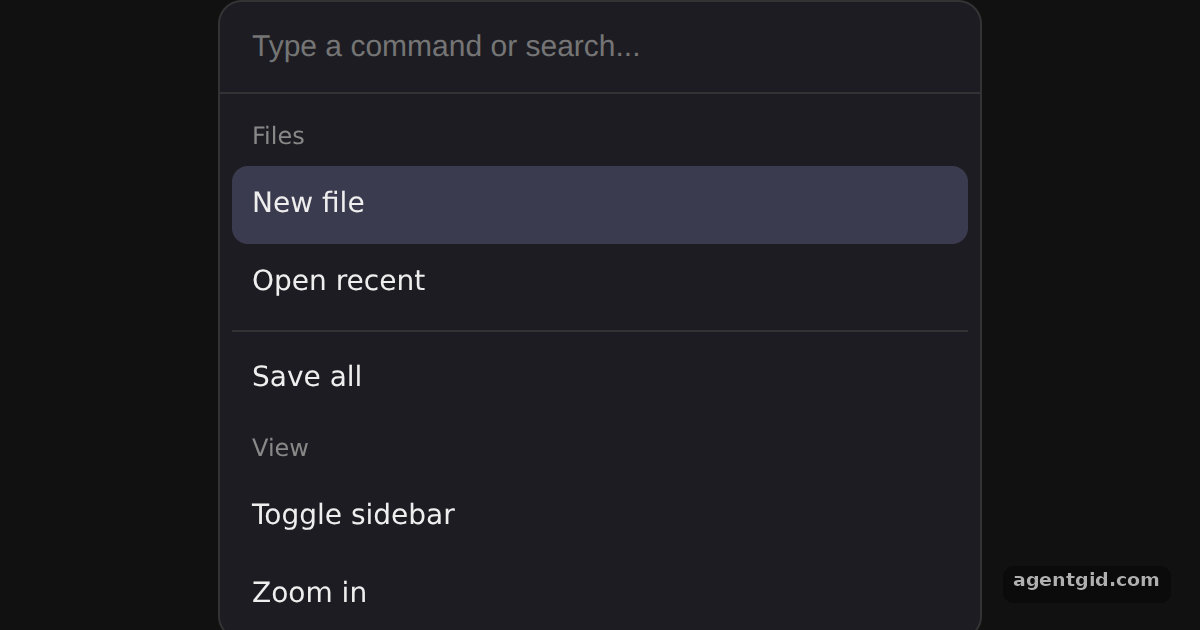 Command menu in cmdkType "zoom" or "save" to filter, use the arrow keys to move the highlight, or type nonsense to see the empty state.
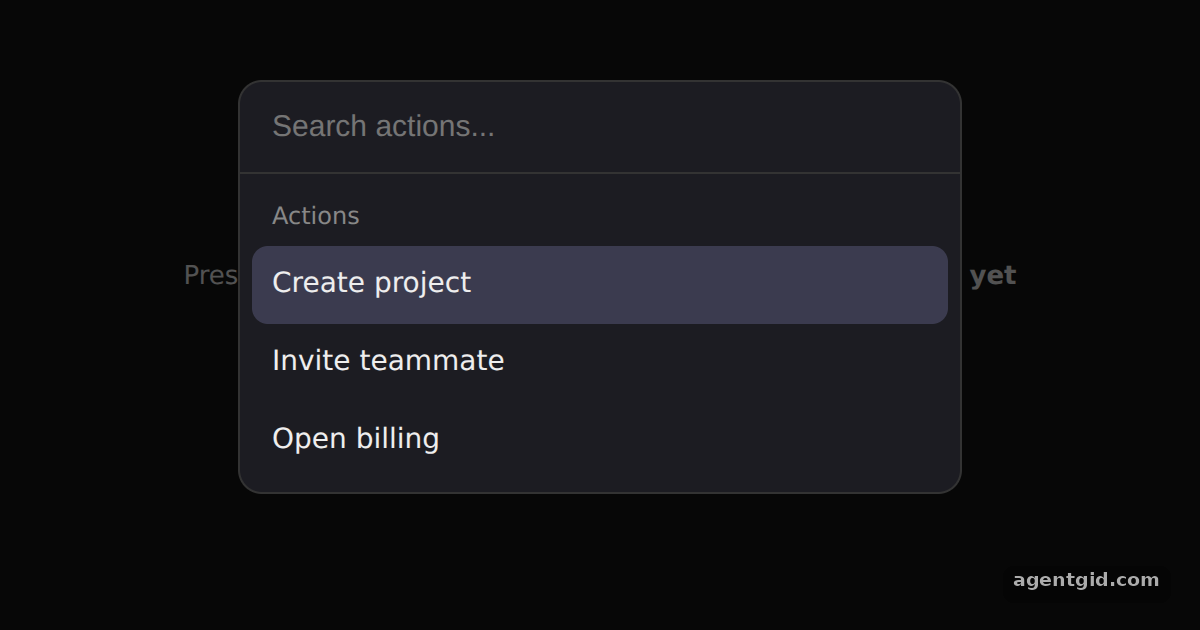 Cmd+K command dialog in cmdkPick an action with Enter or a click; the dialog closes and the page shows what ran. Press Ctrl+K or Cmd+K to open it again.
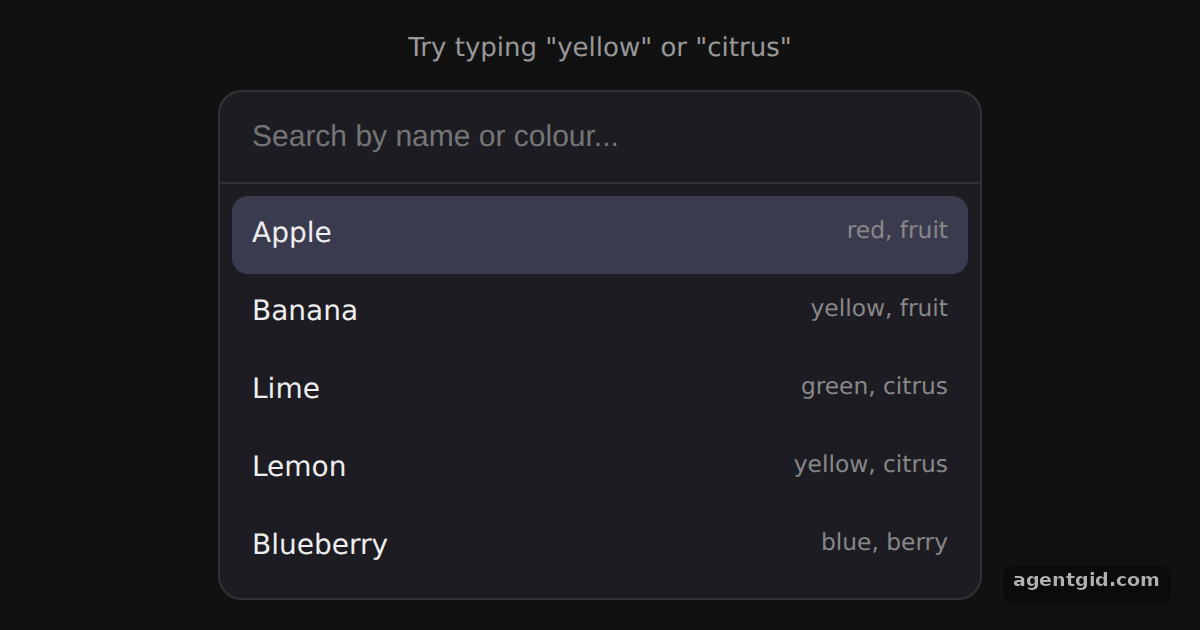 Custom filter and keywords in cmdkType "yellow" to get Banana and Lemon, then hold the down arrow to see the selection wrap around.
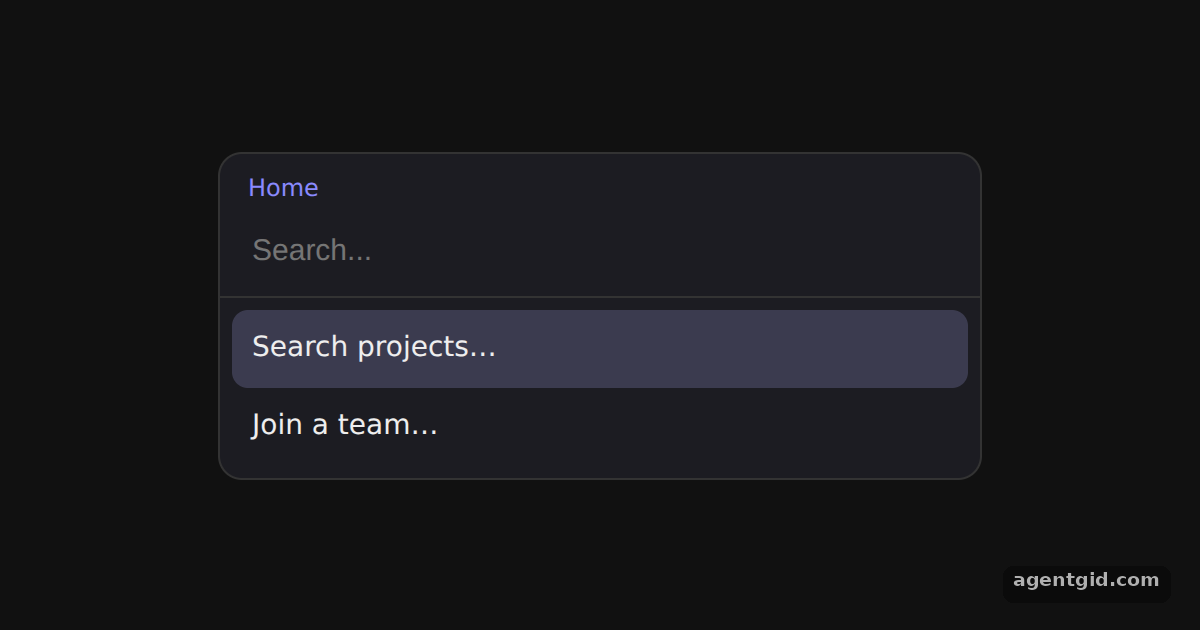 Nested pages in cmdkPress Enter on "Search projects…", then press Backspace on the empty input to return to the first page.
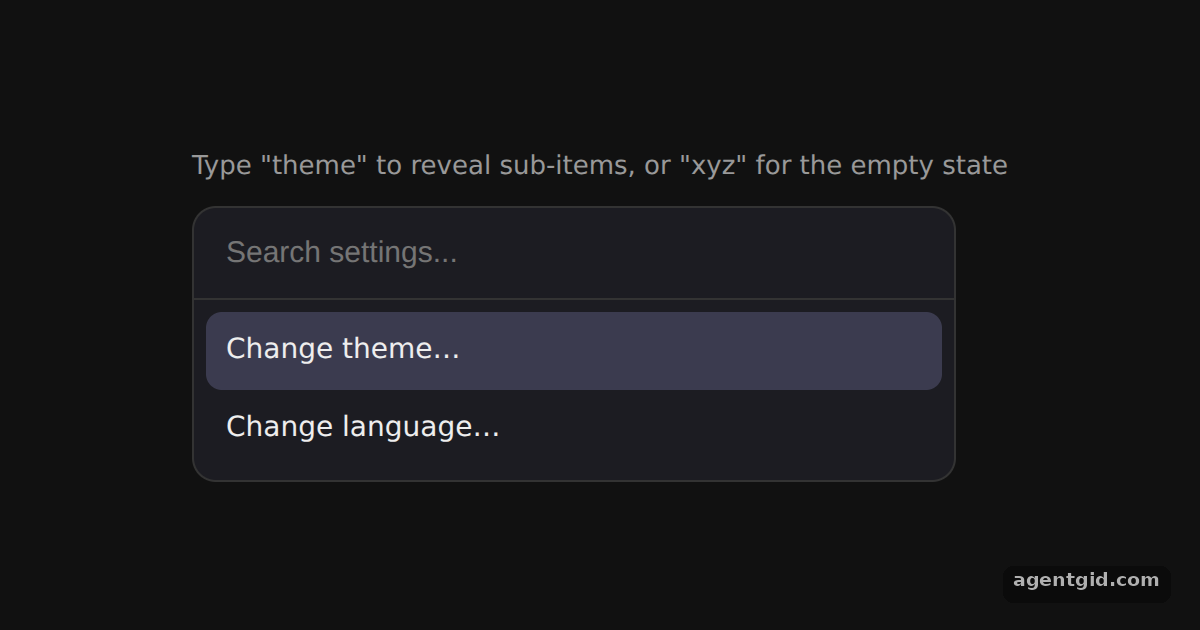 useCommandState in cmdkType "theme" to make the dark and light options appear, or type "xyz" to see the query in the empty message.
Try them all in one place
import { Command } from 'cmdk'

// cmdk is unstyled: target its data attributes
const css = `
  .wrap { min-height: 100vh; display: grid; place-items: center; background: #111; font-family: system-ui, sans-serif; }
  [cmdk-root] { width: 380px; background: #1c1c22; border: 1px solid #333; border-radius: 12px; color: #eee; overflow: hidden; }
  [cmdk-input] { width: 100%; box-sizing: border-box; padding: 14px 16px; border: 0; border-bottom: 1px solid #333;
    background: transparent; color: #fff; font-size: 15px; outline: none; }
  [cmdk-list] { max-height: 260px; overflow: auto; padding: 6px; }
  [cmdk-group-heading] { padding: 6px 10px; font-size: 12px; color: #888; }
  [cmdk-item] { padding: 9px 10px; border-radius: 8px; font-size: 14px; cursor: pointer; }
  [cmdk-item][data-selected="true"] { background: #3b3b4f; }
  [cmdk-separator] { height: 1px; background: #333; margin: 4px 0; }
  [cmdk-empty] { padding: 18px; text-align: center; color: #888; font-size: 14px; }
`

export default function App() {
  return (
    <div className="wrap">
      <style>{css}</style>
      <Command label="Command Menu">
        <Command.Input placeholder="Type a command or search..." autoFocus />
        <Command.List>
          <Command.Empty>No results found.</Command.Empty>
          <Command.Group heading="Files">
            <Command.Item>New file</Command.Item>
            <Command.Item>Open recent</Command.Item>
            <Command.Separator />
            <Command.Item>Save all</Command.Item>
          </Command.Group>
          <Command.Group heading="View">
            <Command.Item>Toggle sidebar</Command.Item>
            <Command.Item>Zoom in</Command.Item>
          </Command.Group>
          <Command.Item>Settings</Command.Item>
        </Command.List>
      </Command>
    </div>
  )
}
Type "zoom" or "save" to filter, use the arrow keys to move the highlight, or type nonsense to see the empty state. Code written by AgentGid [1]. How it works, with a screenshot →
Type "zoom" or "save" to filter, use the arrow keys to move the highlight, or type nonsense to see the empty state. Code written by AgentGid [1]. How it works, with a screenshot →Pick an action with Enter or a click; the dialog closes and the page shows what ran. Press Ctrl+K or Cmd+K to open it again. Code written by AgentGid [1]. How it works, with a screenshot →Type "yellow" to get Banana and Lemon, then hold the down arrow to see the selection wrap around. Code written by AgentGid [1]. How it works, with a screenshot →Press Enter on "Search projects…", then press Backspace on the empty input to return to the first page. Code written by AgentGid [1]. How it works, with a screenshot →Type "theme" to make the dark and light options appear, or type "xyz" to see the query in the empty message. Code written by AgentGid [1]. How it works, with a screenshot →Checked Oct 12, 2026: each example starts without errors in Chromium with cmdk 1.1.1, react 19.3.0, react-dom 19.3.0. Needs WebGL.
Sources
Explanations written by AgentGid from the official docs; the numbers in brackets point here. The code marked "written by AgentGid" is ours and free to copy.