Sonner Examples You Can Edit and Run
5 small Sonner examples written by AgentGid from the official docs, one feature each. Every one runs in your browser: change the code and see the result at once, or describe a change and let AI rewrite it. The screenshots are taken from the same code by our server, which also checks that each example starts without errors.
Sonner: usage and stats 576 AI-built projects use it
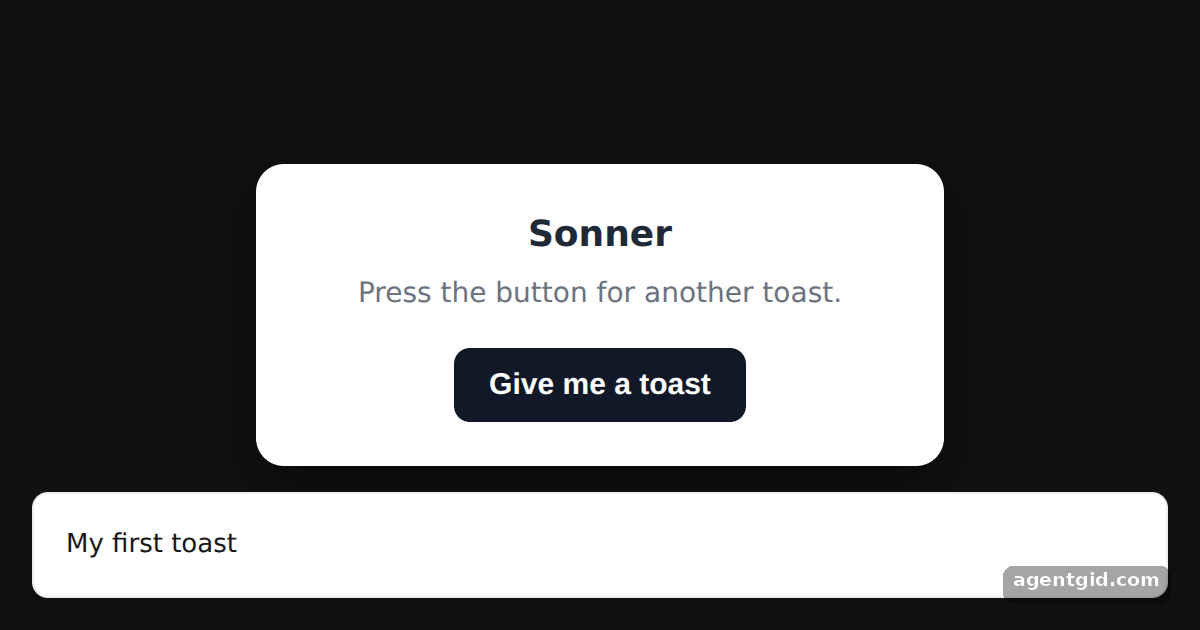 Showing a toast with SonnerPress "Give me a toast" several times to stack up numbered toasts.
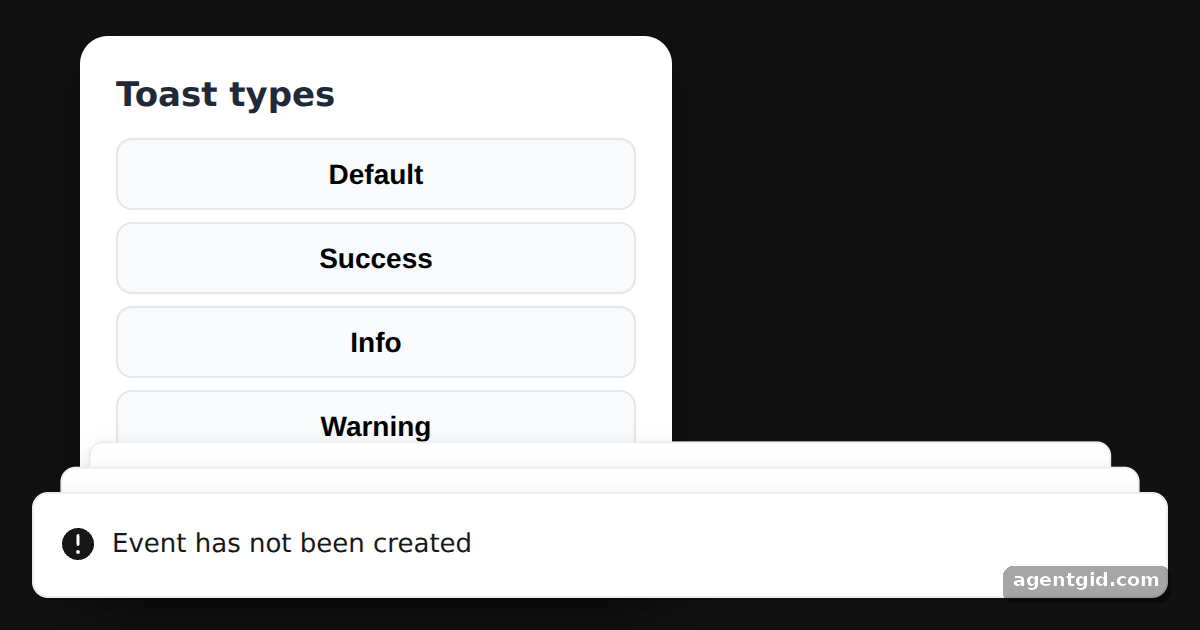 Toast types in SonnerClick any button to show that type of toast again.
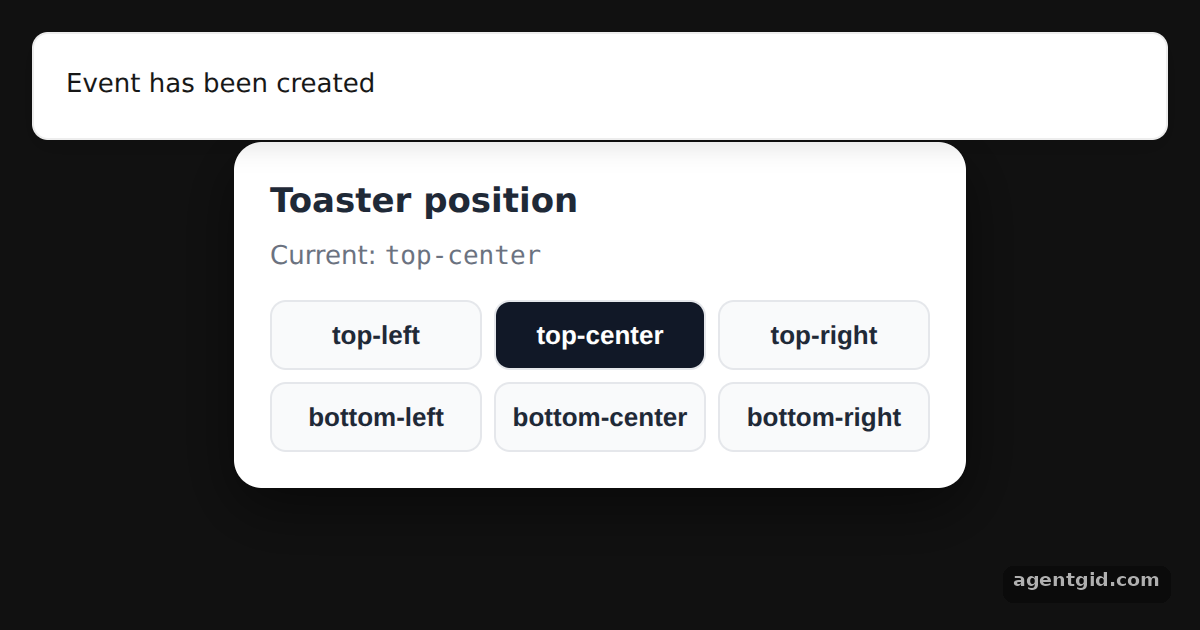 Changing toast position in SonnerClick a position button: the next toast appears in that place.
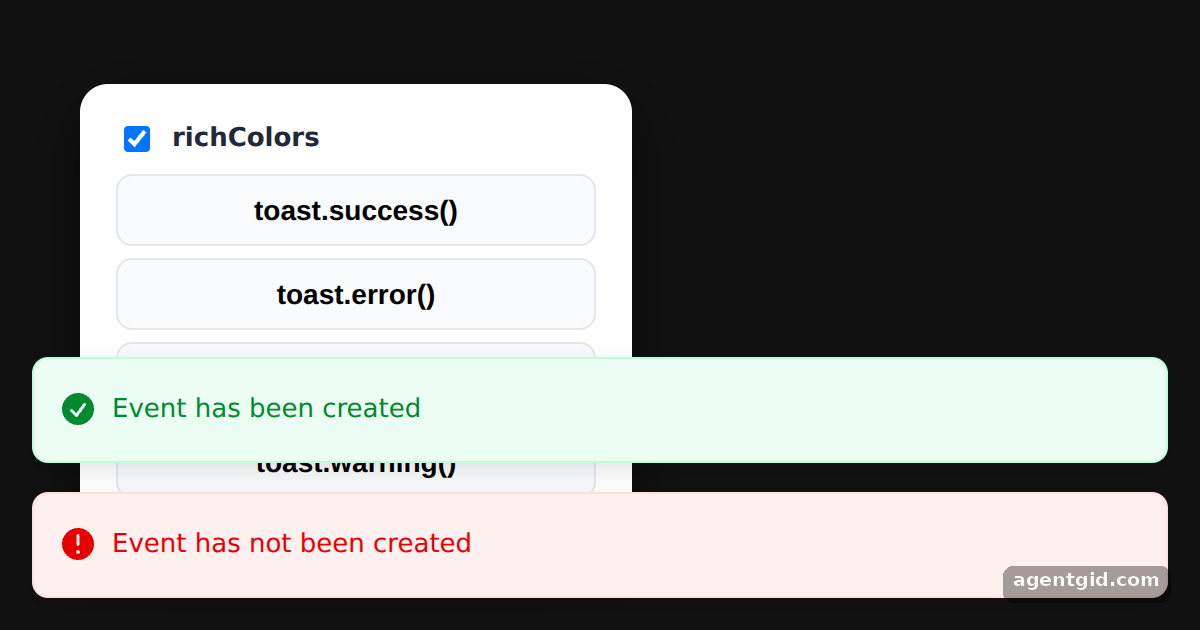 Rich colors for Sonner toastsUntick richColors and press the buttons again to compare the two styles.
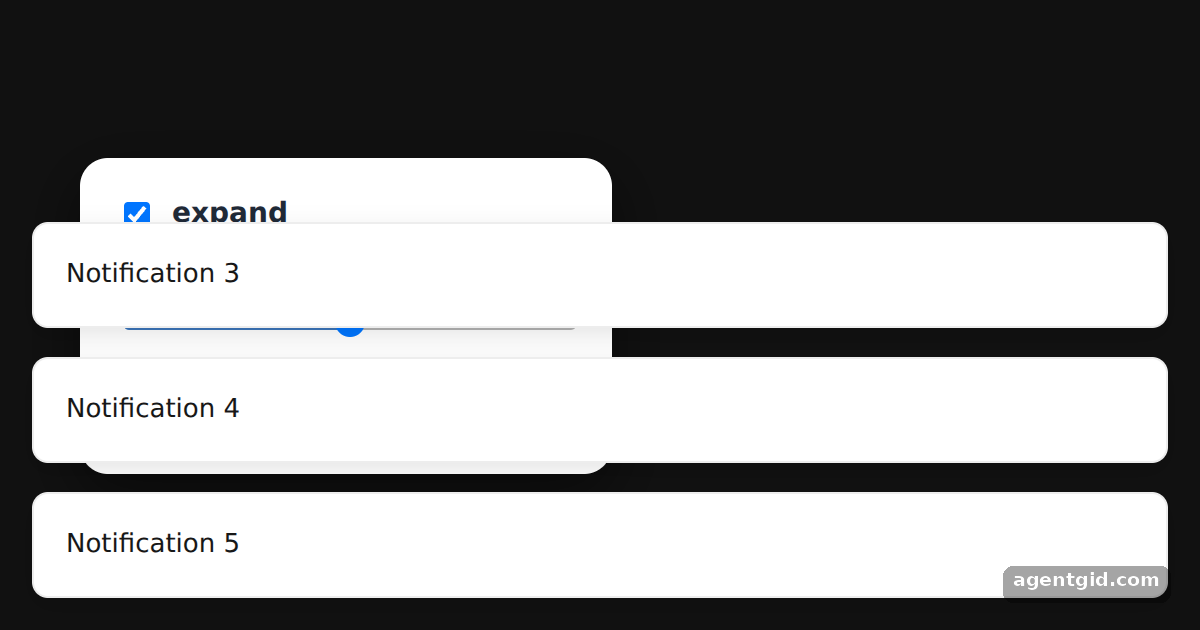 Expanded toasts and visibleToasts in SonnerUntick expand or lower visibleToasts, then press "Send 5 toasts".
Try them all in one place
import { useEffect, useState } from "react";
import { Toaster, toast } from "sonner";

const S = {
  page: { minHeight: "100vh", display: "flex", alignItems: "center", justifyContent: "center", background: "#111", fontFamily: "system-ui, sans-serif" },
  card: { width: 300, background: "#fff", color: "#1f2937", borderRadius: 14, padding: 22, textAlign: "center", boxShadow: "0 10px 30px rgba(0,0,0,.5)" },
  btn: { padding: "10px 18px", border: 0, borderRadius: 8, background: "#111827", color: "#fff", fontSize: 15, fontWeight: 600, cursor: "pointer" },
};

export default function App() {
  const [count, setCount] = useState(0);

  // show one toast right away so the result is visible on load
  useEffect(() => {
    const id = setTimeout(() => toast("My first toast"), 300);
    return () => clearTimeout(id);
  }, []);

  const show = () => {
    setCount(count + 1);
    toast(`Toast number ${count + 1}`);
  };

  return (
    <div style={S.page}>
      {/* every toast() call renders inside this Toaster */}
      <Toaster />
      <div style={S.card}>
        <h2 style={{ margin: "0 0 6px", fontSize: 18 }}>Sonner</h2>
        <p style={{ margin: "0 0 16px", color: "#6b7280", fontSize: 14 }}>Press the button for another toast.</p>
        <button style={S.btn} onClick={show}>Give me a toast</button>
      </div>
    </div>
  );
}
Press "Give me a toast" several times to stack up numbered toasts. Code written by AgentGid [1]. How it works, with a screenshot →
Press "Give me a toast" several times to stack up numbered toasts. Code written by AgentGid [1]. How it works, with a screenshot →Click any button to show that type of toast again. Code written by AgentGid [3]. How it works, with a screenshot →Click a position button: the next toast appears in that place. Code written by AgentGid [3]. How it works, with a screenshot →Untick richColors and press the buttons again to compare the two styles. Code written by AgentGid [3]. How it works, with a screenshot →Untick expand or lower visibleToasts, then press "Send 5 toasts". Code written by AgentGid [3]. How it works, with a screenshot →Checked Oct 12, 2026: each example starts without errors in Chromium with sonner 2.0.8, react 19.3.0, react-dom 19.3.0. Needs WebGL.
Sources
Explanations written by AgentGid from the official docs; the numbers in brackets point here. The code marked "written by AgentGid" is ours and free to copy.