React Redux Examples You Can Edit and Run
5 small React Redux examples written by AgentGid from the official docs, one feature each. Every one runs in your browser: change the code and see the result at once, or describe a change and let AI rewrite it. The screenshots are taken from the same code by our server, which also checks that each example starts without errors.
React Redux: usage and stats 42 AI-built projects use it
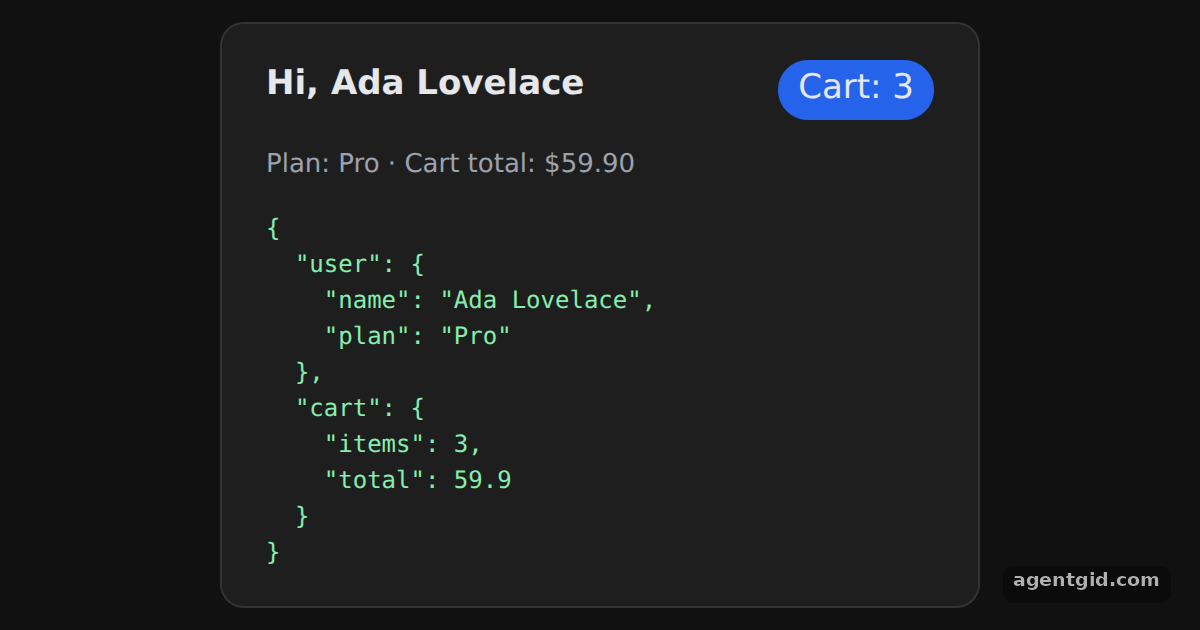 Provider in React ReduxChange the name in initialState and both the header and the state dump update.
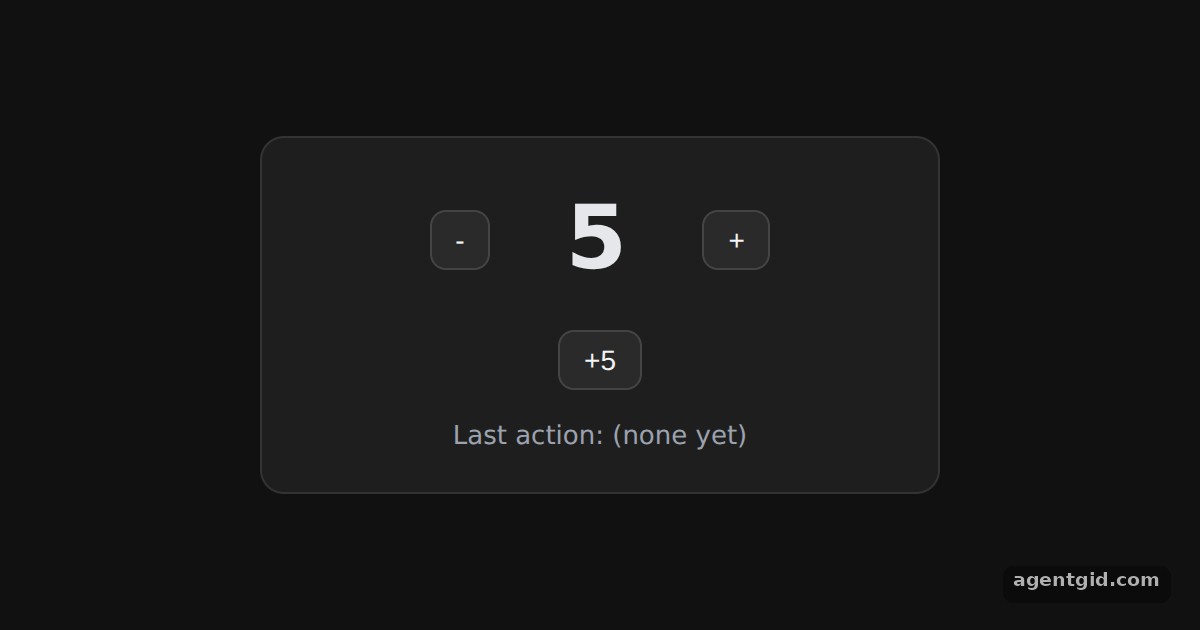 useSelector and useDispatch counter in React ReduxClick the buttons; the number and the last action line change together.
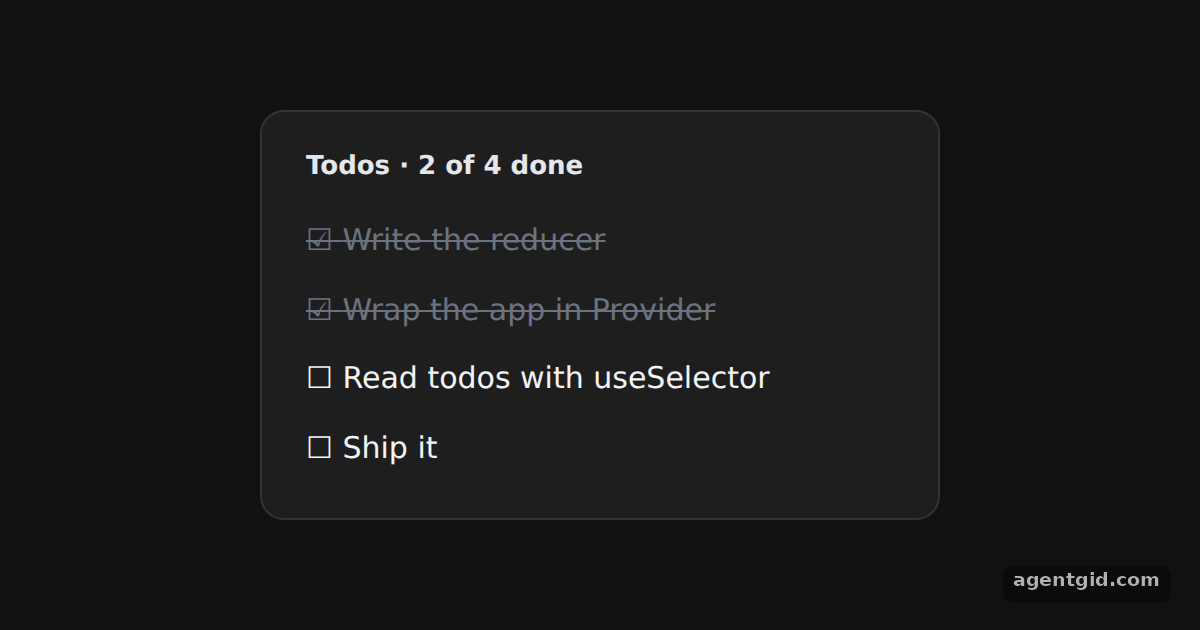 Selecting by prop with useSelector in React ReduxClick a todo to mark it done or not done; the progress line updates too.
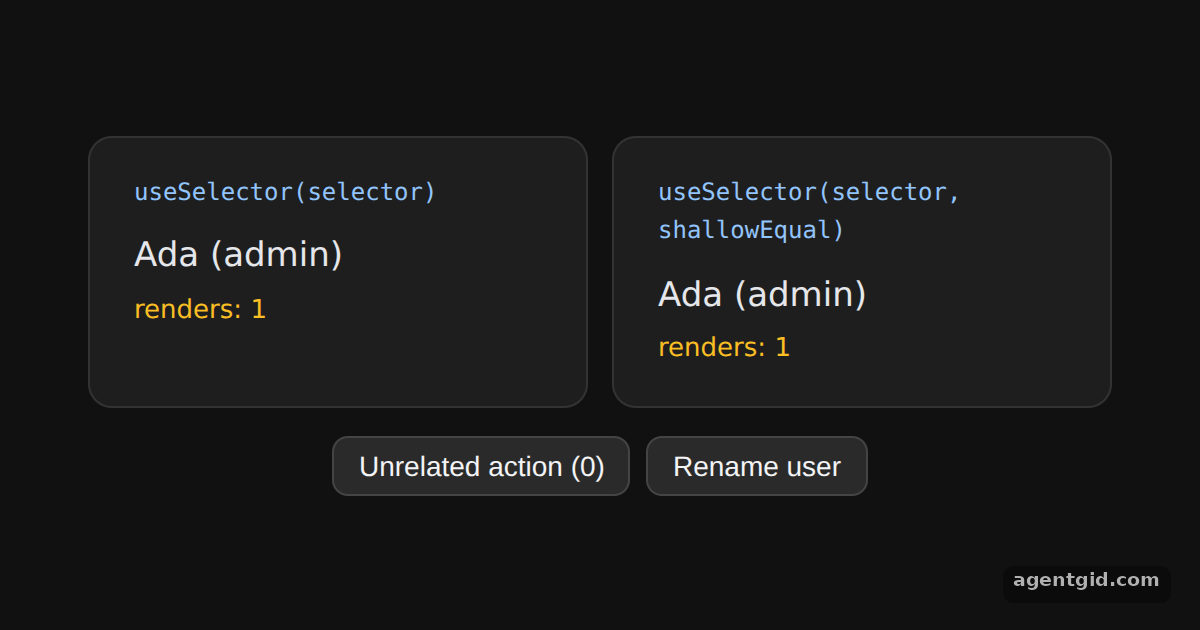 shallowEqual with useSelector in React ReduxClick the unrelated action a few times and compare the two render counts.
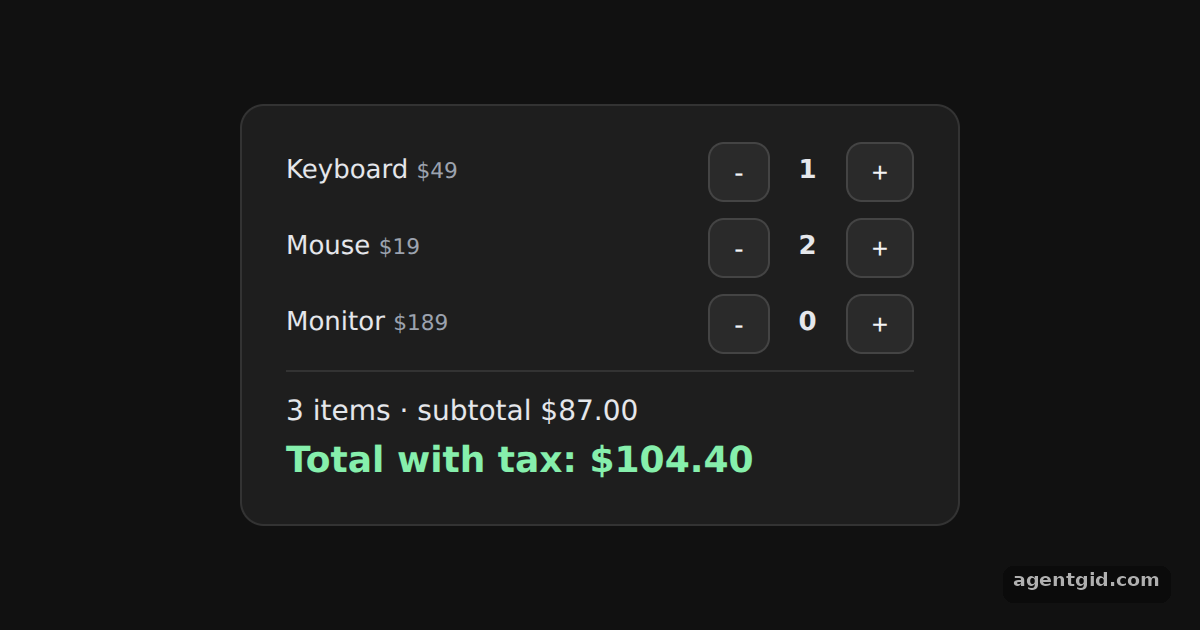 Derived values with useSelector in React ReduxUse the + and - buttons; the count, subtotal and total are recomputed from the items.
Try them all in one place
import { createStore } from "redux";
import { Provider, useSelector } from "react-redux";
const initialState = {
user: { name: "Ada Lovelace", plan: "Pro" },
cart: { items: 3, total: 59.9 },
};
// A reducer that only returns its state is enough to create a store
function rootReducer(state = initialState) {
return state;
}
const store = createStore(rootReducer);
const page = { minHeight: "100vh", background: "#111", display: "flex", alignItems: "center",
justifyContent: "center", fontFamily: "system-ui, sans-serif" };
const card = { background: "#1e1e1e", color: "#e5e7eb", border: "1px solid #333", borderRadius: 12,
padding: "18px 22px", boxSizing: "border-box" };
const btn = { padding: "6px 12px", borderRadius: 8, border: "1px solid #444", background: "#2a2a2a",
color: "#f3f4f6", fontSize: 14, cursor: "pointer" };
function Header() {
const name = useSelector((state) => state.user.name);
const items = useSelector((state) => state.cart.items);
return (
<div style={{ display: "flex", justifyContent: "space-between", fontSize: 17 }}>
<b>Hi, {name}</b>
<span style={{ background: "#2563eb", borderRadius: 999, padding: "2px 10px" }}>Cart: {items}</span>
</div>
);
}
function Summary() {
const plan = useSelector((state) => state.user.plan);
const total = useSelector((state) => state.cart.total);
return <p style={{ color: "#9ca3af" }}>Plan: {plan} · Cart total: ${total.toFixed(2)}</p>;
}
export default function App() {
return (
<Provider store={store}>
<div style={page}>
<div style={{ ...card, width: 380 }}>
<Header />
<Summary />
<pre style={{ margin: 0, fontSize: 12, color: "#86efac" }}>
{JSON.stringify(store.getState(), null, 2)}
</pre>
</div>
</div>
</Provider>
);
}
Change the name in initialState and both the header and the state dump update. Code written by AgentGid [1]. How it works, with a screenshot →
Change the name in initialState and both the header and the state dump update. Code written by AgentGid [1]. How it works, with a screenshot →Click the buttons; the number and the last action line change together. Code written by AgentGid [2]. How it works, with a screenshot →Click a todo to mark it done or not done; the progress line updates too. Code written by AgentGid [1]. How it works, with a screenshot →Click the unrelated action a few times and compare the two render counts. Code written by AgentGid [1]. How it works, with a screenshot →Use the + and - buttons; the count, subtotal and total are recomputed from the items. Code written by AgentGid [1]. How it works, with a screenshot →Checked Oct 12, 2026: each example starts without errors in Chromium with react-redux 9.3.0, react 19.3.0, react-dom 19.3.0, redux 5.0.1. Needs WebGL.
Sources
Explanations written by AgentGid from the official docs; the numbers in brackets point here. The code marked "written by AgentGid" is ours and free to copy.