TanStack Query Examples You Can Edit and Run
5 small TanStack Query examples written by AgentGid from the official docs, one feature each. Every one runs in your browser: change the code and see the result at once, or describe a change and let AI rewrite it. The screenshots are taken from the same code by our server, which also checks that each example starts without errors.
TanStack Query: usage and stats 457 AI-built projects use it
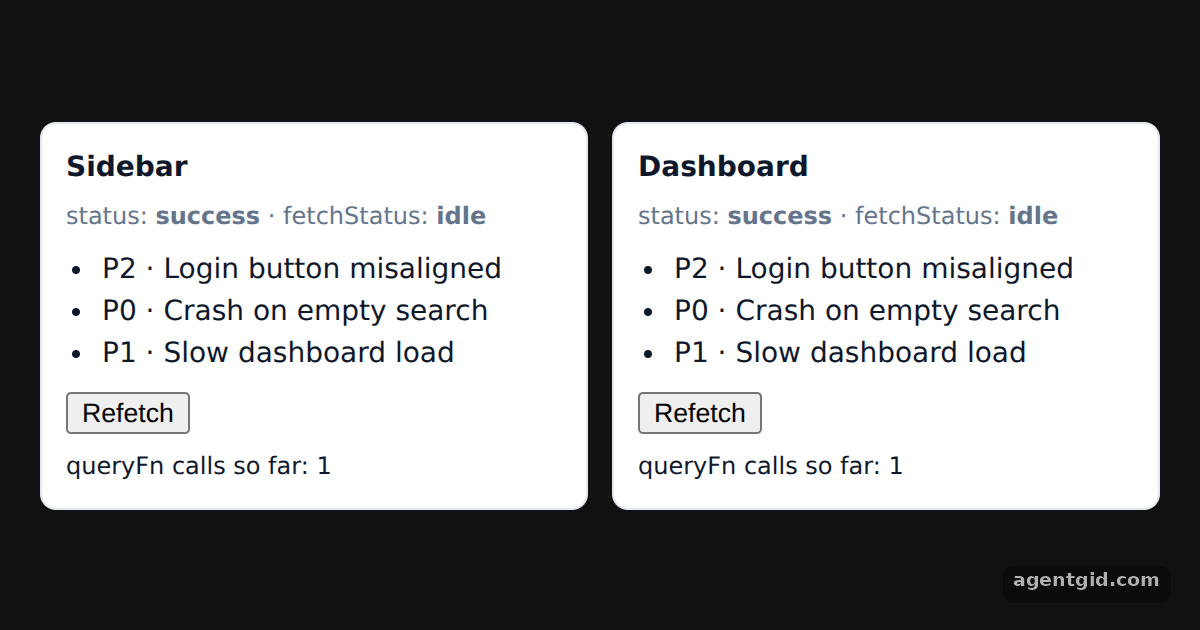 Fetching data with useQuery in TanStack QueryPress Refetch on either card and watch fetchStatus change on both while the queryFn call count goes up by one.
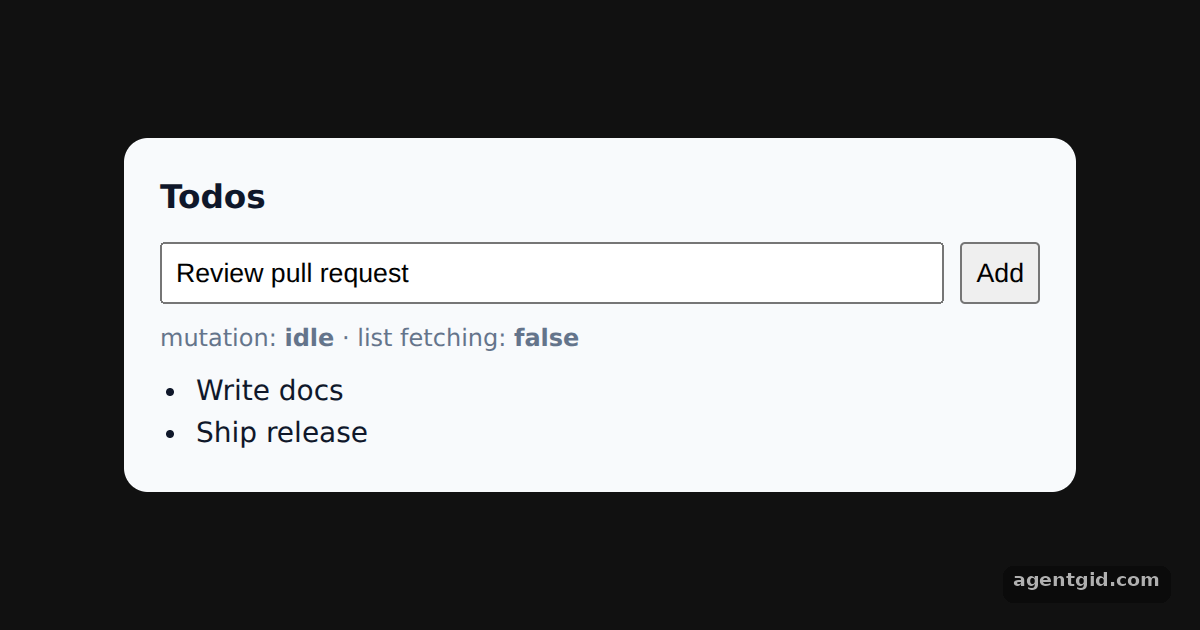 Mutations and query invalidation in TanStack QueryType a todo and press Add: the mutation status turns pending, then the list refetches and shows the new item.
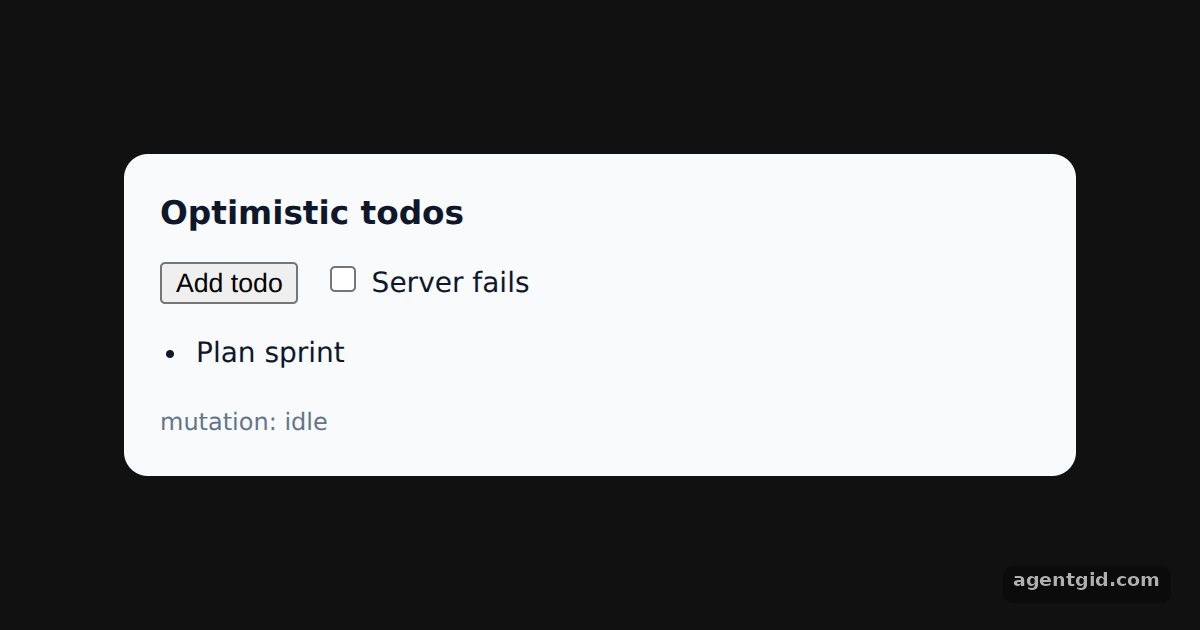 Optimistic updates with rollback in TanStack QueryTick "Server fails" and add a todo: it appears at once, then vanishes when the fake server throws.
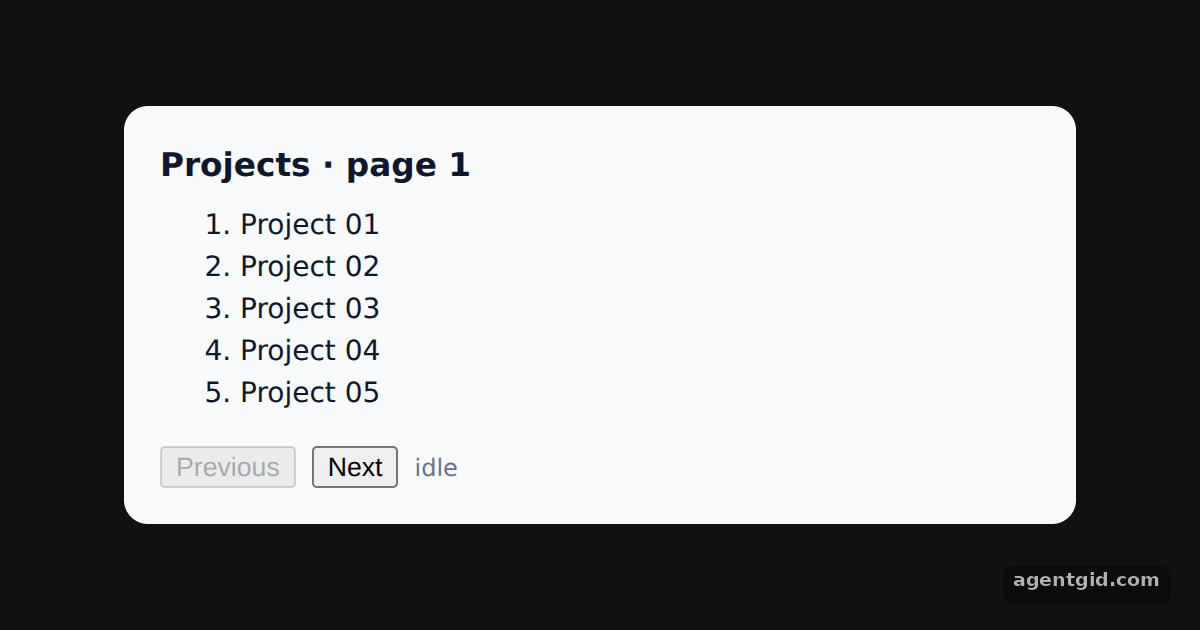 Paginated queries in TanStack QueryClick Next a few times, then Previous: earlier pages render from the cache while a background refetch runs.
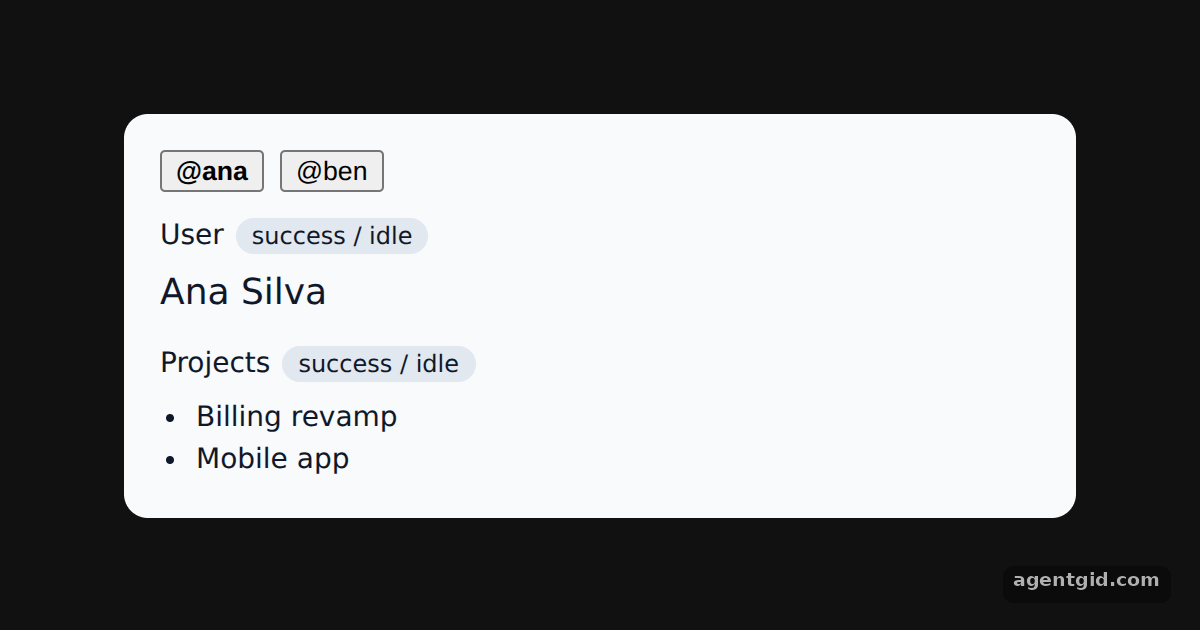 Dependent queries with enabled in TanStack QuerySwitch between Ana and Ben and watch the projects query stay idle until the user query finishes.
Try them all in one place
import { QueryClient, QueryClientProvider, useQuery, useQueryClient } from '@tanstack/react-query'

const queryClient = new QueryClient()
let calls = 0

// Fake API: resolves inline data after a short delay
function getIssues() {
  calls += 1
  return new Promise((resolve) =>
    setTimeout(() => resolve([
      { id: 1, title: 'Login button misaligned', priority: 'P2' },
      { id: 2, title: 'Crash on empty search', priority: 'P0' },
      { id: 3, title: 'Slow dashboard load', priority: 'P1' },
    ]), 900)
  )
}

function IssueList({ label }) {
  const client = useQueryClient()
  const { status, fetchStatus, data } = useQuery({
    queryKey: ['issues'],
    queryFn: getIssues,
  })
  return (
    <div style={{ background: '#fff', border: '1px solid #e2e8f0', borderRadius: 8, padding: 12, flex: 1 }}>
      <div style={{ fontWeight: 600 }}>{label}</div>
      <div style={{ fontSize: 12, color: '#64748b', margin: '4px 0 8px' }}>
        status: <b>{status}</b> · fetchStatus: <b>{fetchStatus}</b>
      </div>
      {status === 'pending' ? <p>Loading issues…</p> : (
        <ul style={{ margin: '0 0 8px', paddingLeft: 18 }}>
          {data.map((i) => <li key={i.id}>{i.priority} · {i.title}</li>)}
        </ul>
      )}
      <button onClick={() => client.refetchQueries({ queryKey: ['issues'] })}>Refetch</button>
      <div style={{ fontSize: 12, marginTop: 6 }}>queryFn calls so far: {calls}</div>
    </div>
  )
}

export default function App() {
  return (
    <QueryClientProvider client={queryClient}>
      <div style={{ minHeight: '100vh', display: 'grid', placeItems: 'center', background: '#111', fontFamily: 'system-ui, sans-serif' }}>
        <div style={{ display: 'flex', gap: 12, width: 560, color: '#0f172a', fontSize: 14 }}>
          <IssueList label="Sidebar" />
          <IssueList label="Dashboard" />
        </div>
      </div>
    </QueryClientProvider>
  )
}
Press Refetch on either card and watch fetchStatus change on both while the queryFn call count goes up by one. Code written by AgentGid [1]. How it works, with a screenshot →
Press Refetch on either card and watch fetchStatus change on both while the queryFn call count goes up by one. Code written by AgentGid [1]. How it works, with a screenshot →Type a todo and press Add: the mutation status turns pending, then the list refetches and shows the new item. Code written by AgentGid [1]. How it works, with a screenshot →Tick "Server fails" and add a todo: it appears at once, then vanishes when the fake server throws. Code written by AgentGid [1]. How it works, with a screenshot →Click Next a few times, then Previous: earlier pages render from the cache while a background refetch runs. Code written by AgentGid [2]. How it works, with a screenshot →Switch between Ana and Ben and watch the projects query stay idle until the user query finishes. Code written by AgentGid [2]. How it works, with a screenshot →Checked Oct 12, 2026: each example starts without errors in Chromium with @tanstack/react-query 5.104.2, react 19.3.0, react-dom 19.3.0. Needs WebGL.
Sources
Explanations written by AgentGid from the official docs; the numbers in brackets point here. The code marked "written by AgentGid" is ours and free to copy.