Zustand Examples You Can Edit and Run
5 small Zustand examples written by AgentGid from the official docs, one feature each. Every one runs in your browser: change the code and see the result at once, or describe a change and let AI rewrite it. The screenshots are taken from the same code by our server, which also checks that each example starts without errors.
Zustand: usage and stats 361 AI-built projects use it
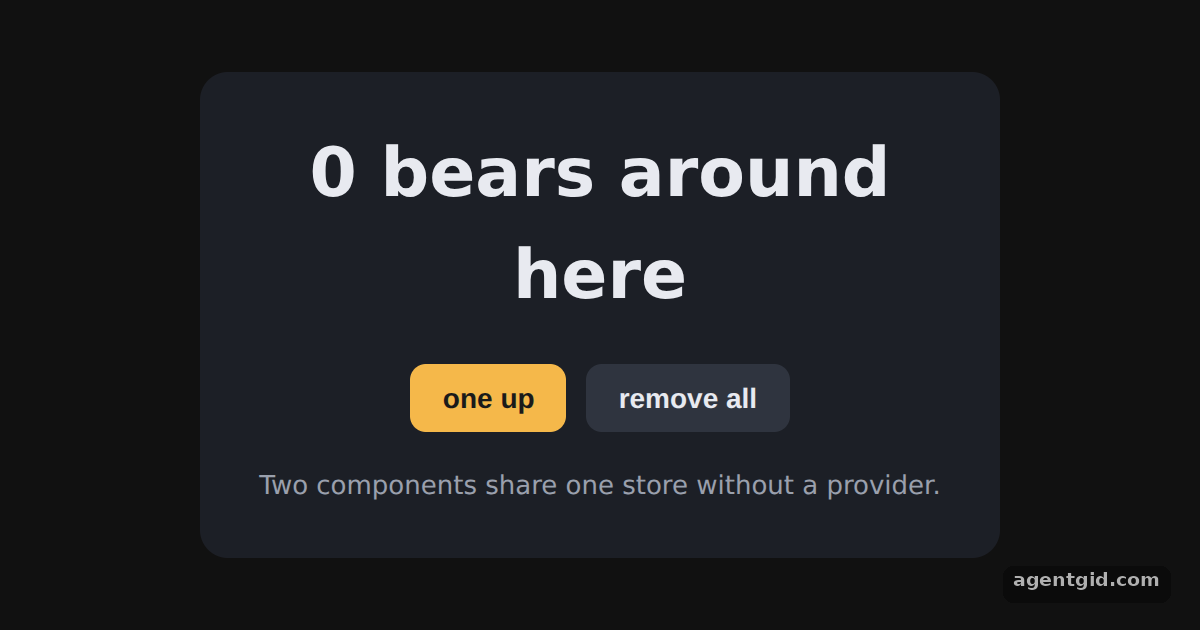 Creating a store in ZustandClick "one up" a few times, then add a third action such as removing one bear.
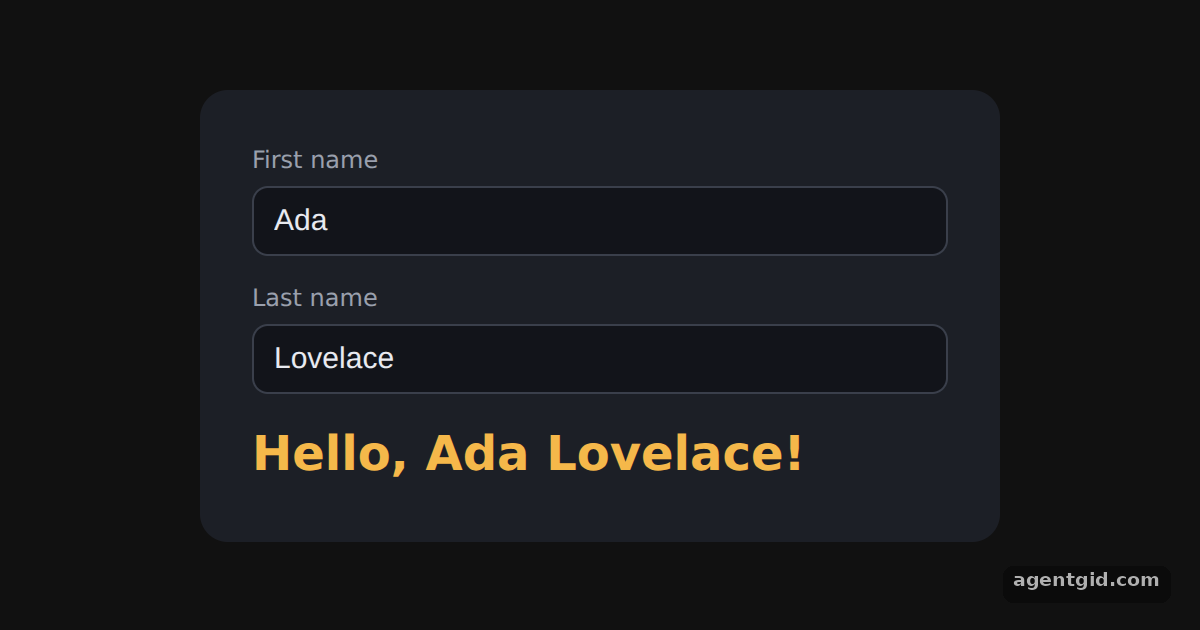 Updating state from inputs in ZustandType in either field and the greeting below updates as you type.
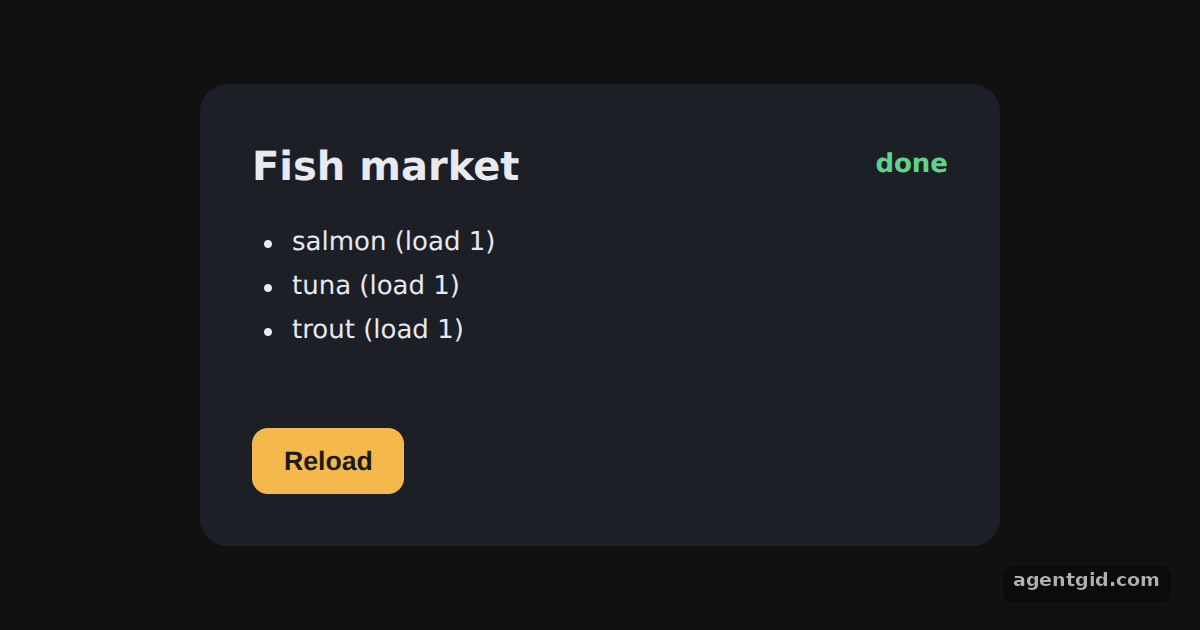 Async actions in ZustandThe list loads on its own; press Reload to run the async action again and watch the status change.
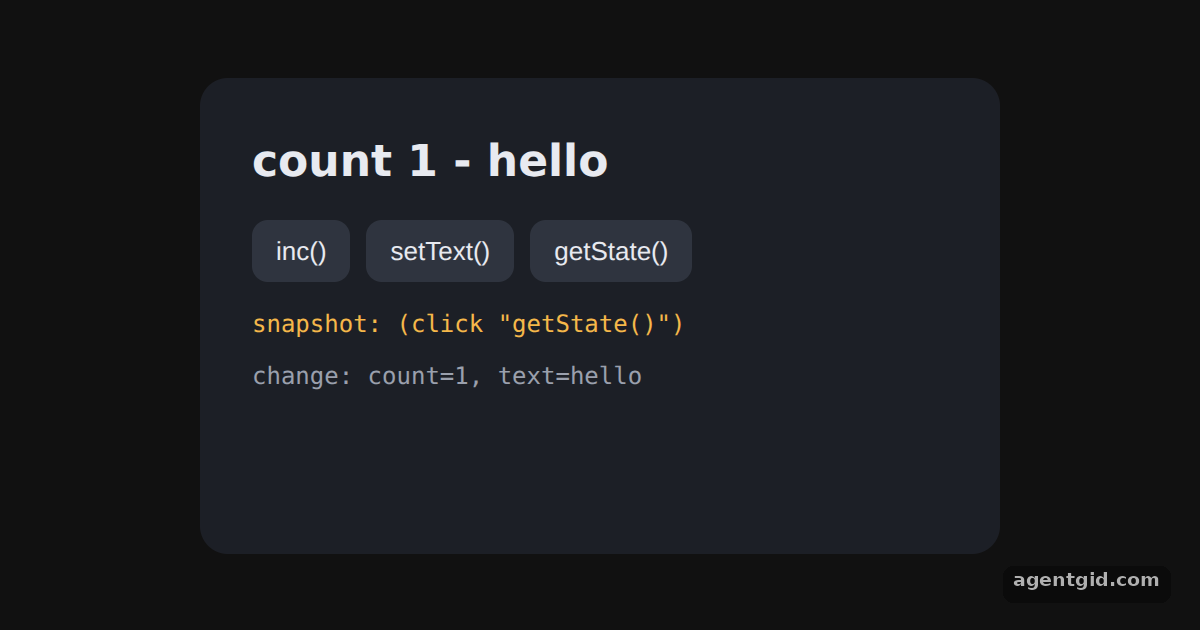 Using a Zustand store outside componentsThe count ticks every 1.5 seconds from outside React; each change appears in the log, and getState() prints a snapshot.
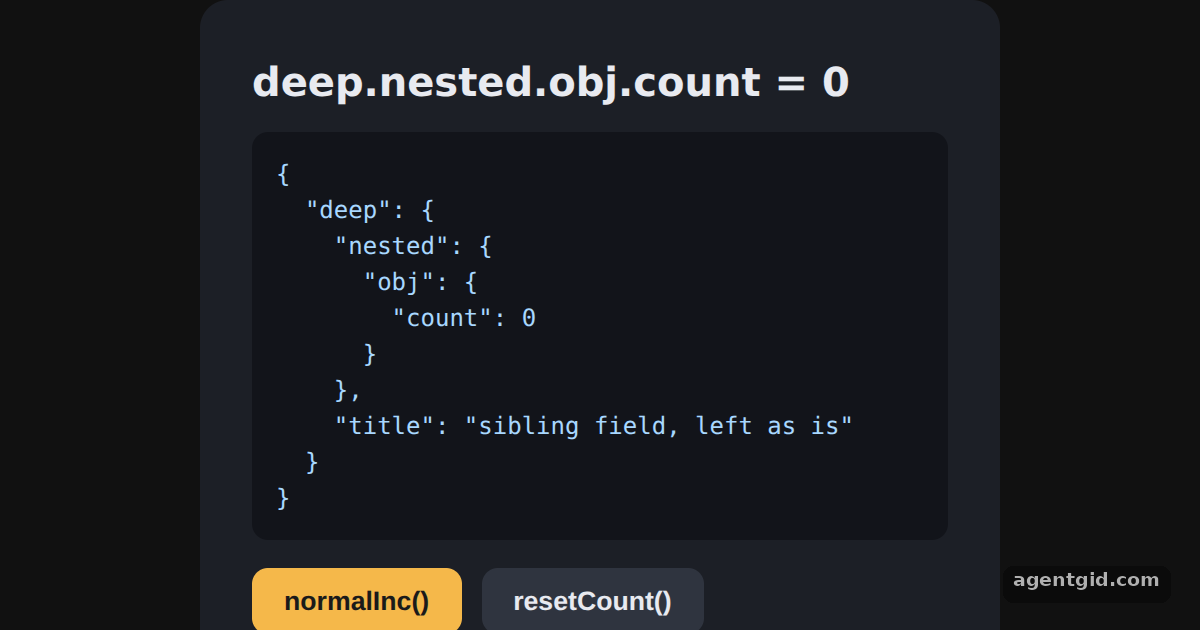 Updating nested state in ZustandPress normalInc() and watch the count change in the JSON while the sibling field stays the same.
Try them all in one place
import { create } from 'zustand'

// The store is a hook: state and actions live together
const useBearStore = create((set) => ({
  bears: 0,
  increasePopulation: () => set((state) => ({ bears: state.bears + 1 })),
  removeAllBears: () => set({ bears: 0 }),
}))

const btn = { padding: '9px 16px', border: 0, borderRadius: 8, cursor: 'pointer', fontSize: 14, fontWeight: 600 }

function BearCounter() {
  // Select one value; this component re-renders when it changes
  const bears = useBearStore((state) => state.bears)
  return <h1 style={{ margin: '0 0 18px', fontSize: 34 }}>{bears} bears around here</h1>
}

function Controls() {
  const increasePopulation = useBearStore((state) => state.increasePopulation)
  const removeAllBears = useBearStore((state) => state.removeAllBears)
  return (
    <div style={{ display: 'flex', gap: 10, justifyContent: 'center' }}>
      <button style={{ ...btn, background: '#f5b84a', color: '#1a1a1a' }} onClick={increasePopulation}>one up</button>
      <button style={{ ...btn, background: '#2f343f', color: '#e8eaf0' }} onClick={removeAllBears}>remove all</button>
    </div>
  )
}

export default function App() {
  return (
    <div style={{ minHeight: '100vh', display: 'flex', alignItems: 'center', justifyContent: 'center', background: '#111', fontFamily: 'system-ui, sans-serif' }}>
      <div style={{ background: '#1c1f26', color: '#e8eaf0', padding: 26, borderRadius: 14, width: 400, boxSizing: 'border-box', textAlign: 'center' }}>
        <BearCounter />
        <Controls />
        <p style={{ color: '#9aa0ad', fontSize: 13, margin: '18px 0 0' }}>Two components share one store without a provider.</p>
      </div>
    </div>
  )
}
Click "one up" a few times, then add a third action such as removing one bear. Code written by AgentGid [1]. How it works, with a screenshot →
Click "one up" a few times, then add a third action such as removing one bear. Code written by AgentGid [1]. How it works, with a screenshot →Type in either field and the greeting below updates as you type. Code written by AgentGid [3]. How it works, with a screenshot →The list loads on its own; press Reload to run the async action again and watch the status change. Code written by AgentGid [1]. How it works, with a screenshot →The count ticks every 1.5 seconds from outside React; each change appears in the log, and getState() prints a snapshot. Code written by AgentGid [2]. How it works, with a screenshot →Press normalInc() and watch the count change in the JSON while the sibling field stays the same. Code written by AgentGid [3]. How it works, with a screenshot →Checked Oct 12, 2026: each example starts without errors in Chromium with zustand 5.0.15, react 19.3.0, react-dom 19.3.0. Needs WebGL.
Sources
Explanations written by AgentGid from the official docs; the numbers in brackets point here. The code marked "written by AgentGid" is ours and free to copy.