React Syntax Highlighter Examples You Can Edit and Run
5 small React Syntax Highlighter examples written by AgentGid from the official docs, one feature each. Every one runs in your browser: change the code and see the result at once, or describe a change and let AI rewrite it. The screenshots are taken from the same code by our server, which also checks that each example starts without errors.
React Syntax Highlighter: usage and stats 45 AI-built projects use it
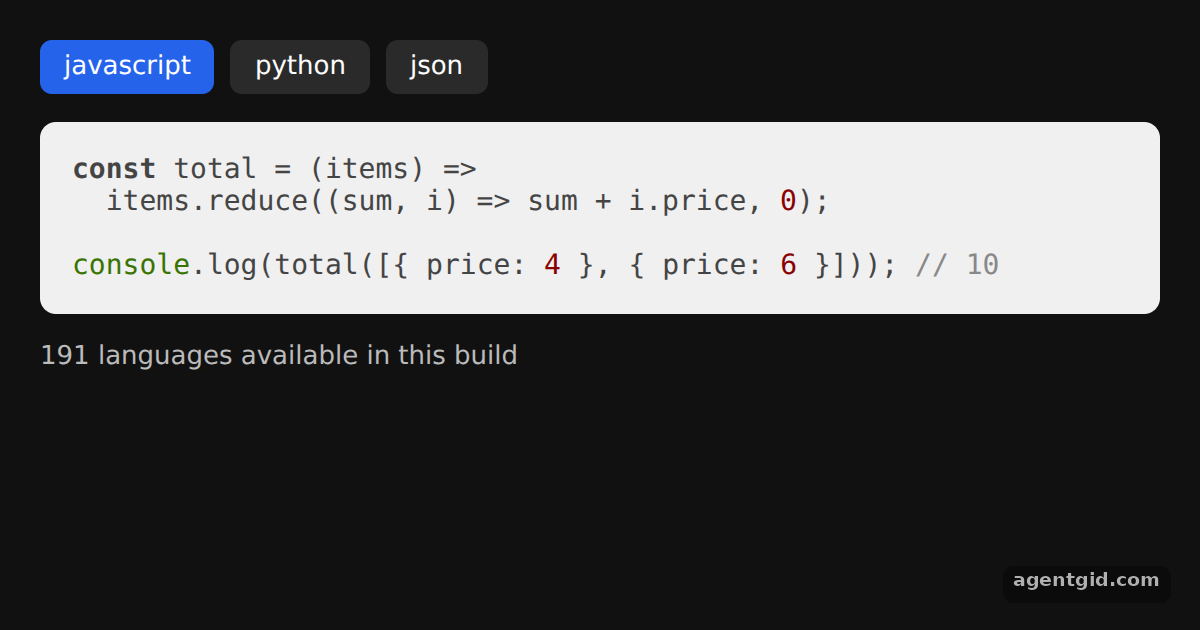 Highlight code in ReactClick a language button to re-highlight a different snippet.
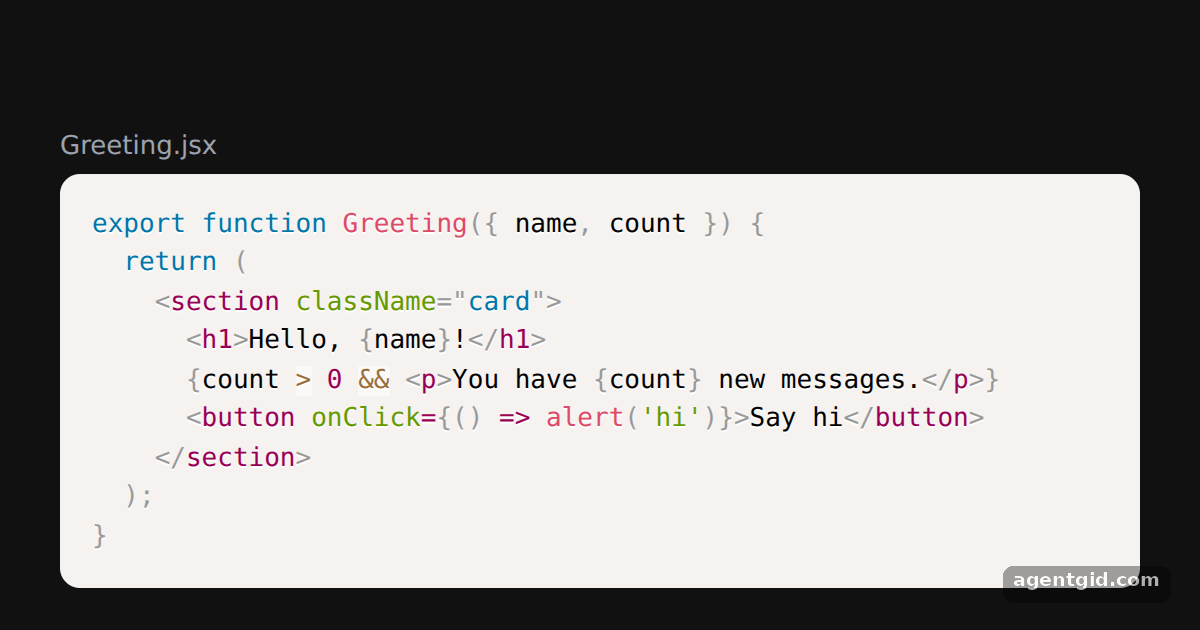 Prism highlighting for JSXEdit the codeString to see the JSX re-highlighted as you type.
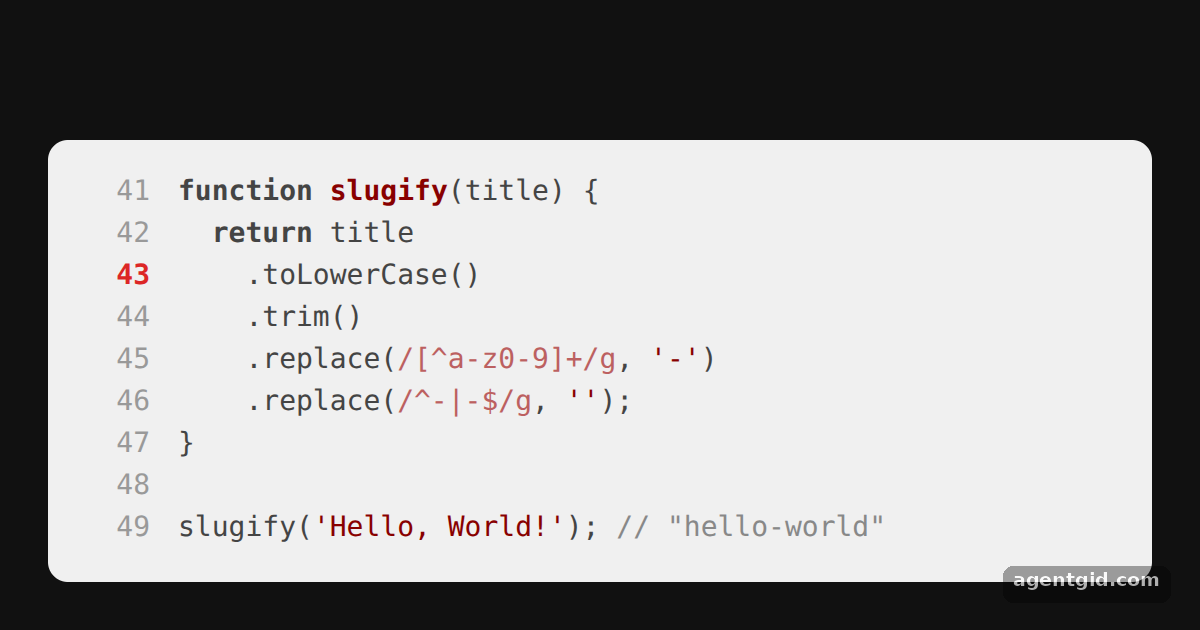 Line numbers in react-syntax-highlighterChange startingLineNumber and the highlighted number in lineNumberStyle to move the marker.
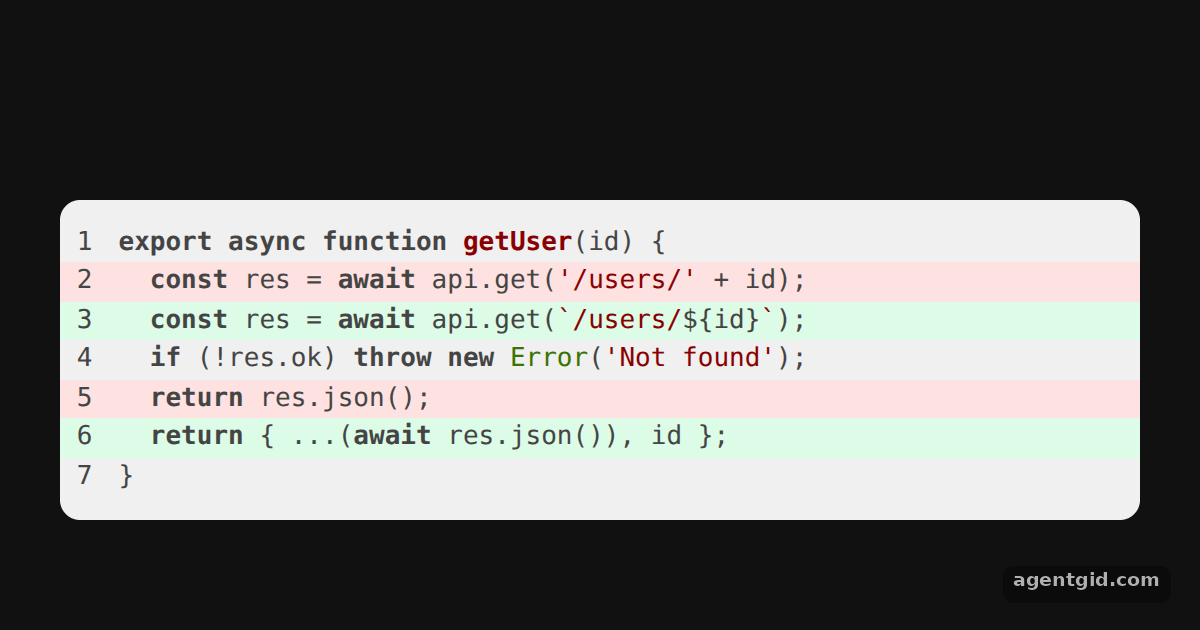 Highlight specific linesEdit the added and removed sets to move the colored stripes.
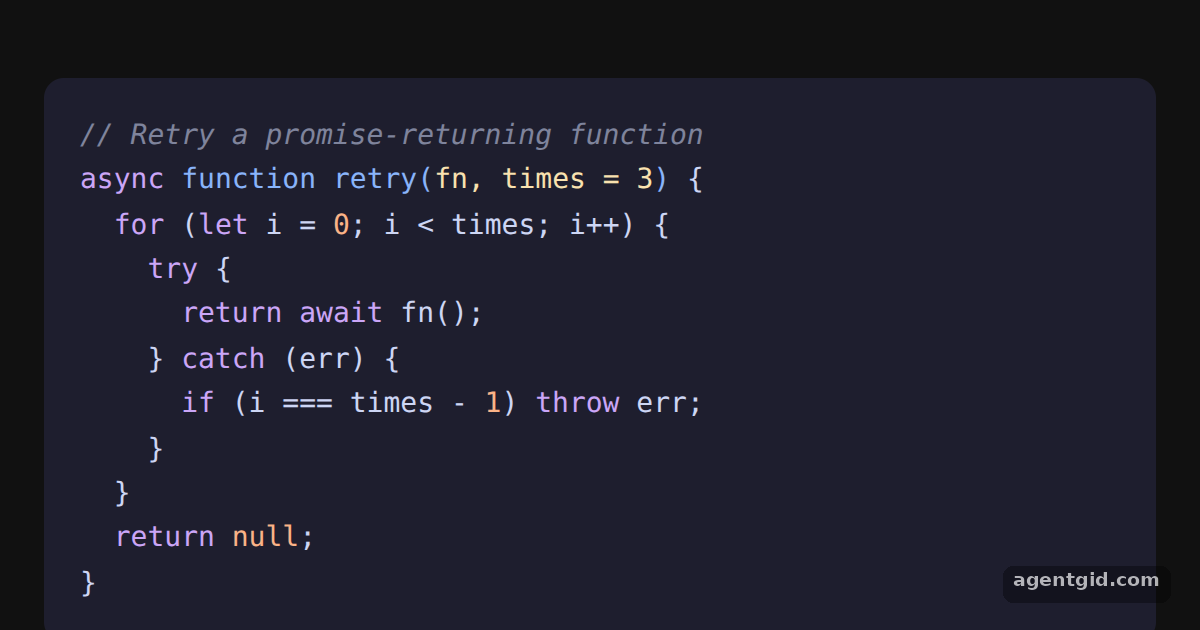 Custom CSS theme with class namesChange a color in the css string, for example .hljs-string, to restyle every token of that kind.
Try them all in one place
import { useState } from 'react';
import SyntaxHighlighter from 'react-syntax-highlighter';

const samples = {
  javascript: `const total = (items) =>\n  items.reduce((sum, i) => sum + i.price, 0);\n\nconsole.log(total([{ price: 4 }, { price: 6 }])); // 10`,
  python: `def total(items):\n    return sum(i["price"] for i in items)\n\nprint(total([{"price": 4}, {"price": 6}]))  # 10`,
  json: `{\n  "name": "demo",\n  "version": "1.0.0",\n  "private": true\n}`,
};

const btn = (active) => ({
  padding: '6px 12px', borderRadius: 6, border: 'none', cursor: 'pointer',
  background: active ? '#2563eb' : '#2a2a2a', color: '#fff', font: '13px system-ui',
});

export default function App() {
  const [lang, setLang] = useState('javascript');
  return (
    <div style={{ background: '#111', height: 360, padding: 20, boxSizing: 'border-box',
      font: '13px system-ui', color: '#bbb' }}>
      <div style={{ display: 'flex', gap: 8, marginBottom: 12 }}>
        {Object.keys(samples).map((l) => (
          <button key={l} style={btn(l === lang)} onClick={() => setLang(l)}>{l}</button>
        ))}
      </div>
      <SyntaxHighlighter language={lang} customStyle={{ borderRadius: 8, padding: 16, fontSize: 14 }}>
        {samples[lang]}
      </SyntaxHighlighter>
      <p>{SyntaxHighlighter.supportedLanguages.length} languages available in this build</p>
    </div>
  );
}
Click a language button to re-highlight a different snippet. Code written by AgentGid [1]. How it works, with a screenshot →
Click a language button to re-highlight a different snippet. Code written by AgentGid [1]. How it works, with a screenshot →Edit the codeString to see the JSX re-highlighted as you type. Code written by AgentGid [1]. How it works, with a screenshot →Change startingLineNumber and the highlighted number in lineNumberStyle to move the marker. Code written by AgentGid [1]. How it works, with a screenshot →Edit the added and removed sets to move the colored stripes. Code written by AgentGid [1]. How it works, with a screenshot →Change a color in the css string, for example .hljs-string, to restyle every token of that kind. Code written by AgentGid [1]. How it works, with a screenshot →Checked Oct 12, 2026: each example starts without errors in Chromium with react-syntax-highlighter 16.1.2, react 19.3.0, react-dom 19.3.0. Needs WebGL.
Sources
Explanations written by AgentGid from the official docs; the numbers in brackets point here. The code marked "written by AgentGid" is ours and free to copy.