A reactive counter with createApp and ref in Vue
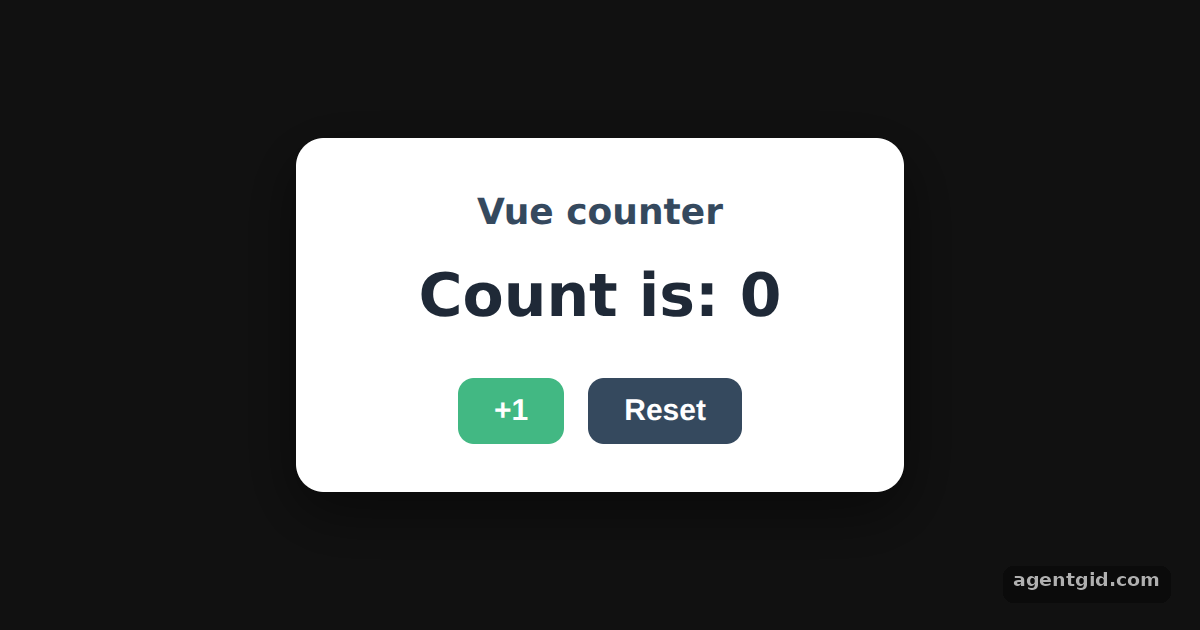
Every Vue app starts with createApp. Here the root component keeps a count in a ref and renders it, so the view follows the state.
How it works
- Create the application.
createApp()receives the root component options. This example passes an object with asetup()function, the Composition API style. [1] - Keep state in a ref.
ref(0)creates the counter. The button handlers changecount.valueand the text on screen changes with it. [2] - Render with h() instead of a template. This build has no template compiler, so
setup()returns a function that builds the elements withh(). Vue's docs describe render functions as an alternative to templates. [3] - Mount it.
.mount(root)renders the app into the frame's root element. A selector string such as'#app'works too. [1]
Run and edit it
It runs in your browser, in a sandboxed frame that cannot see this site; the packages load from esm.sh only after you press Run.
import { createApp, ref, h } from "vue";

const root = document.getElementById("root");
root.style.cssText = "height:100%;display:grid;place-items:center;background:#111;font-family:system-ui,sans-serif";

const card = "background:#fff;color:#1f2937;padding:24px 32px;border-radius:14px;text-align:center;min-width:240px;box-shadow:0 10px 30px rgba(0,0,0,.5)";
const btn = "margin:0 6px;padding:8px 18px;border:0;border-radius:8px;background:#42b883;color:#fff;font-size:15px;font-weight:600;cursor:pointer";

createApp({
  setup() {
    // reactive state
    const count = ref(0);

    // this build has no template compiler, so setup() returns a render function made with h()
    return () =>
      h("div", { style: card }, [
        h("h2", { style: "margin:0 0 6px;font-size:18px;color:#35495e" }, "Vue counter"),
        h("p", { style: "margin:0 0 18px;font-size:30px;font-weight:700" }, `Count is: ${count.value}`),
        h("button", { style: btn, onClick: () => count.value++ }, "+1"),
        h("button", { style: btn + ";background:#35495e", onClick: () => (count.value = 0) }, "Reset"),
      ]);
  },
}).mount(root);
Click +1 a few times, then change ref(0) to ref(10) to start from another number. Code written by AgentGid [1].
Click +1 a few times, then change ref(0) to ref(10) to start from another number. Code written by AgentGid [1].Checked Oct 12, 2026: it starts without errors in Chromium with vue 3.5.43. Needs WebGL.
More Vue examples
Options API in Vue: data, methods and mounted Render functions with h() in Vue Multiple Vue apps on one page Catching errors with app.config.errorHandler in Vue
Sources
- Docs: Creating a Vue Application {#creating-a-vue-application}
- Docs: Introduction {#introduction}
- Docs: Template Syntax {#template-syntax}
Explanations written by AgentGid from the official docs; the numbers in brackets point here. The code marked "written by AgentGid" is ours and free to copy.