Vue Examples You Can Edit and Run
5 small Vue examples written by AgentGid from the official docs, one feature each. Every one runs in your browser: change the code and see the result at once, or describe a change and let AI rewrite it. The screenshots are taken from the same code by our server, which also checks that each example starts without errors.
Vue: usage and stats 168 AI-built projects use it
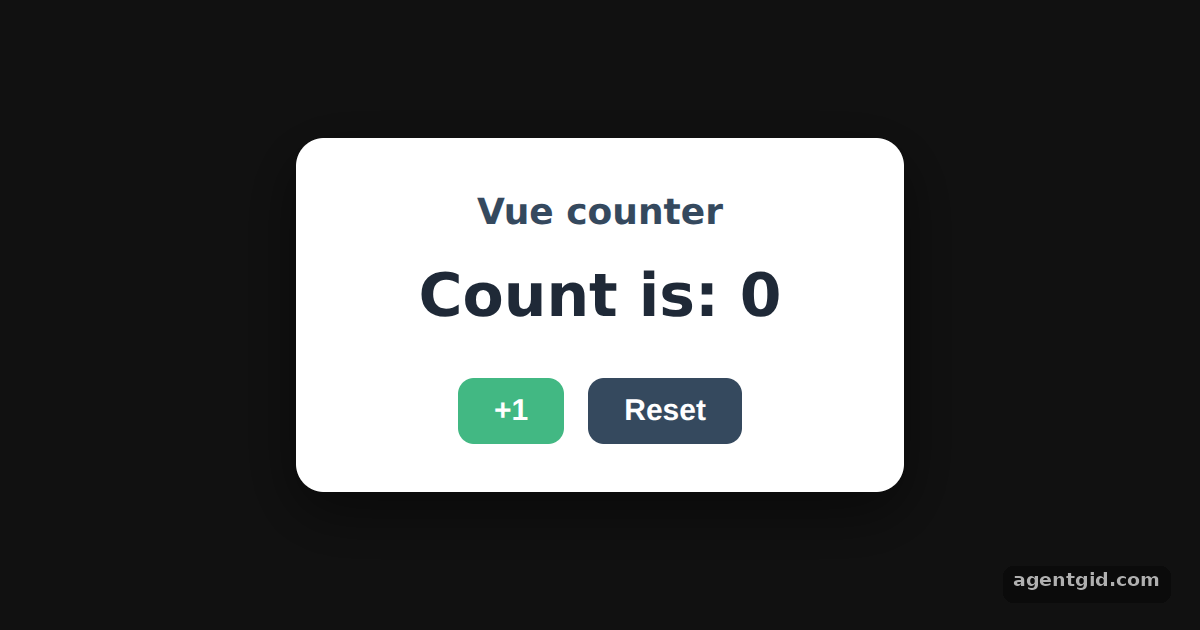 A reactive counter with createApp and ref in VueClick +1 a few times, then change ref(0) to ref(10) to start from another number.
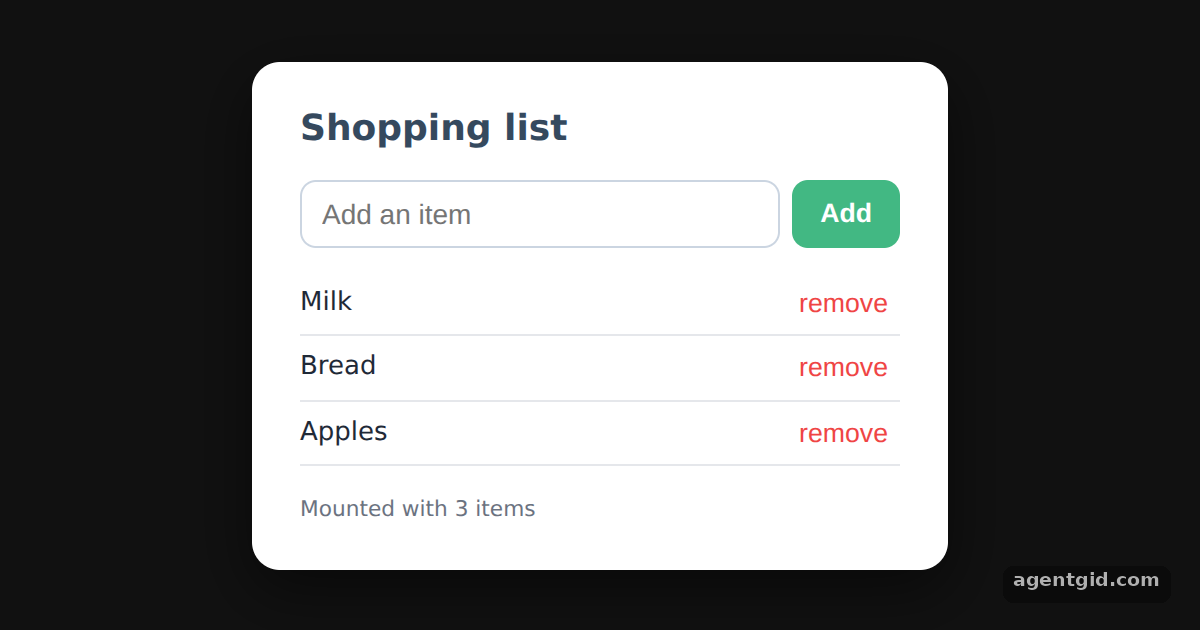 Options API in Vue: data, methods and mountedType an item and press Enter or Add; click remove to take one out.
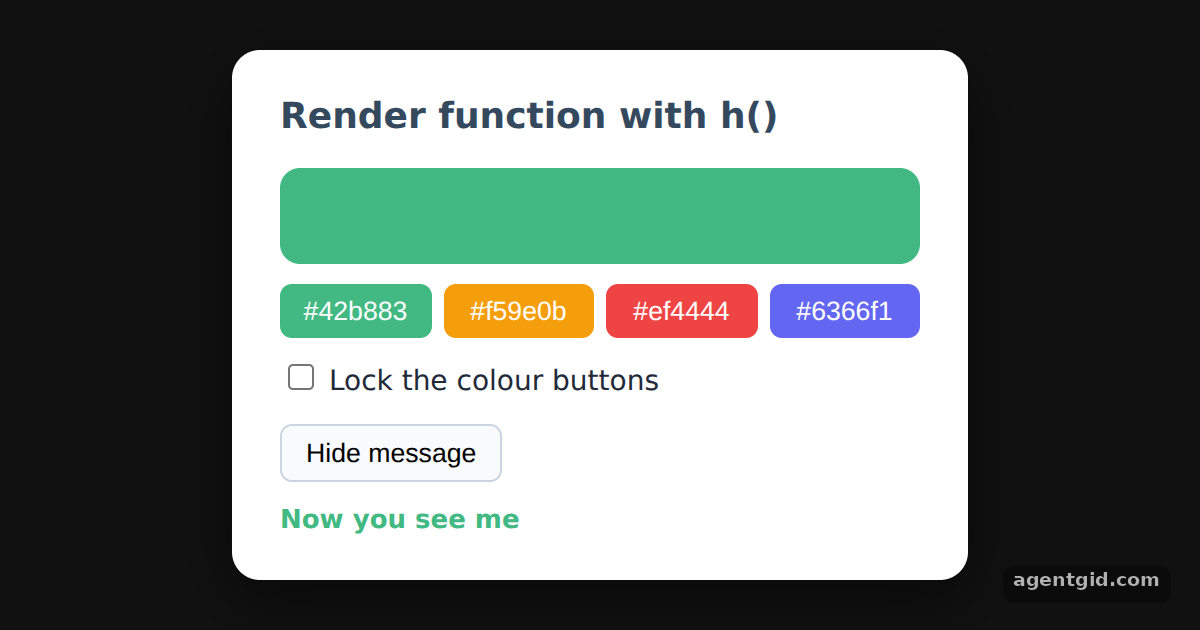 Render functions with h() in VueTick "Lock the colour buttons" to see the disabled state, or hide the message.
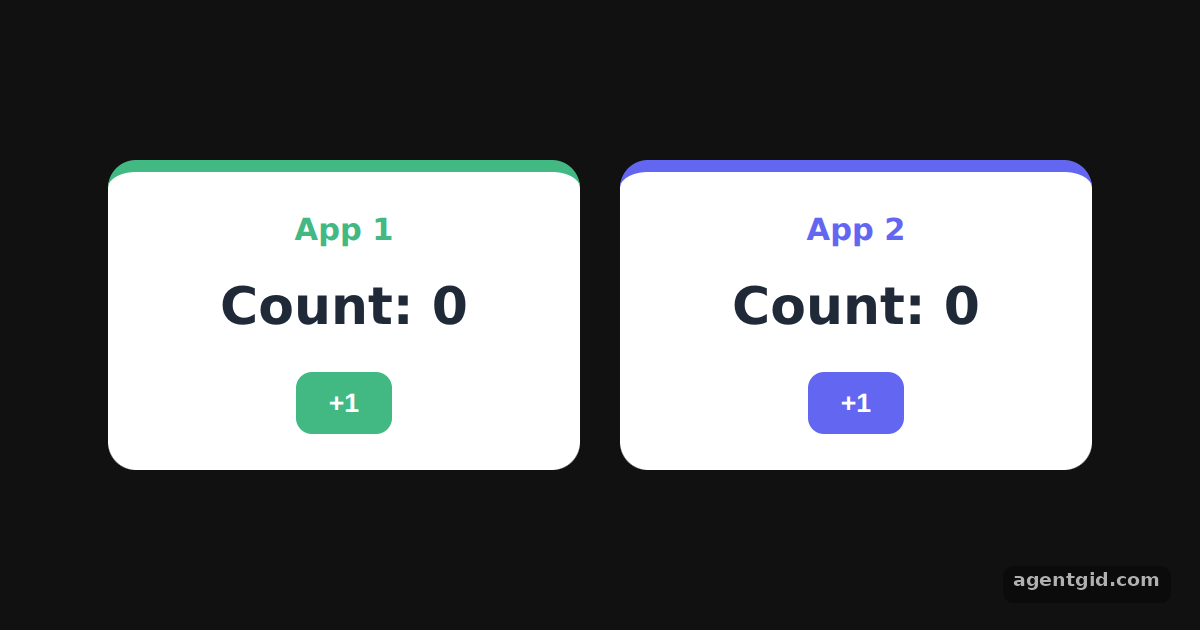 Multiple Vue apps on one pageClick +1 in each card: the two counters change independently.
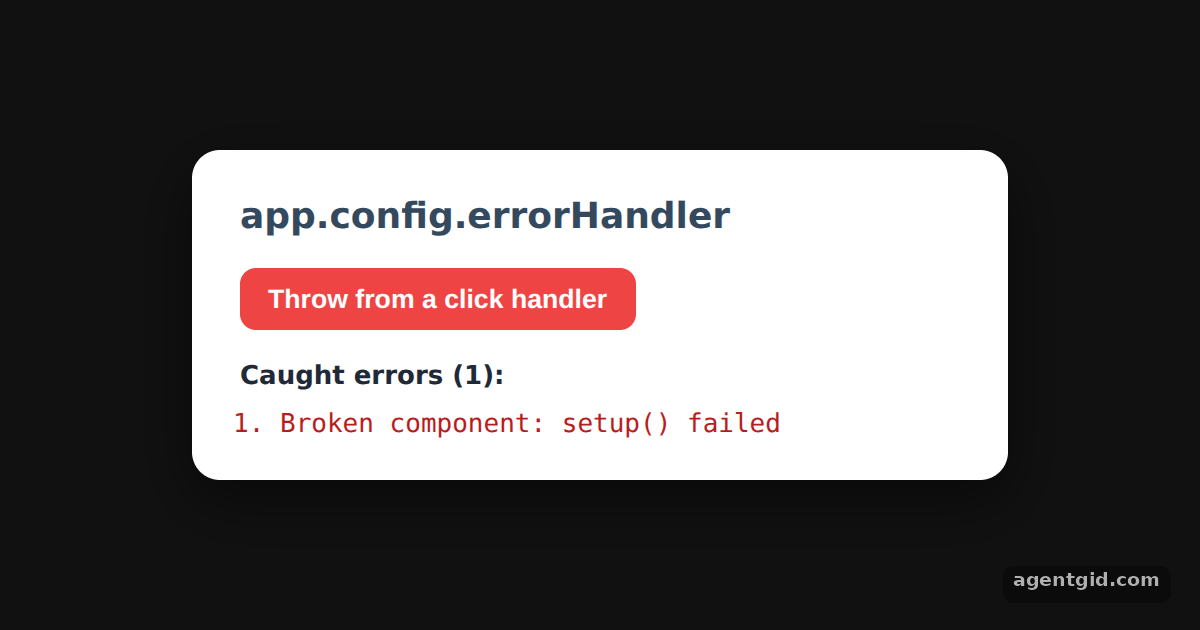 Catching errors with app.config.errorHandler in VuePress the red button a few times: each thrown error is added to the list.
Try them all in one place
import { createApp, ref, h } from "vue";

const root = document.getElementById("root");
root.style.cssText = "height:100%;display:grid;place-items:center;background:#111;font-family:system-ui,sans-serif";

const card = "background:#fff;color:#1f2937;padding:24px 32px;border-radius:14px;text-align:center;min-width:240px;box-shadow:0 10px 30px rgba(0,0,0,.5)";
const btn = "margin:0 6px;padding:8px 18px;border:0;border-radius:8px;background:#42b883;color:#fff;font-size:15px;font-weight:600;cursor:pointer";

createApp({
  setup() {
    // reactive state
    const count = ref(0);

    // this build has no template compiler, so setup() returns a render function made with h()
    return () =>
      h("div", { style: card }, [
        h("h2", { style: "margin:0 0 6px;font-size:18px;color:#35495e" }, "Vue counter"),
        h("p", { style: "margin:0 0 18px;font-size:30px;font-weight:700" }, `Count is: ${count.value}`),
        h("button", { style: btn, onClick: () => count.value++ }, "+1"),
        h("button", { style: btn + ";background:#35495e", onClick: () => (count.value = 0) }, "Reset"),
      ]);
  },
}).mount(root);
Click +1 a few times, then change ref(0) to ref(10) to start from another number. Code written by AgentGid [1]. How it works, with a screenshot →
Click +1 a few times, then change ref(0) to ref(10) to start from another number. Code written by AgentGid [1]. How it works, with a screenshot →Type an item and press Enter or Add; click remove to take one out. Code written by AgentGid [2]. How it works, with a screenshot →Tick "Lock the colour buttons" to see the disabled state, or hide the message. Code written by AgentGid [3]. How it works, with a screenshot →Click +1 in each card: the two counters change independently. Code written by AgentGid [1]. How it works, with a screenshot →Press the red button a few times: each thrown error is added to the list. Code written by AgentGid [1]. How it works, with a screenshot →Checked Oct 12, 2026: each example starts without errors in Chromium with vue 3.5.43. Needs WebGL.
Sources
- Docs: Creating a Vue Application {#creating-a-vue-application}
- Docs: Introduction {#introduction}
- Docs: Template Syntax {#template-syntax}
Explanations written by AgentGid from the official docs; the numbers in brackets point here. The code marked "written by AgentGid" is ours and free to copy.