React Examples You Can Edit and Run
5 small React examples written by AgentGid from the official docs, one feature each. Every one runs in your browser: change the code and see the result at once, or describe a change and let AI rewrite it. The screenshots are taken from the same code by our server, which also checks that each example starts without errors.
React: usage and stats 2,023 AI-built projects use it
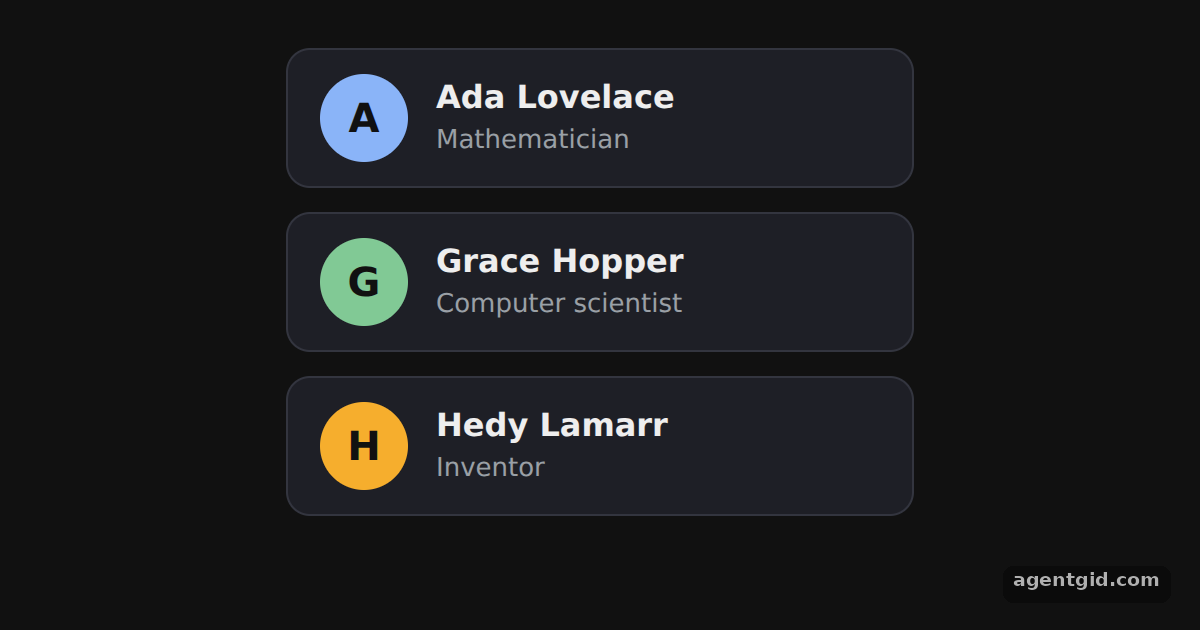 Components and props in ReactThree profile cards render from the same component; change a prop in App and the card updates.
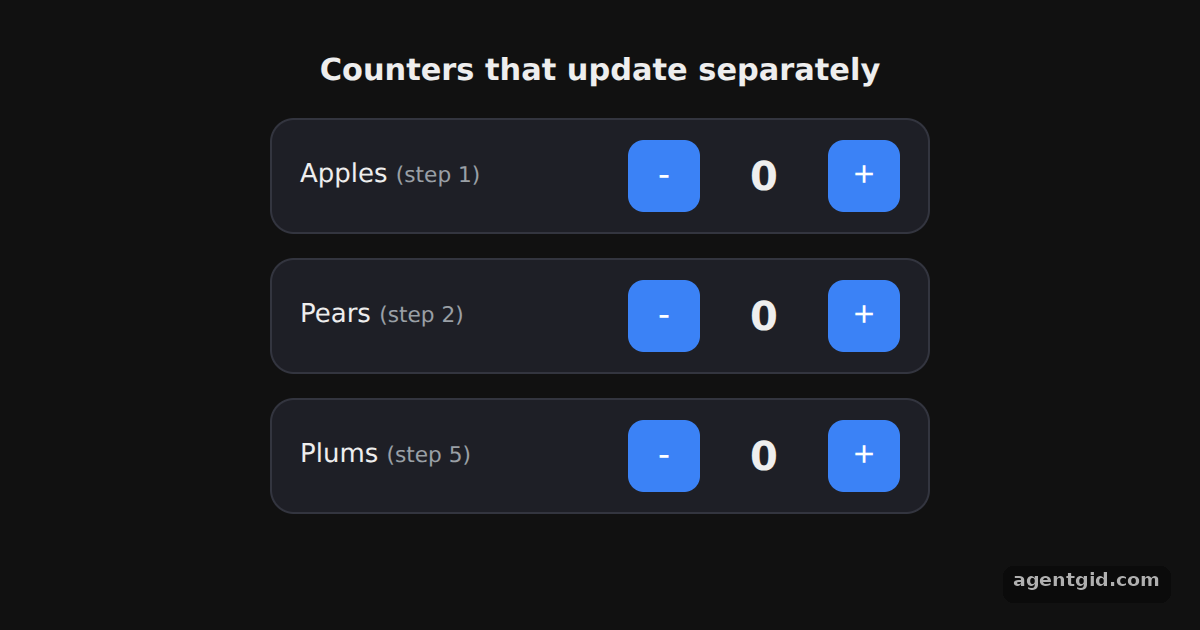 State with useState in ReactClick + and - on each row; every counter keeps its own number.
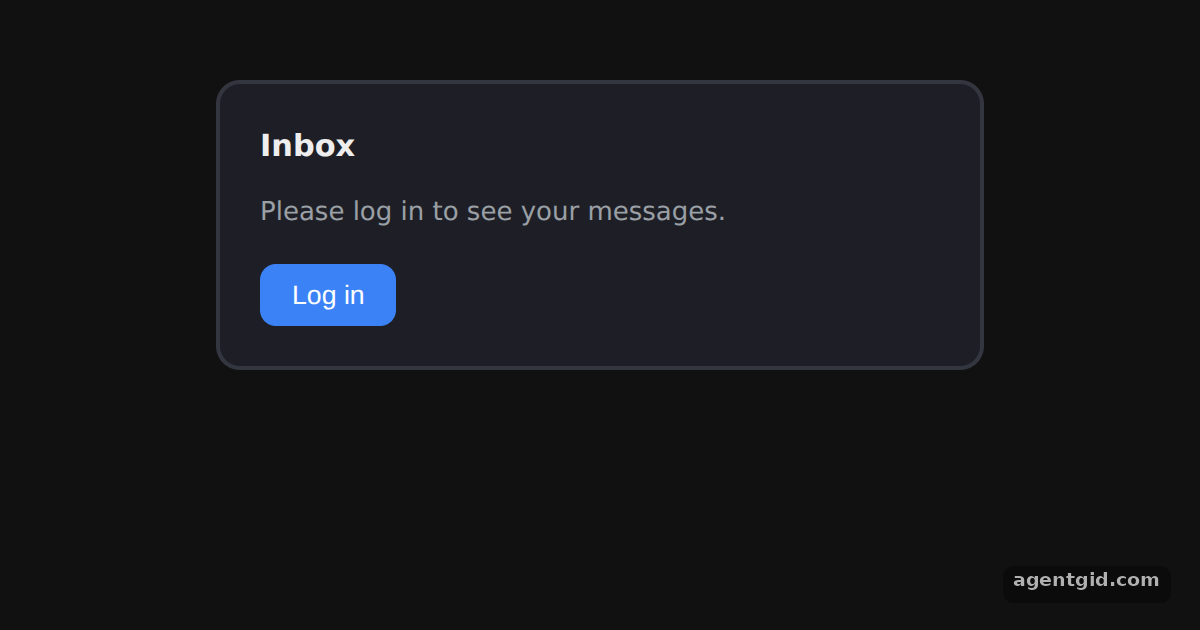 Conditional rendering in ReactPress the button to log in and out; the message, badge, label and border all change.
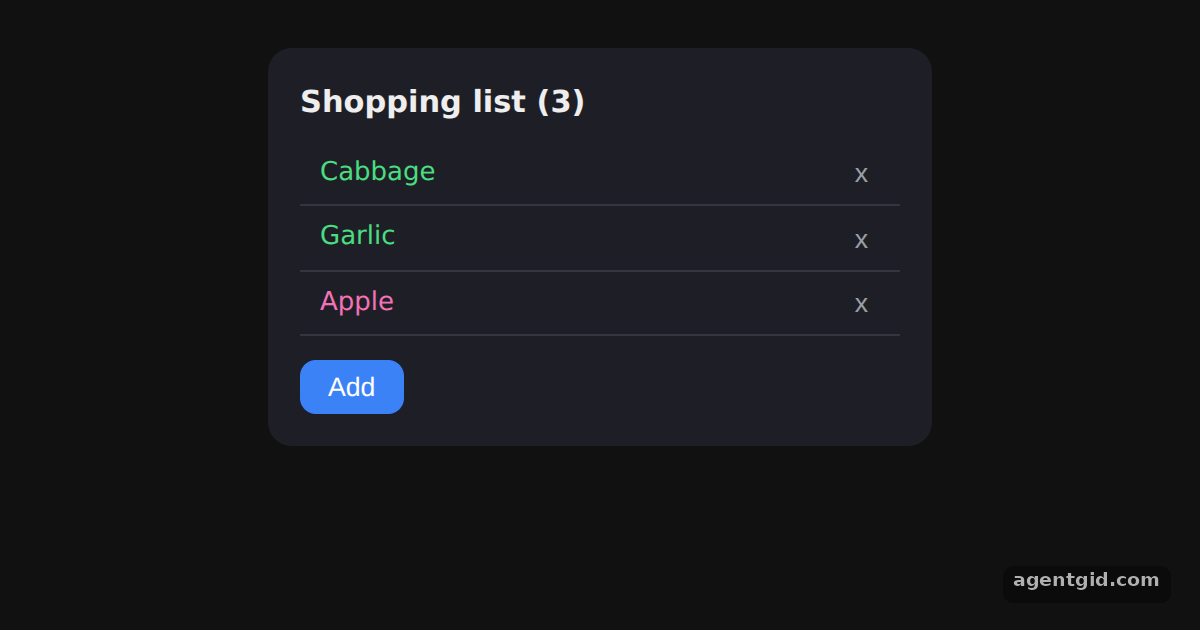 Rendering lists in ReactClick Add to append a product and x to remove one; the list re-renders from the array.
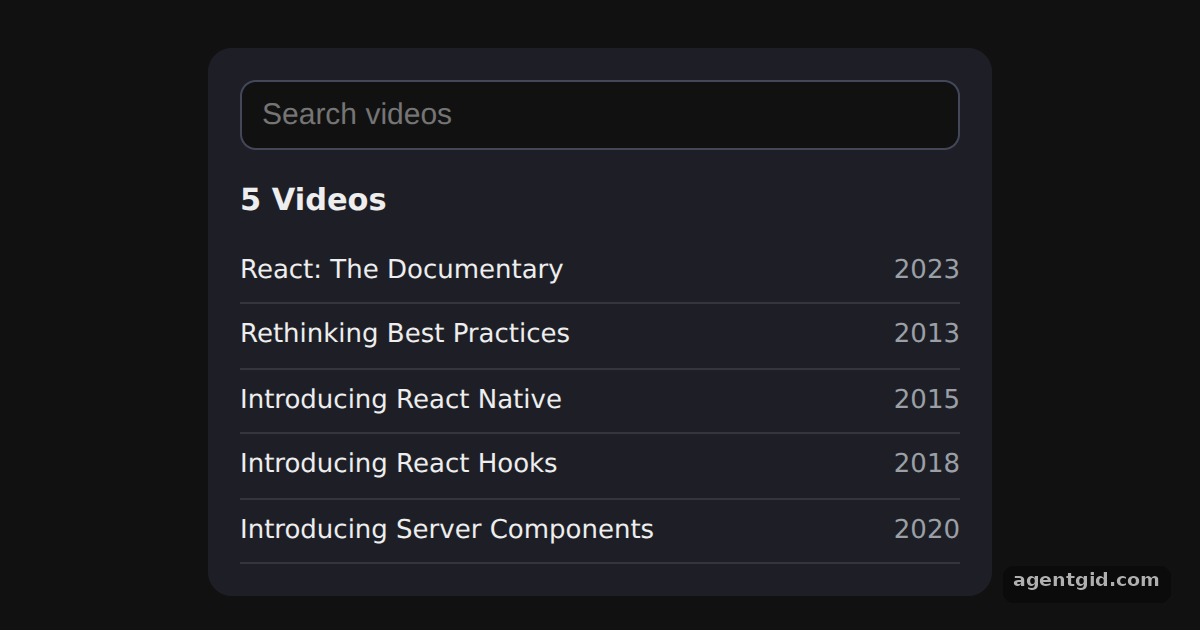 Filtering a list from an input in ReactType 'react' or 'hooks' into the box; the list narrows with every key press.
Try them all in one place
function Avatar({ name, color }) {
  return (
    <div style={{ width: 44, height: 44, borderRadius: '50%', background: color, color: '#111',
      display: 'grid', placeItems: 'center', fontWeight: 700, fontSize: 20 }}>
      {name[0]}
    </div>
  );
}

function ProfileCard({ name, role, color }) {
  return (
    <div style={{ display: 'flex', gap: 14, alignItems: 'center', width: 280, padding: '12px 16px',
      background: '#1e1f26', border: '1px solid #33353f', borderRadius: 12 }}>
      <Avatar name={name} color={color} />
      <div>
        <div style={{ fontSize: 16, fontWeight: 600 }}>{name}</div>
        <div style={{ fontSize: 13, color: '#9aa0a6' }}>{role}</div>
      </div>
    </div>
  );
}

export default function App() {
  return (
    <div style={{ display: 'flex', flexDirection: 'column', alignItems: 'center', gap: 12, padding: 24, fontFamily: 'system-ui, sans-serif', color: '#eee' }}>
      <ProfileCard name="Ada Lovelace" role="Mathematician" color="#8ab4f8" />
      <ProfileCard name="Grace Hopper" role="Computer scientist" color="#81c995" />
      <ProfileCard name="Hedy Lamarr" role="Inventor" color="#f6ae2d" />
    </div>
  );
}
Three profile cards render from the same component; change a prop in App and the card updates. Code written by AgentGid [1]. How it works, with a screenshot →
Three profile cards render from the same component; change a prop in App and the card updates. Code written by AgentGid [1]. How it works, with a screenshot →Click + and - on each row; every counter keeps its own number. Code written by AgentGid [1]. How it works, with a screenshot →Press the button to log in and out; the message, badge, label and border all change. Code written by AgentGid [1]. How it works, with a screenshot →Click Add to append a product and x to remove one; the list re-renders from the array. Code written by AgentGid [1]. How it works, with a screenshot →Type 'react' or 'hooks' into the box; the list narrows with every key press. Code written by AgentGid [2]. How it works, with a screenshot →Checked Oct 12, 2026: each example starts without errors in Chromium with react 19.3.0, react-dom 19.3.0. Needs WebGL.
Sources
Explanations written by AgentGid from the official docs; the numbers in brackets point here. The code marked "written by AgentGid" is ours and free to copy.