React Three Fiber Examples You Can Edit and Run
Five small React Three Fiber examples written by AgentGid, one idea each. Every one runs in your browser: change the code and see the result at once, or describe a change and let AI rewrite it. The screenshots are taken from the same code by our server, which also checks that each example starts without errors.
React Three Fiber: usage and stats 74 AI-built projects use it
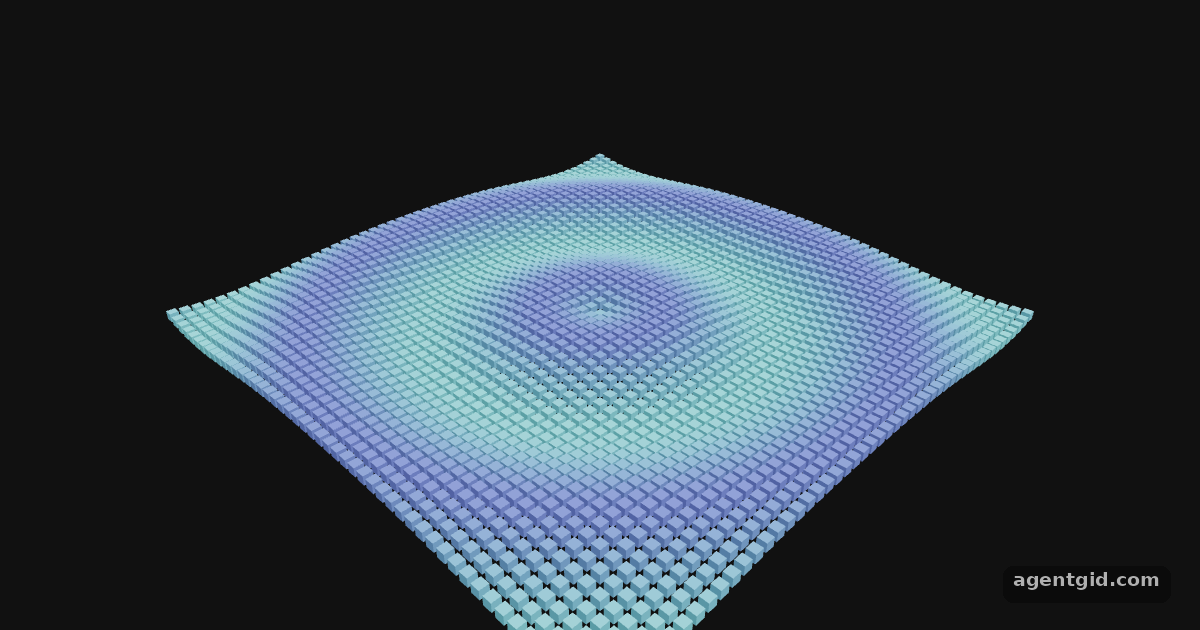 InstancedMesh in React Three Fiber2,500 cubes drawn in one draw call: one instancedMesh, animated in useFrame by changing each instance's matrix.
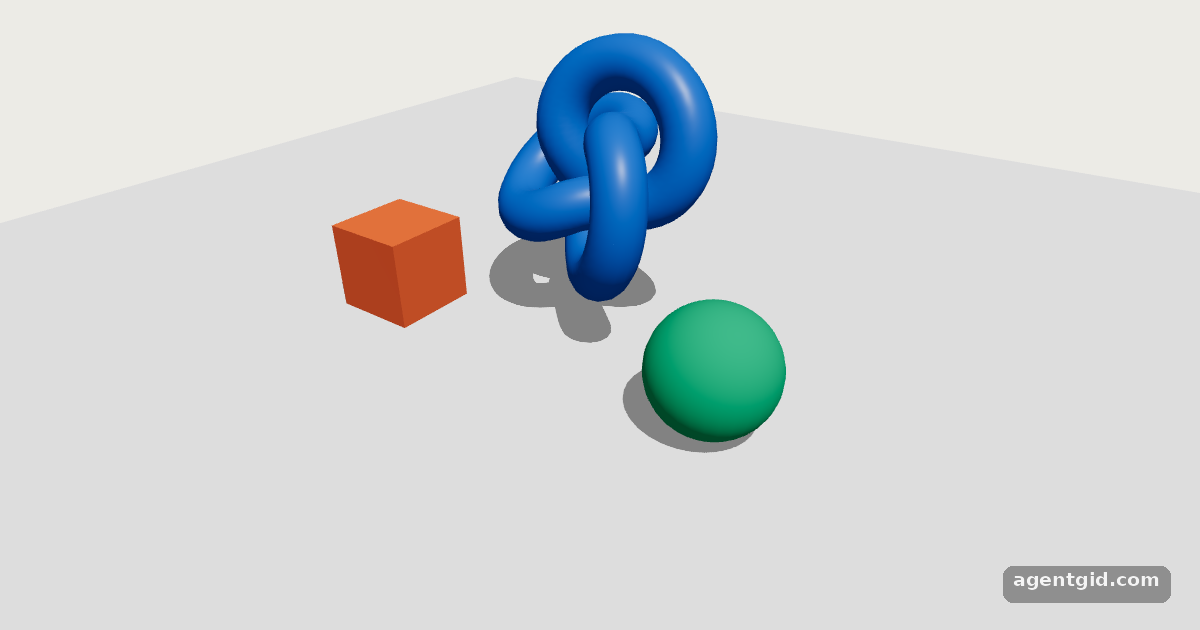 Shadows in React Three FiberShadows need three switches: shadows on the Canvas, castShadow on the light and the objects, receiveShadow on the floor.
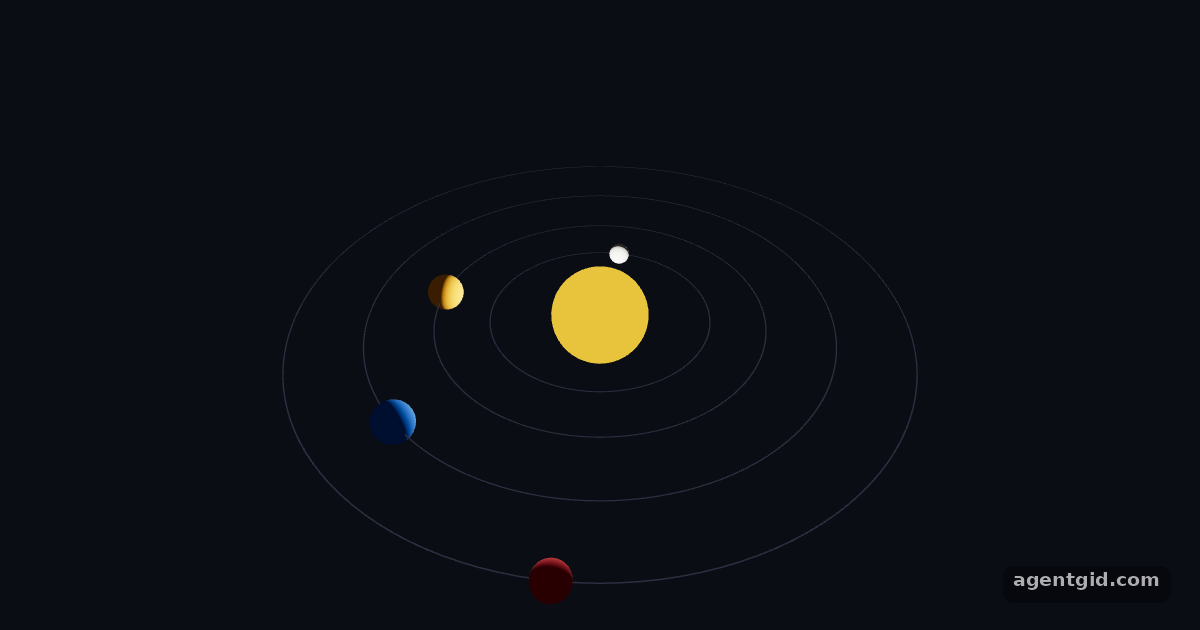 useFrame in React Three FiberPlanets on orbits: each one moves itself in useFrame from the clock, without React state.
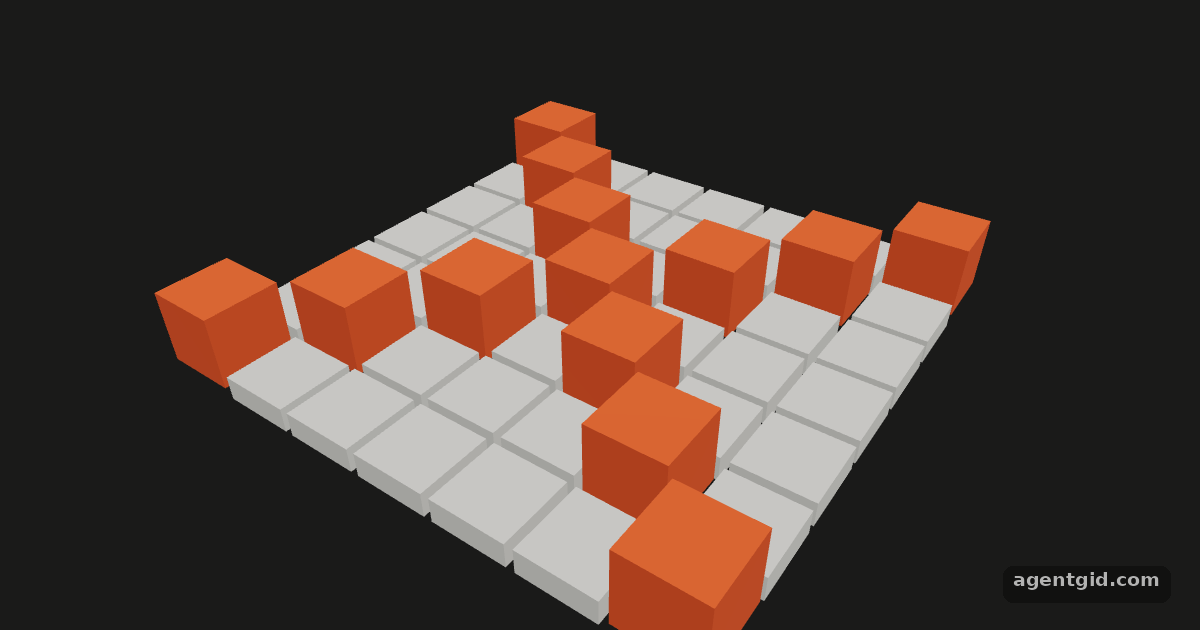 onClick and pointer events in React Three FiberA grid of tiles: hover to highlight, click to raise. Clicking empty space prints a line from onPointerMissed.
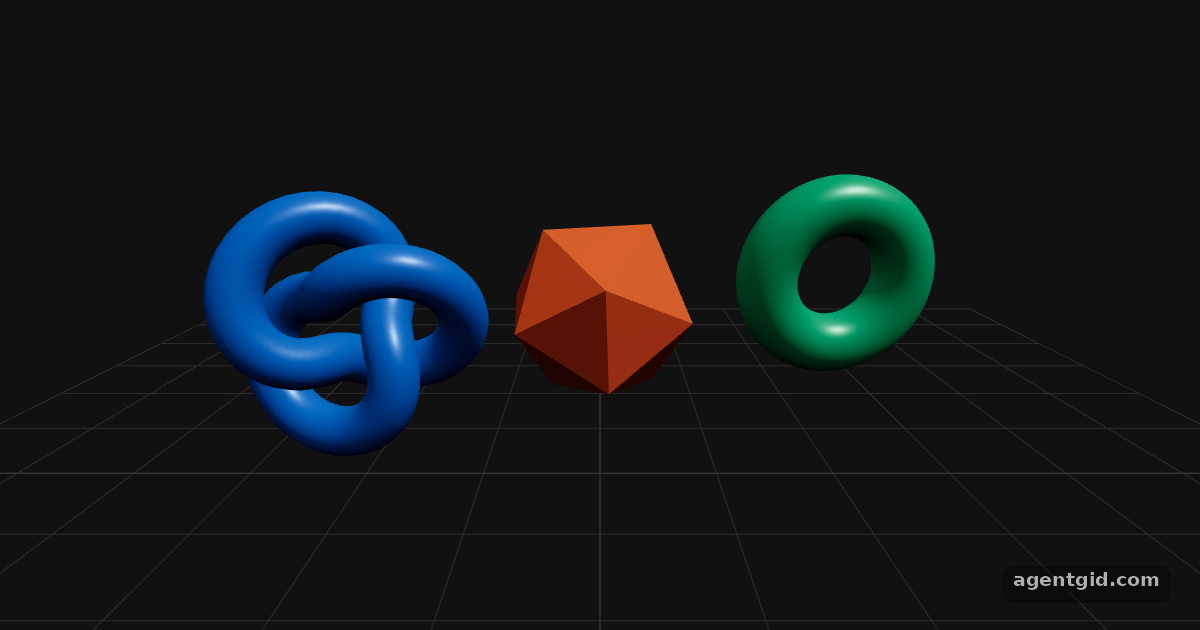 OrbitControls in React Three FiberDrag to rotate, scroll to zoom, right-drag to pan. OrbitControls and Float come from Drei, the helper library most R3F projects add.
Try them all in one place
import { Canvas, useFrame } from '@react-three/fiber'
import { useMemo, useRef } from 'react'
import * as THREE from 'three'

const SIDE = 50
const COUNT = SIDE * SIDE

function Wave() {
  const ref = useRef()
  // reused every frame: no new objects inside the loop
  const dummy = useMemo(() => new THREE.Object3D(), [])
  const color = useMemo(() => new THREE.Color(), [])
  useFrame(({ clock }) => {
    const t = clock.elapsedTime
    let i = 0
    for (let x = 0; x < SIDE; x++) {
      for (let z = 0; z < SIDE; z++) {
        const d = Math.hypot(x - SIDE / 2, z - SIDE / 2)
        const y = Math.sin(d * 0.35 - t * 2) * 0.8
        dummy.position.set(x - SIDE / 2, y, z - SIDE / 2)
        dummy.scale.setScalar(0.8)
        dummy.updateMatrix()
        ref.current.setMatrixAt(i, dummy.matrix)
        ref.current.setColorAt(i, color.setHSL(0.58 + y * 0.08, 0.7, 0.55))
        i++
      }
    }
    ref.current.instanceMatrix.needsUpdate = true
    ref.current.instanceColor.needsUpdate = true
  })
  return (
    <instancedMesh ref={ref} args={[undefined, undefined, COUNT]}>
      <boxGeometry args={[0.9, 0.9, 0.9]} />
      <meshStandardMaterial />
    </instancedMesh>
  )
}

export default function App() {
  return (
    <Canvas camera={{ position: [42, 36, 42], fov: 40 }}>
      <color attach="background" args={['#111']} />
      <ambientLight intensity={0.6} />
      <directionalLight position={[10, 20, 5]} intensity={2.5} />
      <Wave />
    </Canvas>
  )
}
2,500 cubes drawn in one draw call: one instancedMesh, animated in useFrame by changing each instance's matrix. Code written by AgentGid [1]. How it works, with a screenshot →
2,500 cubes drawn in one draw call: one instancedMesh, animated in useFrame by changing each instance's matrix. Code written by AgentGid [1]. How it works, with a screenshot →Shadows need three switches: shadows on the Canvas, castShadow on the light and the objects, receiveShadow on the floor. Code written by AgentGid [4]. How it works, with a screenshot →Planets on orbits: each one moves itself in useFrame from the clock, without React state. Code written by AgentGid [3]. How it works, with a screenshot →A grid of tiles: hover to highlight, click to raise. Clicking empty space prints a line from onPointerMissed. Code written by AgentGid [8]. How it works, with a screenshot →Drag to rotate, scroll to zoom, right-drag to pan. OrbitControls and Float come from Drei, the helper library most R3F projects add. Code written by AgentGid [9]. How it works, with a screenshot →Checked Oct 12, 2026: each example starts without errors in Chromium with React Three Fiber 9.8.1, three.js 0.186.1, Drei 10.7.9, React 19.3.0. Needs WebGL.
Sources
- Docs: Scaling performance
- three.js docs: InstancedMesh
- Docs: Hooks (useFrame, useThree)
- Docs: Canvas (the shadows prop)
- Docs: Objects, properties and constructor arguments (dash-case props)
- three.js docs: DirectionalLightShadow
- Docs: Performance pitfalls
- Docs: Events
- Drei docs: Controls (OrbitControls, makeDefault)
- three.js docs: OrbitControls
Explanations written by AgentGid from the official docs; the numbers in brackets point here. The code marked "written by AgentGid" is ours and free to copy.