Listening to map events with useMapEvents
useMapEvents attaches several Leaflet event handlers at once from a component inside the map. Use it to react to clicks, panning and zooming.
How it works
- A child component with the hook.
EventLoggeris rendered insideMapContainerand returnsnull. It passes an object of handlers touseMapEvents. [1] - Use the returned map. The hook returns the map instance, so the
zoomendandmoveendhandlers can callmap.getZoom()andmap.getCenter(). The click handler readse.latlng. [1] - Keep it under MapContainer. The hook only works below
MapContainer, so the log itself lives inAppstate and the side panel renders it. [2]
Run and edit it
It runs in your browser, in a sandboxed frame that cannot see this site; the packages load from esm.sh only after you press Run.
import { useState } from "react";
import { MapContainer, Polygon, useMapEvents } from "react-leaflet";

const area = [[51.512, -0.125], [51.517, -0.1], [51.511, -0.082], [51.503, -0.104]];

// Listens to several map events and reports them to the parent
function EventLogger({ onEvent }) {
  const map = useMapEvents({
    click: (e) => onEvent(`click ${e.latlng.lat.toFixed(4)}, ${e.latlng.lng.toFixed(4)}`),
    zoomend: () => onEvent(`zoomend, zoom = ${map.getZoom()}`),
    moveend: () => {
      const c = map.getCenter();
      onEvent(`moveend, center ${c.lat.toFixed(3)}, ${c.lng.toFixed(3)}`);
    },
  });
  return null;
}

export default function App() {
  const [log, setLog] = useState(["Click, drag or zoom the map"]);
  const onEvent = (line) => setLog((l) => [line, ...l].slice(0, 9));
  return (
    <div style={{ display: "flex", height: "100vh", background: "#111", font: "13px system-ui, sans-serif" }}>
      <MapContainer center={[51.505, -0.09]} zoom={13} style={{ flex: 1, height: "100%", background: "#0b1626" }}>
        <Polygon positions={area} pathOptions={{ color: "#a78bfa" }} />
        <EventLogger onEvent={onEvent} />
      </MapContainer>
      <div style={{ width: 210, padding: 12, color: "#e5e7eb" }}>
        <b>Map events</b>
        {log.map((line, i) => (
          <div key={i} style={{ marginTop: 6, color: i ? "#9ca3af" : "#fde68a" }}>{line}</div>
        ))}
      </div>
    </div>
  );
}
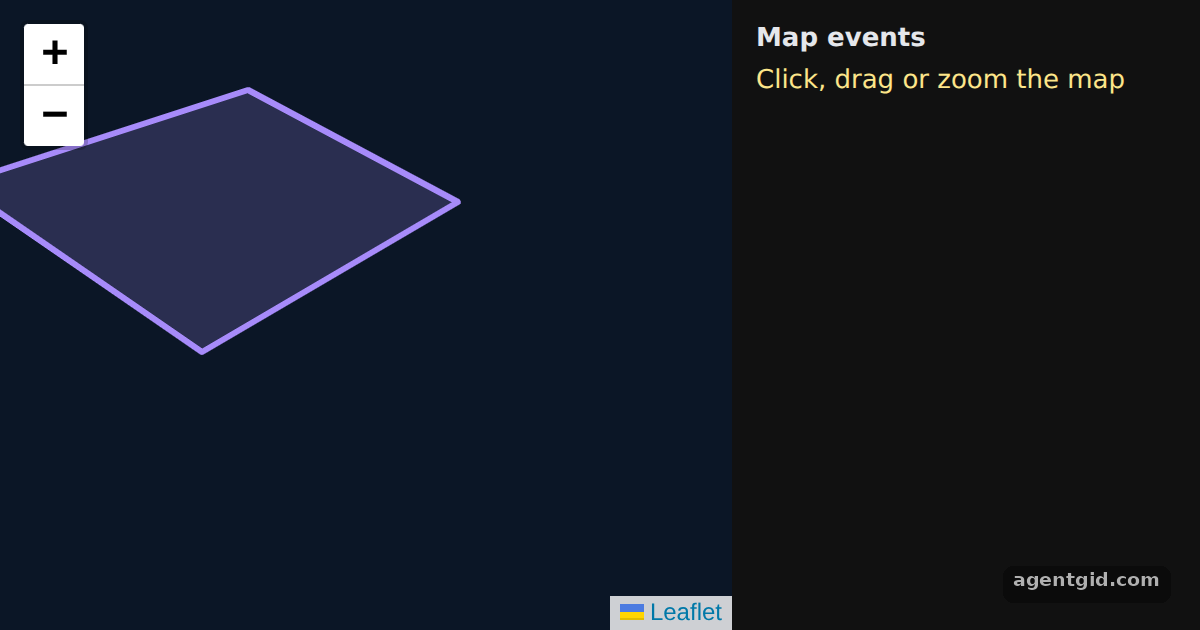
Click, drag or use the zoom buttons: the newest event appears at the top of the list on the right. Code written by AgentGid [1].
Click, drag or use the zoom buttons: the newest event appears at the top of the list on the right. Code written by AgentGid [1].Checked Oct 12, 2026: it starts without errors in Chromium with react-leaflet 5.0.0, react 19.3.0, react-dom 19.3.0, leaflet 1.9.4. Needs WebGL.
More React Leaflet examples
Map, marker and popup in React Leaflet Changing the map view with useMap Adding markers on click in React Leaflet Fitting the map to bounds in React Leaflet
Sources
Explanations written by AgentGid from the official docs; the numbers in brackets point here. The code marked "written by AgentGid" is ours and free to copy.