Keyboard and pointer input in Phaser
Games react to the keyboard, mouse and touch. Phaser's input system gives a scene cursor keys and pointer events.
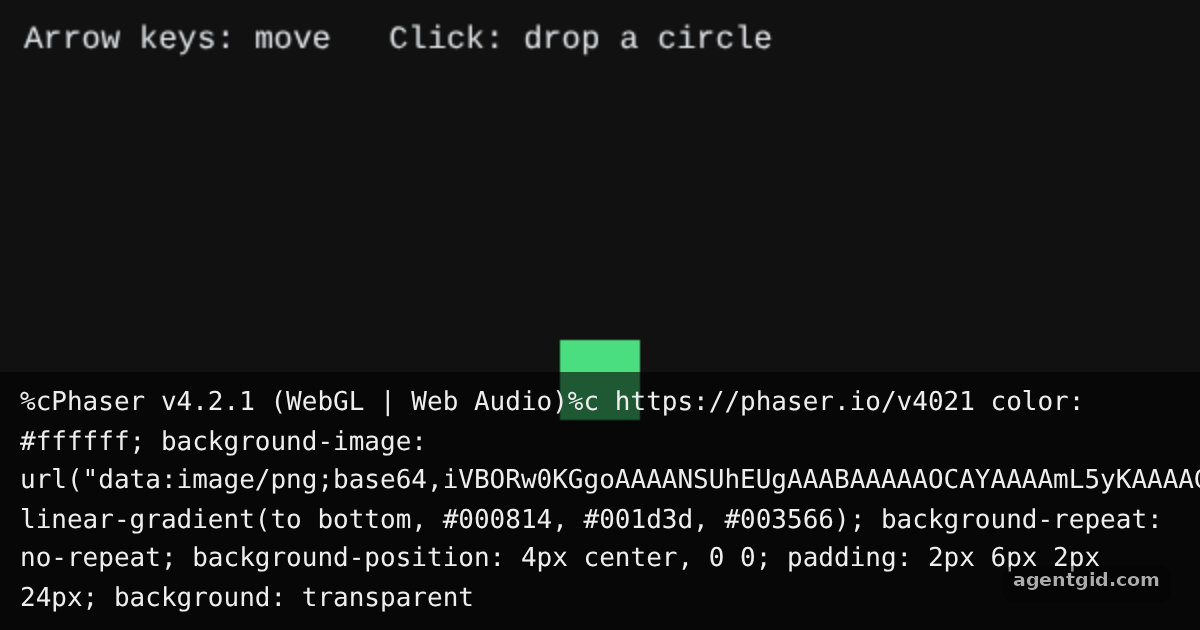
How it works
- Read the arrow keys.
this.input.keyboard.createCursorKeys()returnsup,down,leftandrightkey objects. The scene'supdate()runs every frame and checksisDownon each one. [1] - Listen for clicks and taps.
this.input.on('pointerdown', ...)gives the pointer position, where a new circle is added and then faded out with a tween. [1] - Keep the player on screen.
Phaser.Math.Clamplimits the player'sxandyto the canvas size after each move. [2]
Run and edit it
It runs in your browser, in a sandboxed frame that cannot see this site; the packages load from esm.sh only after you press Run.
import Phaser from 'phaser';

const COLORS = [0x38bdf8, 0xf472b6, 0xfacc15, 0xa78bfa];

class Play extends Phaser.Scene {
  create() {
    this.player = this.add.rectangle(300, 190, 40, 40, 0x4ade80);
    this.cursors = this.input.keyboard.createCursorKeys();

    this.input.on('pointerdown', (pointer) => {
      const color = Phaser.Utils.Array.GetRandom(COLORS);
      const dot = this.add.circle(pointer.x, pointer.y, Phaser.Math.Between(10, 24), color);
      this.tweens.add({
        targets: dot, scale: 0, alpha: 0, duration: 900,
        onComplete: () => dot.destroy(),
      });
    });

    this.add.text(12, 10, 'Arrow keys: move   Click: drop a circle', {
      fontSize: '16px', color: '#e5e7eb',
    });
  }

  update() {
    const speed = 4;
    const c = this.cursors;
    if (c.left.isDown) this.player.x -= speed;
    if (c.right.isDown) this.player.x += speed;
    if (c.up.isDown) this.player.y -= speed;
    if (c.down.isDown) this.player.y += speed;
    this.player.x = Phaser.Math.Clamp(this.player.x, 20, 580);
    this.player.y = Phaser.Math.Clamp(this.player.y, 20, 360);
  }
}

new Phaser.Game({
  type: Phaser.AUTO,
  parent: 'root',
  width: 600,
  height: 380,
  backgroundColor: '#111111',
  scene: Play,
});
Click inside the frame first so it has keyboard focus, then use the arrow keys; every click leaves a fading circle. Code written by AgentGid [1].
Click inside the frame first so it has keyboard focus, then use the arrow keys; every click leaves a fading circle. Code written by AgentGid [1].Checked Oct 12, 2026: it starts without errors in Chromium with phaser 4.2.1. Needs WebGL.
More Phaser examples
Draw shapes in a Phaser scene Arcade physics in Phaser Tweens in Phaser Particle effects in Phaser
Sources
Explanations written by AgentGid from the official docs; the numbers in brackets point here. The code marked "written by AgentGid" is ours and free to copy.