Phaser Examples You Can Edit and Run
5 small Phaser examples written by AgentGid from the official docs, one feature each. Every one runs in your browser: change the code and see the result at once, or describe a change and let AI rewrite it. The screenshots are taken from the same code by our server, which also checks that each example starts without errors.
Phaser: usage and stats 12 AI-built projects use it
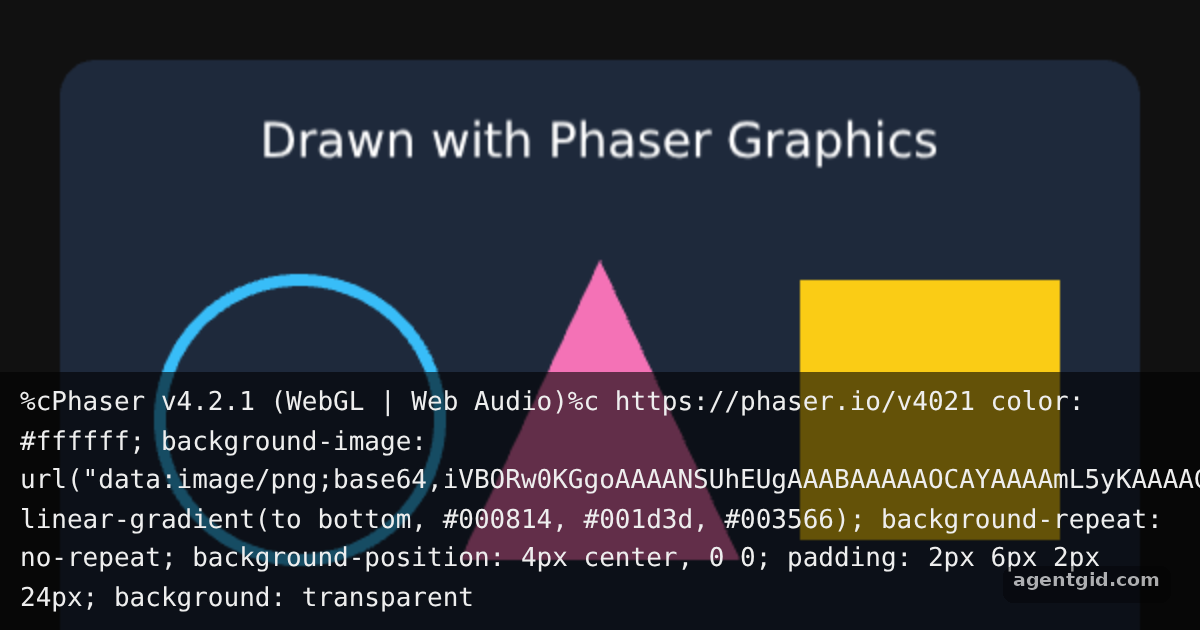 Draw shapes in a Phaser sceneChange the colors or coordinates in create() to redraw the scene.
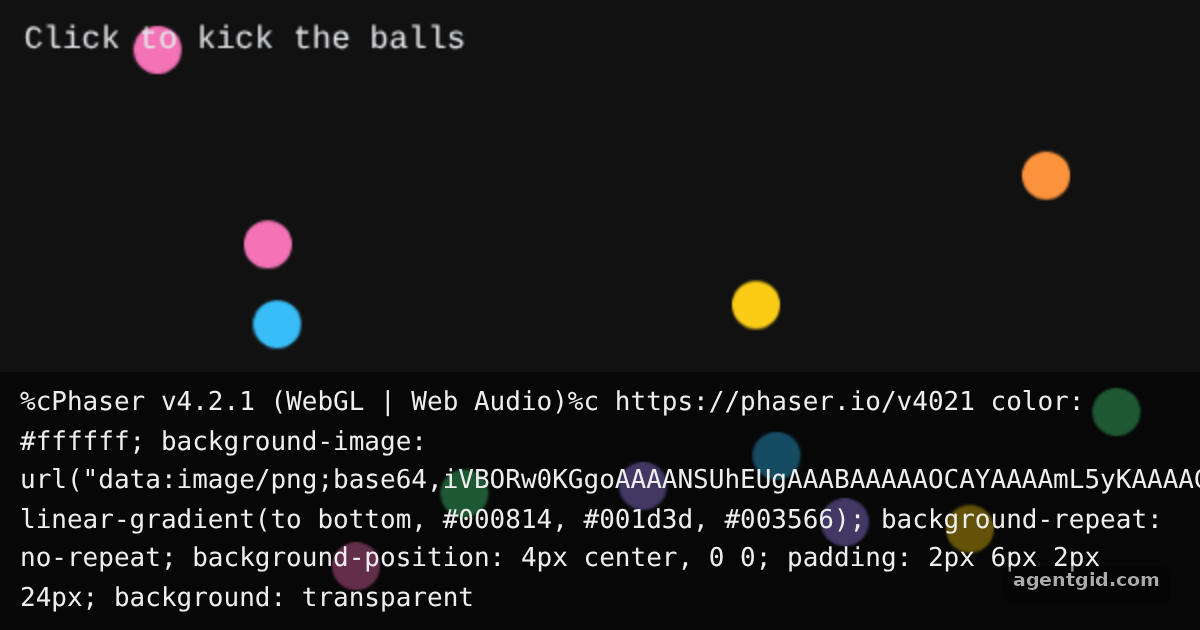 Arcade physics in PhaserClick anywhere to kick every ball upward again.
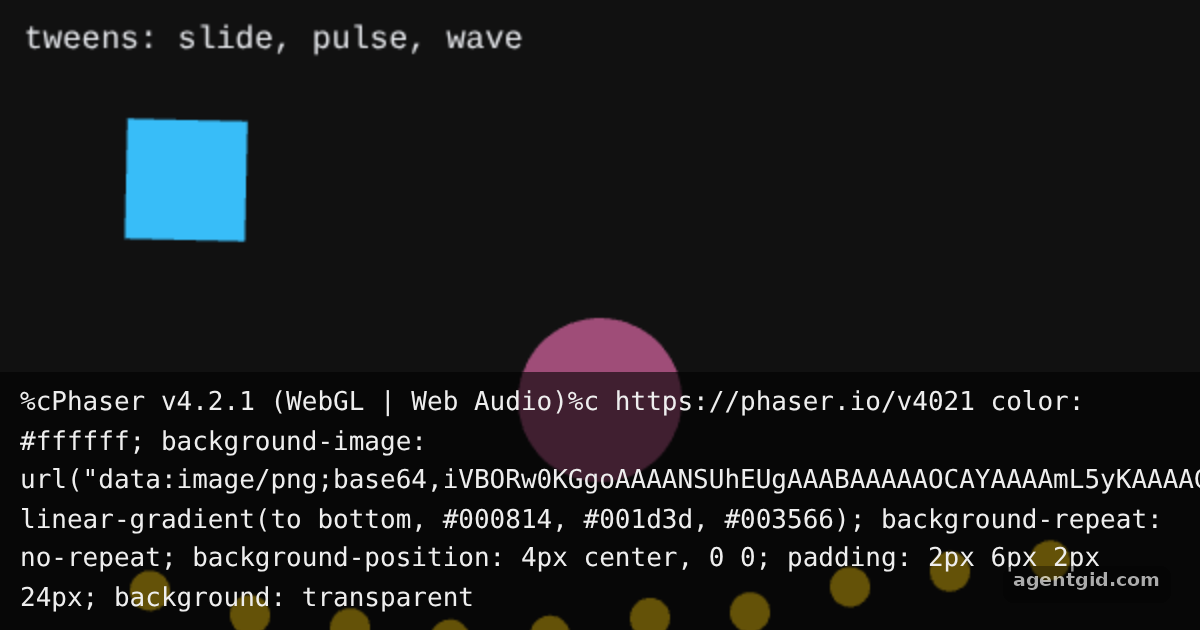 Tweens in PhaserAll three tweens start on load and loop; try another ease such as 'Bounce.easeOut'.
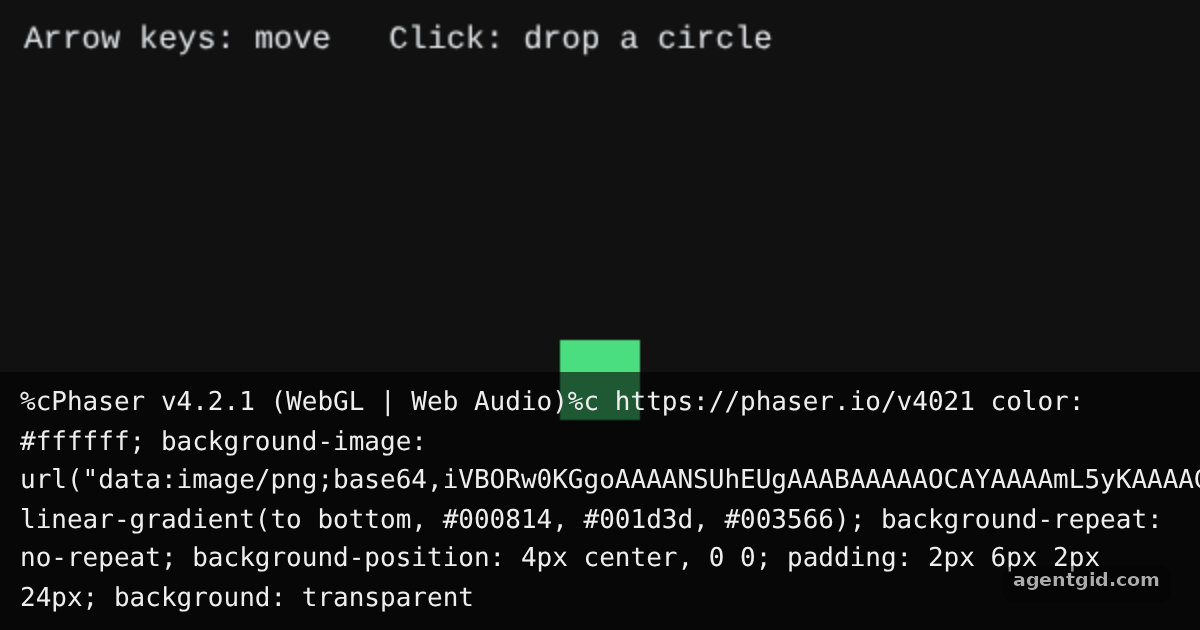 Keyboard and pointer input in PhaserClick inside the frame first so it has keyboard focus, then use the arrow keys; every click leaves a fading circle.
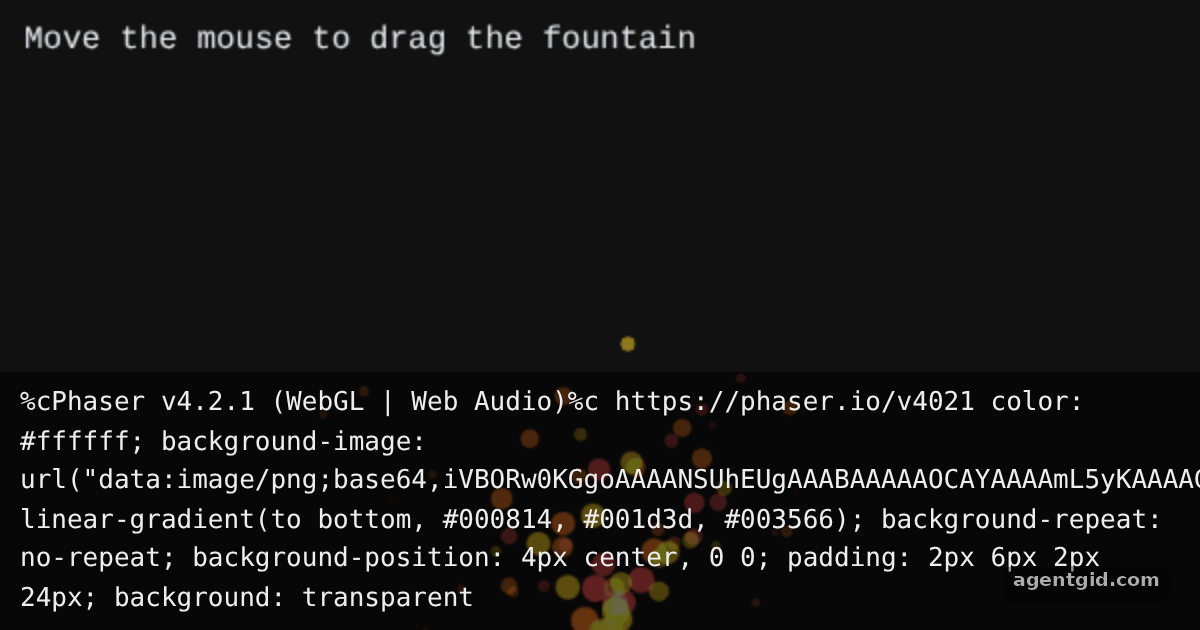 Particle effects in PhaserSparks start right away from the bottom centre; move the mouse over the frame to drag the fountain.
Try them all in one place
import Phaser from 'phaser';

class Board extends Phaser.Scene {
  constructor() {
    super('board');
  }

  create() {
    const g = this.add.graphics();

    // Background panel
    g.fillStyle(0x1e293b, 1);
    g.fillRoundedRect(30, 30, 540, 320, 18);

    // A ring, a triangle and a square
    g.lineStyle(6, 0x38bdf8, 1);
    g.strokeCircle(150, 210, 70);
    g.fillStyle(0xf472b6, 1);
    g.fillTriangle(300, 130, 230, 280, 370, 280);
    g.fillStyle(0xfacc15, 1);
    g.fillRect(400, 140, 130, 130);

    this.add.text(300, 70, 'Drawn with Phaser Graphics', {
      fontFamily: 'system-ui, sans-serif',
      fontSize: '24px',
      color: '#ffffff',
    }).setOrigin(0.5);
  }
}

new Phaser.Game({
  type: Phaser.AUTO,
  parent: 'root',
  width: 600,
  height: 380,
  backgroundColor: '#111111',
  scene: Board,
});
Change the colors or coordinates in create() to redraw the scene. Code written by AgentGid [1]. How it works, with a screenshot →
Change the colors or coordinates in create() to redraw the scene. Code written by AgentGid [1]. How it works, with a screenshot →Click anywhere to kick every ball upward again. Code written by AgentGid [1]. How it works, with a screenshot →All three tweens start on load and loop; try another ease such as 'Bounce.easeOut'. Code written by AgentGid [2]. How it works, with a screenshot →Click inside the frame first so it has keyboard focus, then use the arrow keys; every click leaves a fading circle. Code written by AgentGid [1]. How it works, with a screenshot →Sparks start right away from the bottom centre; move the mouse over the frame to drag the fountain. Code written by AgentGid [2]. How it works, with a screenshot →Checked Oct 12, 2026: each example starts without errors in Chromium with phaser 4.2.1. Needs WebGL.
Sources
- Phaser README (GitHub)
- Docs: news › 2024 › 04 › phaser-by-example-book
- Docs: tutorials › getting-started-phaser3
Explanations written by AgentGid from the official docs; the numbers in brackets point here. The code marked "written by AgentGid" is ours and free to copy.