Stagger animations in Motion
Staggering offsets the start of each element in a group. Motion's stagger() function builds those delays for you.
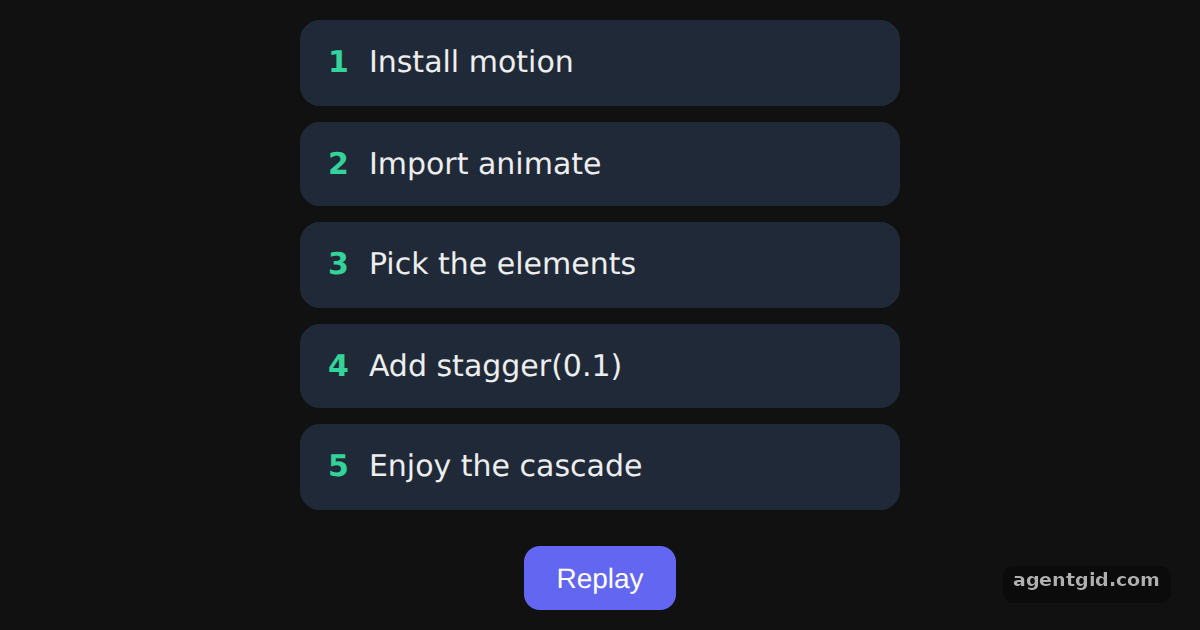
How it works
- Why stagger. The list items are animated together, but each one starts a little after the one before it. [1]
- stagger() as the delay. The code passes
{ delay: stagger(0.1) }, so item N starts 0.1 seconds after item N-1. [1] - Animate all items at once.
querySelectorAll("li")returns every item, and oneanimatecall handles them all. Keyframes[20, 0]and[0, 1]make the replay start from hidden. [1]
Run and edit it
It runs in your browser, in a sandboxed frame that cannot see this site; the packages load from esm.sh only after you press Run.
import { useEffect, useRef, useState } from "react";
import { animate, stagger } from "motion";

const ITEMS = ["Install motion", "Import animate", "Pick the elements", "Add stagger(0.1)", "Enjoy the cascade"];

export default function App() {
  const list = useRef(null);
  const [run, setRun] = useState(0);

  useEffect(() => {
    const items = list.current.querySelectorAll("li");
    // Each item starts 0.1s after the previous one
    animate(items, { y: [20, 0], opacity: [0, 1] }, { delay: stagger(0.1) });
  }, [run]);

  return (
    <div style={page}>
      <ul ref={list} style={ul}>
        {ITEMS.map((text, i) => (
          <li key={text} style={li}>
            <b style={{ color: "#34d399", marginRight: 10 }}>{i + 1}</b>
            {text}
          </li>
        ))}
      </ul>
      <button style={btn} onClick={() => setRun((r) => r + 1)}>Replay</button>
    </div>
  );
}

const ul = { listStyle: "none", padding: 0, margin: 0, width: 300, display: "grid", gap: 8 };
const li = { opacity: 0, padding: "10px 14px", borderRadius: 10, background: "#1f2937", fontSize: 15 };
const page = { minHeight: "100vh", display: "flex", flexDirection: "column", alignItems: "center", justifyContent: "center", gap: 18, background: "#111", color: "#eee", fontFamily: "system-ui, sans-serif" };
const btn = { padding: "8px 16px", borderRadius: 8, border: "none", background: "#6366f1", color: "#fff", fontSize: 14, cursor: "pointer" };
The five items cascade in on load; press Replay to see the stagger again. Code written by AgentGid [1].
The five items cascade in on load; press Replay to see the stagger again. Code written by AgentGid [1].Checked Oct 12, 2026: it starts without errors in Chromium with motion 14.1.0, react 19.3.0, react-dom 19.3.0. Needs WebGL.
More Motion examples
The animate() function in Motion Easing, duration and delay in Motion Spring animations in Motion Repeating animations in Motion
Sources
Explanations written by AgentGid from the official docs; the numbers in brackets point here. The code marked "written by AgentGid" is ours and free to copy.