Motion Examples You Can Edit and Run
5 small Motion examples written by AgentGid from the official docs, one feature each. Every one runs in your browser: change the code and see the result at once, or describe a change and let AI rewrite it. The screenshots are taken from the same code by our server, which also checks that each example starts without errors.
Motion: usage and stats 215 AI-built projects use it
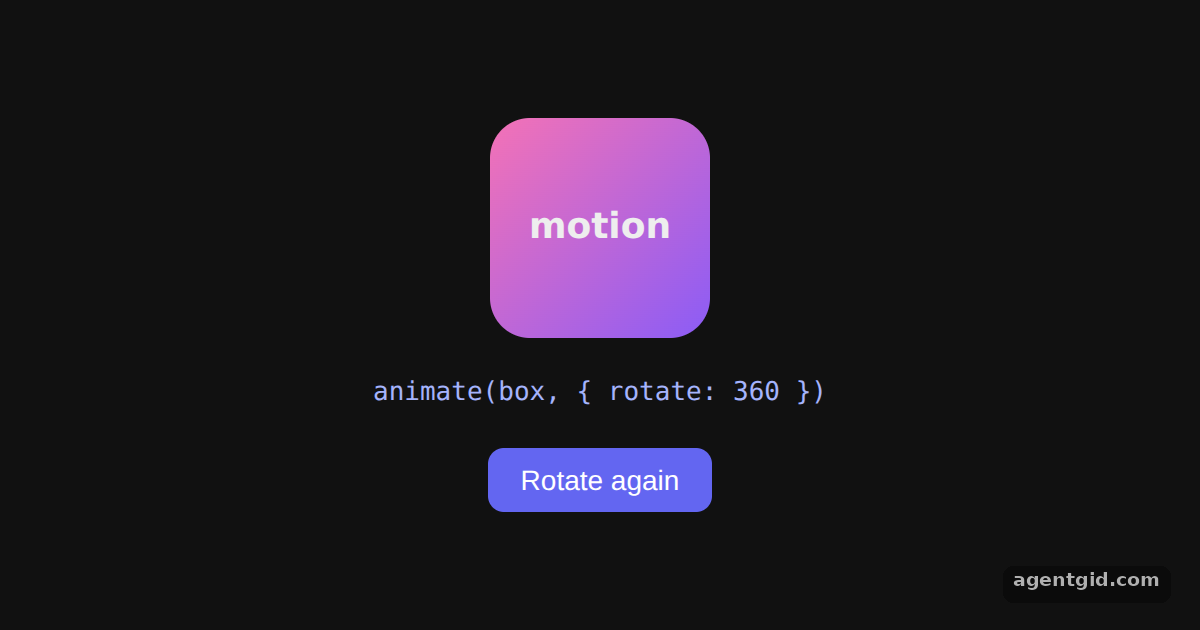 The animate() function in MotionThe box spins once on load; click Rotate again to add another full turn.
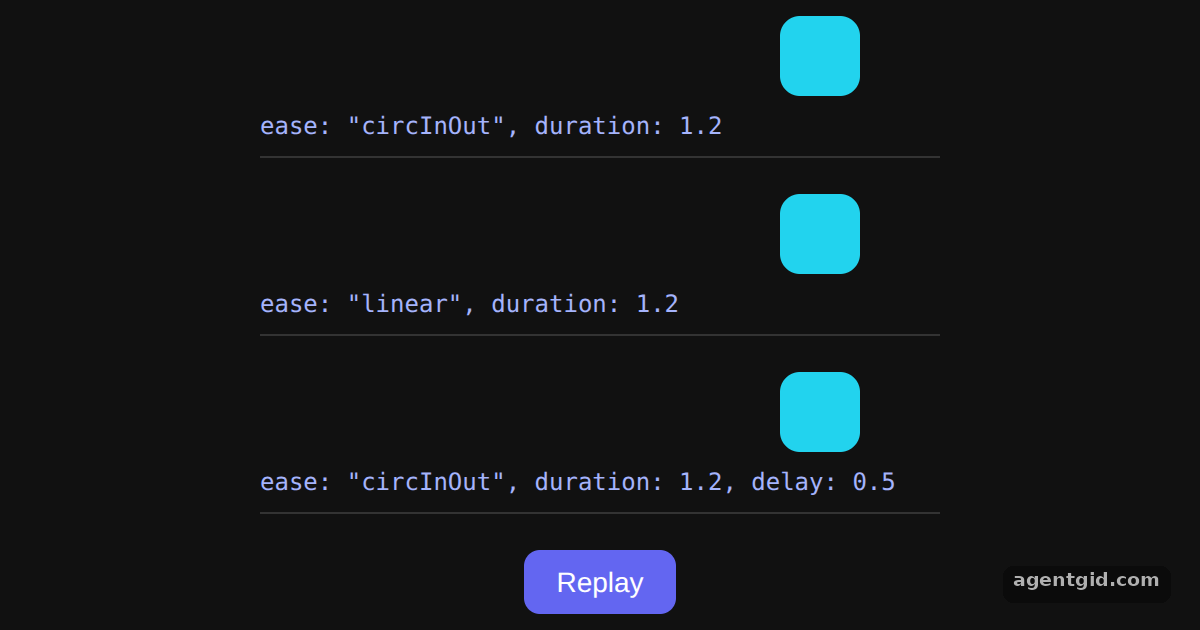 Easing, duration and delay in MotionWatch how the circInOut box speeds up and slows down while the linear one moves at a constant pace; press Replay to compare again.
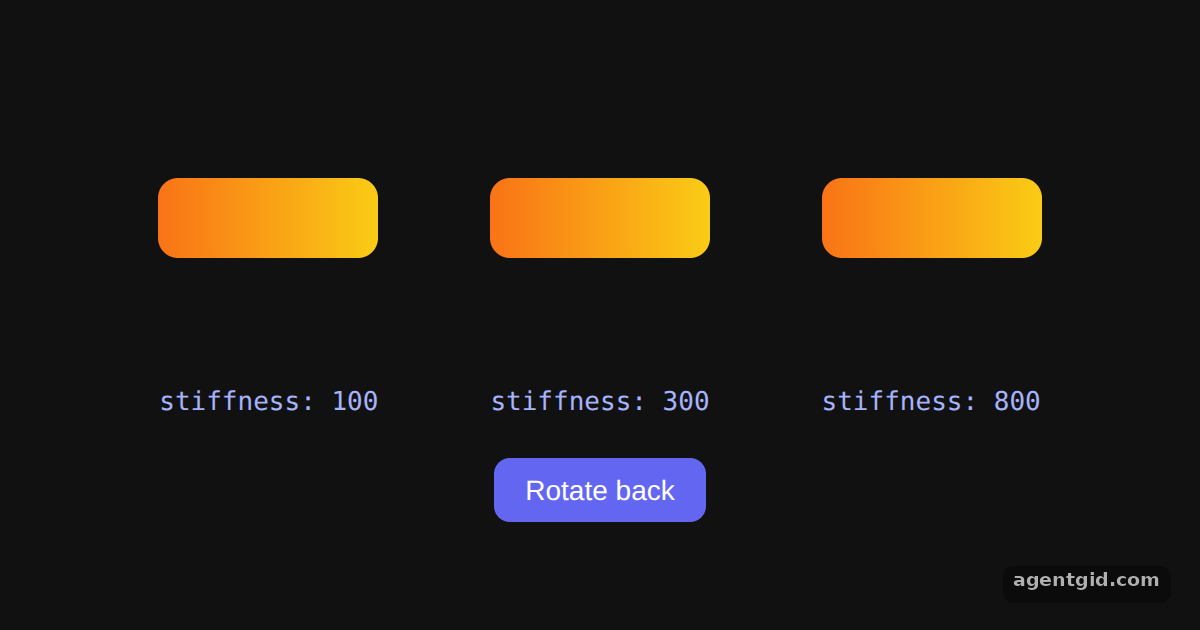 Spring animations in MotionThe cards rotate 90 degrees on load; toggle the button and compare how the three stiffness values settle.
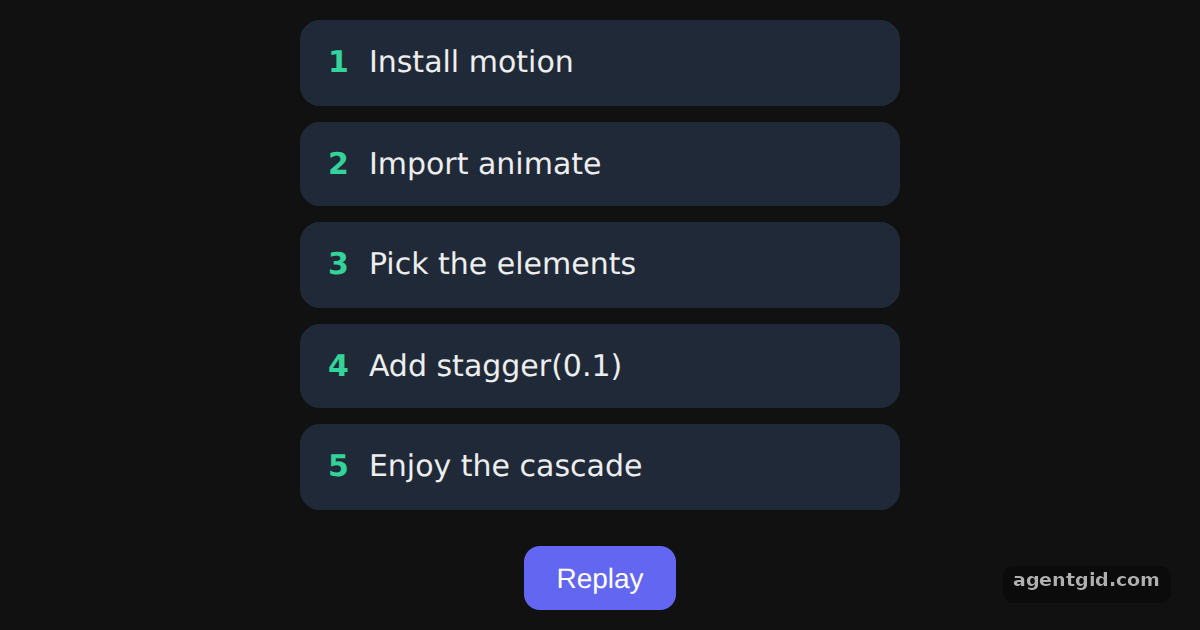 Stagger animations in MotionThe five items cascade in on load; press Replay to see the stagger again.
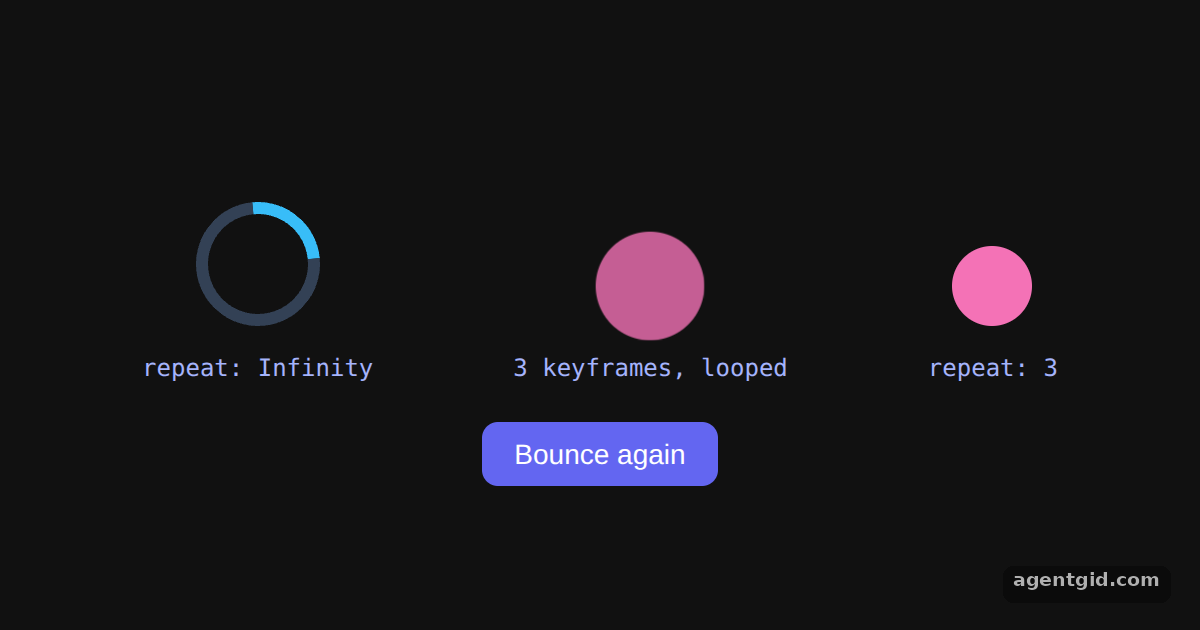 Repeating animations in MotionThe spinner and the pulse loop forever; the ball hops four times, and Bounce again plays it once more.
Try them all in one place
import { useEffect, useRef, useState } from "react";
import { animate } from "motion";

export default function App() {
  const box = useRef(null);
  const [turns, setTurns] = useState(1);

  useEffect(() => {
    // Rotate the element to the next full turn
    animate(box.current, { rotate: turns * 360 }, { duration: 1 });
  }, [turns]);

  return (
    <div style={page}>
      <div ref={box} style={square}>motion</div>
      <code style={{ color: "#a5b4fc" }}>
        {"animate(box, { rotate: " + turns * 360 + " })"}
      </code>
      <button style={btn} onClick={() => setTurns((t) => t + 1)}>
        Rotate again
      </button>
    </div>
  );
}

const square = { width: 110, height: 110, borderRadius: 20, background: "linear-gradient(135deg, #f472b6, #8b5cf6)", display: "grid", placeItems: "center", fontWeight: 700, fontSize: 18 };
const page = { minHeight: "100vh", display: "flex", flexDirection: "column", alignItems: "center", justifyContent: "center", gap: 18, background: "#111", color: "#eee", fontFamily: "system-ui, sans-serif" };
const btn = { padding: "8px 16px", borderRadius: 8, border: "none", background: "#6366f1", color: "#fff", fontSize: 14, cursor: "pointer" };
The box spins once on load; click Rotate again to add another full turn. Code written by AgentGid [1]. How it works, with a screenshot →
The box spins once on load; click Rotate again to add another full turn. Code written by AgentGid [1]. How it works, with a screenshot →Watch how the circInOut box speeds up and slows down while the linear one moves at a constant pace; press Replay to compare again. Code written by AgentGid [1]. How it works, with a screenshot →The cards rotate 90 degrees on load; toggle the button and compare how the three stiffness values settle. Code written by AgentGid [1]. How it works, with a screenshot →The five items cascade in on load; press Replay to see the stagger again. Code written by AgentGid [1]. How it works, with a screenshot →The spinner and the pulse loop forever; the ball hops four times, and Bounce again plays it once more. Code written by AgentGid [1]. How it works, with a screenshot →Checked Oct 12, 2026: each example starts without errors in Chromium with motion 14.1.0, react 19.3.0, react-dom 19.3.0. Needs WebGL.
Sources
Explanations written by AgentGid from the official docs; the numbers in brackets point here. The code marked "written by AgentGid" is ours and free to copy.