Repeating animations in Motion
The repeat option replays an animation a set number of times or forever. It is how loaders and pulsing indicators are made with animate().
How it works
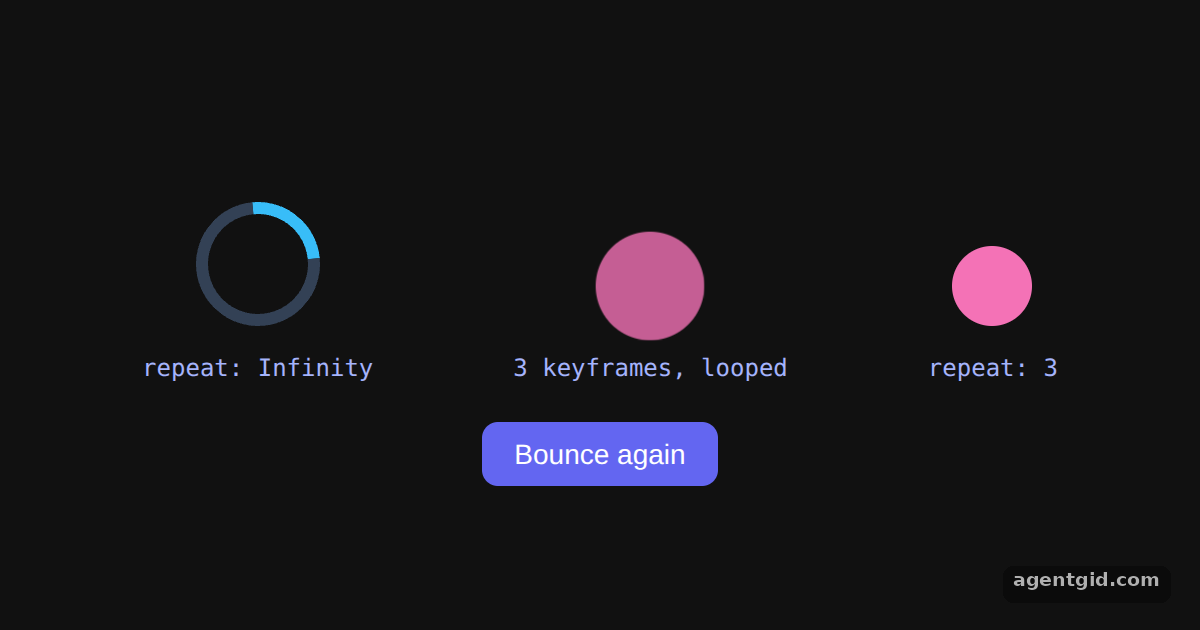
- Loop forever. The spinner uses
{ duration: 1, repeat: Infinity, ease: "linear" }, the same options the docs use for a spinning Three.js cube. [1] - Repeat a set number of times. The ball hops with
y: [0, -50, 0]andrepeat: 3. The button runs the effect again for another round. [1] - Loop opacity and scale. The pulsing dot loops three keyframes for
scaleandopacity. Both looping animations are stopped in the effect cleanup when the component unmounts. [1]
Run and edit it
It runs in your browser, in a sandboxed frame that cannot see this site; the packages load from esm.sh only after you press Run.
import { useEffect, useRef, useState } from "react";
import { animate } from "motion";

export default function App() {
  const spinner = useRef(null);
  const pulse = useRef(null);
  const ball = useRef(null);
  const [bounces, setBounces] = useState(0);

  useEffect(() => {
    // Loop forever with linear easing
    const spin = animate(spinner.current, { rotate: [0, 360] }, { duration: 1, repeat: Infinity, ease: "linear" });
    const beat = animate(pulse.current, { scale: [1, 1.5, 1], opacity: [1, 0.4, 1] }, { duration: 1.2, repeat: Infinity });
    return () => { spin.stop(); beat.stop(); };
  }, []);

  useEffect(() => {
    // Play the hop, then repeat it 3 more times
    animate(ball.current, { y: [0, -50, 0] }, { duration: 0.5, repeat: 3 });
  }, [bounces]);

  return (
    <div style={page}>
      <div style={{ display: "flex", gap: 70, alignItems: "flex-end", height: 120 }}>
        <Item label="repeat: Infinity"><div ref={spinner} style={ring} /></Item>
        <Item label="3 keyframes, looped"><div ref={pulse} style={dot} /></Item>
        <Item label="repeat: 3"><div ref={ball} style={dot} /></Item>
      </div>
      <button style={btn} onClick={() => setBounces((b) => b + 1)}>Bounce again</button>
    </div>
  );
}

function Item({ label, children }) {
  return (
    <div style={{ textAlign: "center" }}>
      <div style={{ height: 70, display: "grid", placeItems: "end center" }}>{children}</div>
      <code style={{ display: "block", marginTop: 12, fontSize: 12, color: "#a5b4fc" }}>{label}</code>
    </div>
  );
}

const ring = { width: 50, height: 50, borderRadius: "50%", border: "6px solid #334155", borderTopColor: "#38bdf8" };
const dot = { width: 40, height: 40, borderRadius: "50%", background: "#f472b6" };
const page = { minHeight: "100vh", display: "flex", flexDirection: "column", alignItems: "center", justifyContent: "center", gap: 18, background: "#111", color: "#eee", fontFamily: "system-ui, sans-serif" };
const btn = { padding: "8px 16px", borderRadius: 8, border: "none", background: "#6366f1", color: "#fff", fontSize: 14, cursor: "pointer" };
The spinner and the pulse loop forever; the ball hops four times, and Bounce again plays it once more. Code written by AgentGid [1].
The spinner and the pulse loop forever; the ball hops four times, and Bounce again plays it once more. Code written by AgentGid [1].Checked Oct 12, 2026: it starts without errors in Chromium with motion 14.1.0, react 19.3.0, react-dom 19.3.0. Needs WebGL.
More Motion examples
The animate() function in Motion Easing, duration and delay in Motion Spring animations in Motion Stagger animations in Motion
Sources
Explanations written by AgentGid from the official docs; the numbers in brackets point here. The code marked "written by AgentGid" is ours and free to copy.