The animate() function in Motion
The animate() function is the starting point of Motion's JavaScript API. It takes elements (or a CSS selector) and the values to animate them to.
How it works
- Import animate. The example imports
animatefrom themotionpackage. In React it is called insideuseEffect, once the element exists. [1] - Pass the element directly. Instead of a selector, the code passes
box.current, the element held by a React ref. The docs show both forms. [1] - Animate rotate. The target is
{ rotate: turns * 360 }, so every click adds one full turn.duration: 1makes each turn last one second. [1]
Run and edit it
It runs in your browser, in a sandboxed frame that cannot see this site; the packages load from esm.sh only after you press Run.
import { useEffect, useRef, useState } from "react";
import { animate } from "motion";

export default function App() {
  const box = useRef(null);
  const [turns, setTurns] = useState(1);

  useEffect(() => {
    // Rotate the element to the next full turn
    animate(box.current, { rotate: turns * 360 }, { duration: 1 });
  }, [turns]);

  return (
    <div style={page}>
      <div ref={box} style={square}>motion</div>
      <code style={{ color: "#a5b4fc" }}>
        {"animate(box, { rotate: " + turns * 360 + " })"}
      </code>
      <button style={btn} onClick={() => setTurns((t) => t + 1)}>
        Rotate again
      </button>
    </div>
  );
}

const square = { width: 110, height: 110, borderRadius: 20, background: "linear-gradient(135deg, #f472b6, #8b5cf6)", display: "grid", placeItems: "center", fontWeight: 700, fontSize: 18 };
const page = { minHeight: "100vh", display: "flex", flexDirection: "column", alignItems: "center", justifyContent: "center", gap: 18, background: "#111", color: "#eee", fontFamily: "system-ui, sans-serif" };
const btn = { padding: "8px 16px", borderRadius: 8, border: "none", background: "#6366f1", color: "#fff", fontSize: 14, cursor: "pointer" };
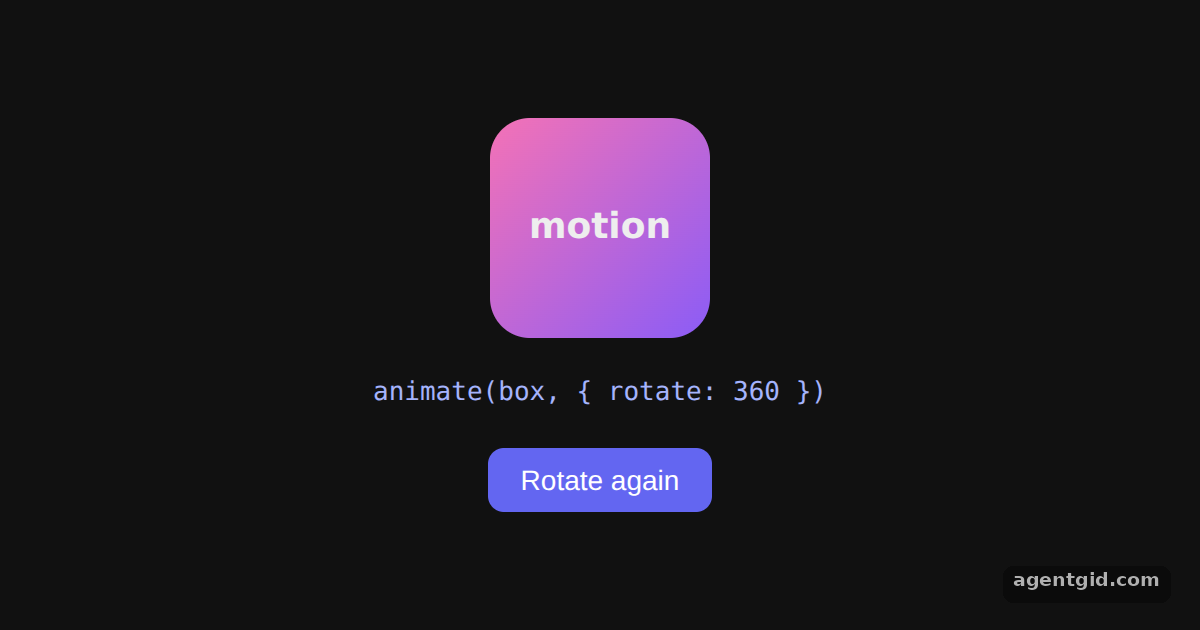
The box spins once on load; click Rotate again to add another full turn. Code written by AgentGid [1].
The box spins once on load; click Rotate again to add another full turn. Code written by AgentGid [1].Checked Oct 12, 2026: it starts without errors in Chromium with motion 14.1.0, react 19.3.0, react-dom 19.3.0. Needs WebGL.
More Motion examples
Easing, duration and delay in Motion Spring animations in Motion Stagger animations in Motion Repeating animations in Motion
Sources
Explanations written by AgentGid from the official docs; the numbers in brackets point here. The code marked "written by AgentGid" is ours and free to copy.