Easing, duration and delay in Motion
The third argument of animate() sets how an animation plays: its duration, delay and easing. Arrays of values work as keyframes.
How it works
- Options object. Each row passes its own options to
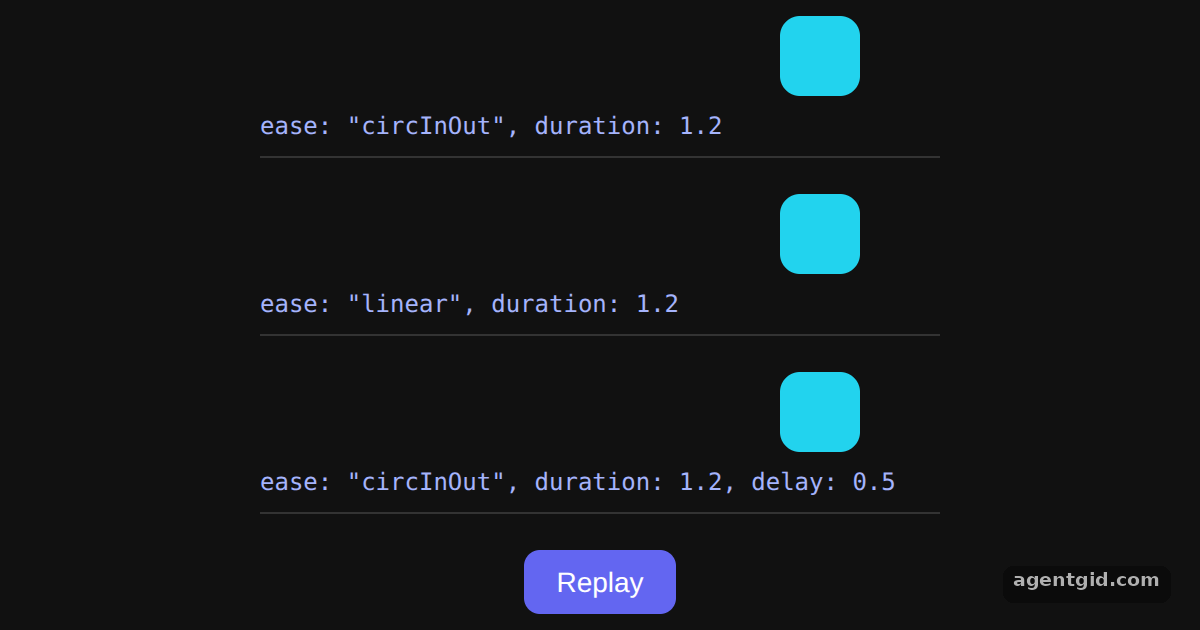
animate. The first two differ only inease, the third addsdelay: 0.5. [1] - Keyframes and easing.
x: [0, 260]andscale: [0.4, 1]are keyframe arrays, so each box always starts from the left at 40% size. This mirrors the docs example. [1] - Independent transforms.
xandscaleare animated as separate values, so no transform string has to be written by hand. [1]
Run and edit it
It runs in your browser, in a sandboxed frame that cannot see this site; the packages load from esm.sh only after you press Run.
import { useEffect, useRef, useState } from "react";
import { animate } from "motion";

const ROWS = [
  { label: 'ease: "circInOut", duration: 1.2', options: { ease: "circInOut", duration: 1.2 } },
  { label: 'ease: "linear", duration: 1.2', options: { ease: "linear", duration: 1.2 } },
  { label: 'ease: "circInOut", duration: 1.2, delay: 0.5', options: { ease: "circInOut", duration: 1.2, delay: 0.5 } },
];

export default function App() {
  const dots = useRef([]);
  const [run, setRun] = useState(0);

  useEffect(() => {
    ROWS.forEach((row, i) => {
      // Keyframe arrays: x from 0 to 260, scale from 0.4 to 1
      animate(dots.current[i], { x: [0, 260], scale: [0.4, 1] }, row.options);
    });
  }, [run]);

  return (
    <div style={page}>
      {ROWS.map((row, i) => (
        <div key={i} style={track}>
          <div ref={(el) => (dots.current[i] = el)} style={dot} />
          <code style={code}>{row.label}</code>
        </div>
      ))}
      <button style={btn} onClick={() => setRun((r) => r + 1)}>Replay</button>
    </div>
  );
}

const track = { width: 340, position: "relative", paddingBottom: 6, borderBottom: "1px solid #333" };
const dot = { width: 40, height: 40, borderRadius: 10, background: "#22d3ee" };
const code = { display: "block", marginTop: 6, fontSize: 12, color: "#a5b4fc" };
const page = { minHeight: "100vh", display: "flex", flexDirection: "column", alignItems: "center", justifyContent: "center", gap: 18, background: "#111", color: "#eee", fontFamily: "system-ui, sans-serif" };
const btn = { padding: "8px 16px", borderRadius: 8, border: "none", background: "#6366f1", color: "#fff", fontSize: 14, cursor: "pointer" };
Watch how the circInOut box speeds up and slows down while the linear one moves at a constant pace; press Replay to compare again. Code written by AgentGid [1].
Watch how the circInOut box speeds up and slows down while the linear one moves at a constant pace; press Replay to compare again. Code written by AgentGid [1].Checked Oct 12, 2026: it starts without errors in Chromium with motion 14.1.0, react 19.3.0, react-dom 19.3.0. Needs WebGL.
More Motion examples
The animate() function in Motion Spring animations in Motion Stagger animations in Motion Repeating animations in Motion
Sources
Explanations written by AgentGid from the official docs; the numbers in brackets point here. The code marked "written by AgentGid" is ours and free to copy.