Staggered animations in GSAP
A stagger adds a delay between the start of each target's animation when one tween has several targets. The advanced stagger object controls where the wave starts and how each part repeats.
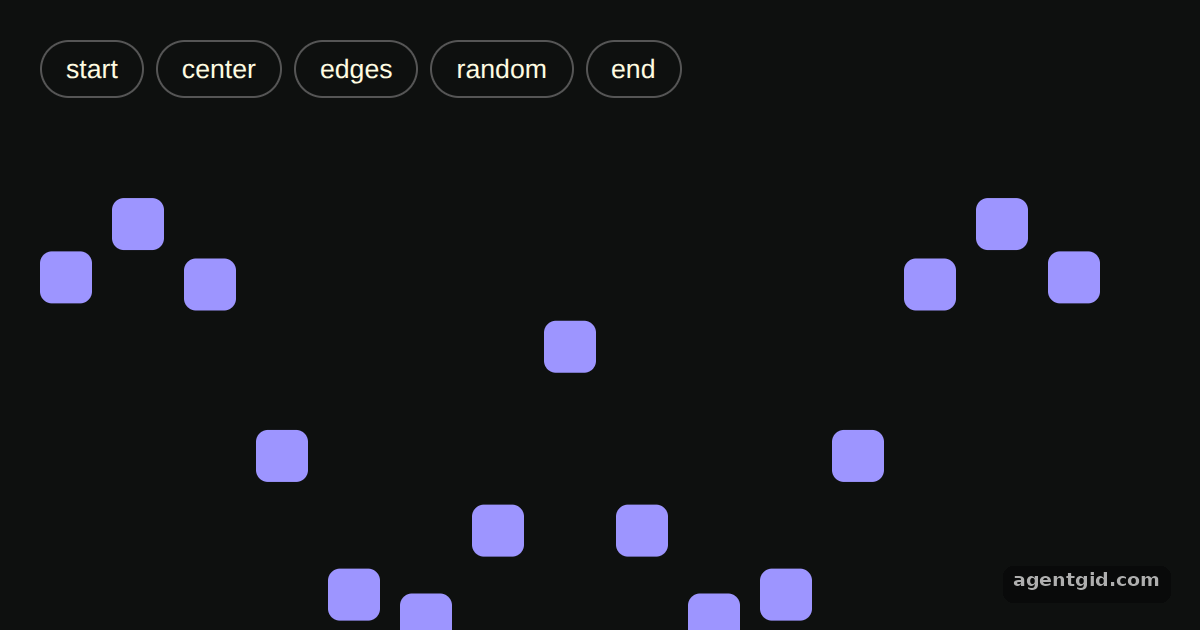
How it works
- One tween, many targets.
gsap.utils.toArray()turns the bars into an array, and a singlegsap.to()call animates all of them. Thestaggerproperty spaces out their start times byeach: 0.08seconds. [1] - Choose where the stagger starts. The buttons pass
"start","center","edges","random"or"end"as thefromvalue. Each click kills the old tween, resets the bars withgsap.set()and starts a new one. [1] - Repeat each bar on its own.
repeat: -1andyoyo: truesit inside the stagger object, so every bar loops up and down by itself. This keeps the wave moving instead of waiting for the whole set. [1]
Run and edit it
It runs in your browser, in a sandboxed frame that cannot see this site; the packages load from esm.sh only after you press Run.
import gsap from "gsap";

const root = document.getElementById("root");
root.style.cssText =
  "background:#0e100f;color:#fffce1;font:14px sans-serif;padding:20px;box-sizing:border-box;height:100%";

const bar = document.createElement("div");
bar.style.cssText = "display:flex;gap:6px;margin-bottom:16px";
["start", "center", "edges", "random", "end"].forEach((from) => {
  const btn = document.createElement("button");
  btn.textContent = from;
  btn.style.cssText = "padding:6px 12px;border-radius:99px;border:1px solid #555;background:none;color:inherit;cursor:pointer";
  btn.onclick = () => run(from);
  bar.append(btn);
});

const stage = document.createElement("div");
stage.style.cssText = "display:flex;gap:10px;align-items:flex-end;height:260px";
for (let i = 0; i < 15; i++) {
  const el = document.createElement("div");
  el.className = "bar";
  el.style.cssText = "width:26px;height:26px;border-radius:6px;background:#9d95ff";
  stage.append(el);
}
root.append(bar, stage);

const boxes = gsap.utils.toArray(".bar");
let tween;

function run(from) {
  if (tween) tween.kill();
  gsap.set(boxes, { y: 0 });
  tween = gsap.to(boxes, {
    y: -200,
    duration: 0.6,
    ease: "power1.inOut",
    // repeat and yoyo inside the stagger object apply to each bar
    stagger: { each: 0.08, from, repeat: -1, yoyo: true },
  });
}

run("center");
Click a button to restart the wave from a different position in the row. Code written by AgentGid [1].
Click a button to restart the wave from a different position in the row. Code written by AgentGid [1].Checked Oct 12, 2026: it starts without errors in Chromium with gsap 3.15.0. Needs WebGL.
More GSAP examples
Grid stagger in GSAP Easing in GSAP Sequencing with a GSAP timeline Controlling a tween in GSAP
Sources
Explanations written by AgentGid from the official docs; the numbers in brackets point here. The code marked "written by AgentGid" is ours and free to copy.