Easing in GSAP
An ease controls the rate of change during a tween. Changing only the ease string changes how the same movement feels.
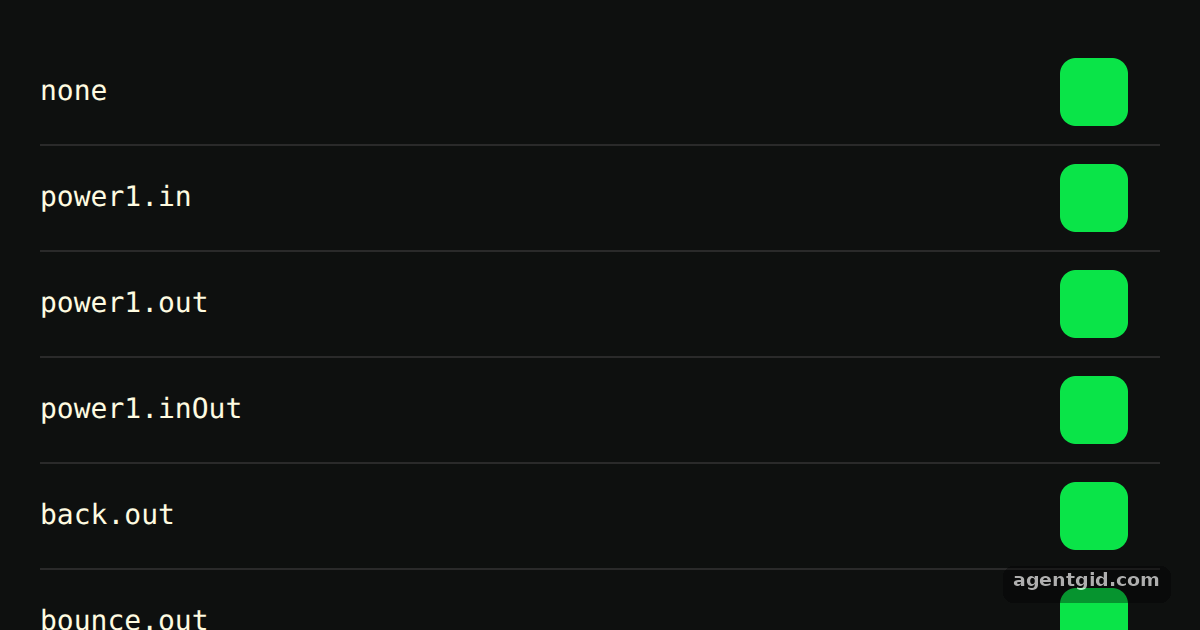
How it works
- Pick an ease by name. Each row passes a different string to the
easeproperty, such as"none","power1.out"or"bounce.out". Every other value in the tween stays the same, so the rows differ only in timing. [1] - Compare in, out and inOut. The
power1rows show the three ease types next to each other..instarts slow,.outstarts fast and slows down, and.inOutis slow at both ends. [1] - Loop with a pause.
repeat: -1makes each tween loop andrepeatDelay: 1waits one second before each repeat. The pause makes it easier to watch the starts and ends side by side. [1]
Run and edit it
It runs in your browser, in a sandboxed frame that cannot see this site; the packages load from esm.sh only after you press Run.
import gsap from "gsap";

const root = document.getElementById("root");
root.style.cssText =
  "background:#0e100f;color:#fffce1;font:14px sans-serif;padding:20px;box-sizing:border-box;height:100%";

const eases = ["none", "power1.in", "power1.out", "power1.inOut", "back.out", "bounce.out"];

eases.forEach((ease) => {
  const row = document.createElement("div");
  row.style.cssText = "display:flex;align-items:center;height:52px;border-bottom:1px solid #2a2a2a";

  const label = document.createElement("code");
  label.textContent = ease;
  label.style.width = "110px";

  const box = document.createElement("div");
  box.style.cssText = "width:34px;height:34px;border-radius:8px;background:#0ae448";

  row.append(label, box);
  root.append(row);

  // same distance and duration, only the ease changes
  gsap.to(box, { x: 400, duration: 2, ease, repeat: -1, repeatDelay: 1 });
});
Add another string such as "elastic.out" or "expo.inOut" to the eases array to see a new row. Code written by AgentGid [1].
Add another string such as "elastic.out" or "expo.inOut" to the eases array to see a new row. Code written by AgentGid [1].Checked Oct 12, 2026: it starts without errors in Chromium with gsap 3.15.0. Needs WebGL.
More GSAP examples
Grid stagger in GSAP Staggered animations in GSAP Sequencing with a GSAP timeline Controlling a tween in GSAP
Sources
Explanations written by AgentGid from the official docs; the numbers in brackets point here. The code marked "written by AgentGid" is ours and free to copy.