GSAP Examples You Can Edit and Run
5 small GSAP examples written by AgentGid from the official docs, one feature each. Every one runs in your browser: change the code and see the result at once, or describe a change and let AI rewrite it. The screenshots are taken from the same code by our server, which also checks that each example starts without errors.
GSAP: usage and stats 112 AI-built projects use it
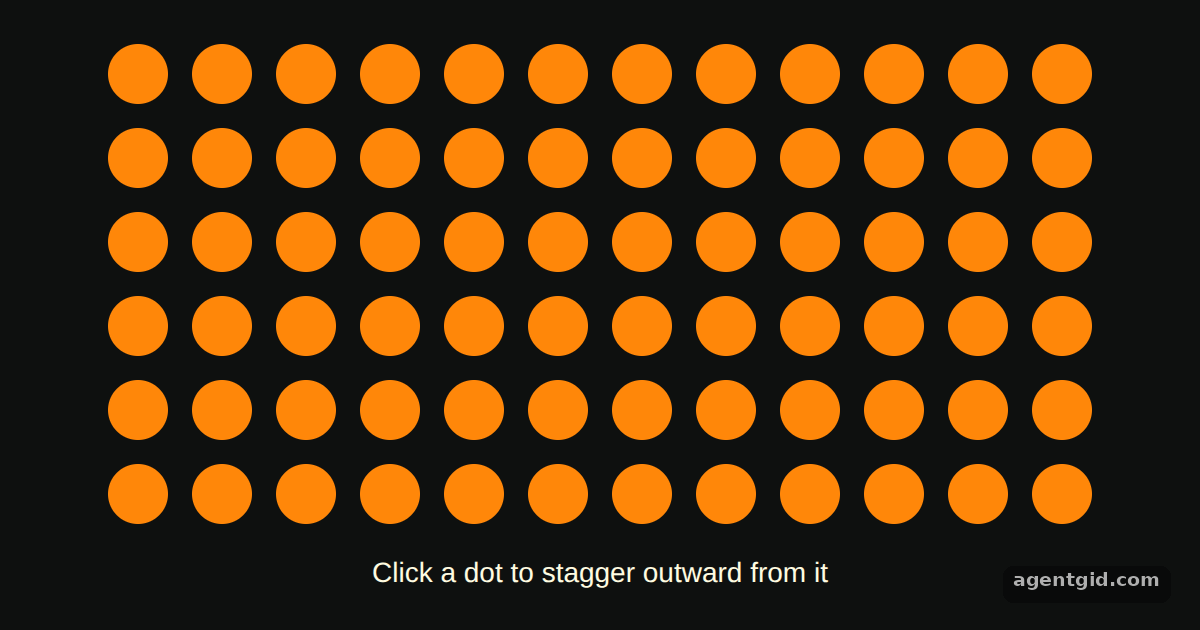 Grid stagger in GSAPClick different dots, including corners, to see the ripple start from each one.
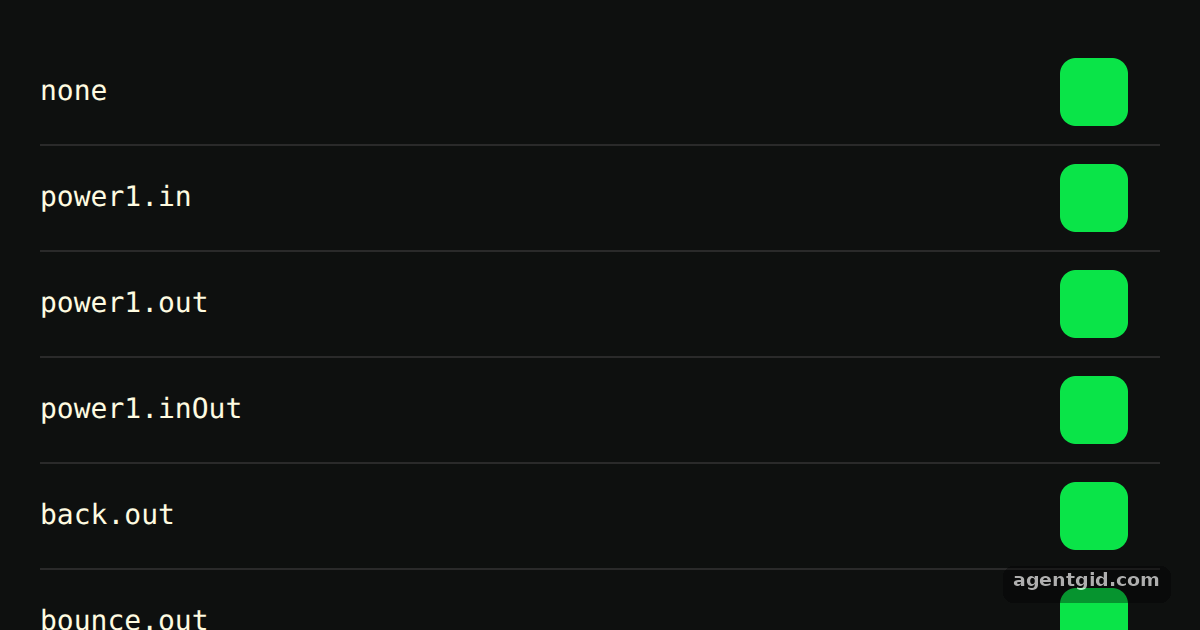 Easing in GSAPAdd another string such as "elastic.out" or "expo.inOut" to the eases array to see a new row.
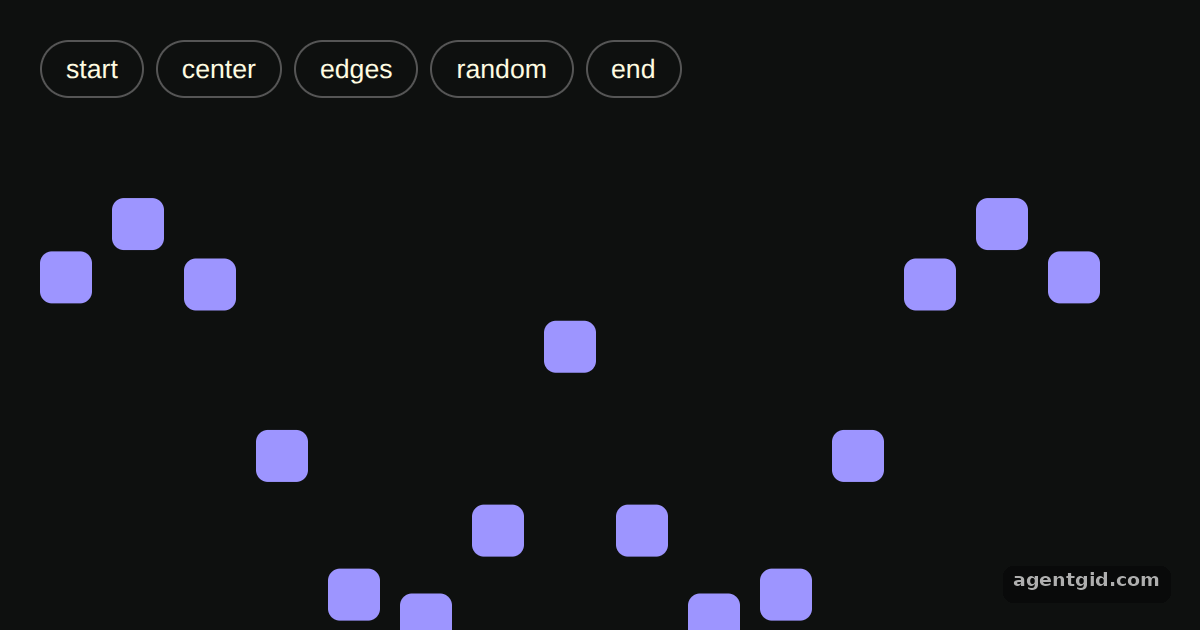 Staggered animations in GSAPClick a button to restart the wave from a different position in the row.
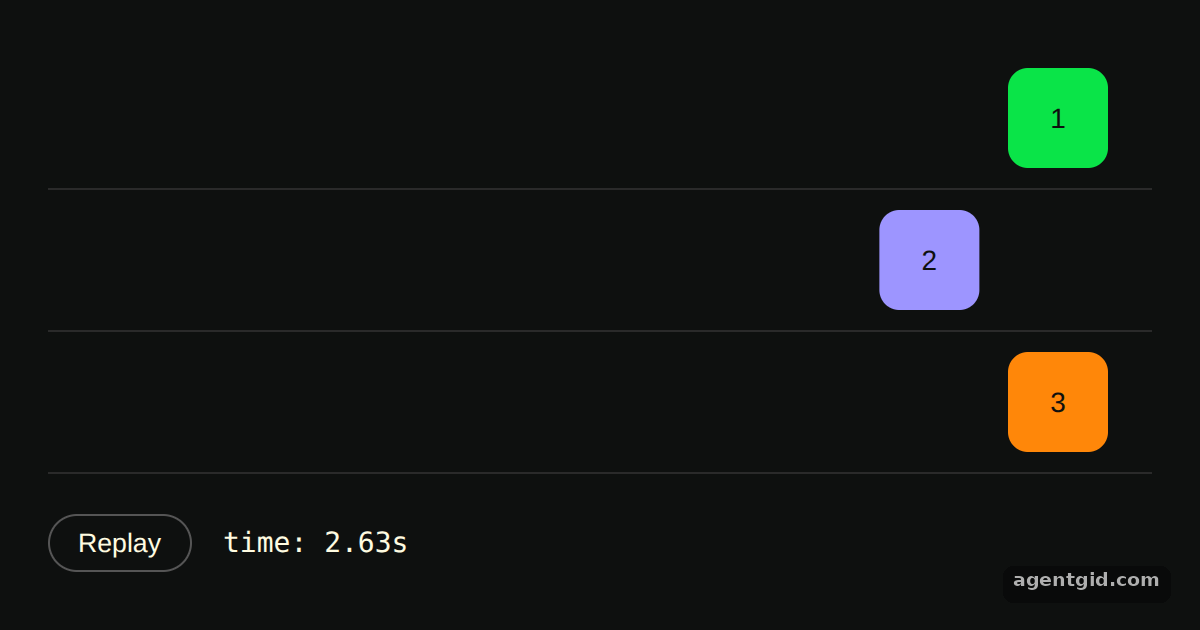 Sequencing with a GSAP timelineChange the orange tween's position from 1 to another number and press Replay to see where it lands.
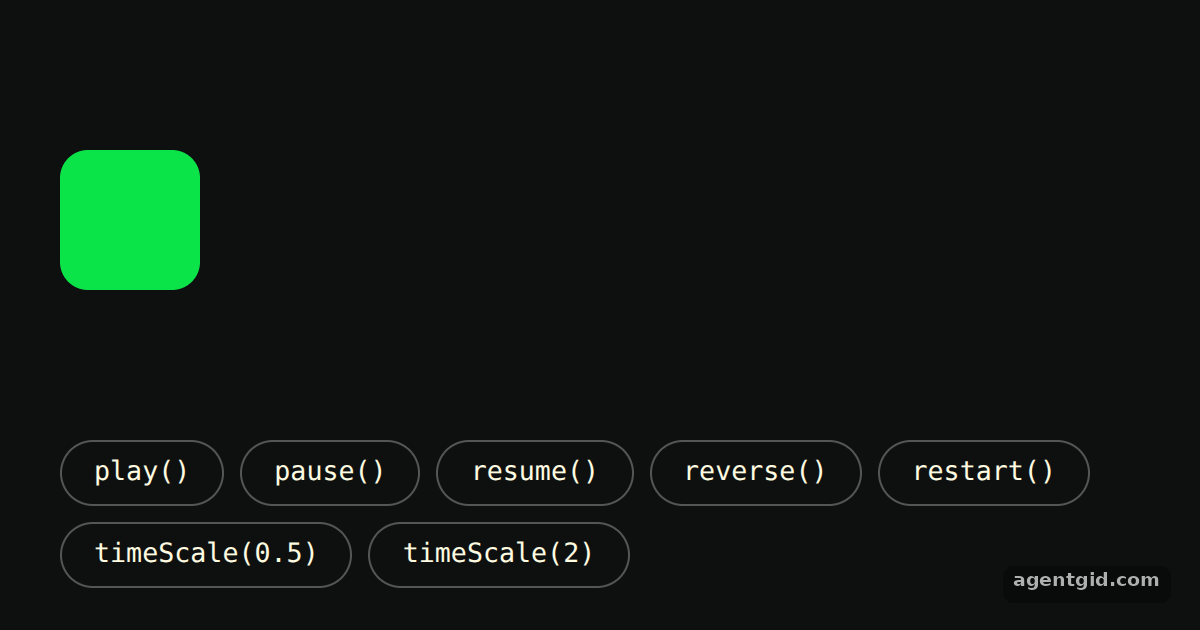 Controlling a tween in GSAPPress play, then try reverse and the speed buttons while the box is moving.
Try them all in one place
import gsap from "gsap";

const ROWS = 6;
const COLS = 12;

const root = document.getElementById("root");
root.style.cssText =
  "background:#0e100f;color:#fffce1;font:14px sans-serif;display:flex;flex-direction:column;align-items:center;justify-content:center;gap:16px;height:100%";

const grid = document.createElement("div");
grid.style.cssText = `display:grid;grid-template-columns:repeat(${COLS},30px);gap:12px`;

const hint = document.createElement("p");
hint.textContent = "Click a dot to stagger outward from it";
hint.style.margin = "0";

root.append(grid, hint);

for (let i = 0; i < ROWS * COLS; i++) {
  const dot = document.createElement("div");
  dot.className = "dot";
  dot.style.cssText = "width:30px;height:30px;border-radius:50%;background:#ff8709;cursor:pointer";
  grid.append(dot);
}

const dots = gsap.utils.toArray(".dot");

dots.forEach((dot, index) => {
  dot.addEventListener("click", () => {
    gsap.to(dots, {
      duration: 0.5,
      scale: 0.1,
      yoyo: true,
      repeat: 1,
      ease: "power1.inOut",
      overwrite: "auto",
      // start at the clicked dot and spread out over 1 second
      stagger: { grid: [ROWS, COLS], from: index, amount: 1 },
    });
  });
});
Click different dots, including corners, to see the ripple start from each one. Code written by AgentGid [1]. How it works, with a screenshot →
Click different dots, including corners, to see the ripple start from each one. Code written by AgentGid [1]. How it works, with a screenshot →Add another string such as "elastic.out" or "expo.inOut" to the eases array to see a new row. Code written by AgentGid [2]. How it works, with a screenshot →Click a button to restart the wave from a different position in the row. Code written by AgentGid [1]. How it works, with a screenshot →Change the orange tween's position from 1 to another number and press Replay to see where it lands. Code written by AgentGid [3]. How it works, with a screenshot →Press play, then try reverse and the speed buttons while the box is moving. Code written by AgentGid [4]. How it works, with a screenshot →Checked Oct 12, 2026: each example starts without errors in Chromium with gsap 3.15.0. Needs WebGL.
Sources
Explanations written by AgentGid from the official docs; the numbers in brackets point here. The code marked "written by AgentGid" is ours and free to copy.