Grid stagger in GSAP
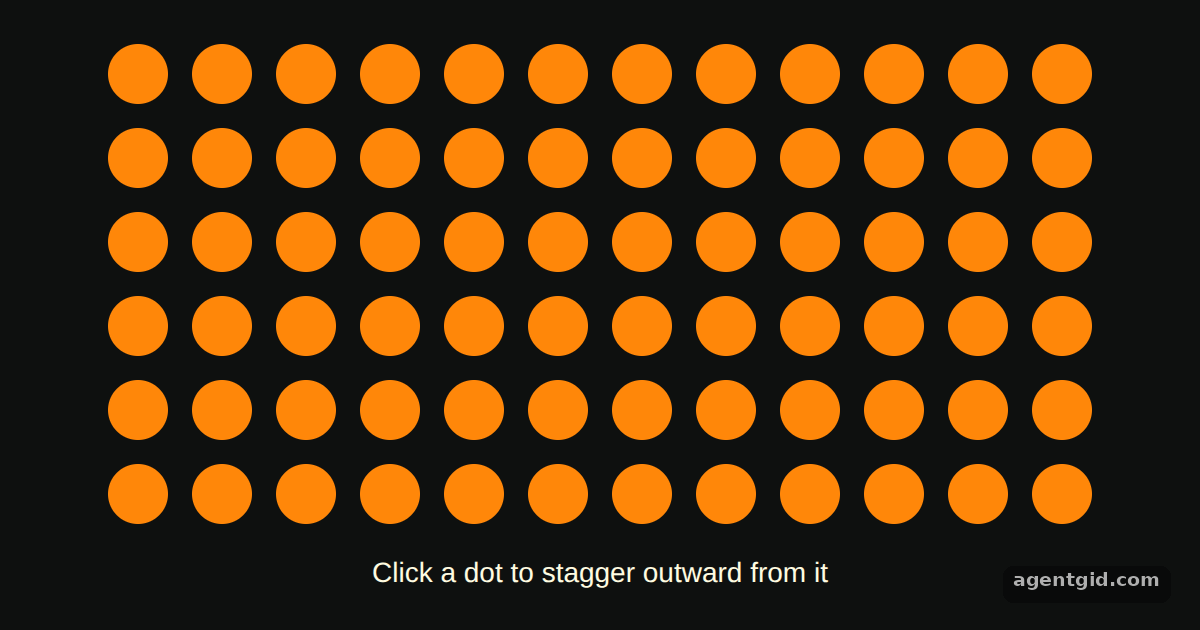
Grid staggers let elements laid out in rows and columns animate in order of their distance from one point. Here the clicked dot becomes the starting point.
How it works
- Tell GSAP the grid size. The dots are placed with CSS grid, and the stagger gets
grid: [ROWS, COLS]so the start times follow the visual layout. Dots closer to the start point begin sooner. [1] - Start from the clicked dot. Each dot's click handler passes its own index as
from. The ripple then spreads outward from that dot. [1] - Fit the whole ripple into one second.
amount: 1spreads all the start times across one second.yoyo: truewithrepeat: 1shrinks each dot and brings it back. [1]
Run and edit it
It runs in your browser, in a sandboxed frame that cannot see this site; the packages load from esm.sh only after you press Run.
import gsap from "gsap";

const ROWS = 6;
const COLS = 12;

const root = document.getElementById("root");
root.style.cssText =
  "background:#0e100f;color:#fffce1;font:14px sans-serif;display:flex;flex-direction:column;align-items:center;justify-content:center;gap:16px;height:100%";

const grid = document.createElement("div");
grid.style.cssText = `display:grid;grid-template-columns:repeat(${COLS},30px);gap:12px`;

const hint = document.createElement("p");
hint.textContent = "Click a dot to stagger outward from it";
hint.style.margin = "0";

root.append(grid, hint);

for (let i = 0; i < ROWS * COLS; i++) {
  const dot = document.createElement("div");
  dot.className = "dot";
  dot.style.cssText = "width:30px;height:30px;border-radius:50%;background:#ff8709;cursor:pointer";
  grid.append(dot);
}

const dots = gsap.utils.toArray(".dot");

dots.forEach((dot, index) => {
  dot.addEventListener("click", () => {
    gsap.to(dots, {
      duration: 0.5,
      scale: 0.1,
      yoyo: true,
      repeat: 1,
      ease: "power1.inOut",
      overwrite: "auto",
      // start at the clicked dot and spread out over 1 second
      stagger: { grid: [ROWS, COLS], from: index, amount: 1 },
    });
  });
});
Click different dots, including corners, to see the ripple start from each one. Code written by AgentGid [1].
Click different dots, including corners, to see the ripple start from each one. Code written by AgentGid [1].Checked Oct 12, 2026: it starts without errors in Chromium with gsap 3.15.0. Needs WebGL.
More GSAP examples
Easing in GSAP Staggered animations in GSAP Sequencing with a GSAP timeline Controlling a tween in GSAP
Sources
Explanations written by AgentGid from the official docs; the numbers in brackets point here. The code marked "written by AgentGid" is ours and free to copy.