useSpring in Framer Motion
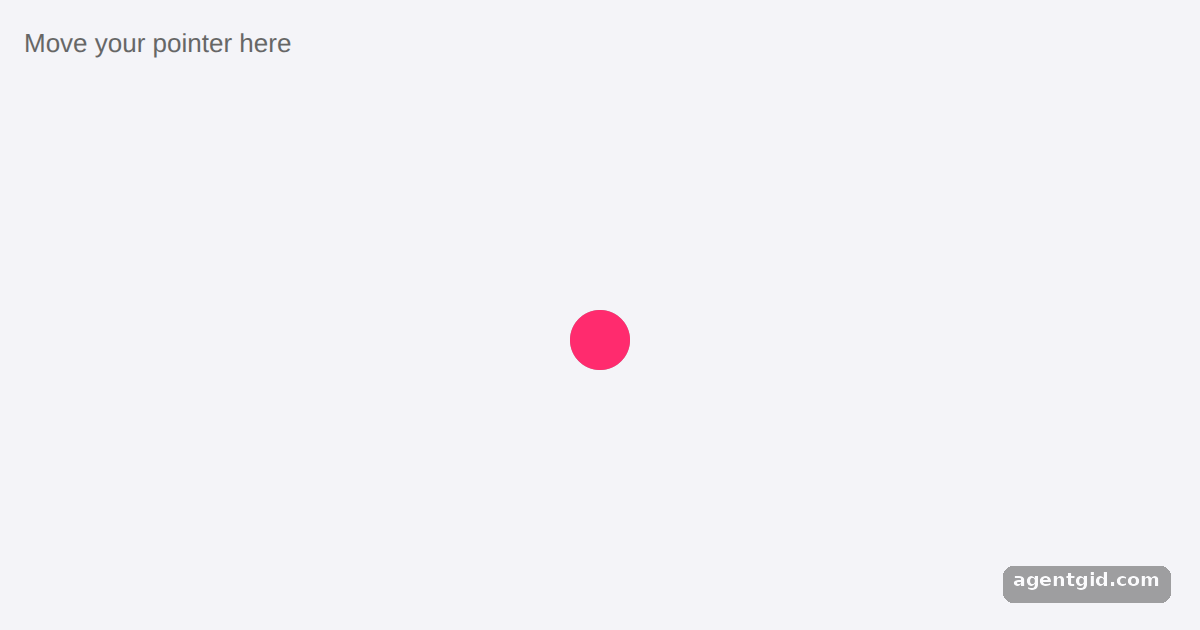
useSpring creates a motion value that follows another motion value through a spring. Here it makes a dot trail behind the pointer.
How it works
- Track the pointer with motion values.
mxandmycome fromuseMotionValue. TheonPointerMovehandler updates them withset, using the pointer position inside the area. [1] - Attach springs.
useSpring(mx)anduseSpring(my)create spring values attached to the raw ones. The pink dot uses the spring values, so it trails behind the gray dot. [1] - No state updates. The pointer handler only calls
seton motion values and never sets React state. The docs say these changes reach the DOM without a re-render. [1]
Run and edit it
It runs in your browser, in a sandboxed frame that cannot see this site; the packages load from esm.sh only after you press Run.
import { motion, useMotionValue, useSpring } from "framer-motion";

const dot = {
  position: "absolute",
  left: 0,
  top: 0,
  width: 30,
  height: 30,
  borderRadius: "50%",
  pointerEvents: "none"
};

export default function App() {
  const mx = useMotionValue(285);
  const my = useMotionValue(155);
  // Spring values attached to the raw pointer values
  const x = useSpring(mx);
  const y = useSpring(my);

  function move(e) {
    const r = e.currentTarget.getBoundingClientRect();
    mx.set(e.clientX - r.left - 15);
    my.set(e.clientY - r.top - 15);
  }

  return (
    <div
      onPointerMove={move}
      style={{
        position: "relative",
        height: 340,
        overflow: "hidden",
        background: "#f4f4f8",
        fontFamily: "sans-serif"
      }}
    >
      <p style={{ margin: 12, color: "#666666" }}>Move your pointer here</p>
      <motion.div style={{ ...dot, x: mx, y: my, background: "#999999" }} />
      <motion.div style={{ ...dot, x, y, background: "#ff2b6e" }} />
    </div>
  );
}
Move your pointer over the area and watch the pink dot trail behind the gray one. Code written by AgentGid [1].
Move your pointer over the area and watch the pink dot trail behind the gray one. Code written by AgentGid [1].Checked Oct 12, 2026: it starts without errors in Chromium with framer-motion 14.1.0, react 19.3.0, react-dom 19.3.0. Needs WebGL.
More Framer Motion examples
The animate prop in Framer Motion Drag with useTransform in Framer Motion Shared layout animations with layoutId Hover and tap gestures in Framer Motion
Sources
Explanations written by AgentGid from the official docs; the numbers in brackets point here. The code marked "written by AgentGid" is ours and free to copy.