The animate prop in Framer Motion
The animate prop sets the values a motion component animates to. When those values change, for example from React state, the element animates to the new ones.
How it works
- Import from framer-motion. This example imports
motionfromframer-motion. The docs mostly showmotion/react, and the Framer guide says to use theframer-motionimport in its place. [1] - Declare the target with animate.
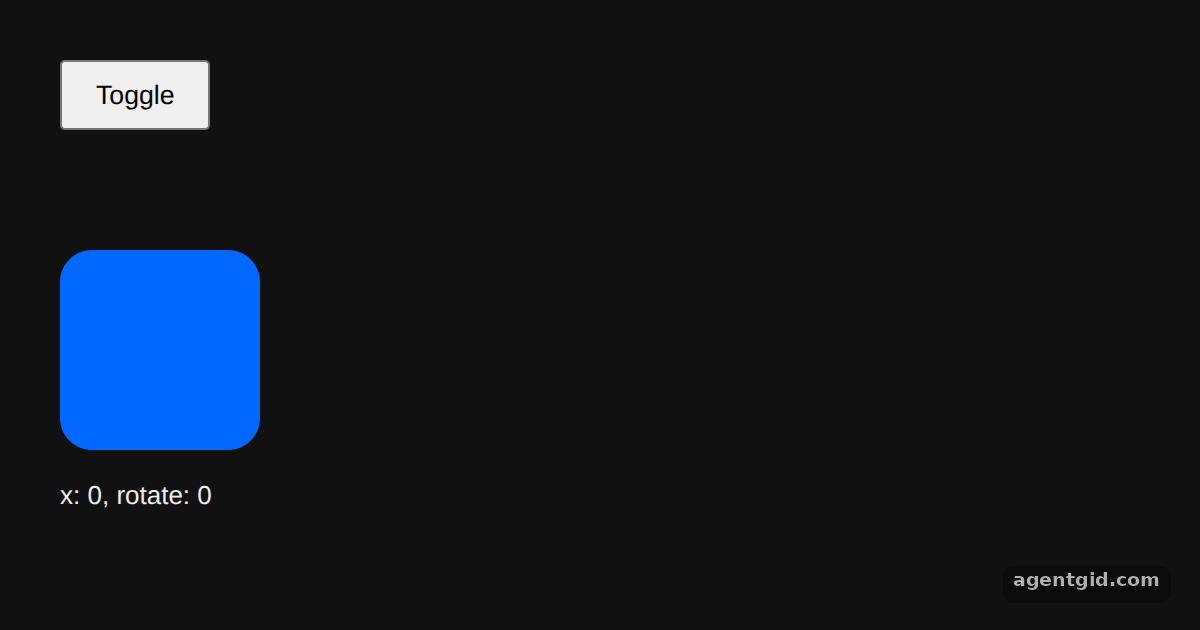
motion.divgets ananimateobject withxandrotate. Both values come from theonstate, so clicking the button changes the target and the box animates to it. [2] - Set timing with transition.
transition={{ duration: 1 }}sets how long the animation lasts.initial={{ opacity: 0 }}sets the opacity the box starts from before it fades in. [1]
Run and edit it
It runs in your browser, in a sandboxed frame that cannot see this site; the packages load from esm.sh only after you press Run.
import { useState } from "react";
import { motion } from "framer-motion";

export default function App() {
  const [on, setOn] = useState(false);
  return (
    <div style={{ height: 340, padding: 30, fontFamily: "sans-serif" }}>
      <button onClick={() => setOn(!on)} style={{ padding: "8px 16px" }}>
        Toggle
      </button>
      <motion.div
        initial={{ opacity: 0 }}
        // Target values change with the `on` state
        animate={{ opacity: 1, x: on ? 300 : 0, rotate: on ? 90 : 0 }}
        transition={{ duration: 1 }}
        style={{
          width: 100,
          height: 100,
          marginTop: 60,
          borderRadius: 16,
          background: "#0368ff"
        }}
      />
      <p>x: {on ? 300 : 0}, rotate: {on ? 90 : 0}</p>
    </div>
  );
}
Click Toggle to switch the box between its two animate targets. Code written by AgentGid [1].
Click Toggle to switch the box between its two animate targets. Code written by AgentGid [1].Checked Oct 12, 2026: it starts without errors in Chromium with framer-motion 14.1.0, react 19.3.0, react-dom 19.3.0. Needs WebGL.
More Framer Motion examples
Drag with useTransform in Framer Motion useSpring in Framer Motion Shared layout animations with layoutId Hover and tap gestures in Framer Motion
Sources
Explanations written by AgentGid from the official docs; the numbers in brackets point here. The code marked "written by AgentGid" is ours and free to copy.