Drag with useTransform in Framer Motion
useTransform creates a new motion value from another one. This lets you link opacity or rotation to how far an element has been dragged.
How it works
- Create a motion value for x.
useMotionValue(0)createsxwith an initial value of 0. It is passed to the card throughstyle, anddrag="x"lets the user drag the card horizontally. [1] - Map x to other values.
useTransform(x, [-200, 0, 200], [0, 1, 0])maps the x position to an opacity. A second transform maps the same x range to a rotation between -30 and 30 degrees. [1] - Show the latest value.
useMotionValueEvent(x, "change", ...)runs a callback with the latest x. The example rounds that value and stores it in state to display it. [1]
Run and edit it
It runs in your browser, in a sandboxed frame that cannot see this site; the packages load from esm.sh only after you press Run.
import { useState } from "react";
import {
  motion,
  useMotionValue,
  useTransform,
  useMotionValueEvent
} from "framer-motion";

export default function App() {
  const x = useMotionValue(0);
  const opacity = useTransform(x, [-200, 0, 200], [0, 1, 0]);
  const rotate = useTransform(x, [-200, 200], [-30, 30]);
  const [latest, setLatest] = useState(0);

  // Store the rounded x position to display it
  useMotionValueEvent(x, "change", (v) => setLatest(Math.round(v)));

  return (
    <div
      style={{
        height: 340,
        display: "flex",
        flexDirection: "column",
        alignItems: "center",
        justifyContent: "center",
        overflow: "hidden",
        fontFamily: "sans-serif"
      }}
    >
      <motion.div
        drag="x"
        style={{
          x,
          opacity,
          rotate,
          width: 140,
          height: 180,
          borderRadius: 16,
          background: "#ff4fba",
          cursor: "grab"
        }}
      />
      <p>x: {latest}</p>
    </div>
  );
}
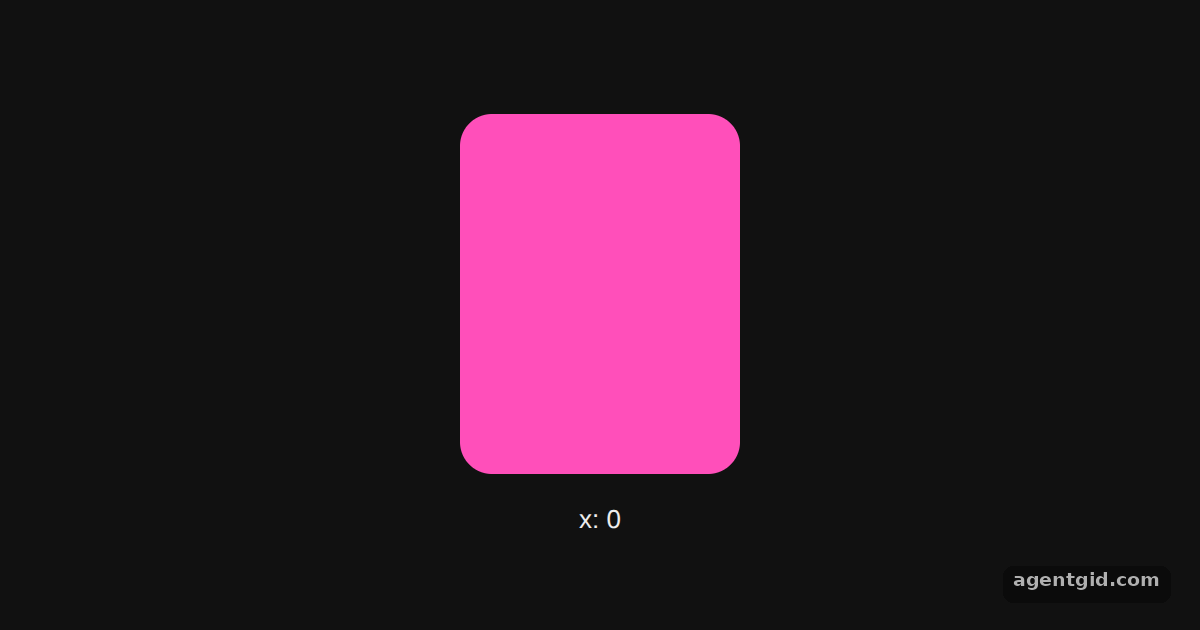
Drag the card left or right to see it fade and tilt. Code written by AgentGid [1].
Drag the card left or right to see it fade and tilt. Code written by AgentGid [1].Checked Oct 12, 2026: it starts without errors in Chromium with framer-motion 14.1.0, react 19.3.0, react-dom 19.3.0. Needs WebGL.
More Framer Motion examples
The animate prop in Framer Motion useSpring in Framer Motion Shared layout animations with layoutId Hover and tap gestures in Framer Motion
Sources
Explanations written by AgentGid from the official docs; the numbers in brackets point here. The code marked "written by AgentGid" is ours and free to copy.