Framer Motion Examples You Can Edit and Run
5 small Framer Motion examples written by AgentGid from the official docs, one feature each. Every one runs in your browser: change the code and see the result at once, or describe a change and let AI rewrite it. The screenshots are taken from the same code by our server, which also checks that each example starts without errors.
Framer Motion: usage and stats 493 AI-built projects use it
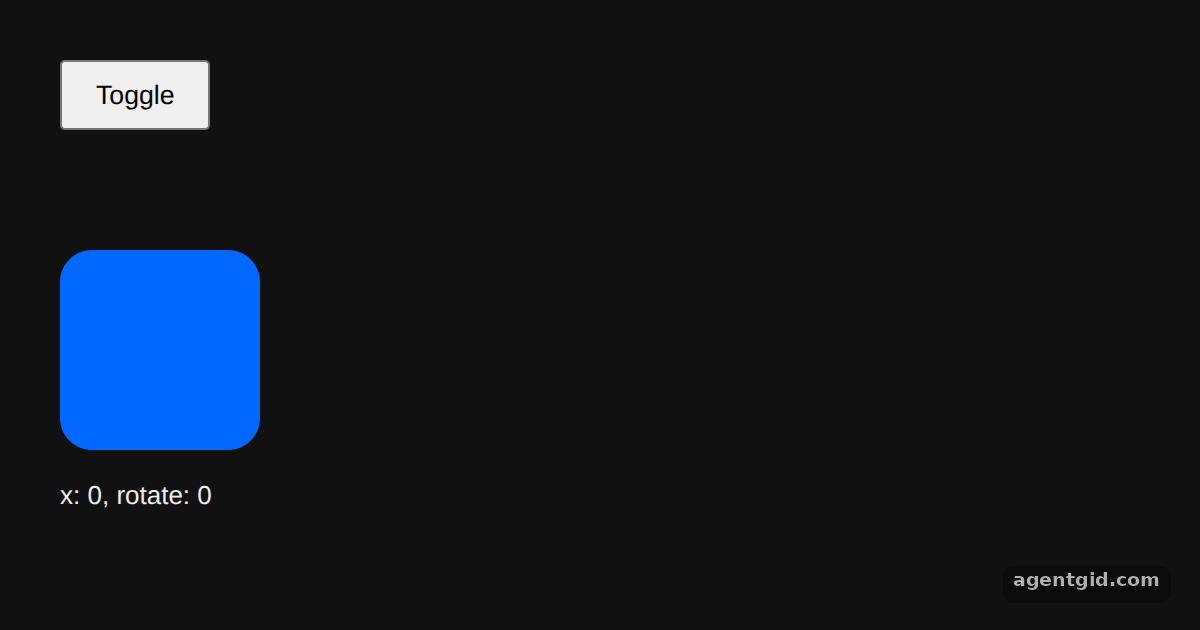 The animate prop in Framer MotionClick Toggle to switch the box between its two animate targets.
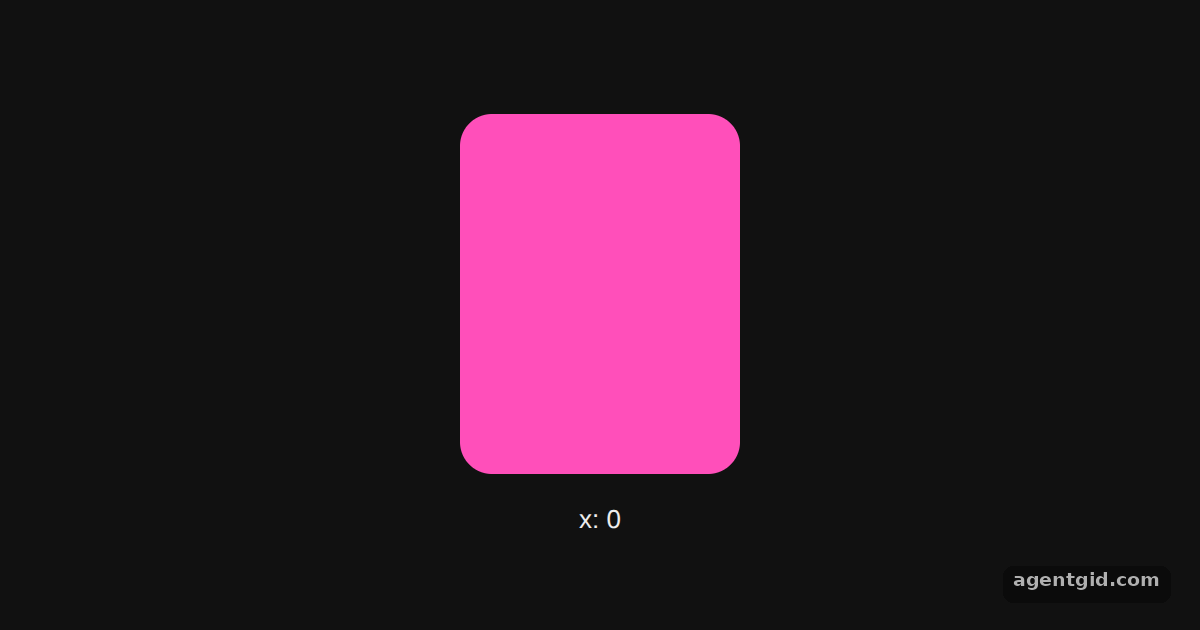 Drag with useTransform in Framer MotionDrag the card left or right to see it fade and tilt.
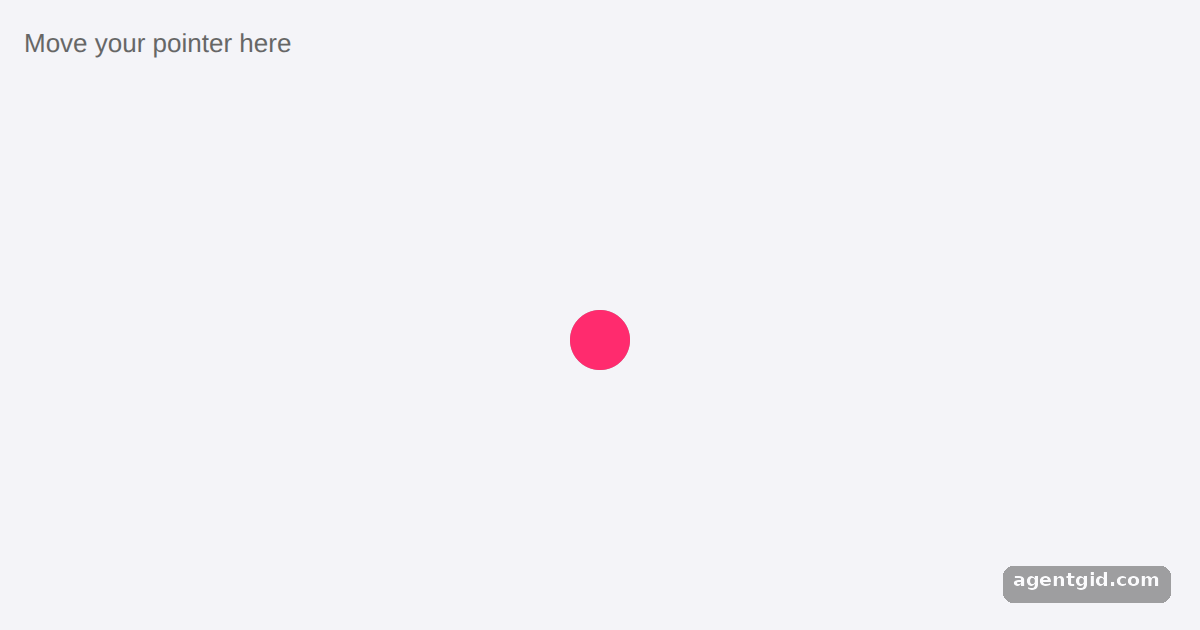 useSpring in Framer MotionMove your pointer over the area and watch the pink dot trail behind the gray one.
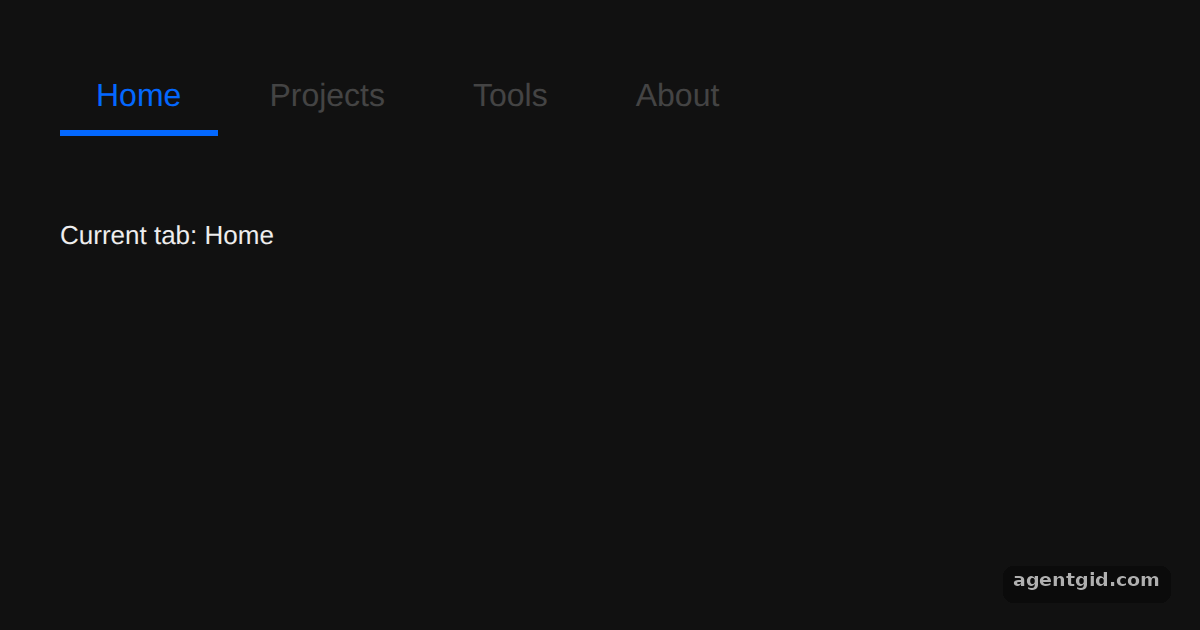 Shared layout animations with layoutIdClick the tabs to move the underline between them.
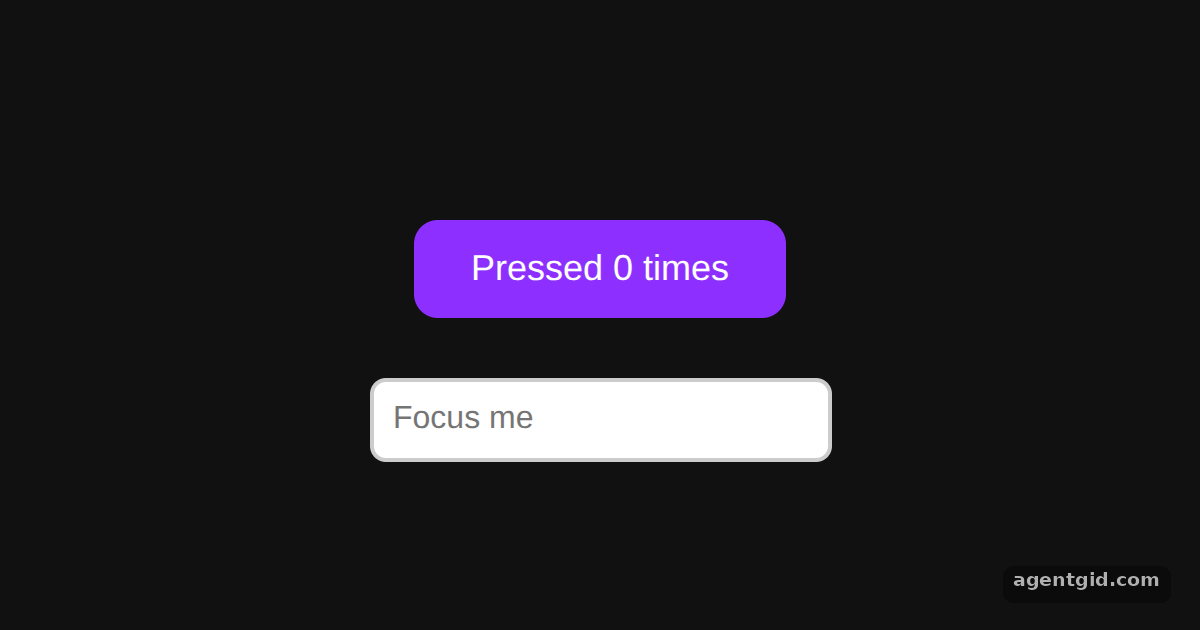 Hover and tap gestures in Framer MotionHover and click the button, then click into the text field.
Try them all in one place
import { useState } from "react";
import { motion } from "framer-motion";

export default function App() {
  const [on, setOn] = useState(false);
  return (
    <div style={{ height: 340, padding: 30, fontFamily: "sans-serif" }}>
      <button onClick={() => setOn(!on)} style={{ padding: "8px 16px" }}>
        Toggle
      </button>
      <motion.div
        initial={{ opacity: 0 }}
        // Target values change with the `on` state
        animate={{ opacity: 1, x: on ? 300 : 0, rotate: on ? 90 : 0 }}
        transition={{ duration: 1 }}
        style={{
          width: 100,
          height: 100,
          marginTop: 60,
          borderRadius: 16,
          background: "#0368ff"
        }}
      />
      <p>x: {on ? 300 : 0}, rotate: {on ? 90 : 0}</p>
    </div>
  );
}
Click Toggle to switch the box between its two animate targets. Code written by AgentGid [1]. How it works, with a screenshot →
Click Toggle to switch the box between its two animate targets. Code written by AgentGid [1]. How it works, with a screenshot →Drag the card left or right to see it fade and tilt. Code written by AgentGid [3]. How it works, with a screenshot →Move your pointer over the area and watch the pink dot trail behind the gray one. Code written by AgentGid [3]. How it works, with a screenshot →Click the tabs to move the underline between them. Code written by AgentGid [4]. How it works, with a screenshot →Hover and click the button, then click into the text field. Code written by AgentGid [1]. How it works, with a screenshot →Checked Oct 12, 2026: each example starts without errors in Chromium with framer-motion 14.1.0, react 19.3.0, react-dom 19.3.0. Needs WebGL.
Sources
- Docs: Motion x Framer integration guide
- llms.txt (docs index)
- Docs: Motion values overview
- Docs: Upgrade guide
Explanations written by AgentGid from the official docs; the numbers in brackets point here. The code marked "written by AgentGid" is ours and free to copy.