Grouping objects in Three.js
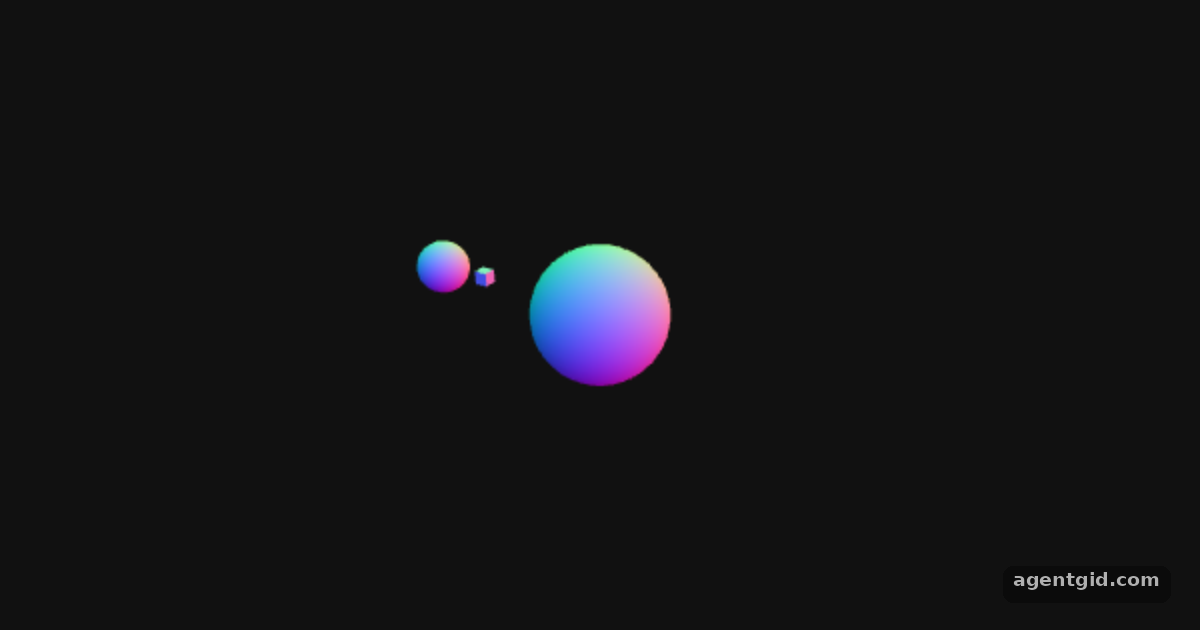
A Group holds other objects. In this example, rotating a group carries its child meshes along, which is how the small orbit is built.
How it works
- Create groups.
Groupis listed among the object classes in the docs. The code makes anorbitgroup for the planet and amoonOrbitgroup nested inside the planet. [1] - Add children.
addattaches a child to a parent, the same call the README uses to put a mesh in the scene. The sun goes straight into the scene, the planet intoorbit, and the moon intomoonOrbit. [2] - Rotate the parents. The
animatecallback only changesrotation.yon the two groups. Because the planet and moon are children, they travel around their parents without any position maths. [2]
Run and edit it
It runs in your browser, in a sandboxed frame that cannot see this site; the packages load from esm.sh only after you press Run.
import * as THREE from 'three';

const root = document.getElementById('root');
const width = root.clientWidth || 600, height = root.clientHeight || 380;

const camera = new THREE.PerspectiveCamera(50, width / height, 0.1, 100);
camera.position.set(0, 3, 6);
camera.lookAt(0, 0, 0);

const scene = new THREE.Scene();
scene.background = new THREE.Color(0x111111);
const material = new THREE.MeshNormalMaterial();

const sun = new THREE.Mesh(new THREE.SphereGeometry(0.7, 32, 16), material);
scene.add(sun);

// planet orbits the sun
const orbit = new THREE.Group();
scene.add(orbit);
const planet = new THREE.Mesh(new THREE.SphereGeometry(0.3, 32, 16), material);
planet.position.x = 2.2;
orbit.add(planet);

// moon orbits the planet
const moonOrbit = new THREE.Group();
planet.add(moonOrbit);
const moon = new THREE.Mesh(new THREE.BoxGeometry(0.15, 0.15, 0.15), material);
moon.position.x = 0.6;
moonOrbit.add(moon);

const renderer = new THREE.WebGLRenderer({ antialias: true });
renderer.setSize(width, height);
renderer.setAnimationLoop(animate);
root.appendChild(renderer.domElement);

function animate(time) {
  sun.rotation.y = time / 3000;
  orbit.rotation.y = time / 1500;
  moonOrbit.rotation.y = time / 400;
  renderer.render(scene, camera);
}
Change the planet's position.x or the group rotation speeds to reshape the orbit. Code written by AgentGid [1].
Change the planet's position.x or the group rotation speeds to reshape the orbit. Code written by AgentGid [1].Checked Oct 12, 2026: it starts without errors in Chromium with three 0.186.1. Needs WebGL.
More Three.js examples
Rotating cube in Three.js Animation loop in Three.js Built-in geometries in Three.js Lights and lit materials in Three.js
Sources
Explanations written by AgentGid from the official docs; the numbers in brackets point here. The code marked "written by AgentGid" is ours and free to copy.