Three.js Examples You Can Edit and Run
5 small Three.js examples written by AgentGid from the official docs, one feature each. Every one runs in your browser: change the code and see the result at once, or describe a change and let AI rewrite it. The screenshots are taken from the same code by our server, which also checks that each example starts without errors.
Three.js: usage and stats 145 AI-built projects use it
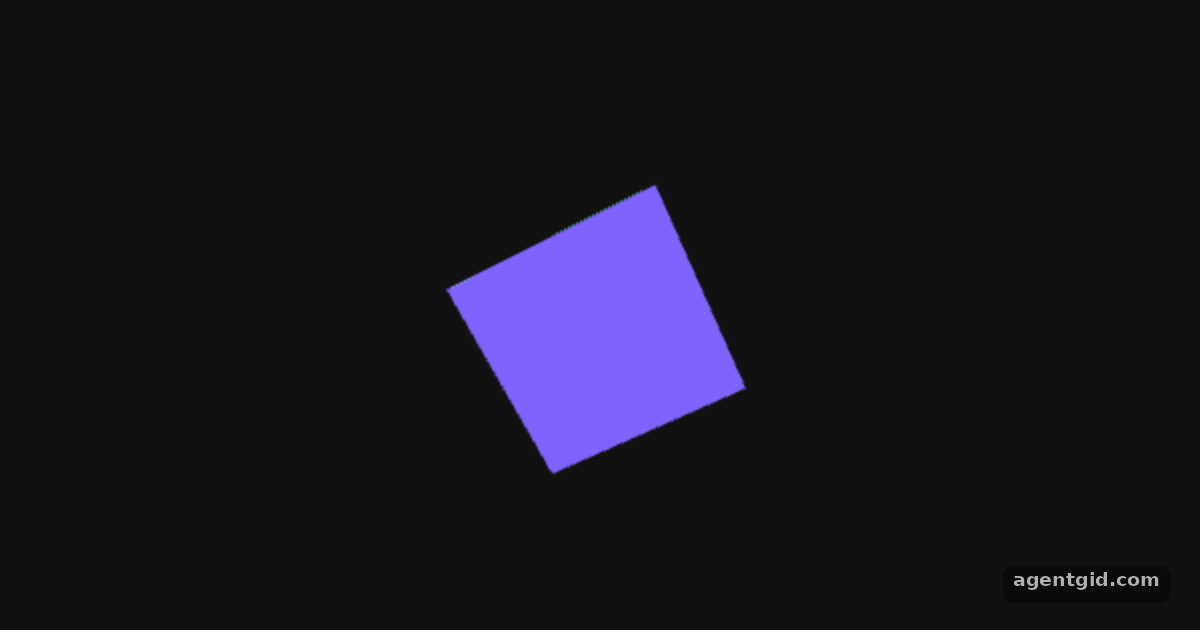 Rotating cube in Three.jsChange the BoxGeometry sizes or the divisors in animate() to make the cube bigger or spin faster.
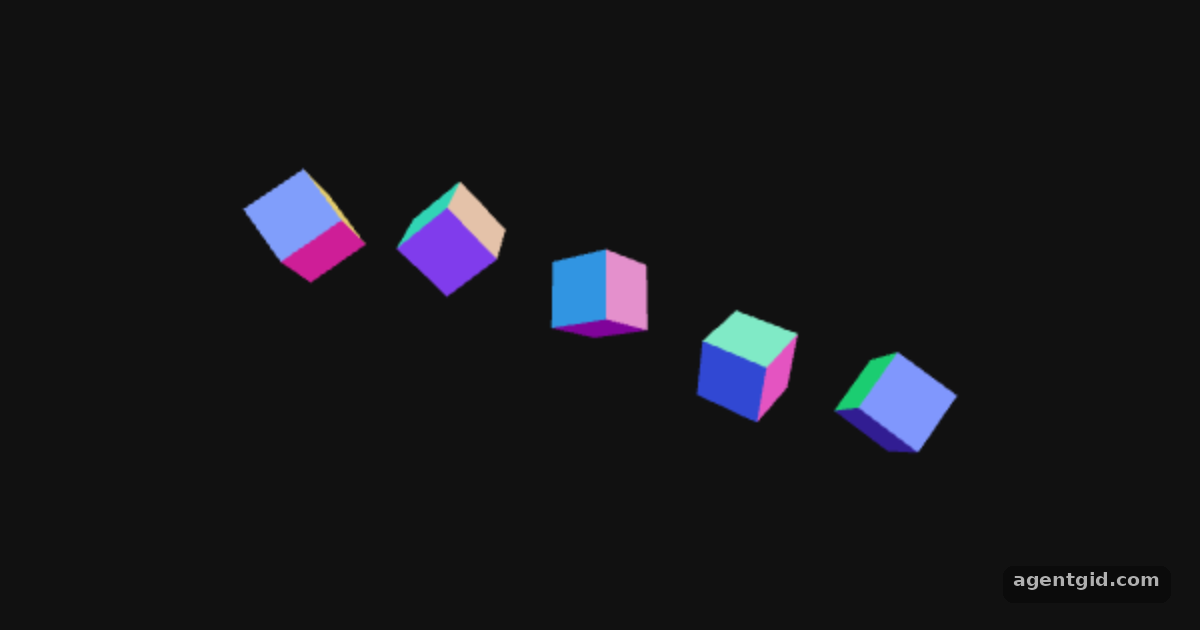 Animation loop in Three.jsChange the 0.002 speed or the phase step i * 0.8 to see the wave move differently.
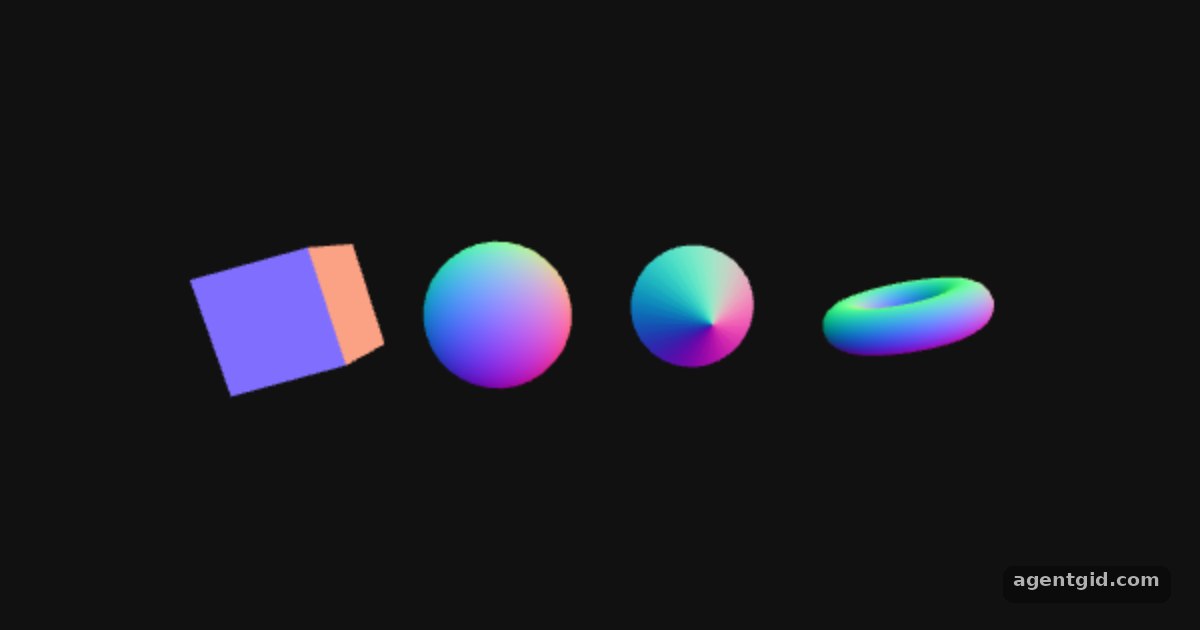 Built-in geometries in Three.jsSwap one shape for another from the docs list, such as IcosahedronGeometry(0.7).
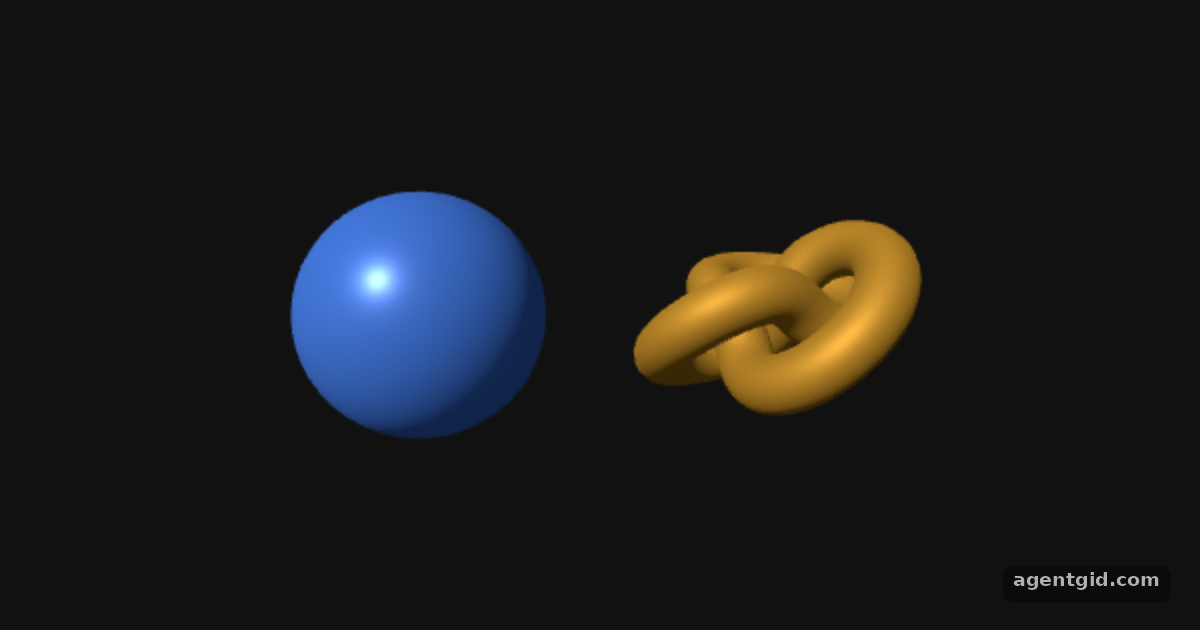 Lights and lit materials in Three.jsChange the light colour or the material roughness and metalness to see the surface change.
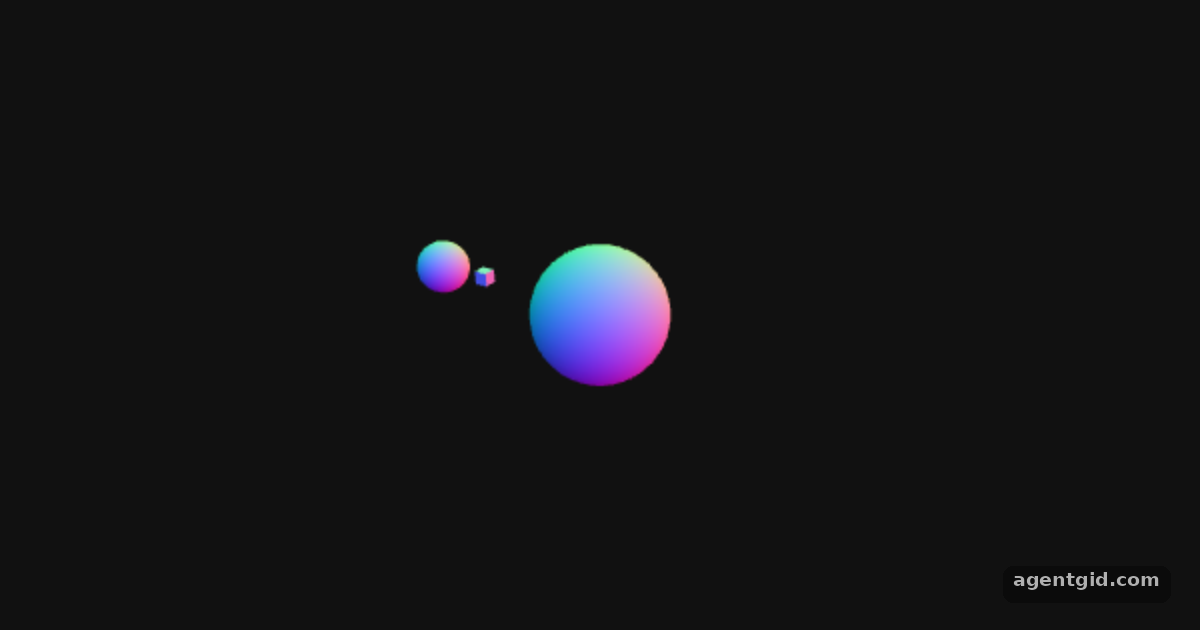 Grouping objects in Three.jsChange the planet's position.x or the group rotation speeds to reshape the orbit.
Try them all in one place
import * as THREE from 'three';

const root = document.getElementById('root');
const width = root.clientWidth || 600, height = root.clientHeight || 380;

// init
const camera = new THREE.PerspectiveCamera(70, width / height, 0.01, 10);
camera.position.z = 1;

const scene = new THREE.Scene();
scene.background = new THREE.Color(0x111111);

const geometry = new THREE.BoxGeometry(0.4, 0.4, 0.4);
const material = new THREE.MeshNormalMaterial();
const mesh = new THREE.Mesh(geometry, material);
scene.add(mesh);

const renderer = new THREE.WebGLRenderer({ antialias: true });
renderer.setSize(width, height);
renderer.setAnimationLoop(animate);
root.appendChild(renderer.domElement);

// animation
function animate(time) {
  mesh.rotation.x = time / 2000;
  mesh.rotation.y = time / 1000;
  renderer.render(scene, camera);
}
Change the BoxGeometry sizes or the divisors in animate() to make the cube bigger or spin faster. Code written by AgentGid [1]. How it works, with a screenshot →
Change the BoxGeometry sizes or the divisors in animate() to make the cube bigger or spin faster. Code written by AgentGid [1]. How it works, with a screenshot →Change the 0.002 speed or the phase step i * 0.8 to see the wave move differently. Code written by AgentGid [1]. How it works, with a screenshot →Swap one shape for another from the docs list, such as IcosahedronGeometry(0.7). Code written by AgentGid [2]. How it works, with a screenshot →Change the light colour or the material roughness and metalness to see the surface change. Code written by AgentGid [2]. How it works, with a screenshot →Change the planet's position.x or the group rotation speeds to reshape the orbit. Code written by AgentGid [2]. How it works, with a screenshot →Checked Oct 12, 2026: each example starts without errors in Chromium with three 0.186.1. Needs WebGL.
Sources
Explanations written by AgentGid from the official docs; the numbers in brackets point here. The code marked "written by AgentGid" is ours and free to copy.