URL params with useParams in React Router
Dynamic segments let one route serve many URLs, such as one page per team, and useParams hands the matched values to your component.
How it works
- Define dynamic segments. The route
teams/:teamIdmatches/teams/red,/teams/blueand any other team name. [1] - Read them with useParams.
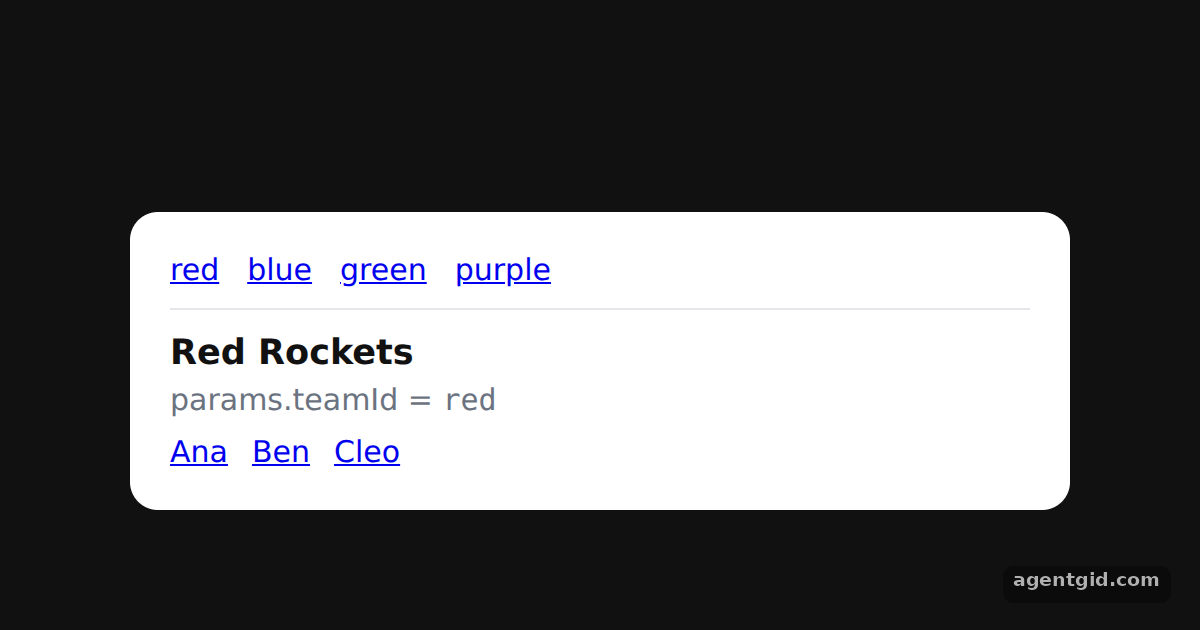
TeamcallsuseParams()and looks upteamIdin the inlineTEAMSdata. An unknown id, likepurple, shows a message instead. [1] - Use more than one segment.
teams/:teamId/members/:memberIdhas two segments, andMemberreads both from the same params object. [1]
Run and edit it
It runs in your browser, in a sandboxed frame that cannot see this site; the packages load from esm.sh only after you press Run.
import { MemoryRouter, Routes, Route, Link, useParams } from 'react-router-dom';

const TEAMS = {
  red: { name: 'Red Rockets', members: ['Ana', 'Ben', 'Cleo'] },
  blue: { name: 'Blue Whales', members: ['Dev', 'Eli'] },
  green: { name: 'Green Owls', members: ['Fay', 'Gus', 'Hana', 'Ivo'] },
};

function Team() {
  const { teamId } = useParams();
  const team = TEAMS[teamId];
  if (!team) return <p>No team called "{teamId}".</p>;
  return (
    <>
      <h3 style={{ margin: '0 0 4px' }}>{team.name}</h3>
      <p style={{ margin: '0 0 8px', color: '#6b7280' }}>params.teamId = <code>{teamId}</code></p>
      {team.members.map((m) => (
        <Link key={m} to={`/teams/${teamId}/members/${m.toLowerCase()}`} style={{ marginRight: 12 }}>{m}</Link>
      ))}
    </>
  );
}

function Member() {
  const { teamId, memberId } = useParams();
  return (
    <>
      <h3 style={{ margin: '0 0 4px' }}>Member: {memberId}</h3>
      <p style={{ margin: '0 0 8px', color: '#6b7280' }}>teamId = <code>{teamId}</code>, memberId = <code>{memberId}</code></p>
      <Link to={`/teams/${teamId}`}>← Back to team</Link>
    </>
  );
}

export default function App() {
  return (
    <div style={{ height: 360, background: '#111', display: 'grid', placeItems: 'center' }}>
      <MemoryRouter initialEntries={['/teams/red']}>
        <div style={{ width: 430, padding: 20, borderRadius: 14, background: '#fff', color: '#111', font: '15px system-ui' }}>
          <nav style={{ display: 'flex', gap: 14, paddingBottom: 10, marginBottom: 12, borderBottom: '1px solid #e5e7eb' }}>
            {['red', 'blue', 'green', 'purple'].map((id) => <Link key={id} to={`/teams/${id}`}>{id}</Link>)}
          </nav>
          <Routes>
            <Route path="teams/:teamId" element={<Team />} />
            <Route path="teams/:teamId/members/:memberId" element={<Member />} />
          </Routes>
        </div>
      </MemoryRouter>
    </div>
  );
}
Click a team, then a member; try the purple link to see the not-found message. Code written by AgentGid [1].
Click a team, then a member; try the purple link to see the not-found message. Code written by AgentGid [1].Checked Oct 12, 2026: it starts without errors in Chromium with react-router-dom 7.18.4, react 19.3.0, react-dom 19.3.0. Needs WebGL.
More React Router examples
Basic routing in React Router Nested routes with Outlet in React Router Active links with NavLink in React Router Programmatic navigation with useNavigate
Sources
Explanations written by AgentGid from the official docs; the numbers in brackets point here. The code marked "written by AgentGid" is ours and free to copy.