Basic routing in React Router
React Router maps URL paths to components. Links change the location and the matching route renders its element.
How it works
- Keep history in memory. The sandbox has no address bar, so the app uses
MemoryRouterwithinitialEntries={['/']}instead of a browser router. [1] - Declare the routes.
<Routes>holds one<Route>per page. Each route pairs apathwith theelementto render. [2] - Link between pages. The nav bar uses
<Link to="/about">and friends. Clicking one changes the location, and the matching page renders below. [3] - Read the location.
CurrentPathcallsuseLocation()and printslocation.pathname, so you can see the in-memory URL change. [4]
Run and edit it
It runs in your browser, in a sandboxed frame that cannot see this site; the packages load from esm.sh only after you press Run.
import { MemoryRouter, Routes, Route, Link, useLocation } from 'react-router-dom';

const card = { width: 420, padding: 22, borderRadius: 14, background: '#fff', color: '#111', font: '15px system-ui' };
const nav = { display: 'flex', gap: 18, paddingBottom: 12, marginBottom: 14, borderBottom: '1px solid #e5e7eb', fontWeight: 600 };

function Home() {
  return <><h2 style={{ margin: '0 0 6px' }}>Home</h2><p style={{ margin: 0 }}>Welcome! Pick a page in the menu.</p></>;
}

function About() {
  return <><h2 style={{ margin: '0 0 6px' }}>About</h2><p style={{ margin: 0 }}>We build small, fast web apps.</p></>;
}

function Contact() {
  return <><h2 style={{ margin: '0 0 6px' }}>Contact</h2><p style={{ margin: 0 }}>Write to hello@example.com.</p></>;
}

function CurrentPath() {
  const location = useLocation();
  return (
    <div style={{ marginTop: 18, fontSize: 13, color: '#6b7280' }}>
      location.pathname: <code>{location.pathname}</code>
    </div>
  );
}

export default function App() {
  return (
    <div style={{ height: 360, background: '#111', display: 'grid', placeItems: 'center' }}>
      <MemoryRouter initialEntries={['/']}>
        <div style={card}>
          <nav style={nav}>
            <Link to="/">Home</Link>
            <Link to="/about">About</Link>
            <Link to="/contact">Contact</Link>
          </nav>
          <Routes>
            <Route path="/" element={<Home />} />
            <Route path="about" element={<About />} />
            <Route path="contact" element={<Contact />} />
          </Routes>
          <CurrentPath />
        </div>
      </MemoryRouter>
    </div>
  );
}
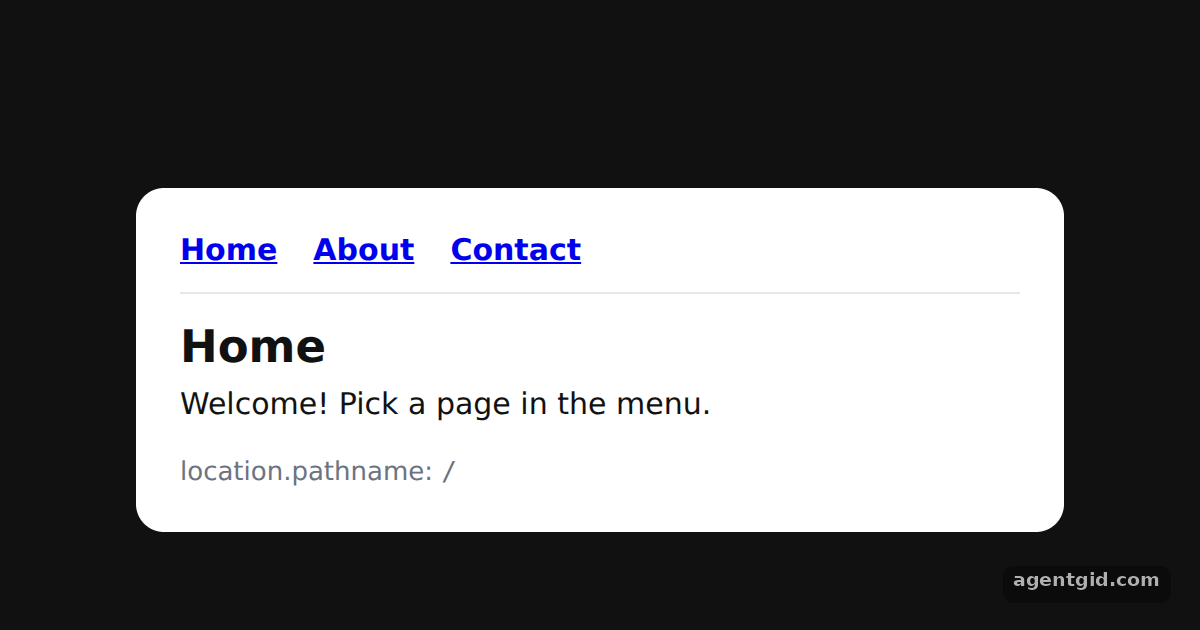
Click Home, About and Contact; the grey line at the bottom shows the current pathname. Code written by AgentGid [1].
Click Home, About and Contact; the grey line at the bottom shows the current pathname. Code written by AgentGid [1].Checked Oct 12, 2026: it starts without errors in Chromium with react-router-dom 7.18.4, react 19.3.0, react-dom 19.3.0. Needs WebGL.
More React Router examples
Nested routes with Outlet in React Router URL params with useParams in React Router Active links with NavLink in React Router Programmatic navigation with useNavigate
Sources
- Docs: api › declarative-routers › MemoryRouter
- Docs: start › declarative › routing
- Docs: start › declarative › navigating
- Docs: start › declarative › url-values
Explanations written by AgentGid from the official docs; the numbers in brackets point here. The code marked "written by AgentGid" is ours and free to copy.