React Router Examples You Can Edit and Run
5 small React Router examples written by AgentGid from the official docs, one feature each. Every one runs in your browser: change the code and see the result at once, or describe a change and let AI rewrite it. The screenshots are taken from the same code by our server, which also checks that each example starts without errors.
React Router: usage and stats 290 AI-built projects use it
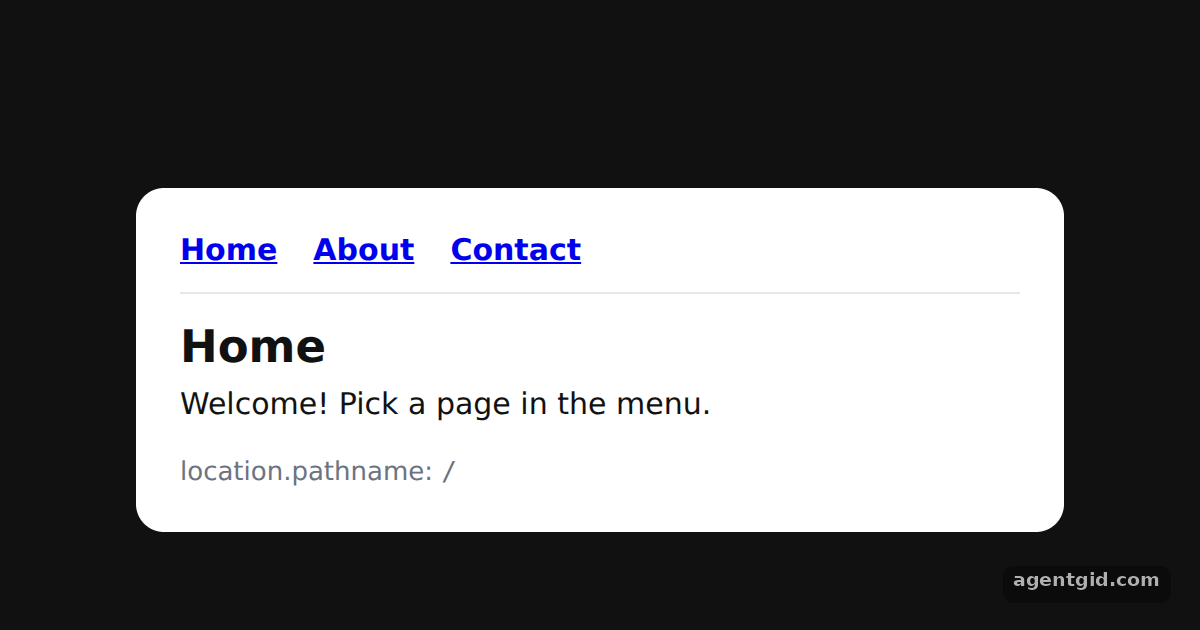 Basic routing in React RouterClick Home, About and Contact; the grey line at the bottom shows the current pathname.
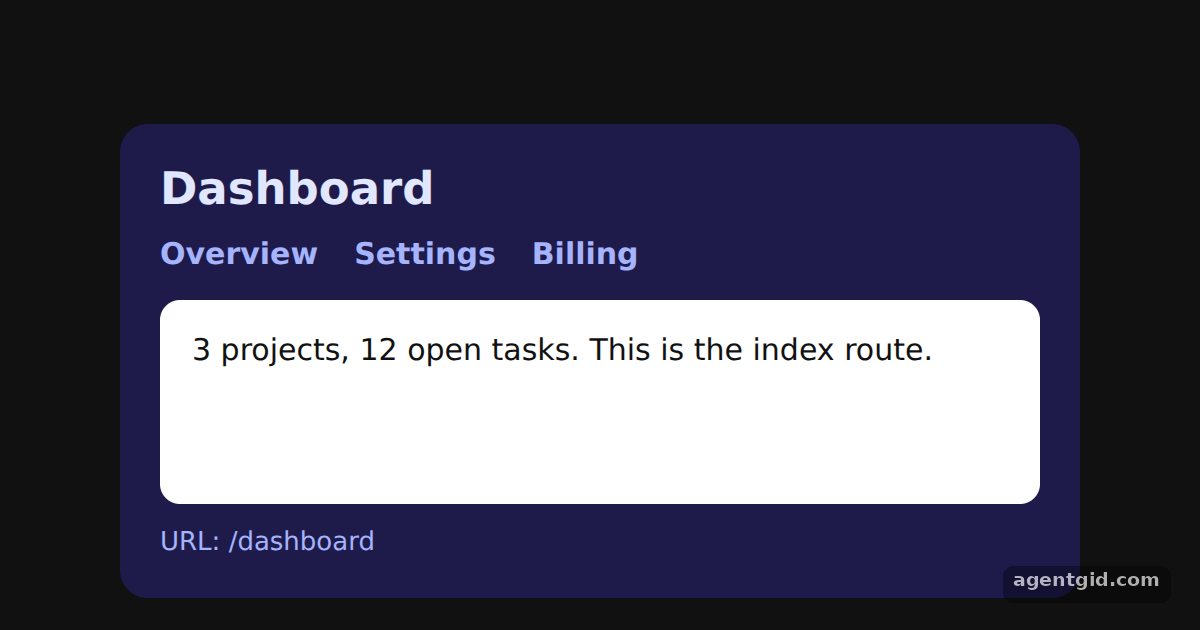 Nested routes with Outlet in React RouterSwitch between Overview, Settings and Billing; the dashboard header stays while the white panel changes.
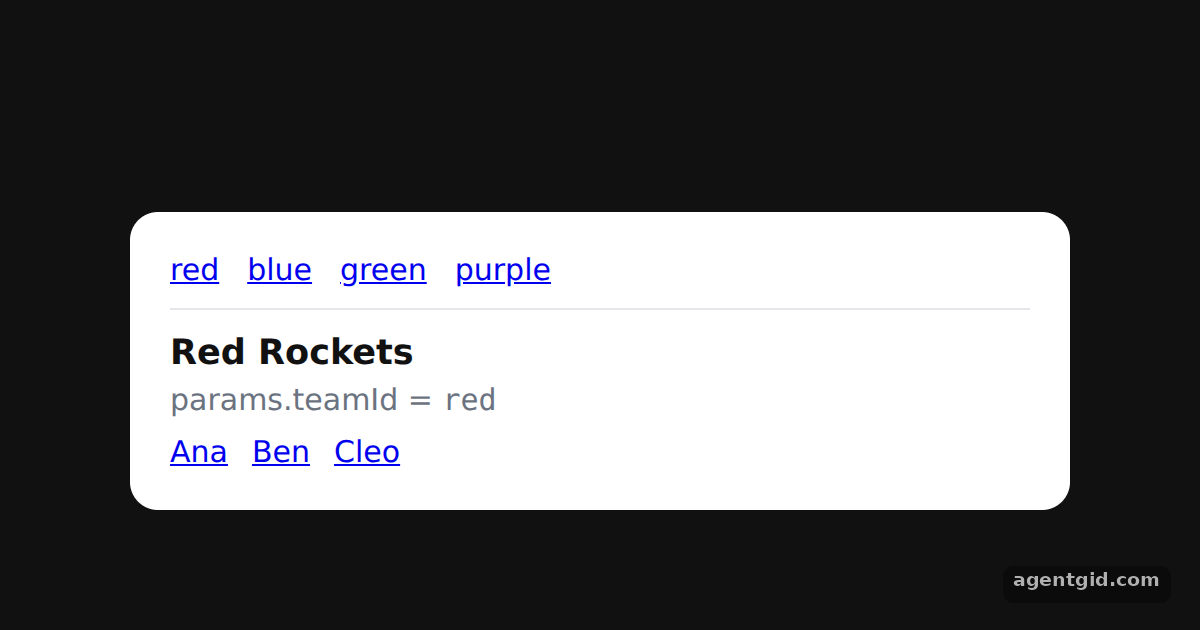 URL params with useParams in React RouterClick a team, then a member; try the purple link to see the not-found message.
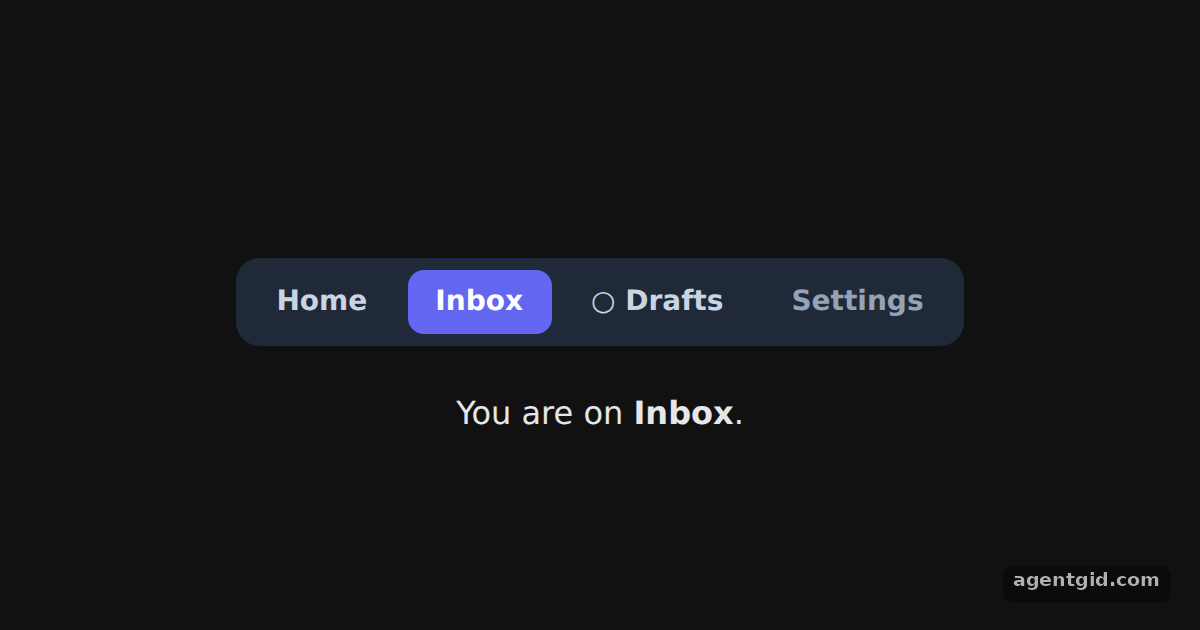 Active links with NavLink in React RouterClick each tab and watch the highlight move; the page starts on Inbox.
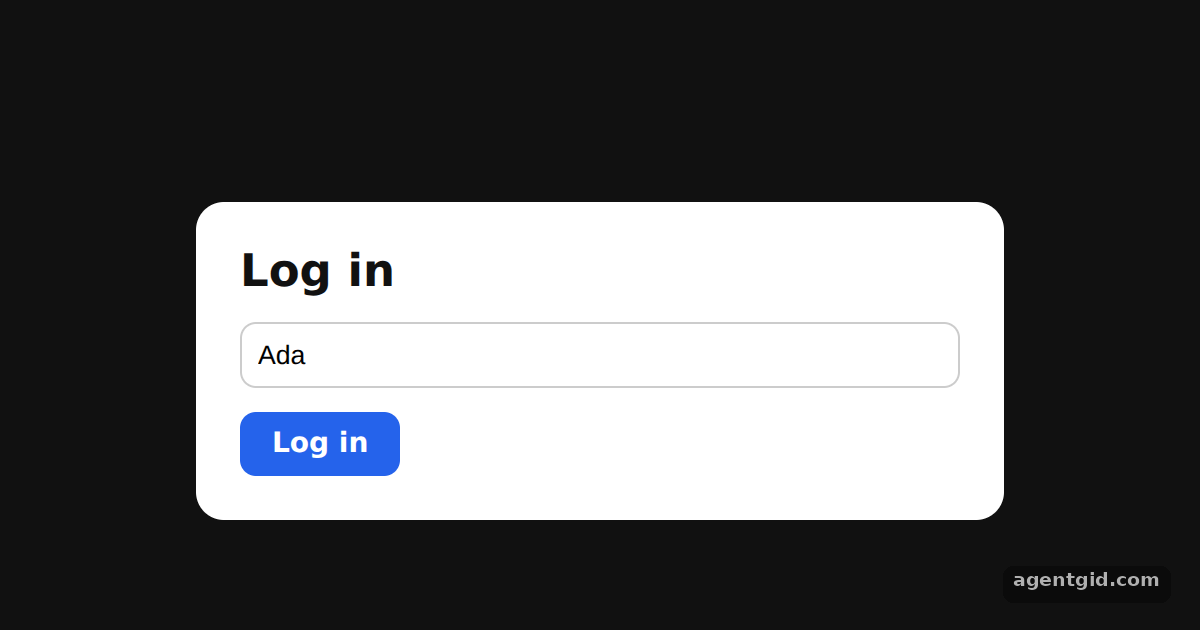 Programmatic navigation with useNavigatePress Log in to jump to the welcome page; wait 10 seconds or press Log out to return.
Try them all in one place
import { MemoryRouter, Routes, Route, Link, useLocation } from 'react-router-dom';

const card = { width: 420, padding: 22, borderRadius: 14, background: '#fff', color: '#111', font: '15px system-ui' };
const nav = { display: 'flex', gap: 18, paddingBottom: 12, marginBottom: 14, borderBottom: '1px solid #e5e7eb', fontWeight: 600 };

function Home() {
  return <><h2 style={{ margin: '0 0 6px' }}>Home</h2><p style={{ margin: 0 }}>Welcome! Pick a page in the menu.</p></>;
}

function About() {
  return <><h2 style={{ margin: '0 0 6px' }}>About</h2><p style={{ margin: 0 }}>We build small, fast web apps.</p></>;
}

function Contact() {
  return <><h2 style={{ margin: '0 0 6px' }}>Contact</h2><p style={{ margin: 0 }}>Write to hello@example.com.</p></>;
}

function CurrentPath() {
  const location = useLocation();
  return (
    <div style={{ marginTop: 18, fontSize: 13, color: '#6b7280' }}>
      location.pathname: <code>{location.pathname}</code>
    </div>
  );
}

export default function App() {
  return (
    <div style={{ height: 360, background: '#111', display: 'grid', placeItems: 'center' }}>
      <MemoryRouter initialEntries={['/']}>
        <div style={card}>
          <nav style={nav}>
            <Link to="/">Home</Link>
            <Link to="/about">About</Link>
            <Link to="/contact">Contact</Link>
          </nav>
          <Routes>
            <Route path="/" element={<Home />} />
            <Route path="about" element={<About />} />
            <Route path="contact" element={<Contact />} />
          </Routes>
          <CurrentPath />
        </div>
      </MemoryRouter>
    </div>
  );
}
Click Home, About and Contact; the grey line at the bottom shows the current pathname. Code written by AgentGid [1]. How it works, with a screenshot →
Click Home, About and Contact; the grey line at the bottom shows the current pathname. Code written by AgentGid [1]. How it works, with a screenshot →Switch between Overview, Settings and Billing; the dashboard header stays while the white panel changes. Code written by AgentGid [2]. How it works, with a screenshot →Click a team, then a member; try the purple link to see the not-found message. Code written by AgentGid [2]. How it works, with a screenshot →Click each tab and watch the highlight move; the page starts on Inbox. Code written by AgentGid [3]. How it works, with a screenshot →Press Log in to jump to the welcome page; wait 10 seconds or press Log out to return. Code written by AgentGid [3]. How it works, with a screenshot →Checked Oct 12, 2026: each example starts without errors in Chromium with react-router-dom 7.18.4, react 19.3.0, react-dom 19.3.0. Needs WebGL.
Sources
- Docs: api › declarative-routers › MemoryRouter
- Docs: start › declarative › routing
- Docs: start › declarative › navigating
- Docs: start › declarative › url-values
Explanations written by AgentGid from the official docs; the numbers in brackets point here. The code marked "written by AgentGid" is ours and free to copy.