Nested routes with Outlet in React Router
Nested routes let a parent page keep its layout, such as a header and tabs, while child routes swap the content inside it.
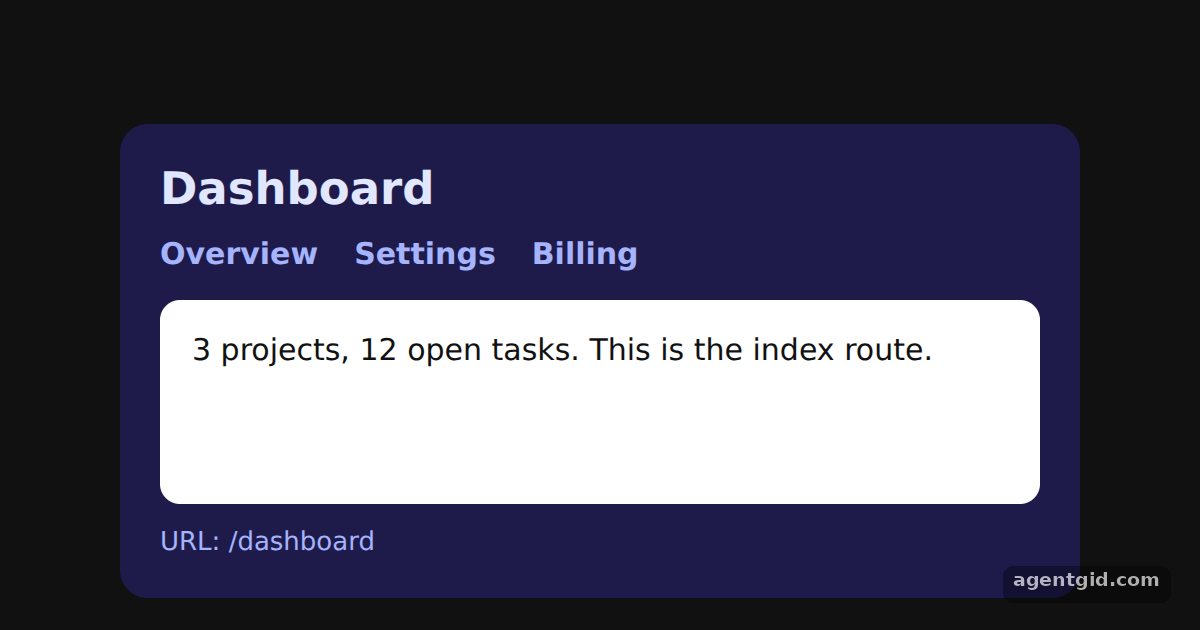
How it works
- Nest child routes. The
settingsandbillingroutes sit inside thedashboardroute, so their full paths become/dashboard/settingsand/dashboard/billing. [1] - Render children with Outlet.
Dashboarddraws the title and tabs once, then places<Outlet />where the matching child should appear. [1] - Add an index route.
<Route index element={<Overview />} />fills the outlet when the location is exactly/dashboard, which is where the example starts. [1]
Run and edit it
It runs in your browser, in a sandboxed frame that cannot see this site; the packages load from esm.sh only after you press Run.
import { MemoryRouter, Routes, Route, Link, Outlet, useLocation } from 'react-router-dom';

const tab = { color: '#a5b4fc', fontWeight: 600, textDecoration: 'none' };

function Dashboard() {
  const { pathname } = useLocation();
  return (
    <div style={{ width: 440, padding: 20, borderRadius: 14, background: '#1e1b4b', color: '#e0e7ff', font: '15px system-ui' }}>
      <h2 style={{ margin: '0 0 10px' }}>Dashboard</h2>
      <nav style={{ display: 'flex', gap: 18, marginBottom: 14 }}>
        <Link style={tab} to="/dashboard">Overview</Link>
        <Link style={tab} to="/dashboard/settings">Settings</Link>
        <Link style={tab} to="/dashboard/billing">Billing</Link>
      </nav>
      <div style={{ padding: 16, borderRadius: 10, background: '#fff', color: '#111', minHeight: 70 }}>
        {/* The matching child route renders here */}
        <Outlet />
      </div>
      <div style={{ marginTop: 12, fontSize: 13, color: '#a5b4fc' }}>URL: {pathname}</div>
    </div>
  );
}

function Overview() {
  return <p style={{ margin: 0 }}>3 projects, 12 open tasks. This is the index route.</p>;
}

function Settings() {
  return <p style={{ margin: 0 }}>Theme: dark · Language: English · Emails: weekly</p>;
}

function Billing() {
  return <p style={{ margin: 0 }}>Plan: Pro · Next invoice: $12 on the 1st</p>;
}

export default function App() {
  return (
    <div style={{ height: 360, background: '#111', display: 'grid', placeItems: 'center' }}>
      <MemoryRouter initialEntries={['/dashboard']}>
        <Routes>
          <Route path="dashboard" element={<Dashboard />}>
            <Route index element={<Overview />} />
            <Route path="settings" element={<Settings />} />
            <Route path="billing" element={<Billing />} />
          </Route>
        </Routes>
      </MemoryRouter>
    </div>
  );
}
Switch between Overview, Settings and Billing; the dashboard header stays while the white panel changes. Code written by AgentGid [1].
Switch between Overview, Settings and Billing; the dashboard header stays while the white panel changes. Code written by AgentGid [1].Checked Oct 12, 2026: it starts without errors in Chromium with react-router-dom 7.18.4, react 19.3.0, react-dom 19.3.0. Needs WebGL.
More React Router examples
Basic routing in React Router URL params with useParams in React Router Active links with NavLink in React Router Programmatic navigation with useNavigate
Sources
Explanations written by AgentGid from the official docs; the numbers in brackets point here. The code marked "written by AgentGid" is ours and free to copy.