Encoding modes and segments in qrcode
QR codes can mix encoding modes such as numeric and alphanumeric to store data more compactly. qrcode splits text into segments for you, or takes your own list.
All qrcode (JavaScript) examples qrcode (JavaScript): usage and stats
How it works
- Auto mode.
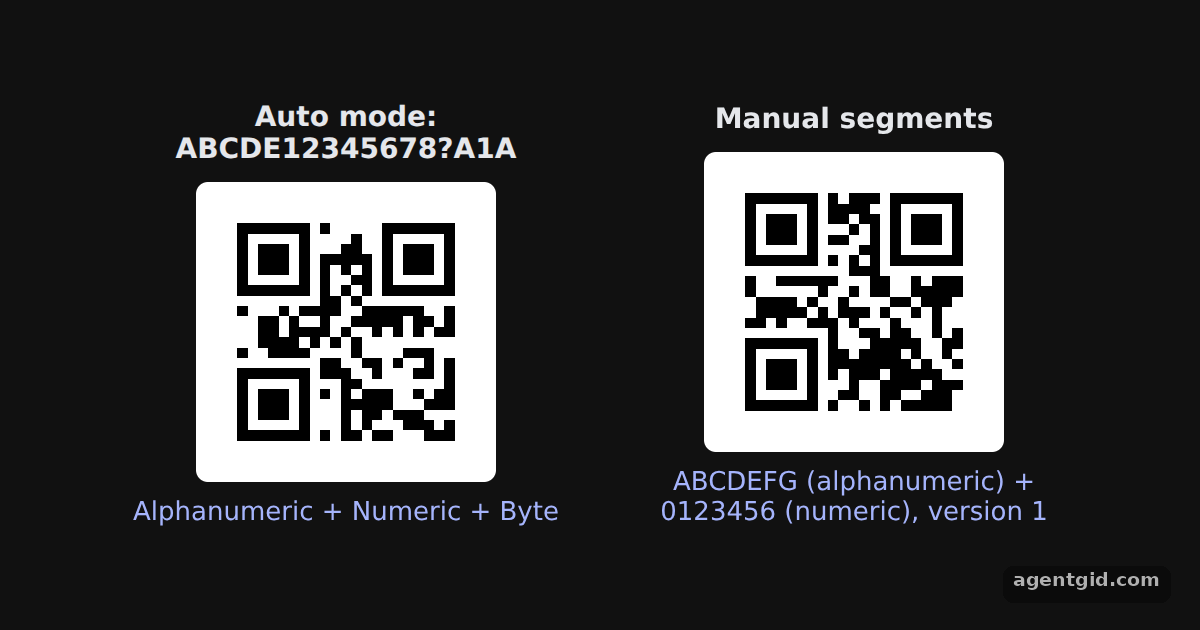
QRCode.create(text)returns an object with the generatedsegments. The left column prints the mode of each segment for the README's example string. [1] - Manual segments.
segsis an array of objects withdataandmode. It is passed totoCanvasandcreatein place of a string. [1] - What create() returns. Besides
segments, the object fromcreate()has theversion, shown under the manual code. [1]
Run and edit it
It runs in your browser, in a sandboxed frame that cannot see this site; the packages load from esm.sh only after you press Run.
import QRCode from 'qrcode'

const root = document.getElementById('root')
root.style.cssText = 'display:flex;align-items:center;justify-content:center;gap:24px;height:100%;font:14px system-ui,sans-serif;color:#e5e7eb'
// Small helper to create an element with inline styles and text
const el = (tag, css, text) => Object.assign(document.createElement(tag), { style: css || '', textContent: text || '' })

function column (title, data, note) {
  const box = el('div', 'display:grid;gap:8px;justify-items:center;width:230px;text-align:center')
  const canvas = el('canvas')
  QRCode.toCanvas(canvas, data, function (error) {
    if (error) console.error(error)
    canvas.style.cssText = 'width:150px;height:150px;image-rendering:pixelated;border-radius:6px'
  })
  box.append(el('b', '', title), canvas, el('div', 'color:#a5b4fc;font-size:13px', note))
  root.append(box)
}

// Auto mode: the library splits the string into segments on its own
const text = 'ABCDE12345678?A1A'
const auto = QRCode.create(text)
column('Auto mode: ' + text, text, auto.segments.map(s => s.mode.id).join(' + '))

// Manual mode: you choose the mode of each segment
const segs = [
  { data: 'ABCDEFG', mode: 'alphanumeric' },
  { data: '0123456', mode: 'numeric' }
]
const manual = QRCode.create(segs)
column('Manual segments', segs, segs.map(s => s.data + ' (' + s.mode + ')').join(' + ') + ', version ' + manual.version)
The left label lists the modes auto mode chose; the right one lists the segments you passed in. Code written by AgentGid [1].
The left label lists the modes auto mode chose; the right one lists the segments you passed in. Code written by AgentGid [1].Checked Oct 12, 2026: it starts without errors in Chromium with qrcode 1.5.4. Needs WebGL.
More qrcode (JavaScript) examples
Drawing a QR code on a canvas with qrcode QR code as a data URL with qrcode Error correction levels in qrcode Setting the QR code version in qrcode
Sources
Explanations written by AgentGid from the official docs; the numbers in brackets point here. The code marked "written by AgentGid" is ours and free to copy.