Lodash Examples You Can Edit and Run
5 small Lodash examples written by AgentGid from the official docs, one feature each. Every one runs in your browser: change the code and see the result at once, or describe a change and let AI rewrite it. The screenshots are taken from the same code by our server, which also checks that each example starts without errors.
Lodash: usage and stats 112 AI-built projects use it
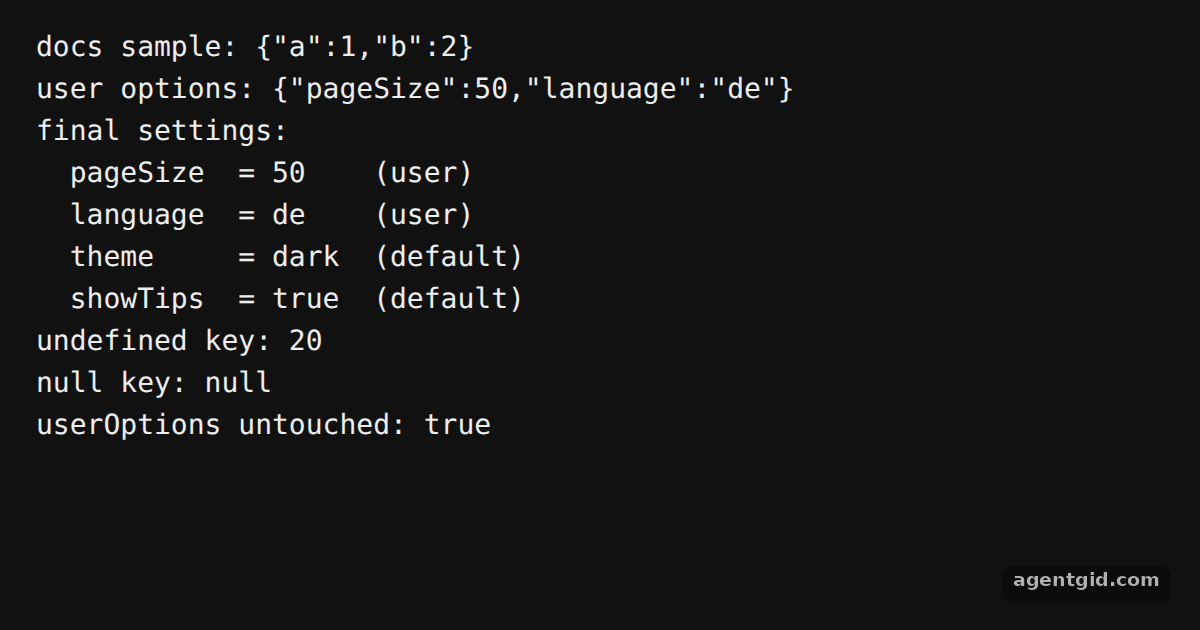 Default values with _.defaultsAdd a key to userOptions and see it override the default in the output.
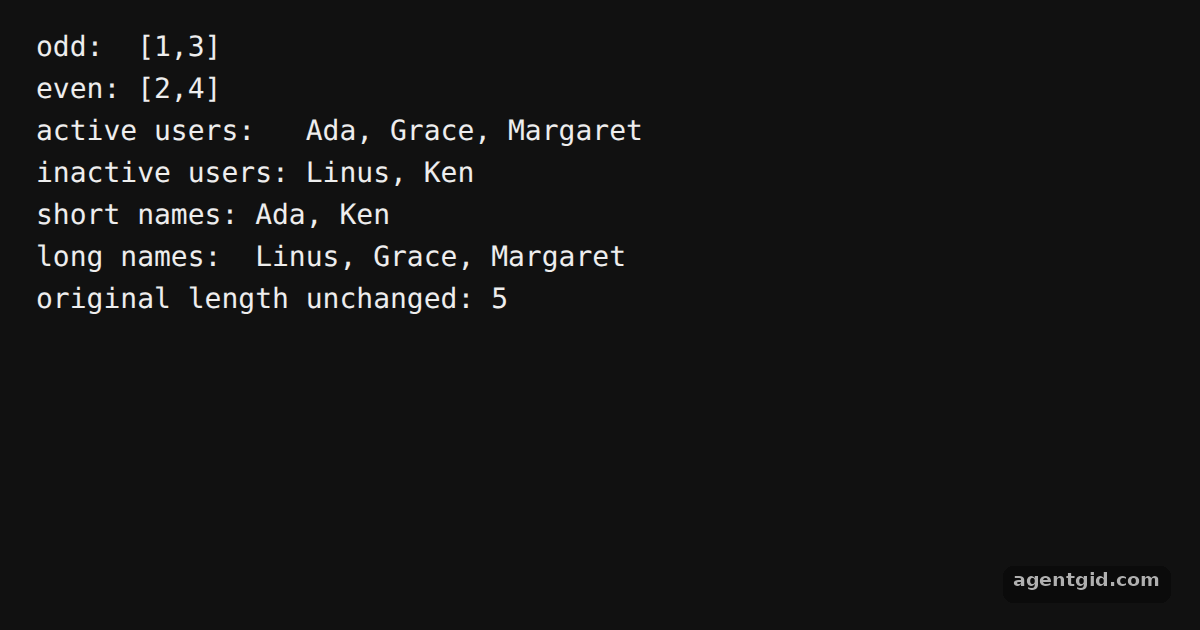 Split arrays with _.partitionChange the predicate, for example to n => n > 2, and watch both groups change.
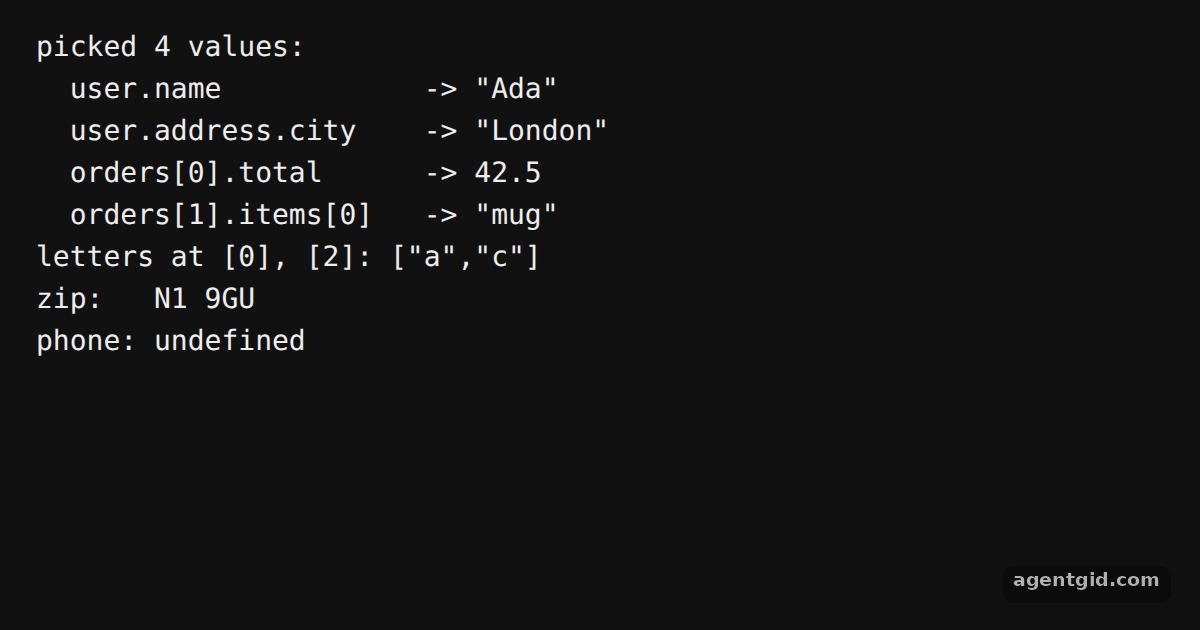 Read nested values with _.atAdd a path such as 'orders[1].items[0]' to the list and rerun.
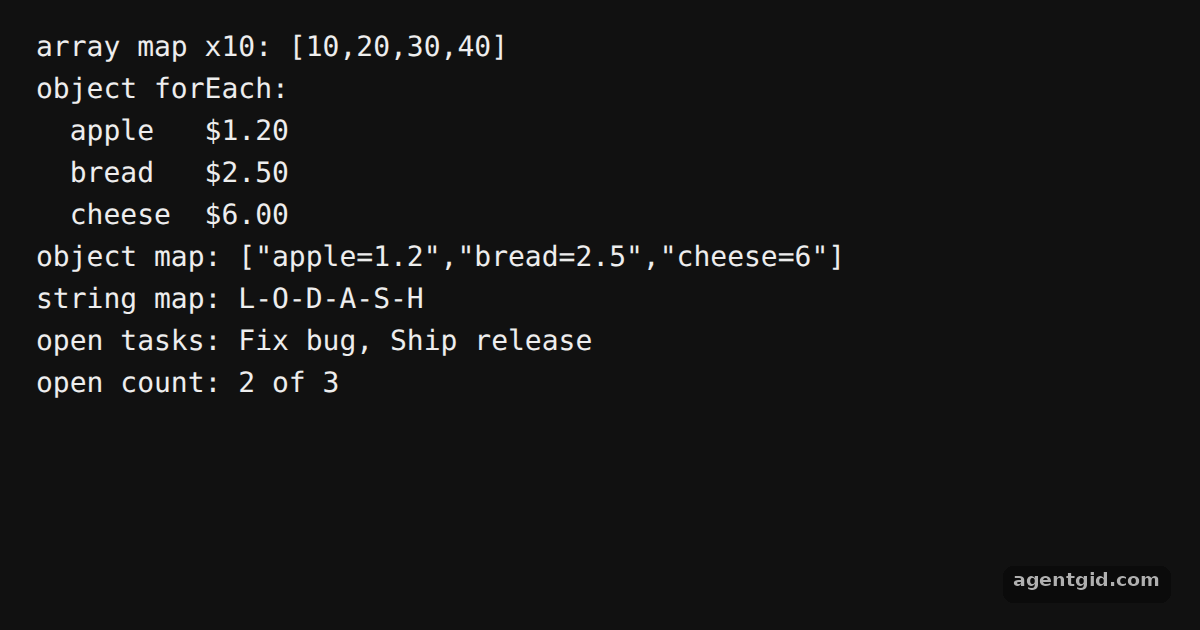 Iterate collections with LodashSwap the word in the string example and the per-letter output changes.
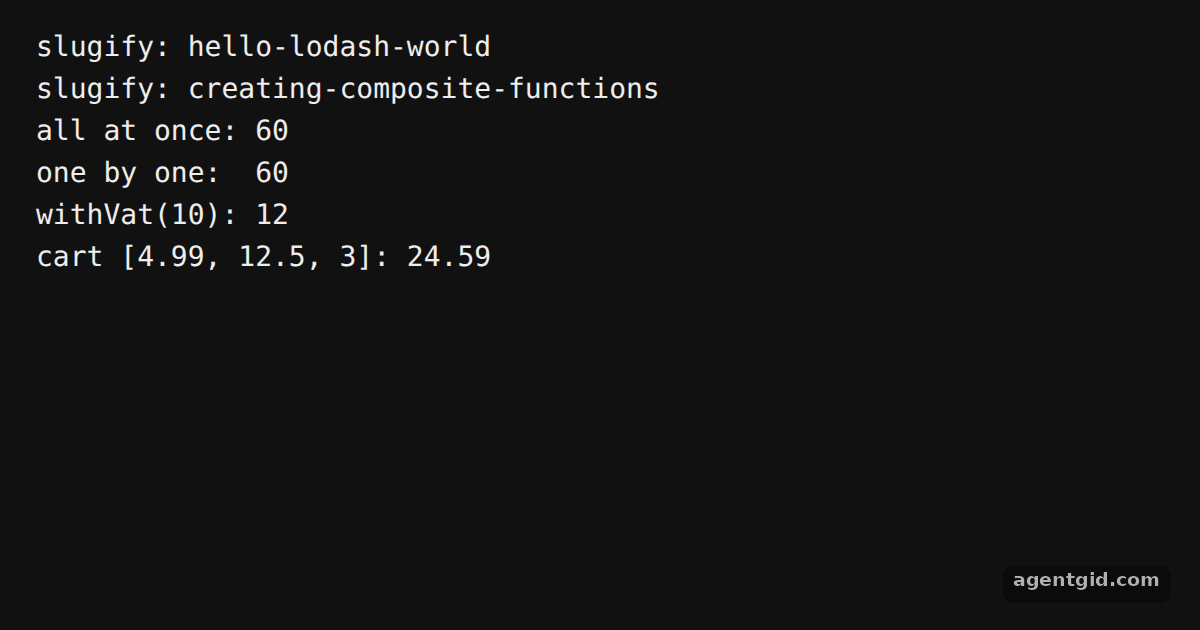 Compose functions with LodashAdd a fourth step to the slugify pipeline, such as cutting the result to 20 characters.
Try them all in one place
import _ from 'lodash';

// The exact sample from the Lodash homepage
console.log('docs sample:', JSON.stringify(_.defaults({ a: 1 }, { a: 3, b: 2 })));

const DEFAULTS = { theme: 'dark', pageSize: 20, language: 'en', showTips: true };
const userOptions = { pageSize: 50, language: 'de' };

// Pass a fresh object first so userOptions is not changed
const settings = _.defaults({}, userOptions, DEFAULTS);

console.log('user options:', JSON.stringify(userOptions));
console.log('final settings:');
for (const [key, value] of Object.entries(settings)) {
  const from = key in userOptions ? 'user' : 'default';
  console.log(`  ${key.padEnd(9)} = ${String(value).padEnd(5)} (${from})`);
}

// undefined counts as missing, null does not
console.log('undefined key:', JSON.stringify(_.defaults({ pageSize: undefined }, DEFAULTS).pageSize));
console.log('null key:', JSON.stringify(_.defaults({ pageSize: null }, DEFAULTS).pageSize));

console.log('userOptions untouched:', JSON.stringify(userOptions) === '{"pageSize":50,"language":"de"}');
Add a key to userOptions and see it override the default in the output. Code written by AgentGid [1]. How it works, with a screenshot →
Add a key to userOptions and see it override the default in the output. Code written by AgentGid [1]. How it works, with a screenshot →Change the predicate, for example to n => n > 2, and watch both groups change. Code written by AgentGid [1]. How it works, with a screenshot →Add a path such as 'orders[1].items[0]' to the list and rerun. Code written by AgentGid [2]. How it works, with a screenshot →Swap the word in the string example and the per-letter output changes. Code written by AgentGid [1]. How it works, with a screenshot →Add a fourth step to the slugify pipeline, such as cutting the result to 20 characters. Code written by AgentGid [1]. How it works, with a screenshot →Checked Oct 12, 2026: each example starts without errors in Chromium with lodash 4.18.1. Needs WebGL.
Sources
Explanations written by AgentGid from the official docs; the numbers in brackets point here. The code marked "written by AgentGid" is ours and free to copy.