Handling map clicks in Leaflet
Map events let an app respond to the user, for example to read the coordinates of a clicked point or track the zoom level.
How it works
- Listen with map.on.
map.on('click', handler)runs the handler for every click on the map. The event'slatlngholds the clicked coordinates. [1] - Draw at the clicked point. The handler adds an
L.circleMarkerate.latlngand writes the rounded latitude and longitude into the info box. [1] - React to zoom. A
zoomendlistener updates the zoom level shown in the box after scroll-wheel, double-click or button zooms. [1]
Run and edit it
It runs in your browser, in a sandboxed frame that cannot see this site; the packages load from esm.sh only after you press Run.
import * as L from 'leaflet';

const el = document.createElement('div');
el.style.cssText = 'position:fixed;inset:0;background:#1d2633';
document.getElementById('root').appendChild(el);

const info = document.createElement('div');
info.style.cssText = 'position:fixed;top:10px;left:50%;transform:translateX(-50%);z-index:1000;' +
  'background:#fff;color:#111;padding:6px 12px;border-radius:6px;font:14px system-ui,sans-serif';
document.getElementById('root').appendChild(info);

const map = L.map(el).setView([51.505, -0.09], 14);
L.rectangle([[51.5, -0.105], [51.51, -0.075]], { color: '#8ab4f8', weight: 1, fillOpacity: 0.1 }).addTo(map);

let last = 'Click anywhere on the map';
const show = () => { info.textContent = `${last}  |  zoom ${map.getZoom()}`; };
show();

map.on('click', e => {
  const { lat, lng } = e.latlng;
  L.circleMarker(e.latlng, { radius: 7, color: '#ff6b6b', fillOpacity: 0.8 }).addTo(map);
  last = `Clicked ${lat.toFixed(4)}, ${lng.toFixed(4)}`;
  show();
});

map.on('zoomend', show);
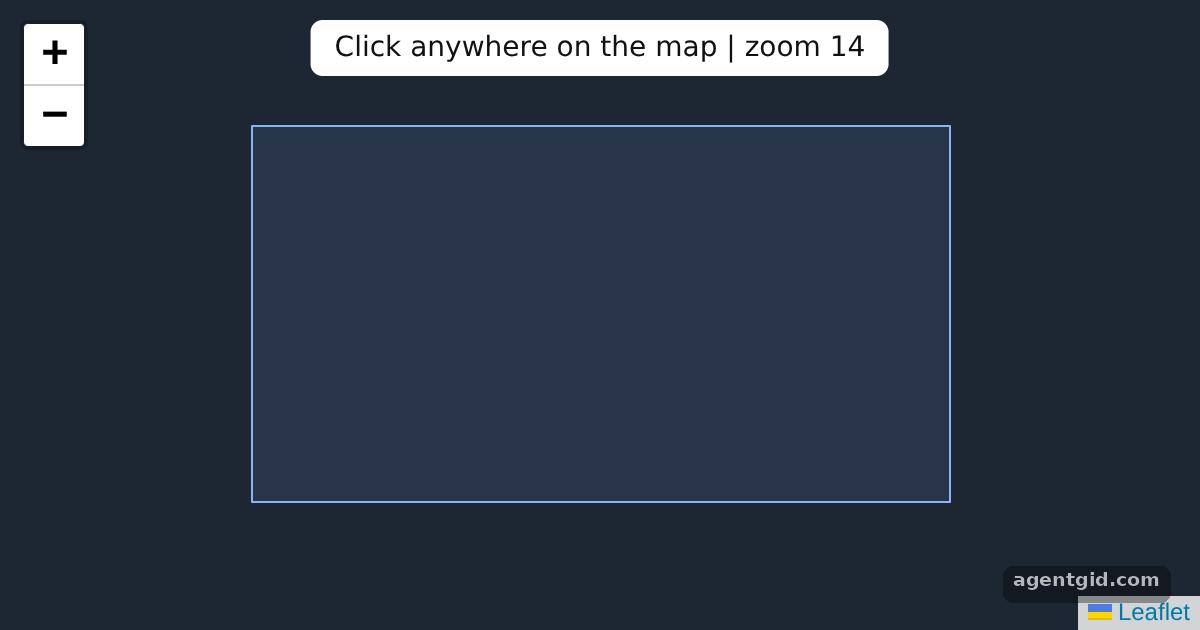
Click anywhere to drop a point and read its coordinates; zoom to see the level change. Code written by AgentGid [1].
Click anywhere to drop a point and read its coordinates; zoom to see the level change. Code written by AgentGid [1].Checked Oct 12, 2026: it starts without errors in Chromium with leaflet 1.9.4. Needs WebGL.
More Leaflet examples
Markers and popups in Leaflet GeoJSON layers in Leaflet Layer switcher and scale control in Leaflet
Sources
Explanations written by AgentGid from the official docs; the numbers in brackets point here. The code marked "written by AgentGid" is ours and free to copy.