A simple line chart in Recharts
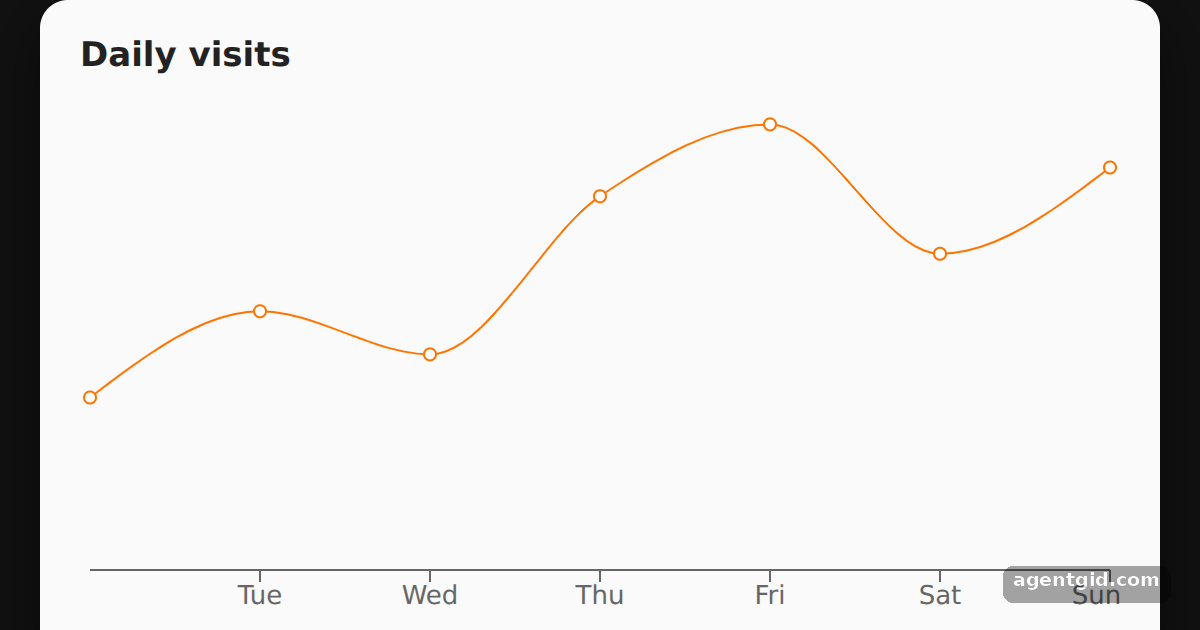
A line chart is the most common Recharts starting point: you describe the chart with React components and pass it an array of objects.
How it works
- Pass the data and size.
LineChartgets a fixedwidth,heightand thedataarray.XAxis dataKey="name"reads the day labels from each object. [1] - Draw the line.
<Line type="monotone" dataKey="visits" />plots thevisitsfield of each row with an orange stroke. [1] - Charts as React components. The whole chart is plain JSX inside
App, so it renders like any other component. [1]
Run and edit it
It runs in your browser, in a sandboxed frame that cannot see this site; the packages load from esm.sh only after you press Run.
import { LineChart, Line, XAxis } from "recharts";

const data = [
  { name: "Mon", visits: 120 },
  { name: "Tue", visits: 180 },
  { name: "Wed", visits: 150 },
  { name: "Thu", visits: 260 },
  { name: "Fri", visits: 310 },
  { name: "Sat", visits: 220 },
  { name: "Sun", visits: 280 },
];

export default function App() {
  return (
    <div style={{ minHeight: "100vh", display: "flex", alignItems: "center", justifyContent: "center", background: "#111", fontFamily: "system-ui, sans-serif" }}>
      <div style={{ background: "#fafafa", color: "#222", padding: "16px 20px", borderRadius: 14, boxShadow: "0 10px 30px rgba(0,0,0,.5)" }}>
        <h3 style={{ margin: "0 0 8px", fontSize: 17 }}>Daily visits</h3>
        <LineChart width={520} height={270} data={data}>
          <XAxis dataKey="name" />
          <Line type="monotone" dataKey="visits" stroke="#ff7300" />
        </LineChart>
      </div>
    </div>
  );
}
Change a number in the data array and run it again to see the line move. Code written by AgentGid [1].
Change a number in the data array and run it again to see the line move. Code written by AgentGid [1].Checked Oct 12, 2026: it starts without errors in Chromium with recharts 3.10.1, react 19.3.0, react-dom 19.3.0, react-is 19.3.0. Needs WebGL.
More Recharts examples
Multiple lines in one Recharts chart Tooltip and grid in a Recharts line chart A live-updating line chart in Recharts
Sources
Explanations written by AgentGid from the official docs; the numbers in brackets point here. The code marked "written by AgentGid" is ours and free to copy.