jose Examples You Can Edit and Run
5 small jose examples written by AgentGid from the official docs, one feature each. Every one runs in your browser: change the code and see the result at once, or describe a change and let AI rewrite it. The screenshots are taken from the same code by our server, which also checks that each example starts without errors.
jose: usage and stats 105 AI-built projects use it
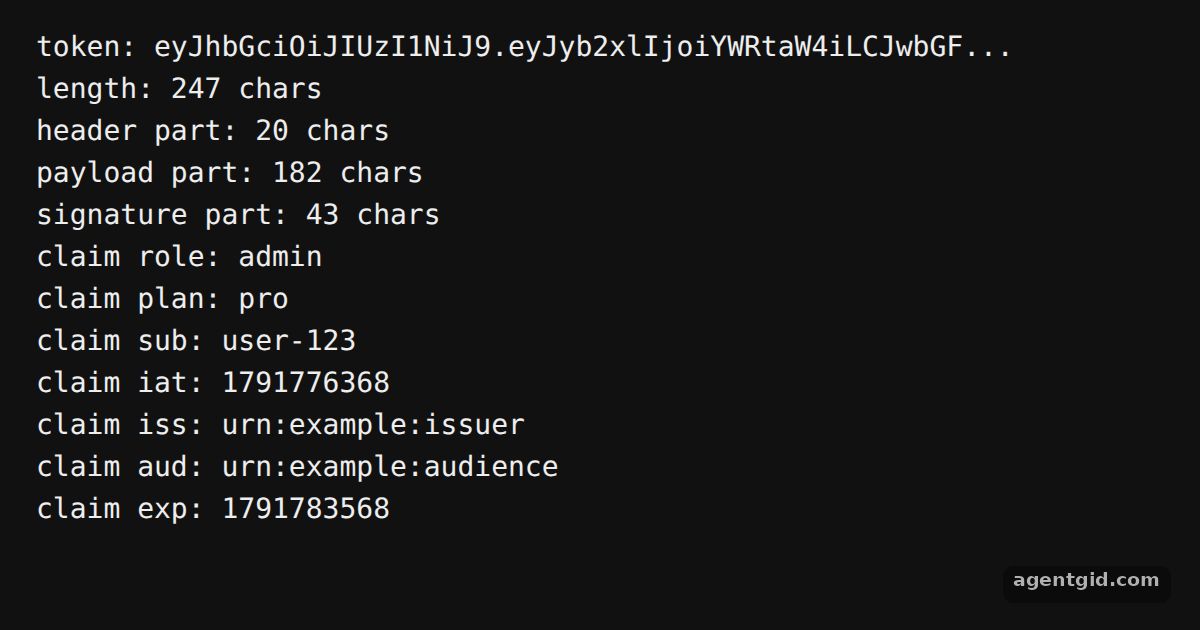 Sign a JWT with joseChange the expiration to '15m' or add another custom claim and watch the decoded payload update.
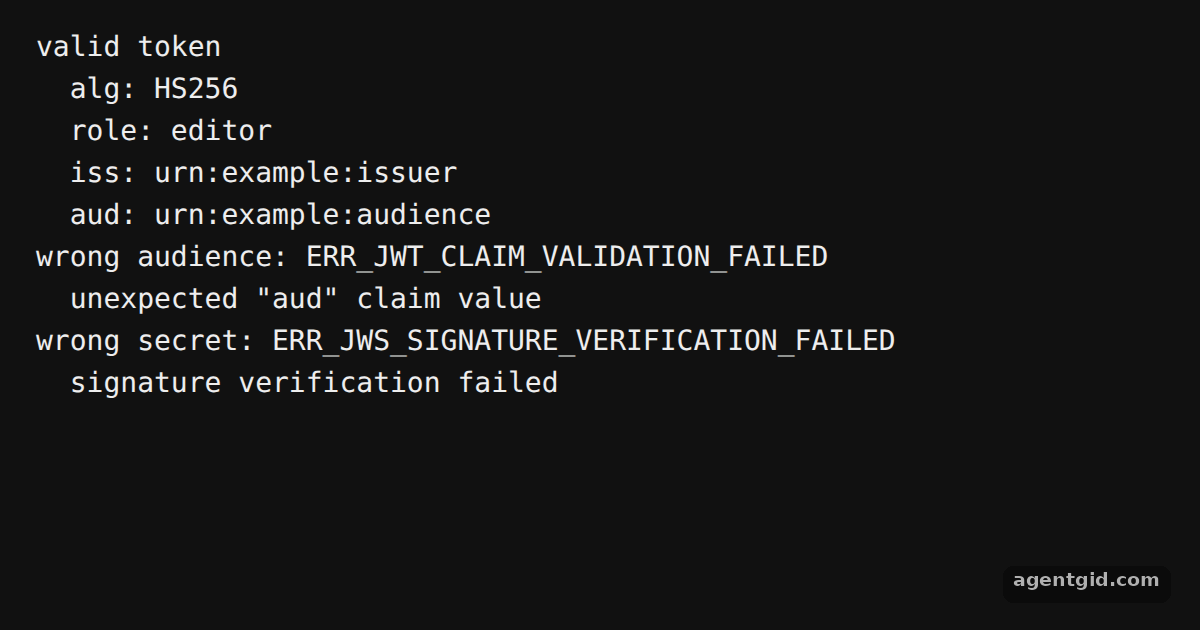 Verify a JWT with joseChange the expected audience back to the right value in the second check and see it pass.
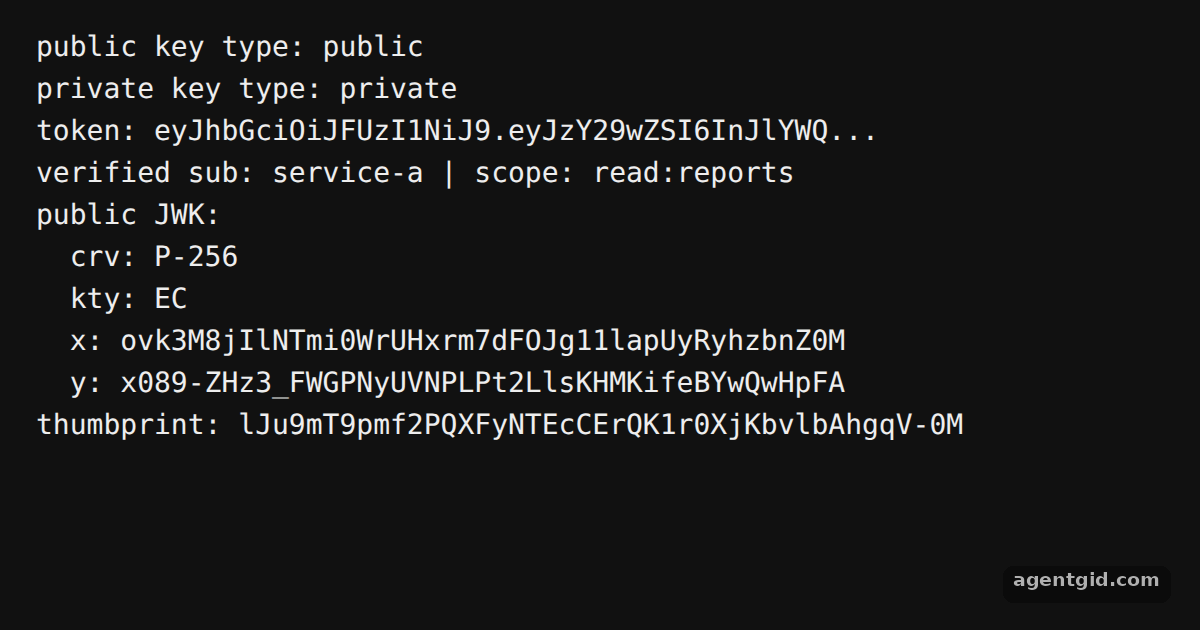 Generate keys and export a JWK with joseChange 'ES256' to 'PS256' in both places and see the exported JWK fields change.
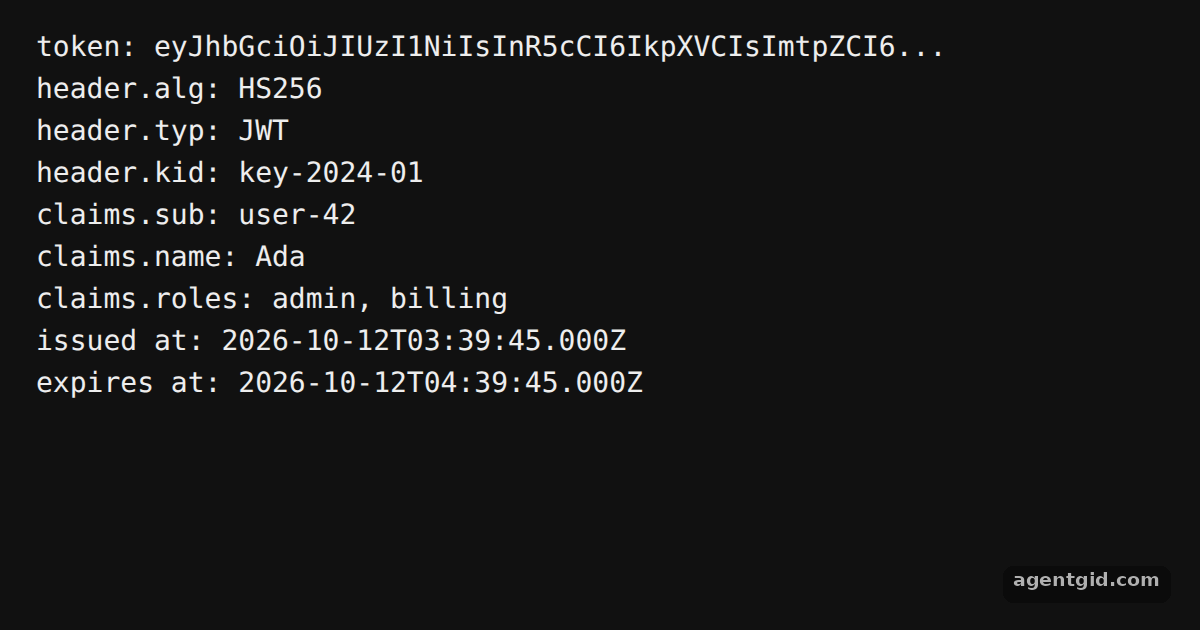 Decode a JWT with josePaste a token from your own app into the jwt variable to see its header and claims.
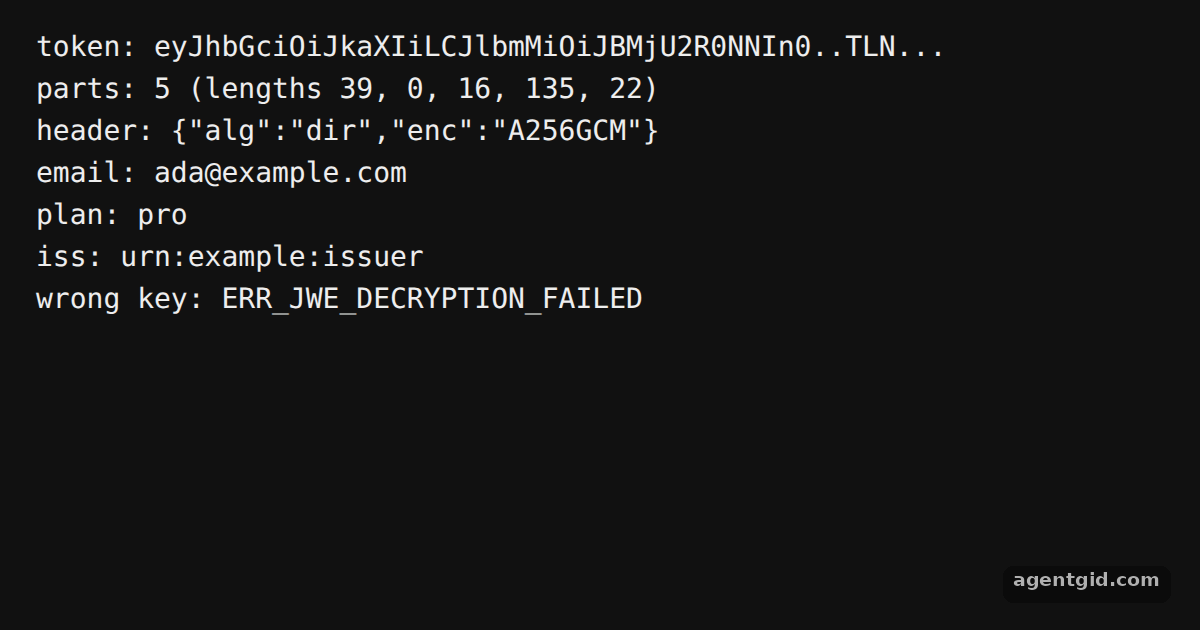 Encrypt and decrypt a JWT with joseAdd more claims to the payload and see the encrypted token grow while its contents stay hidden.
Try them all in one place
import { SignJWT, decodeJwt } from 'jose'

const secret = new TextEncoder().encode('demo-secret-at-least-32-bytes-long!!')

const jwt = await new SignJWT({ role: 'admin', plan: 'pro' })
  .setProtectedHeader({ alg: 'HS256' })
  .setSubject('user-123')
  .setIssuedAt()
  .setIssuer('urn:example:issuer')
  .setAudience('urn:example:audience')
  .setExpirationTime('2h')
  .sign(secret)

const [header, payload, signature] = jwt.split('.')
console.log('token:', jwt.slice(0, 48) + '...')
console.log('length:', jwt.length, 'chars')
console.log('header part:', header.length, 'chars')
console.log('payload part:', payload.length, 'chars')
console.log('signature part:', signature.length, 'chars')

const claims = decodeJwt(jwt)
for (const [key, value] of Object.entries(claims)) {
  console.log('claim ' + key + ':', value)
}
Change the expiration to '15m' or add another custom claim and watch the decoded payload update. Code written by AgentGid [1]. How it works, with a screenshot →
Change the expiration to '15m' or add another custom claim and watch the decoded payload update. Code written by AgentGid [1]. How it works, with a screenshot →Change the expected audience back to the right value in the second check and see it pass. Code written by AgentGid [1]. How it works, with a screenshot →Change 'ES256' to 'PS256' in both places and see the exported JWK fields change. Code written by AgentGid [1]. How it works, with a screenshot →Paste a token from your own app into the jwt variable to see its header and claims. Code written by AgentGid [1]. How it works, with a screenshot →Add more claims to the payload and see the encrypted token grow while its contents stay hidden. Code written by AgentGid [1]. How it works, with a screenshot →Checked Oct 12, 2026: each example starts without errors in Chromium with jose 6.2.12. Needs WebGL.
Sources
Explanations written by AgentGid from the official docs; the numbers in brackets point here. The code marked "written by AgentGid" is ours and free to copy.