Nested selectors in Emotion
Nested selectors let one style block reach the children of an element, so the list items need no styles of their own.
How it works
- One style block for the list. Only the
ulgets acssprop. Rules like& liand& li:last-childstyle its items. [1] - Combine hover and class selectors.
& li:hover .priceturns the price pink only in the hovered row, while& .pricesets its normal green colour. The&syntax is the same one the docs use for&:hover. [1] - Why jsx() is called directly. The README uses the
/** @jsx jsx */pragma so JSX goes through Emotion'sjsx. This editor compiles JSX with React's own runtime, so the example callsjsx(type, props, ...children)for the elements that usecss. [2]
Run and edit it
It runs in your browser, in a sandboxed frame that cannot see this site; the packages load from esm.sh only after you press Run.
import { jsx, css } from "@emotion/react";

// The css prop is read by Emotion's jsx(). This editor compiles JSX with React's own
// runtime, so elements that use css are created with jsx(type, props, ...children).

const list = css`
  list-style: none;
  margin: 0;
  padding: 6px 0;
  width: 340px;
  background: #1c1f26;
  color: #e8eaf0;
  border-radius: 14px;
  font-family: system-ui, sans-serif;
  & li {
    display: flex;
    justify-content: space-between;
    padding: 11px 18px;
    border-bottom: 1px solid #2a2f3a;
    cursor: pointer;
  }
  & li:last-child { border-bottom: 0; }
  & li:hover { background: #262b36; }
  & .price { color: #9fe6a0; font-variant-numeric: tabular-nums; }
  & li:hover .price { color: hotpink; }
`;

const items = [["Starter", "$9"], ["Team", "$29"], ["Business", "$79"], ["Enterprise", "$199"]];

export default function App() {
  return (
    <div style={{ minHeight: "100vh", display: "flex", alignItems: "center", justifyContent: "center", background: "#111", fontFamily: "system-ui, sans-serif" }}>
      {/* only the ul has a css prop; the li rules come from nested selectors */}
      {jsx("ul", { css: list },
        items.map(([name, price]) => (
          <li key={name}>
            <span>{name}</span>
            <span className="price">{price} / mo</span>
          </li>
        )),
      )}
    </div>
  );
}
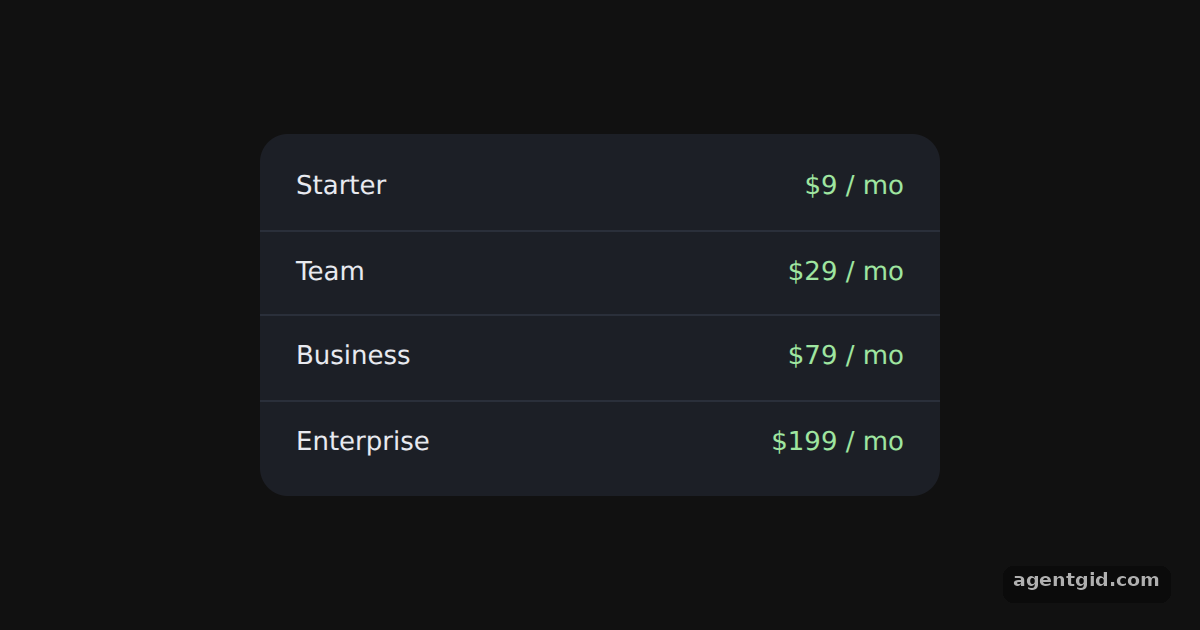
Hover each plan: the row lightens and its price turns pink. Code written by AgentGid [1].
Hover each plan: the row lightens and its price turns pink. Code written by AgentGid [1].Checked Oct 12, 2026: it starts without errors in Chromium with @emotion/react 11.14.0, react 19.3.0, react-dom 19.3.0, @emotion/styled 11.14.1. Needs WebGL.
More Emotion examples
Styled components with Emotion The css prop in Emotion Object styles in Emotion Media queries in Emotion
Sources
Explanations written by AgentGid from the official docs; the numbers in brackets point here. The code marked "written by AgentGid" is ours and free to copy.