Emotion Examples You Can Edit and Run
5 small Emotion examples written by AgentGid from the official docs, one feature each. Every one runs in your browser: change the code and see the result at once, or describe a change and let AI rewrite it. The screenshots are taken from the same code by our server, which also checks that each example starts without errors.
Emotion: usage and stats 116 AI-built projects use it
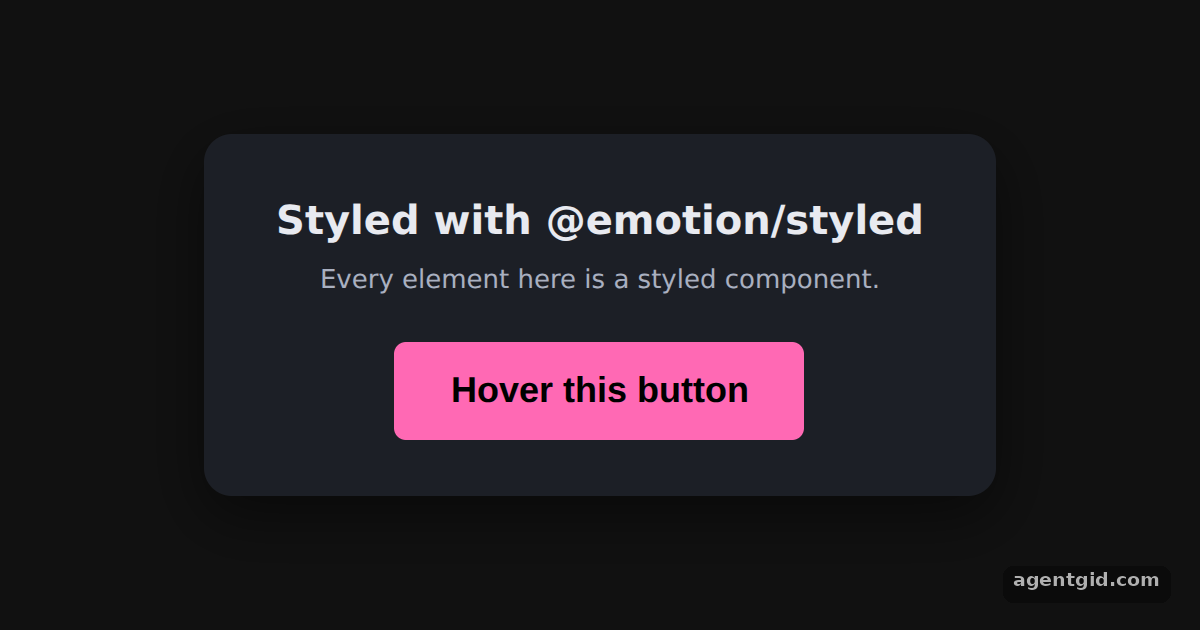 Styled components with EmotionHover the pink button to see the &:hover rule switch its text to white.
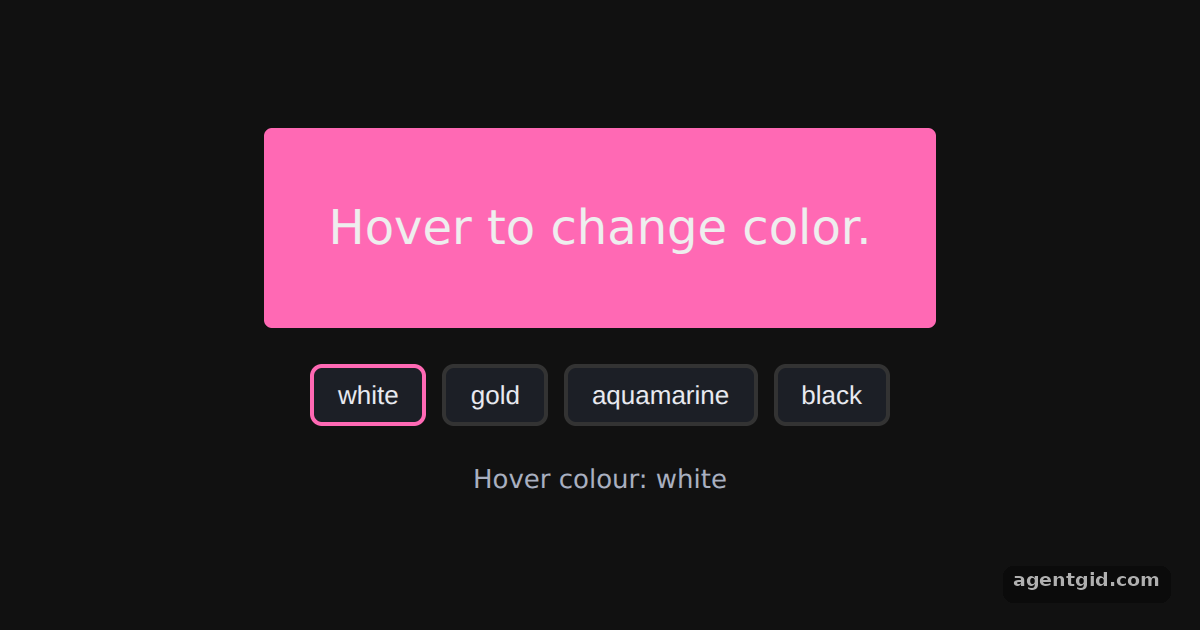 The css prop in EmotionPick a colour under the box, then hover the pink box to see it.
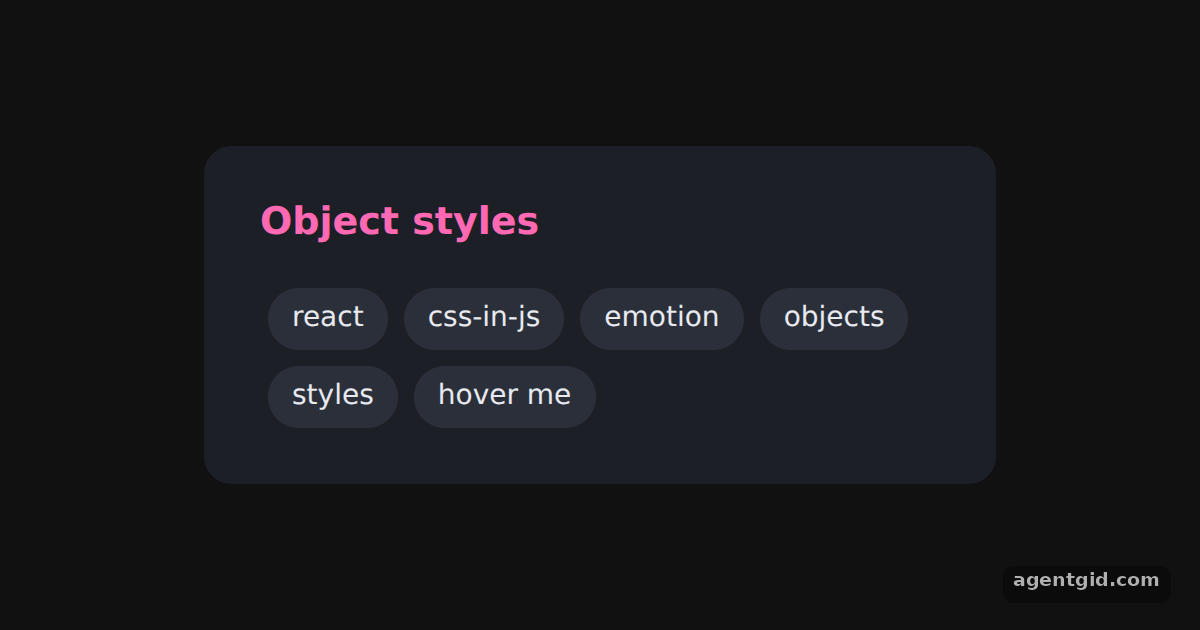 Object styles in EmotionHover the tags: each one turns pink from the nested &:hover object.
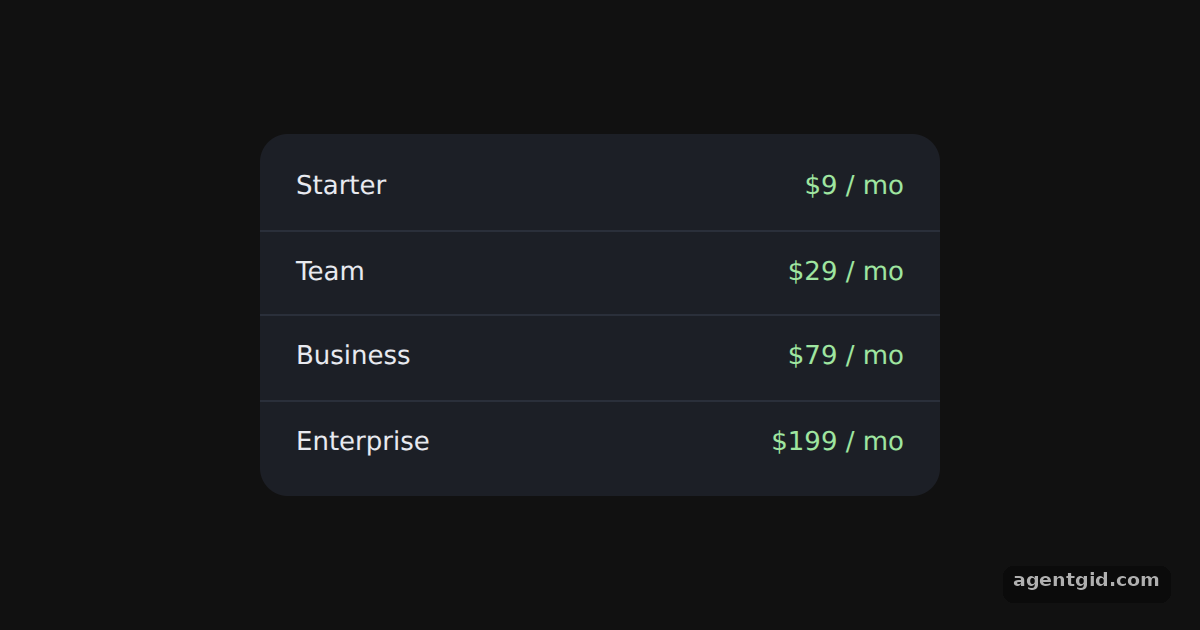 Nested selectors in EmotionHover each plan: the row lightens and its price turns pink.
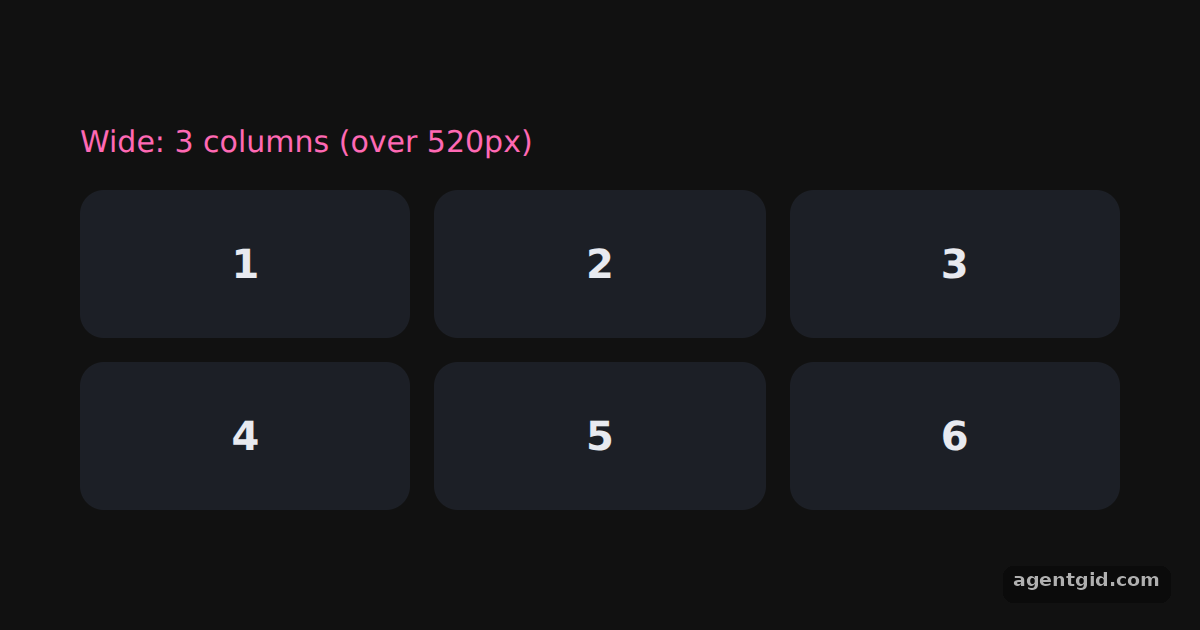 Media queries in EmotionIn this frame you see 3 columns; change 520px to 800px in all three styles and run it to see the 2-column layout.
Try them all in one place
import styled from "@emotion/styled";

const Card = styled.div`
  background: #1c1f26;
  color: #e8eaf0;
  padding: 28px 36px;
  border-radius: 14px;
  text-align: center;
  font-family: system-ui, sans-serif;
  box-shadow: 0 10px 30px rgba(0, 0, 0, 0.5);
`;

const Title = styled.h2`
  margin: 0 0 6px;
  font-size: 20px;
`;

const Hint = styled.p`
  margin: 0 0 20px;
  font-size: 13px;
  color: #a9b0c0;
`;

const Button = styled.button`
  padding: 14px 28px;
  background-color: hotpink;
  font-size: 18px;
  border: 0;
  border-radius: 6px;
  color: black;
  font-weight: bold;
  cursor: pointer;
  &:hover {
    color: white;
  }
`;

export default function App() {
  return (
    <div style={{ minHeight: "100vh", display: "flex", alignItems: "center", justifyContent: "center", background: "#111", fontFamily: "system-ui, sans-serif" }}>
      <Card>
        <Title>Styled with @emotion/styled</Title>
        <Hint>Every element here is a styled component.</Hint>
        <Button>Hover this button</Button>
      </Card>
    </div>
  );
}
Hover the pink button to see the &:hover rule switch its text to white. Code written by AgentGid [1]. How it works, with a screenshot →
Hover the pink button to see the &:hover rule switch its text to white. Code written by AgentGid [1]. How it works, with a screenshot →Pick a colour under the box, then hover the pink box to see it. Code written by AgentGid [1]. How it works, with a screenshot →Hover the tags: each one turns pink from the nested &:hover object. Code written by AgentGid [1]. How it works, with a screenshot →Hover each plan: the row lightens and its price turns pink. Code written by AgentGid [1]. How it works, with a screenshot →In this frame you see 3 columns; change 520px to 800px in all three styles and run it to see the 2-column layout. Code written by AgentGid [1]. How it works, with a screenshot →Checked Oct 12, 2026: each example starts without errors in Chromium with @emotion/react 11.14.0, react 19.3.0, react-dom 19.3.0, @emotion/styled 11.14.1. Needs WebGL.
Sources
Explanations written by AgentGid from the official docs; the numbers in brackets point here. The code marked "written by AgentGid" is ours and free to copy.