Axios Examples You Can Edit and Run
5 small Axios examples written by AgentGid from the official docs, one feature each. Every one runs in your browser: change the code and see the result at once, or describe a change and let AI rewrite it. The screenshots are taken from the same code by our server, which also checks that each example starts without errors.
Axios: usage and stats 473 AI-built projects use it
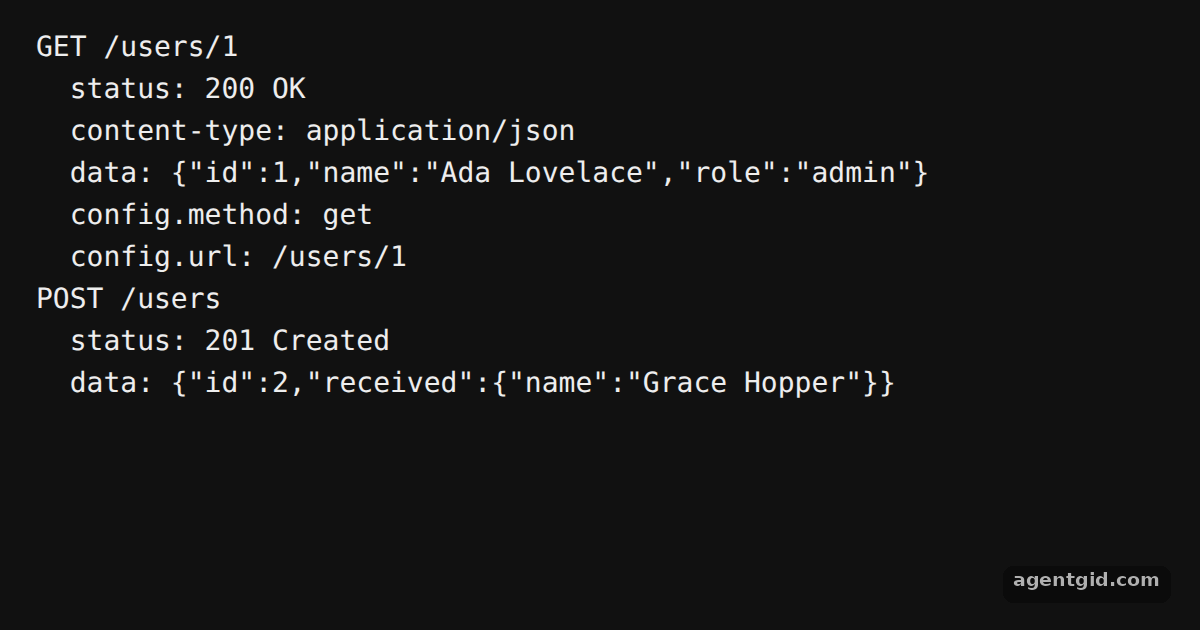 Custom adapters in AxiosThe console shows the fake GET and POST responses; change the data or status in the adapters and run again.
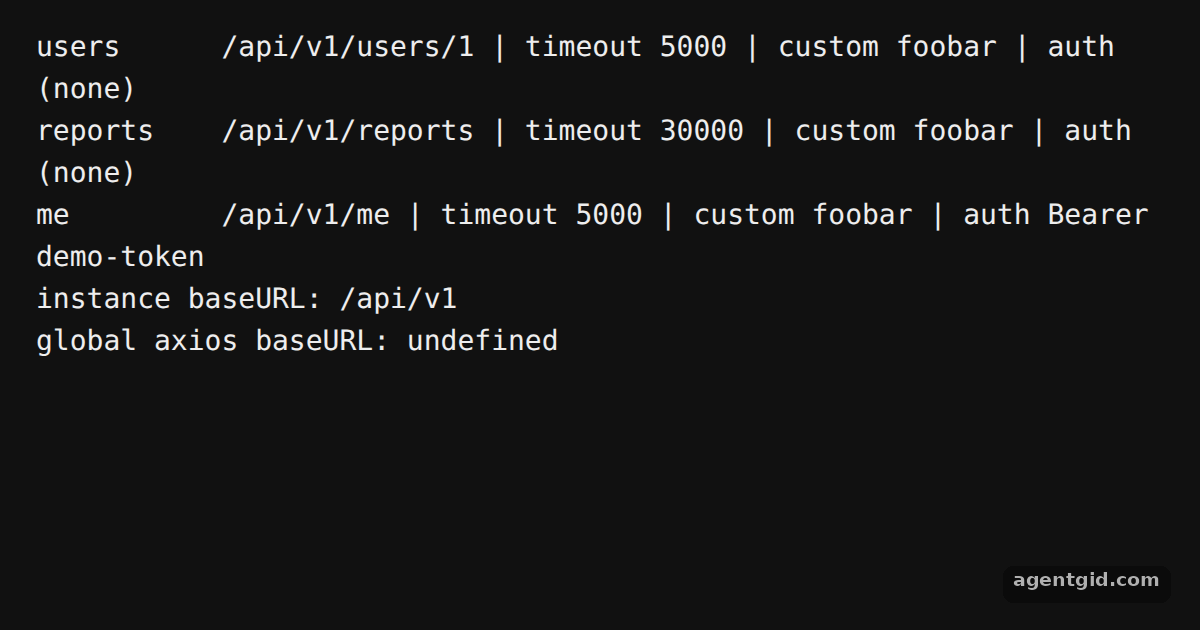 Creating an instance in AxiosEach line shows the URL, timeout and headers the instance would use; try adding another default header.
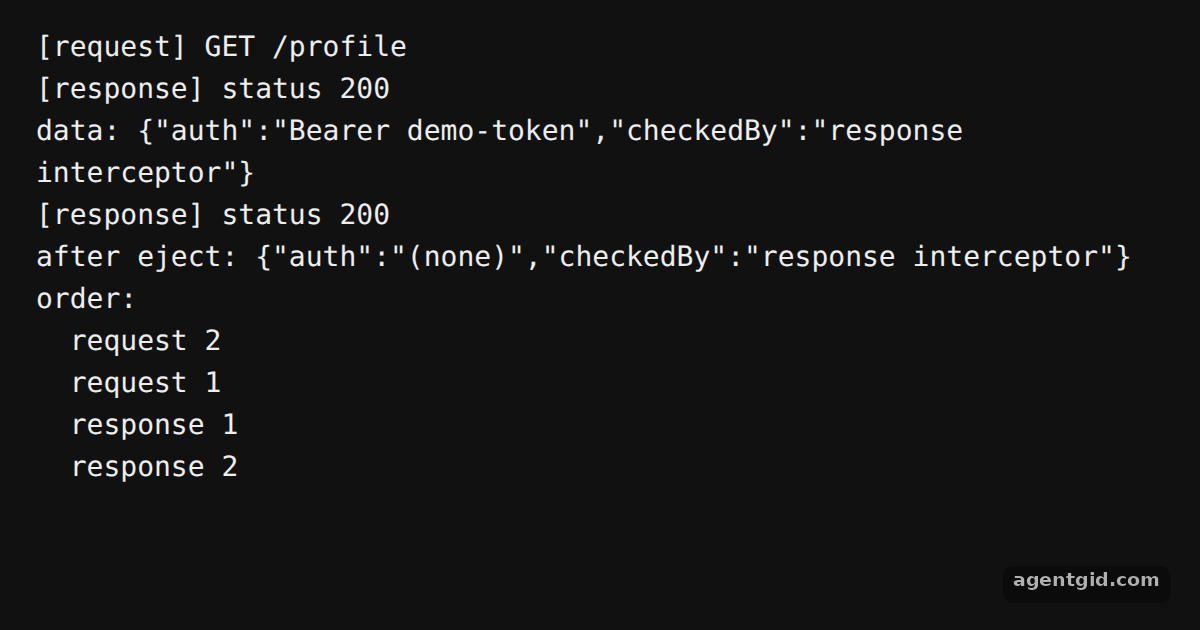 Interceptors in AxiosRead the console from the top: the interceptor logs, the data before and after eject, then the run order.
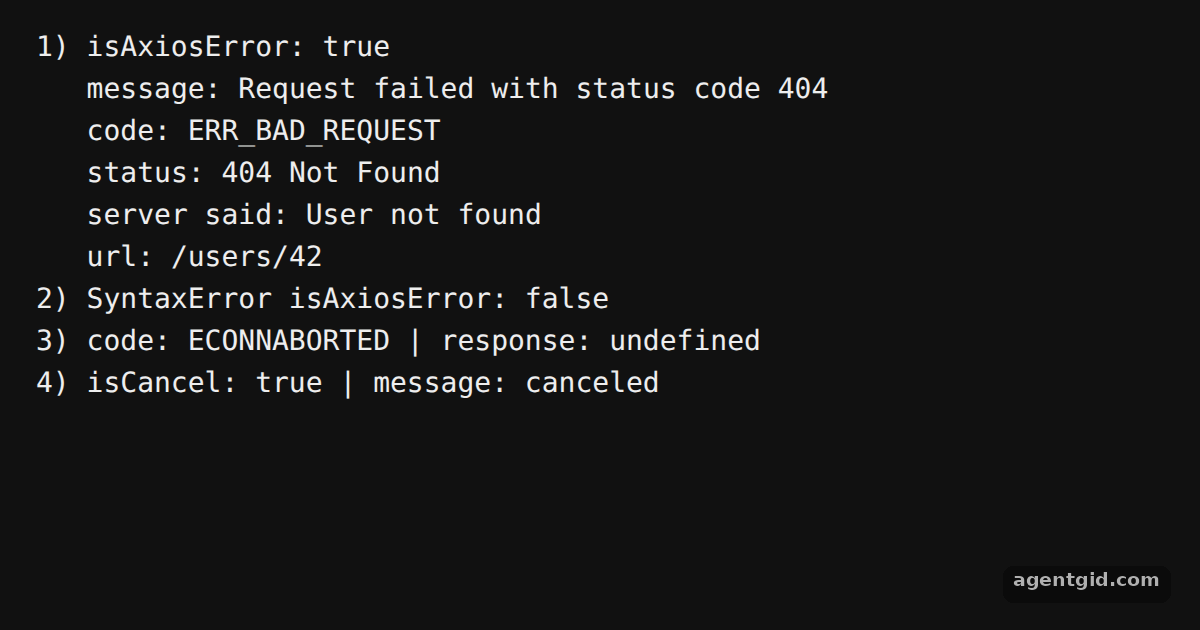 Error handling in AxiosEach block in the console is one failure type; change the status in notFound to 500 and run again.
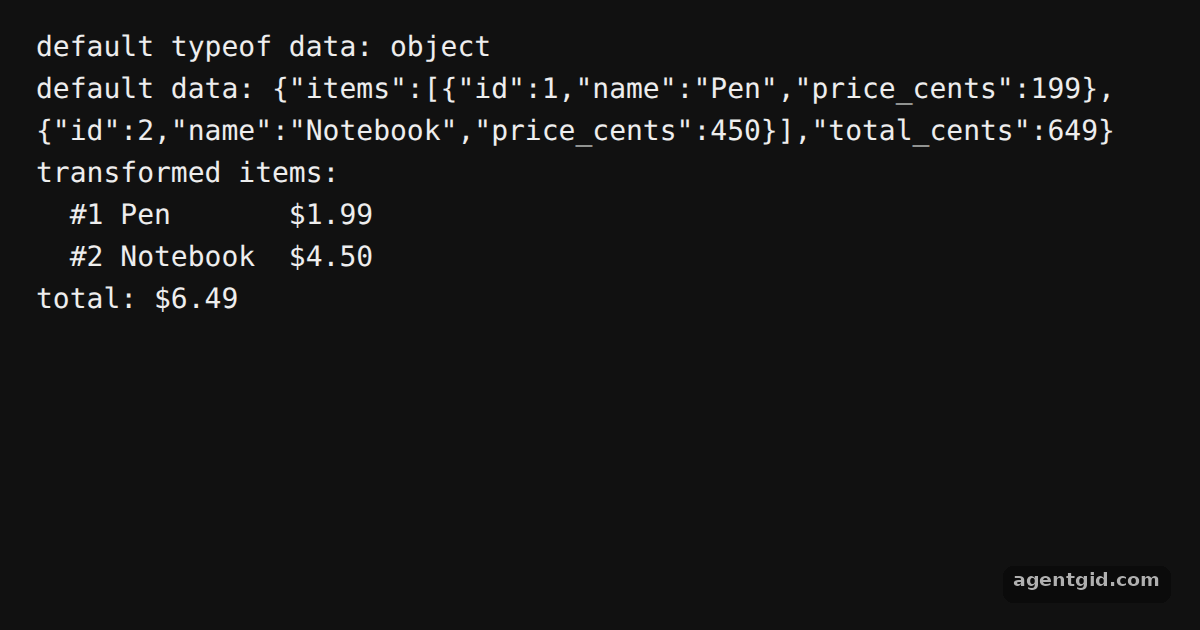 transformResponse in AxiosThe console shows the default parsed data first, then the reshaped data from the custom transforms.
Try them all in one place
import axios from 'axios';

// A custom adapter gets the request config and returns a response object
const mockAdapter = async (config) => ({
  data: { id: 1, name: 'Ada Lovelace', role: 'admin' },
  status: 200,
  statusText: 'OK',
  headers: { 'content-type': 'application/json' },
  config,
  request: {},
});

const response = await axios.get('/users/1', { adapter: mockAdapter });

console.log('GET /users/1');
console.log('  status:', response.status, response.statusText);
console.log('  content-type:', response.headers['content-type']);
console.log('  data:', JSON.stringify(response.data));
console.log('  config.method:', response.config.method);
console.log('  config.url:', response.config.url);

// The same idea with axios.request and a POST body
const created = await axios.request({
  url: '/users',
  method: 'post',
  data: { name: 'Grace Hopper' },
  adapter: async (config) => ({
    data: { id: 2, received: JSON.parse(config.data) },
    status: 201,
    statusText: 'Created',
    headers: {},
    config,
  }),
});

console.log('POST /users');
console.log('  status:', created.status, created.statusText);
console.log('  data:', JSON.stringify(created.data));
The console shows the fake GET and POST responses; change the data or status in the adapters and run again. Code written by AgentGid [1]. How it works, with a screenshot →
The console shows the fake GET and POST responses; change the data or status in the adapters and run again. Code written by AgentGid [1]. How it works, with a screenshot →Each line shows the URL, timeout and headers the instance would use; try adding another default header. Code written by AgentGid [4]. How it works, with a screenshot →Read the console from the top: the interceptor logs, the data before and after eject, then the run order. Code written by AgentGid [5]. How it works, with a screenshot →Each block in the console is one failure type; change the status in notFound to 500 and run again. Code written by AgentGid [6]. How it works, with a screenshot →The console shows the default parsed data first, then the reshaped data from the custom transforms. Code written by AgentGid [1]. How it works, with a screenshot →Checked Oct 12, 2026: each example starts without errors in Chromium with axios 1.20.0. Needs WebGL.
Sources
- Docs: docs › req_config
- Docs: docs › res_schema
- Docs: docs › intro
- Docs: docs › instance
- Docs: docs › interceptors
- Docs: docs › api_intro
Explanations written by AgentGid from the official docs; the numbers in brackets point here. The code marked "written by AgentGid" is ours and free to copy.